



Meta Ads Manager: Your Essential Tool for Social Media Advertising
Managing advertising campaigns across multiple Meta platforms like Facebook, Instagram, Messenger, and WhatsApp can often feel overwhelming, especially when trying to stay on top of performance metrics and updates on the go. The Meta Ads Manager app is designed to streamline this process, providing marketers, small business owners, and agencies with a comprehensive solution for creating, monitoring, and optimizing their social media ads from anywhere.
Stay Connected with Your Campaigns Anywhere
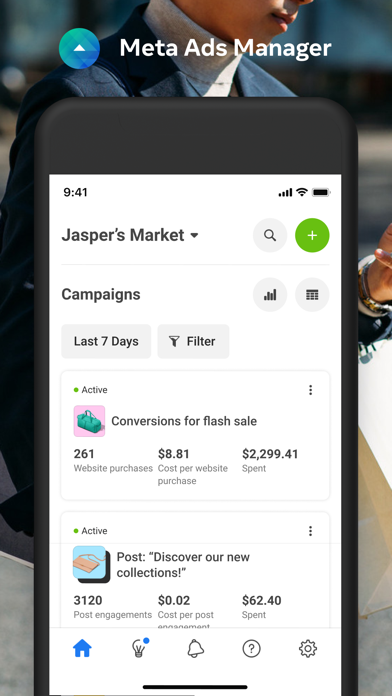
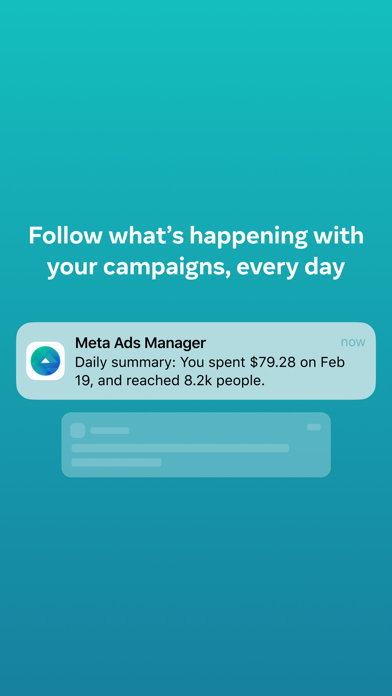
The Meta Ads Manager app enables users to stay seamlessly connected to their advertising efforts, regardless of location. With this mobile-friendly tool, you can Create, edit, and manage ads across various Meta platforms. The app offers real-time insights into campaign performance, ensuring you are always in the loop. You can effortlessly switch between Pages and ad accounts, giving you the flexibility to manage multiple clients or projects from a single interface.
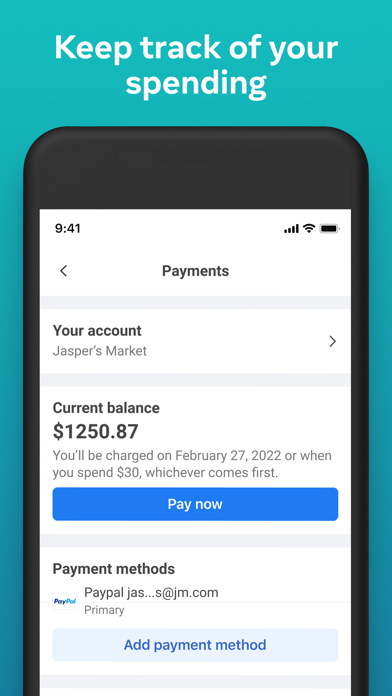
Additionally, with the feature to view detailed insights instantly, users can quickly respond to changes, adjust budgets, or deactivate campaigns if necessary. The ability to turn campaigns on and off with just a few taps and receive quick alerts about your ad activities ensures you never miss critical updates, making your advertising less stressful and more efficient.
Powerful Features for Easy Campaign Management
Creating Campaigns Made Simple
One of the key strengths of the Meta Ads Manager app is its user-friendly interface that simplifies campaign creation. Whether you’re boosting a post or launching an extensive marketing campaign, the app guides you through step-by-step processes. You can easily target your audience, set budgets, and select placements for your ads—all within the app. Plus, creative tools like templates and design options help ensure your ads look professional and engaging.
Monitoring and Analyzing Campaign Performance
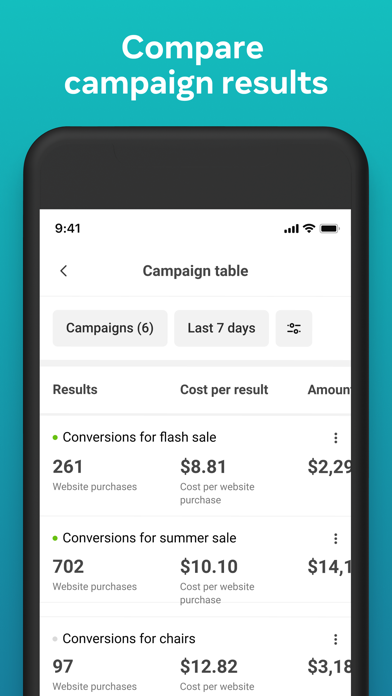
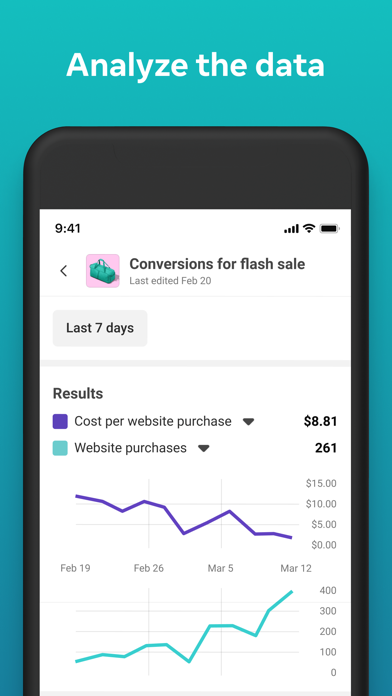
Once your campaigns are active, the app’s robust analytics features allow you to monitor performance in real-time. You can track crucial metrics such as reach, engagement, and conversions. The detailed breakdowns and customizable reports cater to data-driven marketers who want to optimize their campaigns effectively. Observing what strategies work and what needs refinement has never been easier—empowering you to make informed adjustments quickly.
Why Choose Meta Ads Manager?
The Meta Ads Manager stands out for its ability to manage multiple accounts effortlessly from a single dashboard, making it an ideal solution for agencies, freelancers, or businesses running several campaigns simultaneously. Its seamless integration with all Meta platforms offers a unified ecosystem, saving time and simplifying management tasks.
Customer support is another highlight—responsive and helpful, the support team is just a message away to assist with technical issues or help you optimize your ads. This focus on user assistance ensures you have a smooth experience, especially during critical campaign phases.
In essence, the Meta Ads Manager is more than just a utility; it’s a comprehensive partner in your social media advertising journey. Its ease of use combined with powerful analytics and management features make it an invaluable tool to elevate your digital marketing efforts. Whether you’re a beginner or a seasoned advertiser, this app has the functionalities to help you succeed and grow your online presence.
Why wait? Download the Meta Ads Manager app today and discover how it can transform your social media advertising strategies with efficiency and confidence.
Pros
- User-friendly interface for straightforward ad management.
- Instant performance monitoring and analytics.
- Extensive targeting capabilities.
- Smooth integration with Facebook and Instagram.
- Supports diverse ad formats and placements.
Cons
- Necessitates a Facebook account for usage.
- Setup process can be complicated for new users.
- Customer support options are limited.
- Occasional bugs and app crashes may occur.
- Steep learning curve for advanced features.











