
Overview of Office App - Edit Word, PDF File
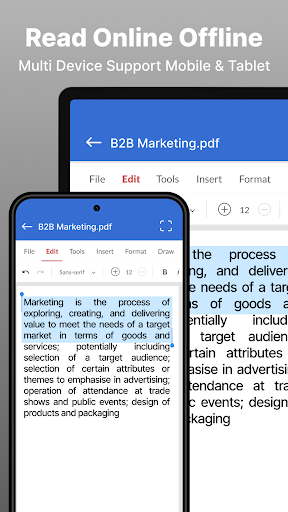
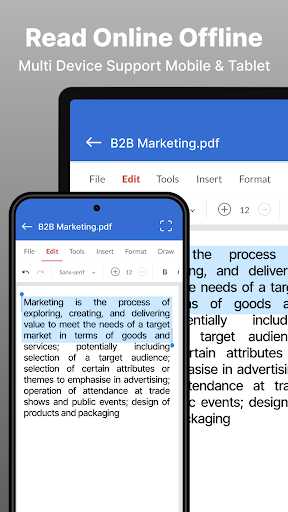
The Office App - Edit Word, PDF File is a versatile and user-friendly tool designed for seamlessly reading, editing, and managing a wide range of office documents directly from your device. Supporting formats such as Doc, Docx, XLS, XLSX, PPT, PDF, and TXT, this app functions as your portable office suite, enabling professional-grade document handling on the go. Whether you're a student, a professional, or someone who frequently works with documents, this app offers a comprehensive solution to meet all your editing needs.
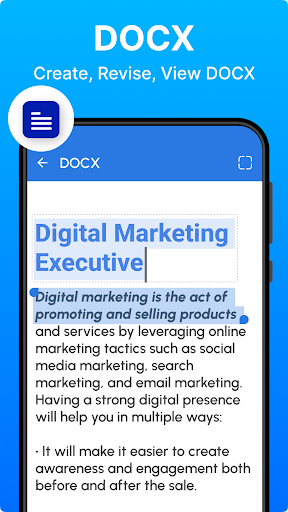
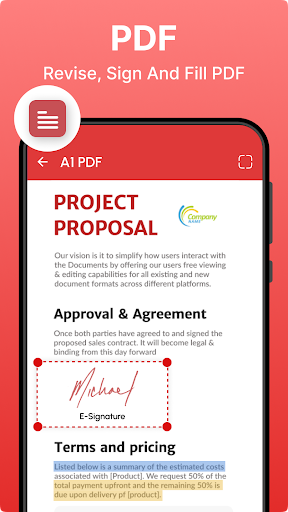
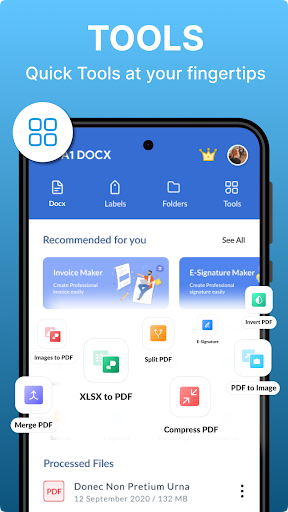
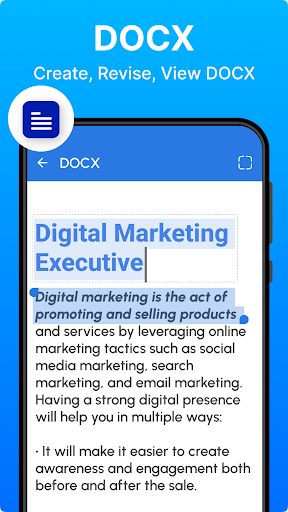
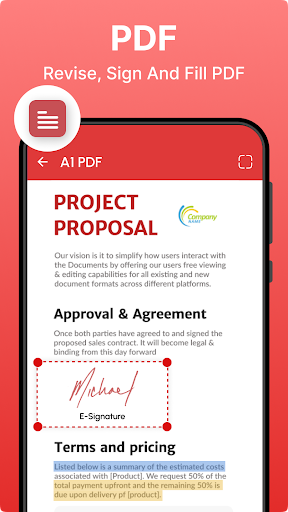
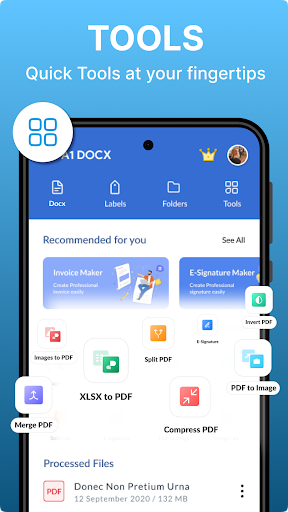
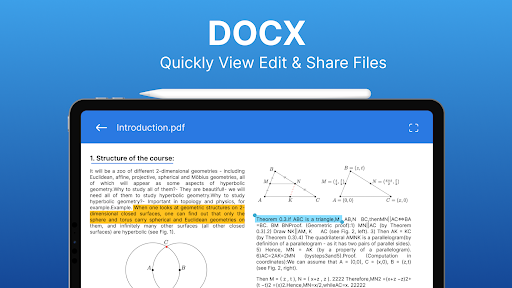
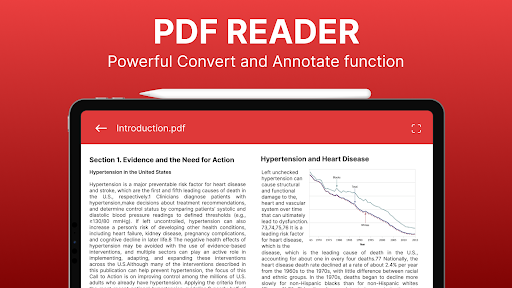
One of the key features of this application is its ability to convert documents between various formats effortlessly. You can convert .docx, .xls, .ppt, .txt, and image files into PDFs and vice versa, ensuring your documents are always in the desired format. Furthermore, it supports extensive editing functionalities, including highlighting, annotation, drawing, organizing, and easy sharing, making it more than just a document viewer—it's an all-in-one Office suite compatible with multiple formats.
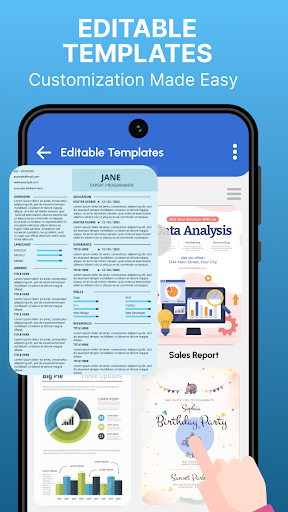
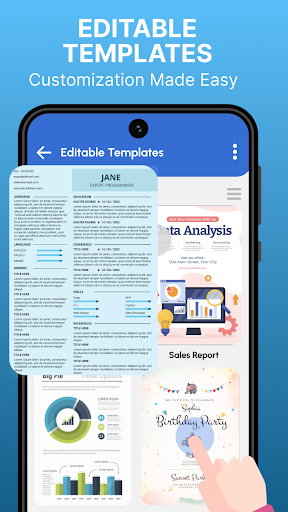
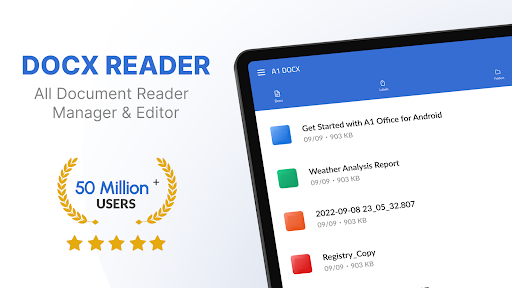
The app's design emphasizes simplicity and efficiency. Its intuitive interface allows users to browse, search, and manage documents smoothly. With functionalities like quick search and file management across multiple formats, you can easily locate your files and organize them with options to rename, delete, or share directly from the app. Additionally, advanced features such as text editing, font customization, and PDF management are incorporated to enhance productivity and streamline workflow.
Supporting cloud integrations, the app connects seamlessly with Google Drive, Dropbox, and OneDrive. This integration enables effortless synchronization of documents, allowing users to start editing on their mobile device and continue on a desktop without any hassle. Its robust PDF viewer, along with tools for creating, editing, and converting Word and Excel files, makes it an indispensable tool for professionals and students alike.
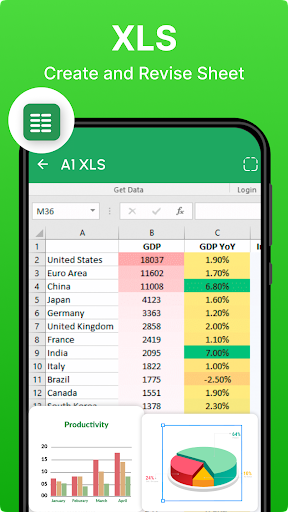
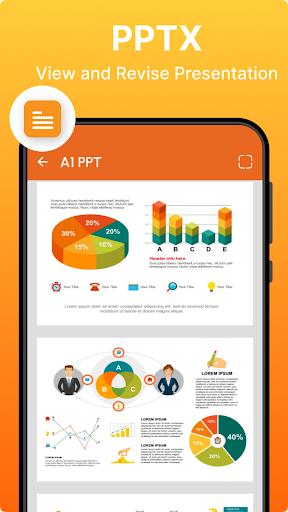
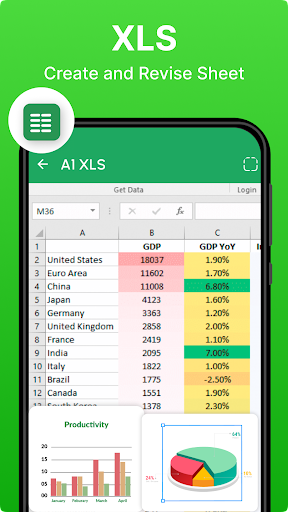
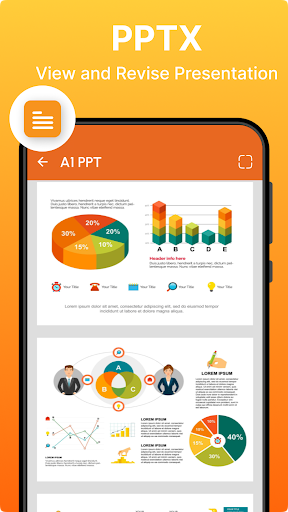
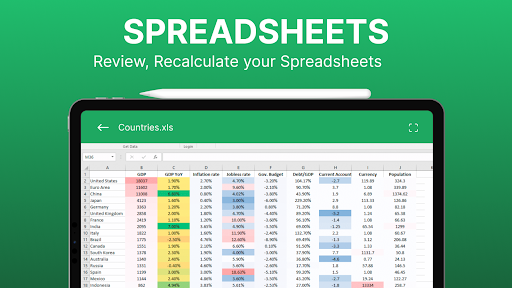
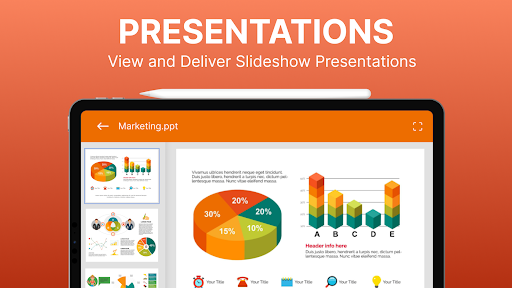
Whether you need to handle presentations with PPT editing and annotation or analyze data in spreadsheets, the Office App offers dedicated features for each, including conversion, sharing, and printing options. Its straightforward design and comprehensive capabilities make document management and editing accessible to users of all skill levels, providing the convenience of a full office suite in the palm of your hand.
In summary, Office App - Edit Word, PDF File is a powerful all-in-one mobile office solution that simplifies document editing on the go. Its support for multiple formats, cloud integration, and versatile editing tools make it ideal for professionals, students, and anyone who needs reliable document management directly from their device. Experience seamless editing and management today and transform how you handle your office documents remotely.
Pros
- Intuitive interface for quick editing.
- Supports a variety of file formats.
- Cloud integration for seamless access.
- Real-time collaboration capabilities.
- Extensive formatting tools.
Cons
- Requires an internet connection for full features.
- Limited functionalities in the free version.
- Occasional synchronization problems.
- May be demanding on older devices.
- Advertisements in the free version can be disruptive.











