

Introduction to Screen Recorder+Video Recorder
Have you ever wished you could effortlessly capture what's happening on your phone's screen? Whether it's a hilarious meme, an exciting game level, or a valuable tutorial, Screen Recorder+Video Recorder offers an all-in-one solution to meet your recording needs. Designed for both Android and iOS devices, this powerful app enables you to record high-quality videos, capture screenshots, and even go live through RTMP streaming. Its user-friendly interface and rich feature set make it a favorite among users looking for a seamless screen recording experience.
Main Features
High-Quality Screen Recording
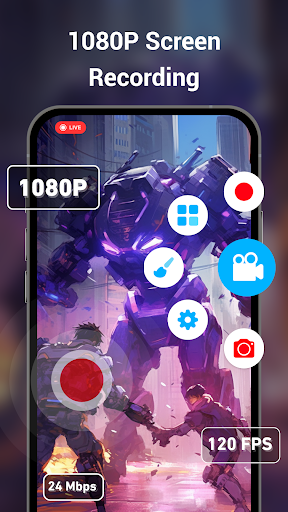
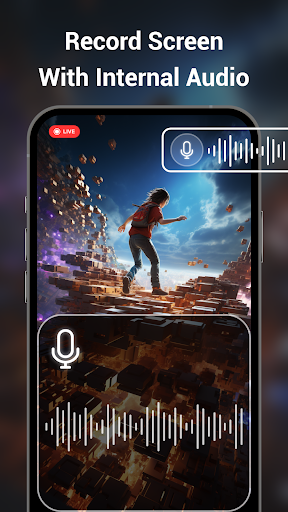
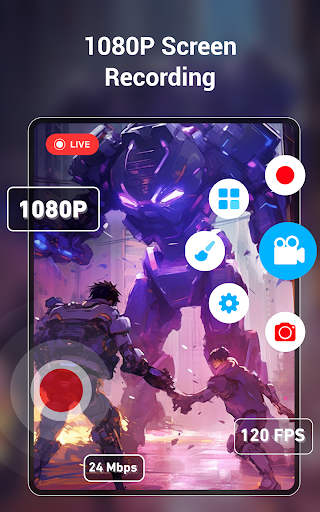
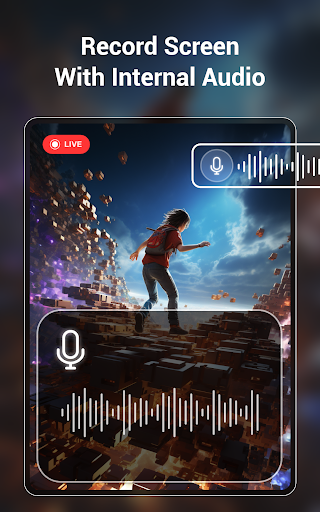
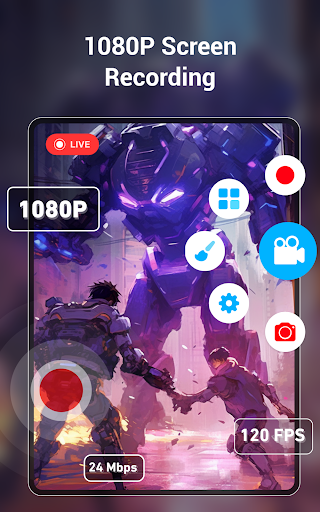
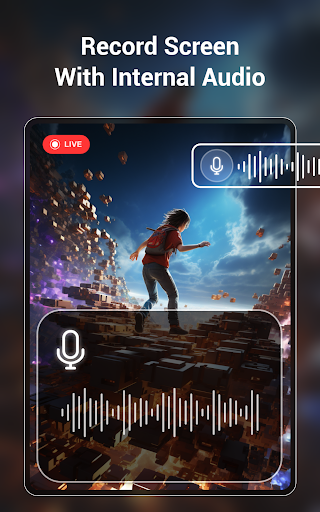
Screen Recorder+Video Recorder allows users to record their screens in stunning HD resolution up to 2K with 60FPS, ensuring crisp and clear videos. You can customize key settings such as resolution, frame rate, and bit rate, giving you full control over your video quality. The app supports recording internal sound without requiring root access—so you can capture in-game audio, internal notifications, or system sounds effortlessly.
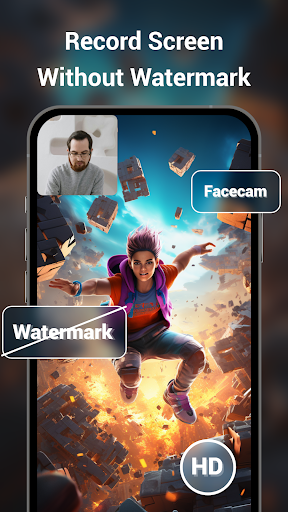
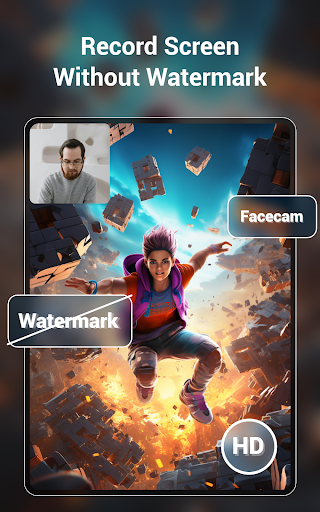
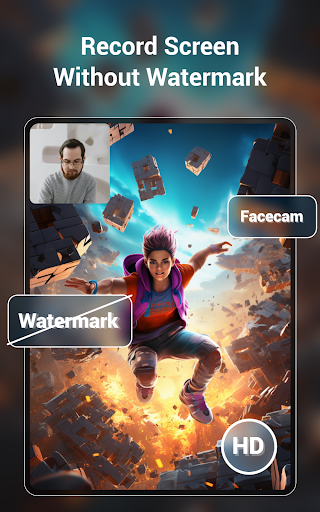
Additional features include recording with a floating control button for easy access, support for both vertical and horizontal screens, and the ability to select specific screen areas for recording. Want to include your face or reactions? Turn on the face camera simultaneously during recording. You can even add a custom watermark to personalize your videos.
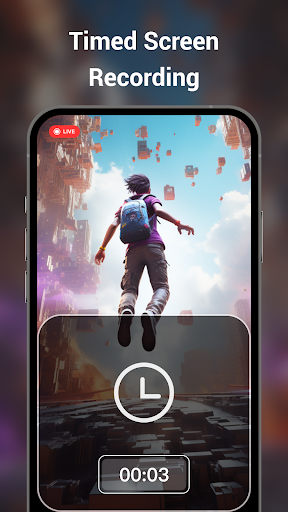
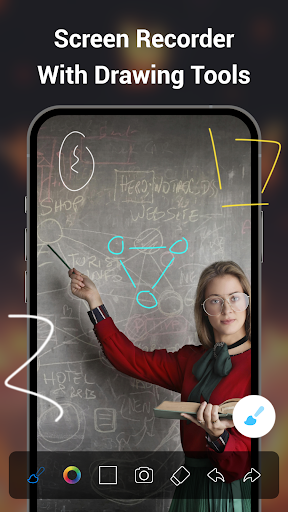
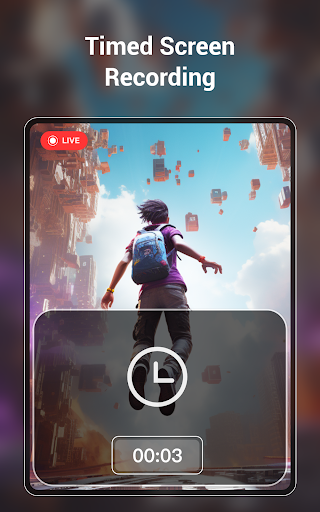
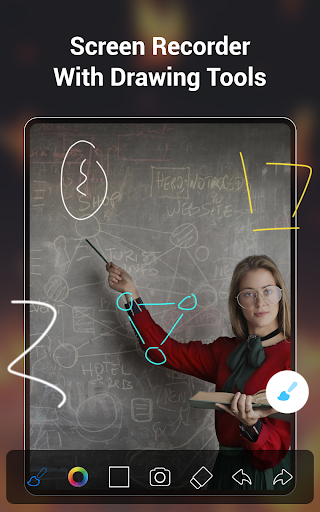
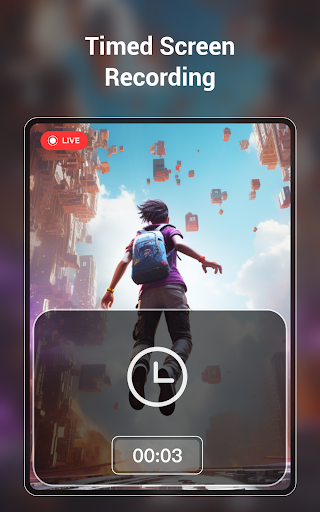
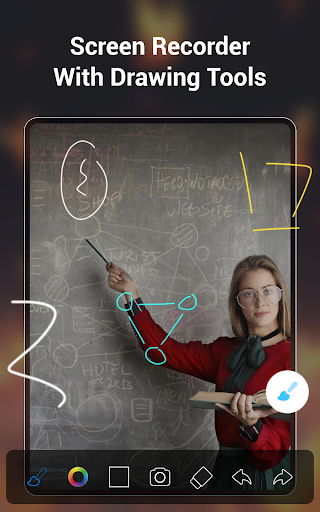
The app also offers scheduled recordings, support for turning on the brush during recording for annotations, and a shake-to-stop feature for convenience. All videos are automatically saved in segments, making it easy to manage lengthy recordings. Plus, you can save videos directly to your SD card, ensuring ample storage for your creations.
RTMP Live Streaming
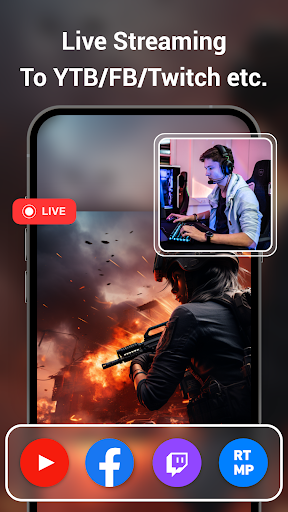
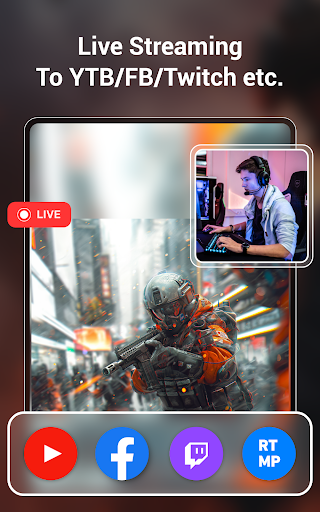
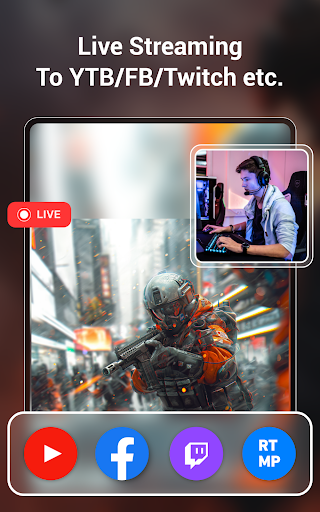
Share your screen live with the world using the RTMP live streaming feature. With support for popular platforms like YouTube, Facebook, Periscope, and Twitch, broadcasting your gameplay, tutorials, or live events is straightforward. You can adjust streaming parameters, take clips of your live broadcast, and even set pause pictures during streams. Saving your live content for later sharing is also supported, making your streaming sessions more flexible.
Powerful Video Editing Tools
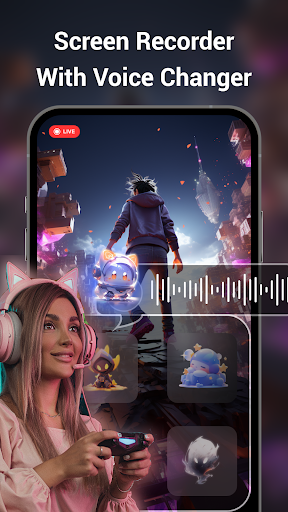
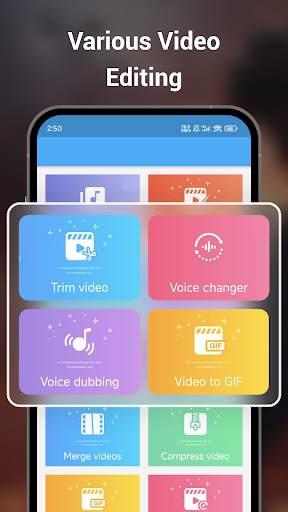
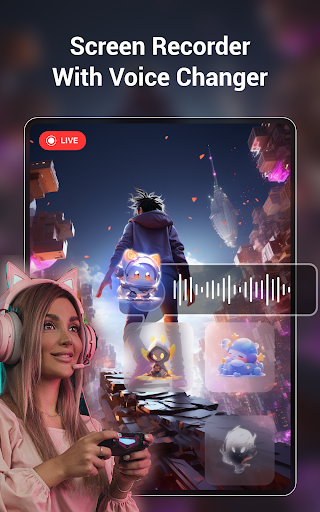
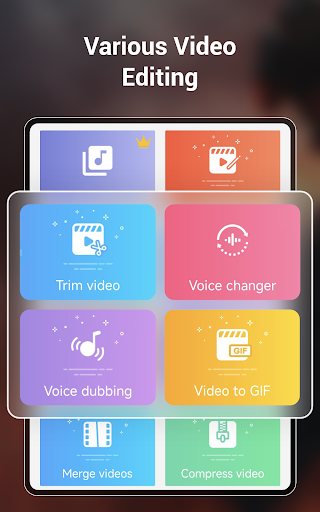
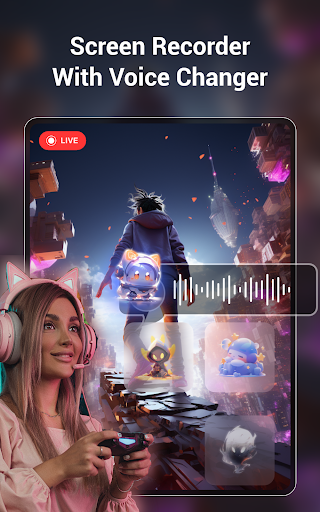
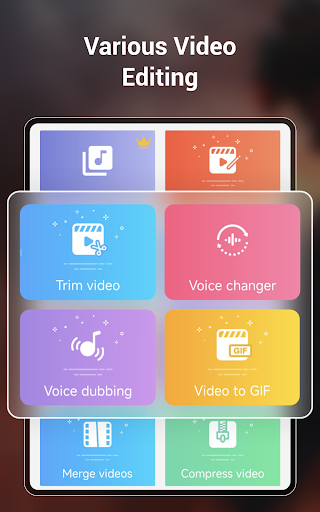
Post-recording, enhance your videos with the built-in editing suite. Trim unwanted sections, rotate videos, and splice multiple clips into a single file. Compress videos for easy sharing without sacrificing quality, add background music from over 2,000 available tracks, or change the voice with various dubbing and voice-changing effects. The app also allows you to convert videos into GIFs, crop to different aspect ratios like 16:9, 1:1, or 9:16, and adjust playback speed.
Further, you can remove watermarks, reduce background noise, and even recover deleted videos from the recycle bin within 30 days. These editing features make it possible to create professional-looking videos directly on your device.
Screenshots and Image Editing
Need a quick image snap? The app supports fast screenshots, with options to crop, flip, and splice images. Take advantage of the scrolling screenshot feature to capture entire webpages, articles, or long images in one go, perfect for saving tutorials or social media content.
Additional Functionalities
Customizing your recording experience is easy—modify floating circle and brush functions, add overlay texts for promotion or branding, and choose from various themes and icons to personalize the app interface. The built-in noise reduction feature helps improve audio clarity by eliminating background disturbances like wind or buzzing sounds.
Other notable features include recording only part of the screen, supporting doodles and drawing tools during recording, and automatically segmenting videos based on duration or file size. These enhancements streamline your workflow and elevate your content creation process.
Why Choose Screen Recorder+Video Recorder?
This app offers a free, watermark-free screen recording experience without time limits or lag. Its intuitive controls and robust feature set make recording tutorials, gameplay, live streams, or meetings straightforward and professional-quality, even for beginners. Whether you’re capturing content for social media, educational purposes, or personal memories, Screen Recorder+Video Recorder has the tools to help you produce high-resolution videos effortlessly.
Experience the convenience of multiple recording modes, easy editing, and seamless sharing all in one application. Discover why it’s considered one of the top mobile screen recording solutions available today for both casual and professional content creators.
Pros
- High-quality video recording
- Simple user interface
- No watermark on recordings
- Supports various formats
- Easy sharing options
Cons
- Consumes a lot of battery
- Ads can be intrusive
- Limited editing features
- Requires Android 5.0+
- May lag on older devices











