
Introducing the Universal TV Remote for All TV
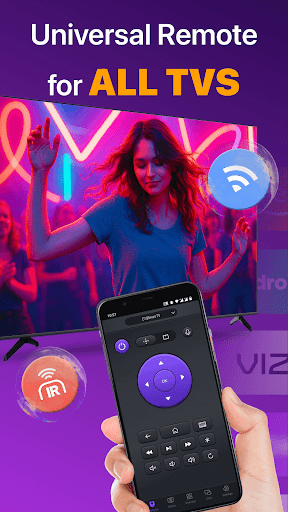
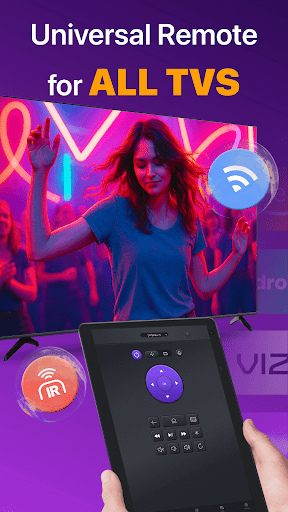
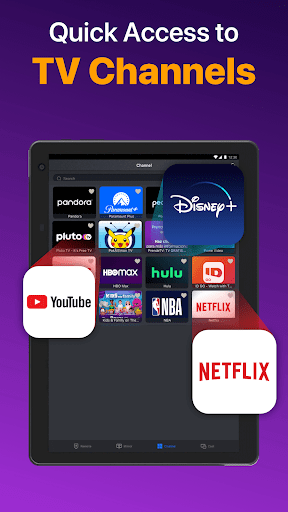
Are you tired of juggling multiple remote controls for your smart TVs? The Universal TV Remote for All TV app is here to simplify your entertainment experience. Designed as a versatile and user-friendly solution, this innovative remote control app transforms your smartphone into a powerful remote, compatible with a wide range of TV brands such as Roku, LG, Samsung, TCL, Vizio, Fire TV, Hisense, Sony, and more. Whether your device supports WiFi or IR, this app ensures you can control your television effortlessly, making everyday TV management more convenient and enjoyable.
Key Features and Benefits
This multifaceted app offers a host of features crafted to enhance your TV viewing experience:
- • Auto-detect all Smart TVs on the same WiFi network: The app seamlessly scans and identifies all compatible TVs within your network, eliminating the need for manual setup.
- Quick remote control: Easily adjust volume, change channels, and navigate content with responsive touch controls that feel just like using a physical remote.
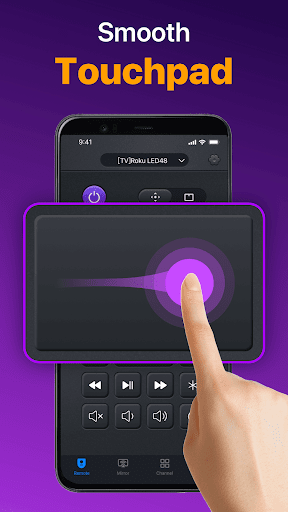
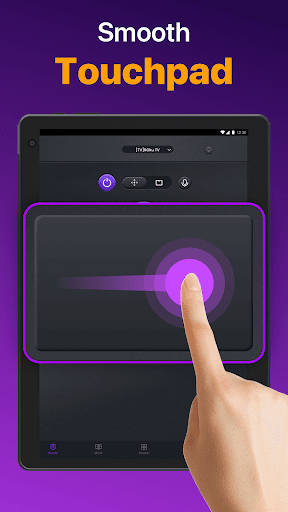
- Responsive Touchpad: Effortlessly control your TV with a built-in touchpad, providing precise navigation and better control over your media.
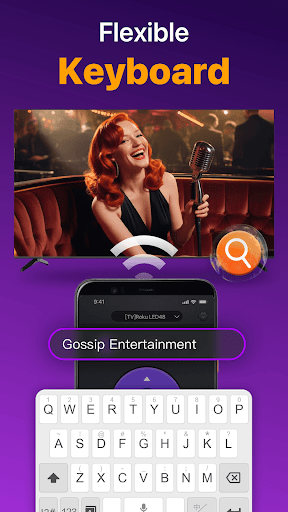
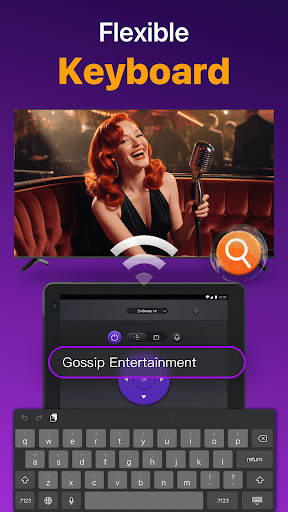
- Fast text input and search: Find your favorite movies or shows quickly with instant keyboard input, saving you time and frustration.
- Power On/Off: Turn your TV on or off directly from your smartphone or tablet for maximum convenience.
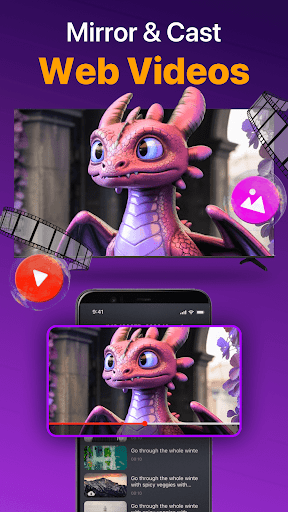
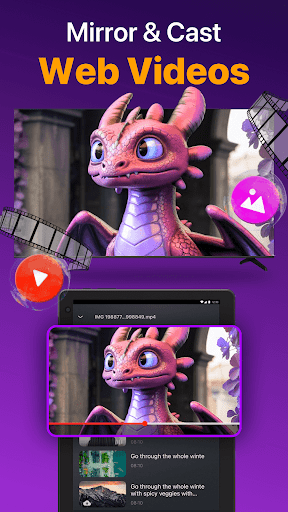
- Cast Photos & Videos: Easily cast media from your device’s local album to your TV, turning your big screen into a digital photo frame or media hub.
- Mirror Your Phone Screen: Share content from your device to the TV with low latency, perfect for presentations or sharing moments with friends and family.
Simple Setup and Usage
Getting started with the Universal TV Remote for All TV app is straightforward:
- Download and install the app on your Android device.
- Select your TV brand or device type, such as Fire TV, Samsung, Roku, LG, Vizio, or others.
- Connect the app to your Smart TV by tapping to establish a connection.
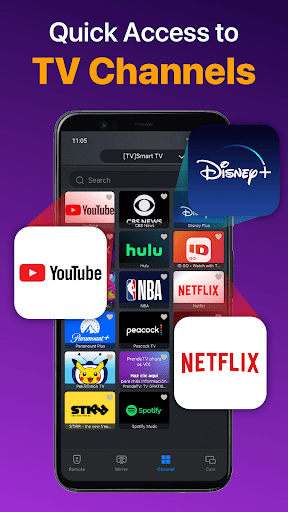
- Once connected, you’re ready to control your TV with a tap—turn it on/off, adjust volume, or browse channels with ease.
Universal Compatibility with Major TV Brands
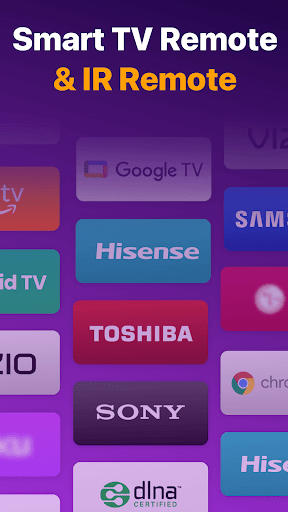
Whether you own a Roku TV, Vizio smart TV, Fire TV, LG, Samsung, TCL, Hisense, Toshiba, or Chromecast, this remote app supports them all. It even includes support for standard Vizio remote functions and screen mirroring features, making it a comprehensive solution for your home entertainment setup. With continuous updates to support new models and brands, this app is designed to keep pace with evolving smart TV technology.
Troubleshooting and Tips
For the best experience, ensure that both your Smart TV and Android device are connected to the same wireless network. If you encounter connection issues, restarting the app or your TV often resolves the problem. Reinstalling the app or updating your TV’s firmware can also improve connectivity. Keep in mind, since this is not an official app, compatibility may vary among different TV models, though extensive testing ensures broad support.
Final Words
The Universal TV Remote for All TV app is a game-changing tool that streamlines your TV control experience. From replacing lost remote controls to managing multiple TVs effortlessly, it adds modern convenience right at your fingertips. With features like voice control, easy setup, and broad compatibility, it’s an ideal choice for anyone seeking a smarter way to enjoy their favorite shows and movies. Say goodbye to remote clutter and hello to seamless entertainment management—install this app today and experience TV control like never before.
Pros
- Compatible with multiple TV brands
- User-friendly interface
- No setup required
- Free to download
- Supports voice commands
Cons
- Contains ads
- Limited advanced features
- Occasional connectivity issues
- No support for older TV models
- In-app purchases for premium features











