Apps 4 Chromecast & Android TV - Discover a World of Entertainment
If you're a media enthusiast looking to maximize your experience with Google Chromecast, Android TV, or Google TV, then Apps 4 Chromecast & Android TV is an essential tool. With a library boasting over 800 million installed apps, this comprehensive guide helps users seamlessly find, install, and enjoy a vast array of streaming and entertainment applications. Whether you're streaming movies, listening to music, or casting your photos, this app simplifies the process, making it easier than ever to personalize your viewing experience while keeping up with the latest releases.
Featured Capabilities of Apps 4 Chromecast & Android TV
Discover and Install the Best Apps
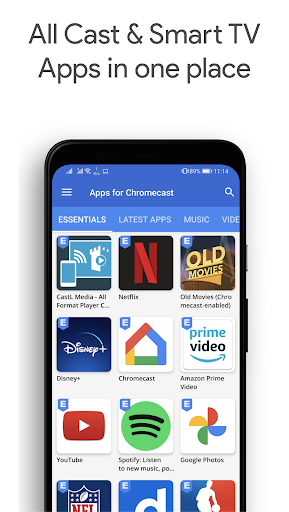
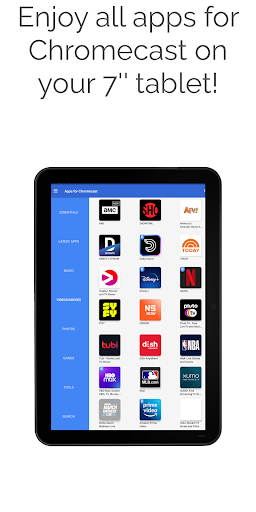
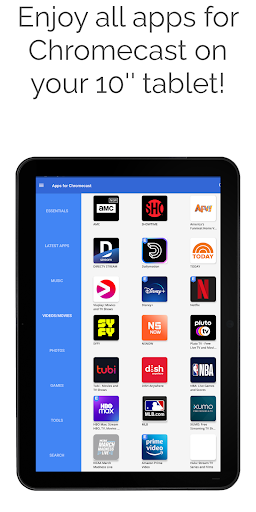
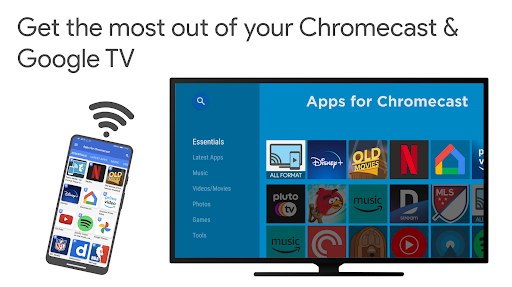
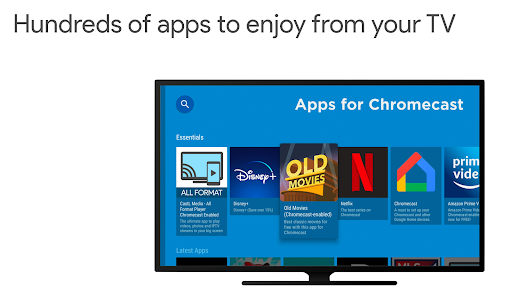
Optimize your Google Chromecast experience by installing top-rated apps for streaming, gaming, and more. The app offers curated categories such as Movies, Music, Photos, Games, Tools, and Essentials. Browse easily and find applications Google Cast-enabled, ready to cast content directly to your TV or install on your Android TV devices. Stay updated with new releases and trending content to keep your entertainment options fresh and diverse.
Screen Mirroring and Content Casting
One standout feature is Cast Mirroring, allowing you to mirror your smartphone or tablet screen onto your big screen without needing extra apps. This enables you to showcase presentations, photos, or gameplay effortlessly. The process is straightforward, and the app supports screen casting from Android smartphones and tablets, offering an immersive experience with high compatibility.
Free, Ad-Free Experience with Human-Reviewed Content
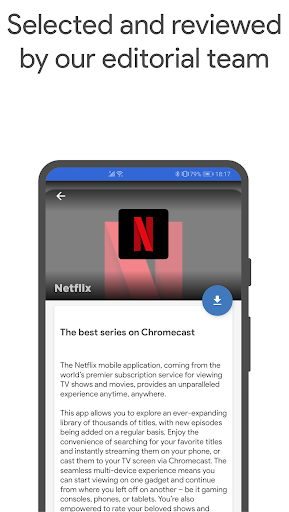
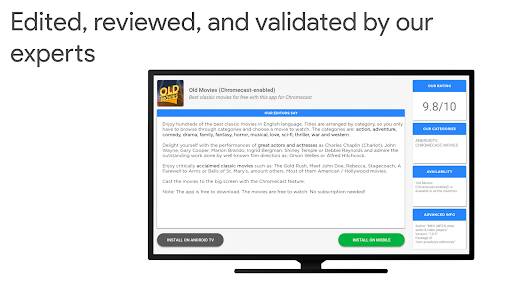
This app is completely free, with no spam or intrusive ads, ensuring a smooth user experience. All recommended applications and content have been thoroughly tested and reviewed by dedicated human experts, maintaining high standards of accuracy and quality. Users can easily enable or disable notifications to stay informed about new content, updates, or features.
Enhanced Performance & User-Centric Design
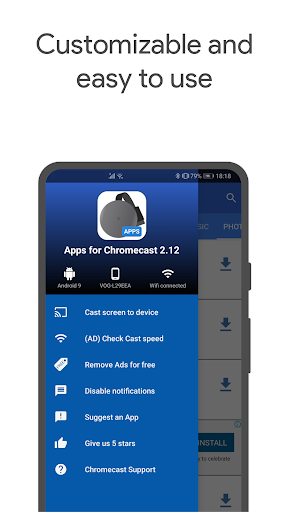
Recent updates have improved features such as screen casting, minimized app size for faster load times, reduced battery consumption, and an intuitive user interface aligned with Google Android guidelines. The app boasts faster startup times, a clean look & feel, and options to remove ads or give feedback, all designed with user convenience in mind.
Supported Devices and Compatibility
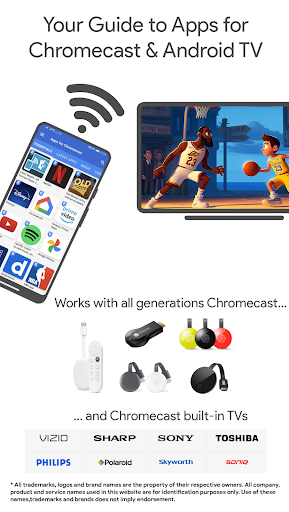
This application is compatible with a wide range of devices, including all generations of Google Cast, Chromecast, Chromecast built-in, Google TV Streamers, and Smart TVs from brands like Vizio, Philips, Sony, Samsung, and more. Whether you use an Android smartphone, tablet, or a big-screen TV, this app ensures seamless integration for an enhanced entertainment experience. You can find detailed compatibility information at Google Chromecast Built-in TV.
User Support and Developer Opportunities
For users facing issues, a dedicated support section is available to guide you through installation and usage tips. Developers interested in integrating their Chromecast-enabled apps are encouraged to contact the team. Note that Apps 4 Chromecast & Android TV operates independently of the Google Play Store, with all logos and trademarks owned by their respective developers or Google.
Why Choose Apps 4 Chromecast & Android TV?
Beyond its vast content library, this app serves as a comprehensive guide to empower users in getting the most out of their Google Cast ecosystem and Android TV devices. From streaming high-quality videos, playing games, to personal screen mirroring, it provides a centralized platform that saves time and enhances convenience.
Whether you're a casual viewer or a media enthusiast, Apps 4 Chromecast & Android TV transforms your device into a smart entertainment hub. Its intuitive interface, regular updates, and extensive content aggregation make it a must-have for anyone looking to elevate their streaming experience.
As a user-centric application, it continues to evolve with features designed to improve usability — including low battery consumption, faster start times, and options to customize notifications. Dive into a world of endless entertainment opportunities with just a few taps.
Remember, all content and app logos are property of the respective developers or Google. This app prioritizes quality and reliability through rigorous human review, distinguishing it from AI-generated solutions. Embrace the convenience and discover new content today by exploring Apps 4 Chromecast & Android TV.
Pros
- Seamless Chromecast integration
- User-friendly interface
- Supports multiple video formats
- Regular updates
- Wide app compatibility
Cons
- Requires stable internet connection
- Limited free features
- Contains ads in the free version
- Occasional bugs
- No offline mode