

Introduction to Photo Collage - Pic Grid Maker
Key Features of Photo Collage - Pic Grid Maker
Easy-to-Use Interface and Creative Freedom
One of the standout qualities of Photo Collage - Pic Grid Maker is its simple, intuitive interface. Even if you're new to photo editing apps, you'll find it easy to navigate. Creating your first collage takes mere minutes—just select your photos, choose a layout, and start customizing. The drag-and-drop design allows effortless placement and modification of elements, empowering you to unleash your creativity without any technical stress.
Extensive Layouts and Templates
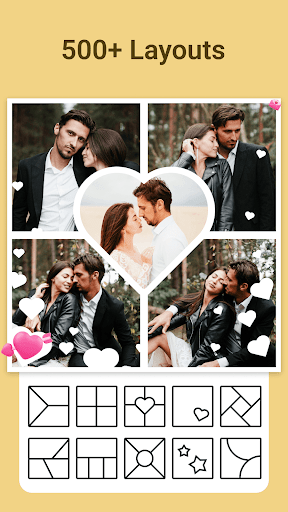
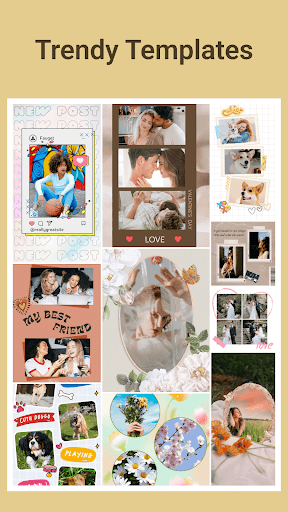
The app offers more than 500 layouts, from straightforward grids to elaborate arrangements, catering to every style preference. Whether you're aiming for minimalist designs or complex compositions, there's a layout for you. Additionally, explore over 600 unique templates themed around love, family, holidays, and more—perfect for creating trendy content for Instagram stories, Snapchat, or WhatsApp statuses. These templates are updated regularly, ensuring a fresh pool of creative options.
Vibrant Stickers, Backgrounds, and Filters
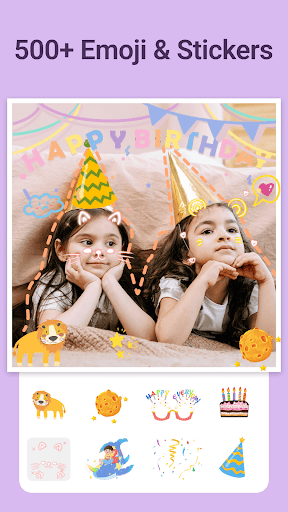
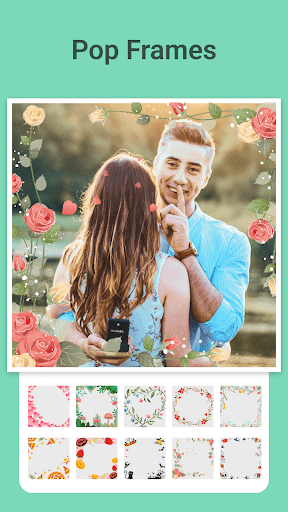
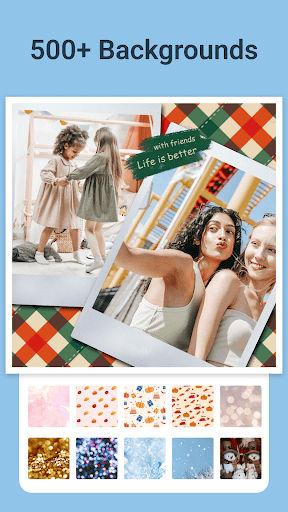
Bring your collages to life with a rich library of 500+ stickers, featuring themes like love, pets, flowers, and holidays. Personalize your images further with customizable backgrounds, including solid colors, gradients, and blur effects, to craft visually stunning scenes. Enhance your photos with a variety of filter effects, adjusting color and style to achieve realistic or artistic looks.
Expressive Doodles and Text
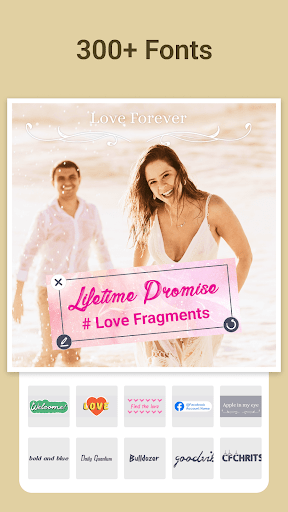
Add a personal touch with easy-to-create doodles. You can write in your own handwriting or stylized fonts and draw shapes such as hearts and symbols. This feature provides the artistic freedom to turn your collages into unique artwork that truly reflects your personality.
High-Resolution Export and Multi-Aspect Ratios
All creations can be exported in high-definition (HD) quality with support for various aspect ratios including 1:1, 3:4, 5:4, and 9:16. This flexibility simplifies sharing your photos on multiple social media channels or setting them as high-quality wallpapers. Whether for professional presentation or casual sharing, your images will always look crisp and polished.
Customizable and Creative Modes
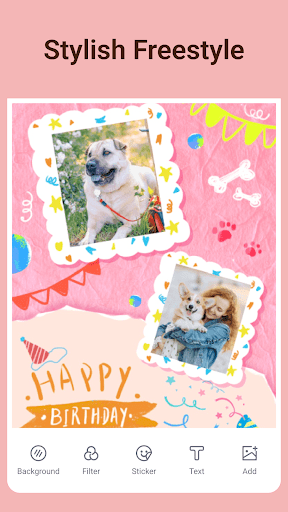
The app features a freestyle mode, allowing complete creative freedom. Mix and match different layouts, overlays, and design elements to craft truly personalized collages. Just imagine, create, and enjoy the process—Photo Collage - Pic Grid Maker becomes your go-to tool for memorable photo projects.
Why Photo Collage - Pic Grid Maker Is a Must-Have for Photo Enthusiasts
Pros
- User-friendly interface
- Multiple template options
- Exports with high quality
- Quick processing speed
- Ability to share on social media
Cons
- Limited features available for free
- Advertisements present in the free version
- Requires in-app purchases for additional templates
- Occasional application crashes
- Large application size











