
Overview of Notepad - simple notes
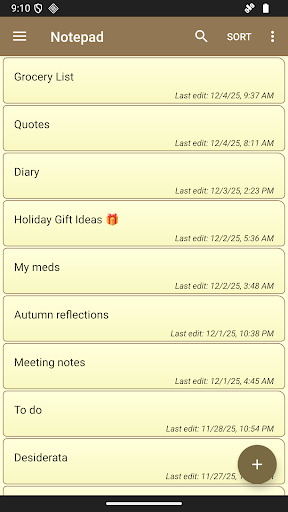
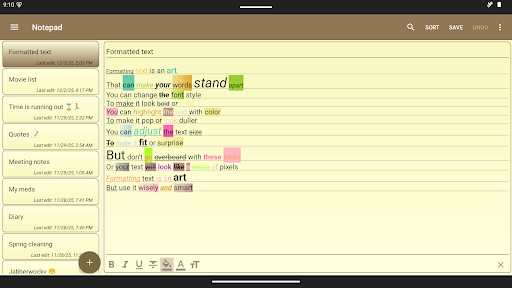
Notepad - simple notes is a small and fast notetaking application designed for creating quick notes, memos, or any plain text content. Its minimalist approach makes it an ideal tool for users seeking a straightforward and efficient way to organize their thoughts without unnecessary complexity.
Key Features of Notepad - simple notes
Intuitive and Simple Interface
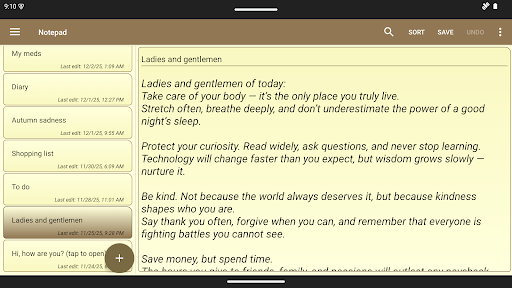
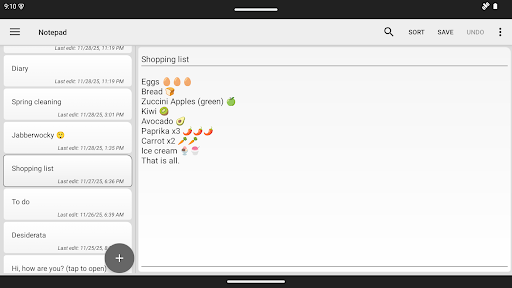
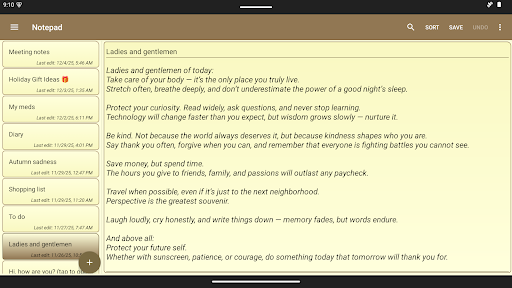
The app boasts a simple interface that most users find very easy to navigate. It eliminates clutter and focuses on core functionality, providing a clean workspace for jotting down notes effortlessly.
Unlimited Notes and Length
Users can create an unlimited number of notes without restrictions on length, limited only by your device's storage capacity. This flexibility makes it perfect for everything from quick reminders to extensive writing projects.
Text Management Capabilities
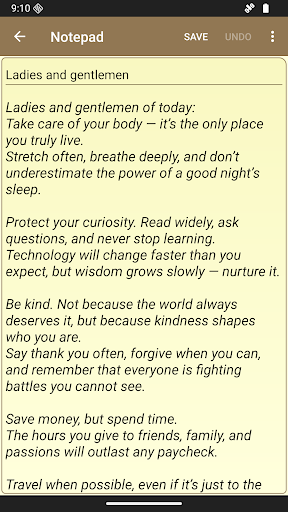
The app supports creating and editing text notes. It also allows importing notes from .txt files and exporting or saving notes as text files for easy sharing and backup.
Sharing and Backup
Notes can be easily shared with other apps such as email. Moreover, a backup function is available for saving and restoring notes from a zip backup file, ensuring data safety.
Security and Customization
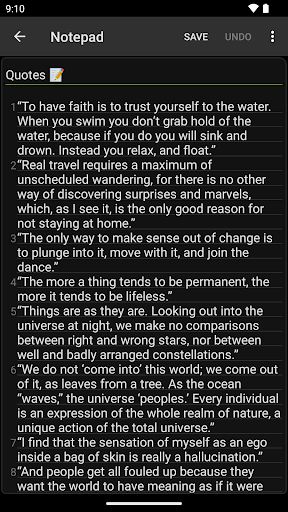
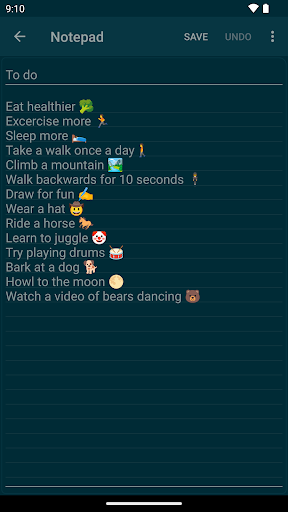
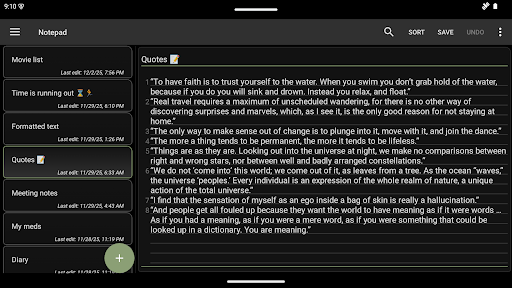
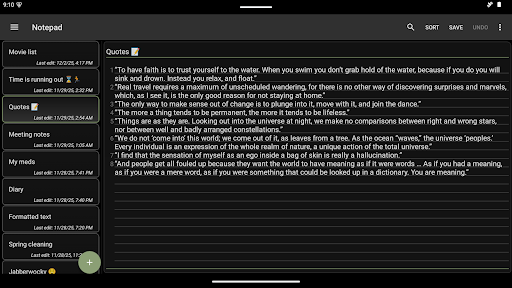
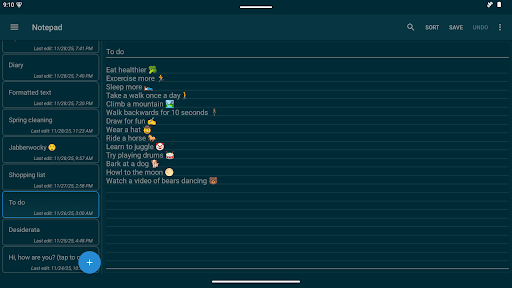
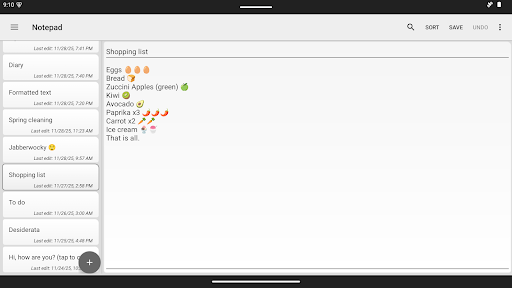
The app offers a password lock to secure your notes and supports unlocking via biometric authentication like fingerprint or facial recognition. Additionally, users can choose from various color themes including dark mode to personalize their experience.
Organizational Tools and Convenience Features
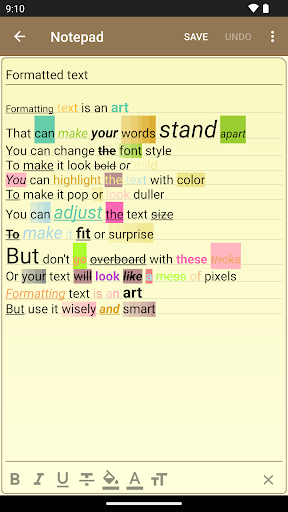
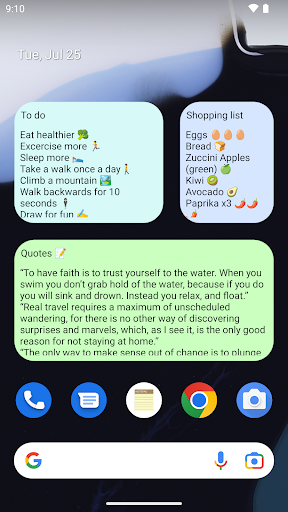
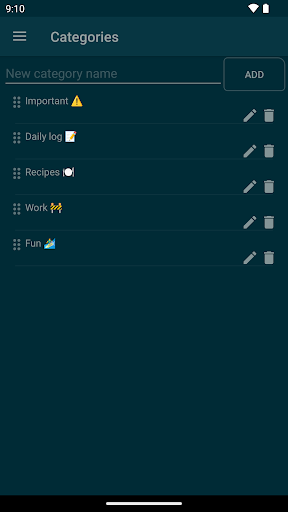
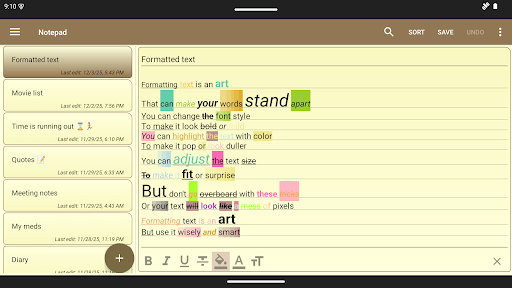
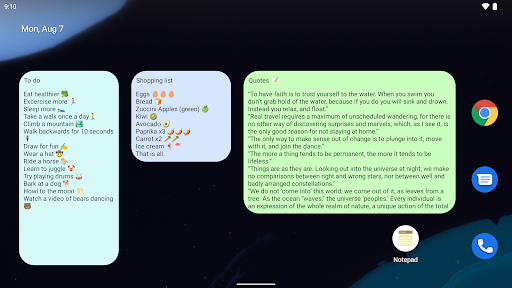
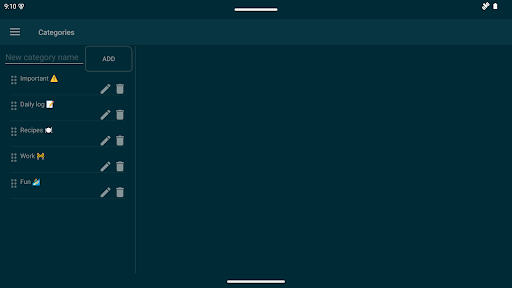
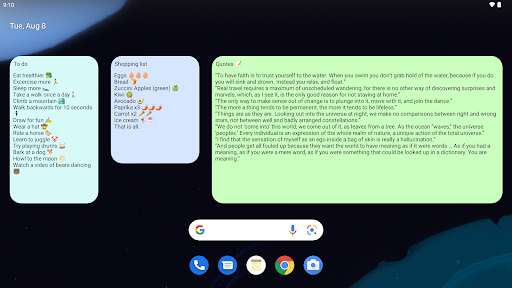
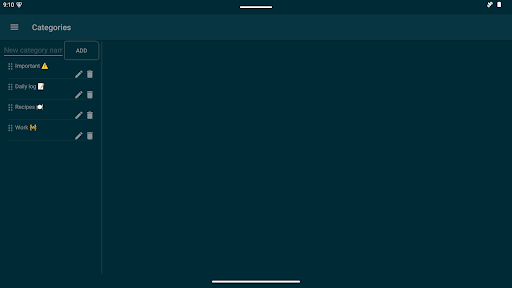
Notes can be categorized, and the app supports automatic saving of changes. Features like undo/redo allow for easy editing, while background lines and numbered lines enhance readability. A notes widget enables quick access to creating or editing notes directly from the home screen, functioning like virtual post-it notes.
Advanced Functionalities
Search functionality quickly finds text within notes. The app also supports locking with biometrics, providing added security for sensitive content.
Versatile Uses of Notepad - simple notes
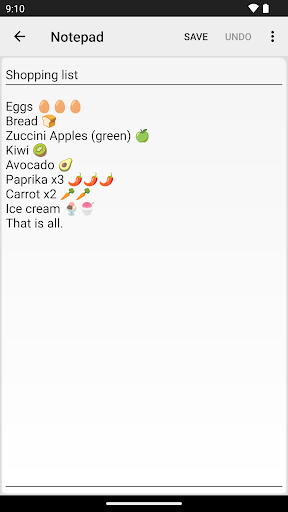
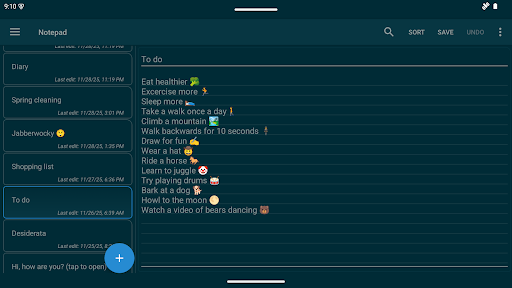
The notes created in this app have a wide range of uses. For instance, they can serve as to-do lists to boost productivity, a digital planner for shopping or daily organization, or reminders pinned directly on the home screen. Each task can be stored in a separate note, or a single comprehensive to-do list can be maintained for convenience.
Important Recommendations
It is advisable to make backup copies of your notes before performing device formatting or switching to a new phone. Starting from version 1.7.0, the app also leverages your device’s copy feature if enabled in settings, aiding in easier data management.
To ensure optimal performance, the app is not recommended for installation on SD cards, as it uses widgets which require direct access to the device's internal storage.
For additional questions or support, you can contact the developer via email: [email protected].
Why Choose Notepad - simple notes?
In an era filled with feature-packed and sometimes overwhelming note-taking apps, Notepad - simple notes stands out due to its minimalist design and reliable performance. It’s perfect for users who want a lightweight, easy-to-use app that quickly captures thoughts without distractions. Whether you need a quick reminder, a shopping list, or a daily planner, this app’s straightforward approach ensures you can focus solely on your content.
Final thoughts
For anyone seeking a simple and efficient note-taking solution, Notepad - simple notes offers a reliable and user-friendly experience. Its minimal feature set is precisely what makes it powerful—getting straight to the point and helping you organize your life more effectively. Whether you're a busy professional, a student, or someone who enjoys jotting down ideas on the go, this app might become your go-to tool for all your note-taking needs.
Pros
- Quick and simple note-taking.
- Clean and minimalistic user interface.
- Consumes minimal storage space.
- Free of ads and distractions.
- Fast and efficient search feature.
Cons
- Lacks advanced functionalities.
- Does not support cloud synchronization.
- Limited options for customization.
- No collaboration features available.
- Not designed for multimedia content.











