

Introduction to Mobile Scanner App - Scan PDF
Key Features of Mobile Scanner App - Scan PDF
Ultra-fast and Batch Scanning
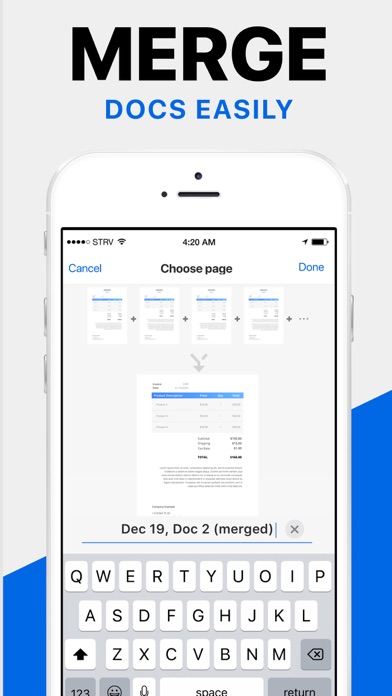
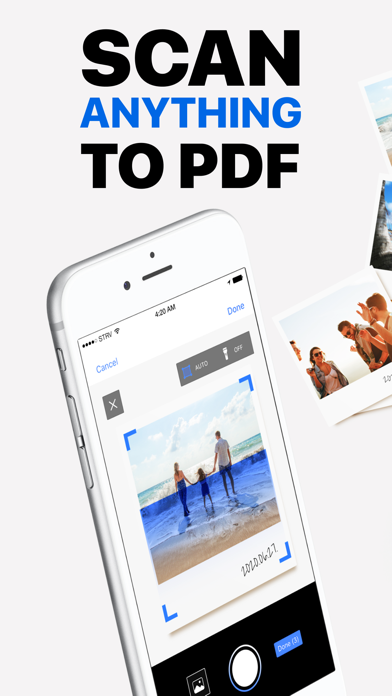
With the Mobile Scanner App, you can scan •receipts, •notes, •business cards, •contracts, •books, and •fax papers efficiently and precisely. It supports •batch scanning, allowing users to scan multiple pages or documents at once and save them as a single PDF, streamlining your workflow.
Smart Image Optimization
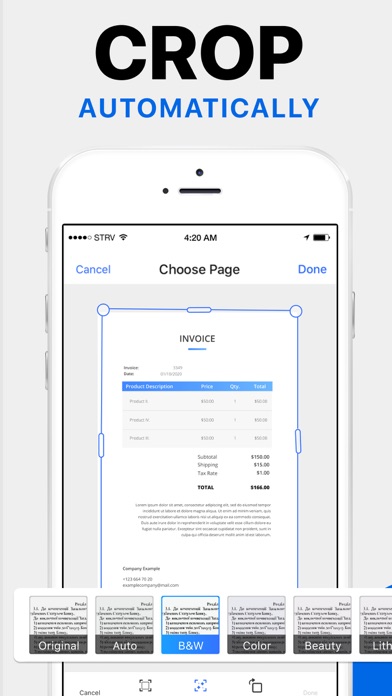
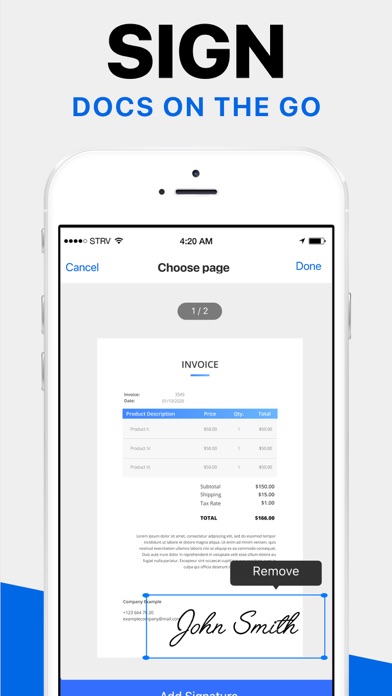
The app offers intelligent features like automatic border detection and cropping to ensure clean scans. You can preview, crop, rotate, adjust colors, and resize scanned images or PDFs. It also provides advanced filters for image enhancement, removing imperfections such as stains, marks, creases, or handwriting, resulting in professional-quality documents. Additionally, users can manually sign their scans or add signatures directly within the app.
Text Extraction & Editing
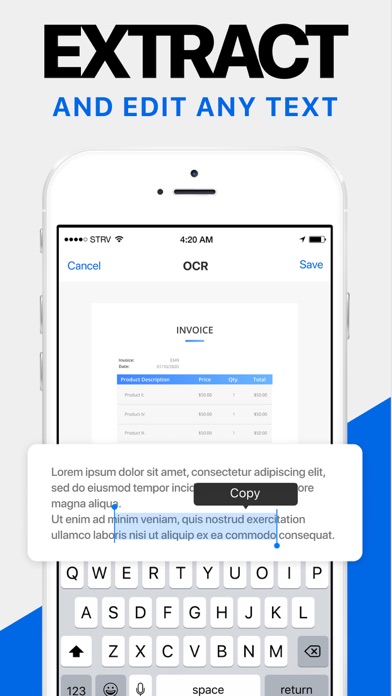
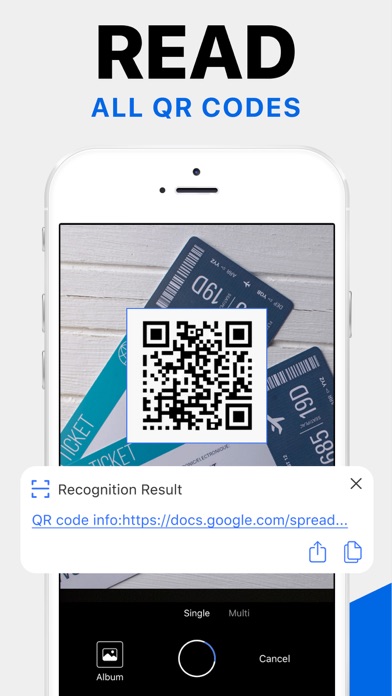
Equipped with powerful OCR technology, the Mobile Scanner can recognize and extract text from your scans with high accuracy. Once extracted, you can freely edit the text content and export it as a TXT file for further use or record-keeping.
Organize & Share Files
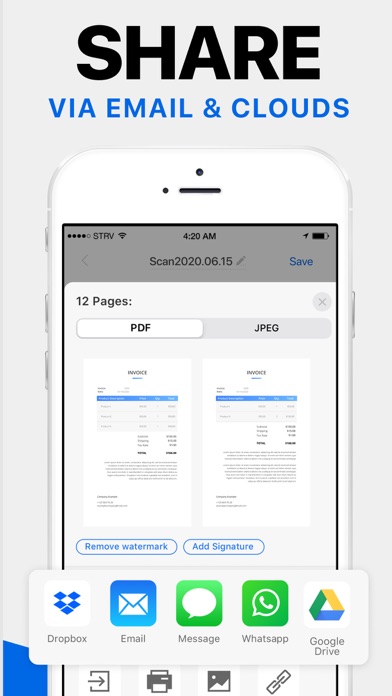
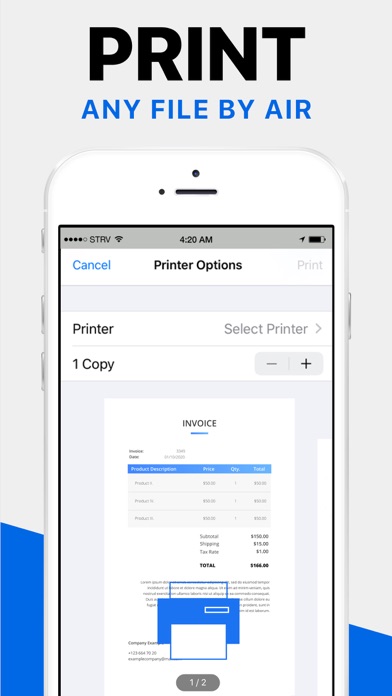
Managing your scanned documents is simple. The app allows you to organize files into custom folders, reorder them via drag & drop, and share via email or upload to cloud services like •Dropbox, •Google Drive, and •OneDrive. Additionally, you can print PDFs directly from the app, making it convenient for business and personal purposes.
Security & Privacy
Your confidential documents stay protected with options to set passwords to lock sensitive folders and files. This ensures your personal information, such as contracts, bank cards, and tax documents, remains secure from unauthorized access.
Why Choose Mobile Scanner App - Scan PDF?
The feature set—including automatic border detection, image editing, text recognition, organization tools, and cloud integration—makes Mobile Scanner a comprehensive tool that replaces traditional scanners and messy paper clutter. By transforming your Smartphone into a portable scanner, it helps simplify tasks such as sending important contracts, receipts, or handwritten notes at any time and from anywhere.
Conclusion
Pros
- Fast document scanning and processing.
- Highly accurate text recognition.
- User-friendly interface with simple navigation.
- Supports a variety of document formats.
- Includes cloud storage integration.
Cons
- Limited features available in the free version.
- Occasional advertisements may be disruptive.
- Internet connection required for cloud synchronization.
- Few editing tools available within the app.
- Some features require payment to unlock.











