










Recover Deleted Messages App: Your Ultimate Data Recovery Solution
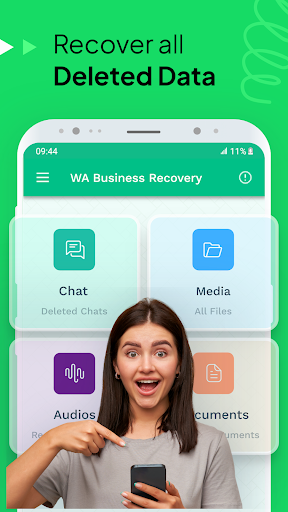
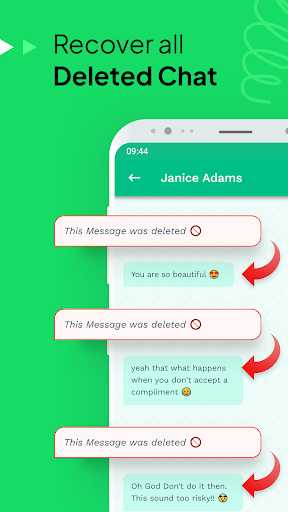
Ever found yourself in a situation where a crucial message has been accidentally deleted? Whether it's a memorable photo, important chat, or vital document, losing data can be frustrating. The Recover Deleted Messages app is designed to be your go-to tool for effortlessly restoring lost digital content. With its comprehensive data recovery capabilities, this app ensures that you never miss a beat by bringing back deleted WhatsApp, Facebook Messenger, and other social media files with ease.
Key Features of the Data Recovery App
Seamless Recovery of Text Messages and Media Files
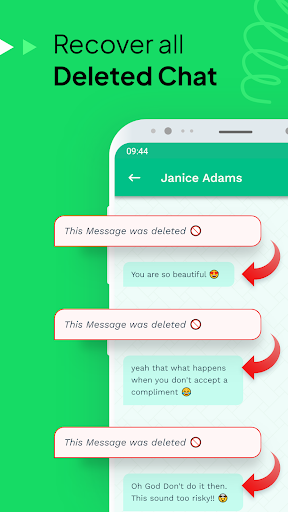
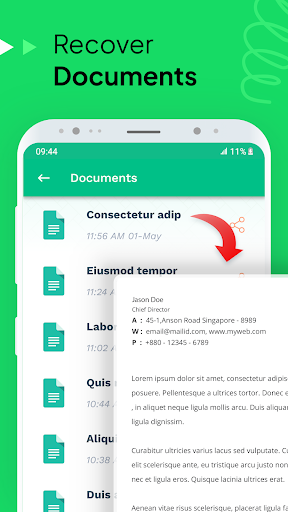
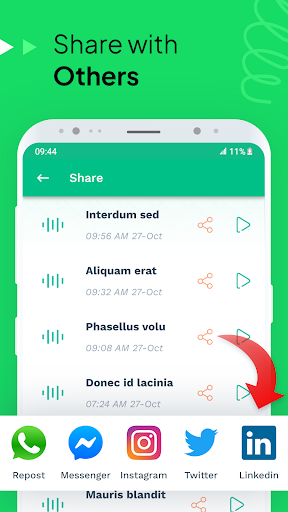
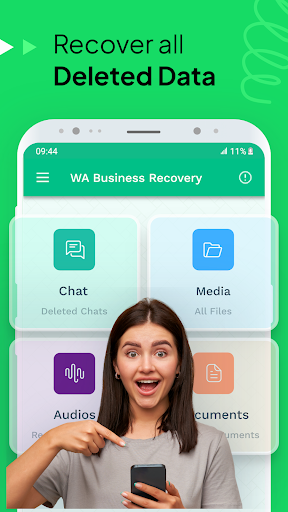
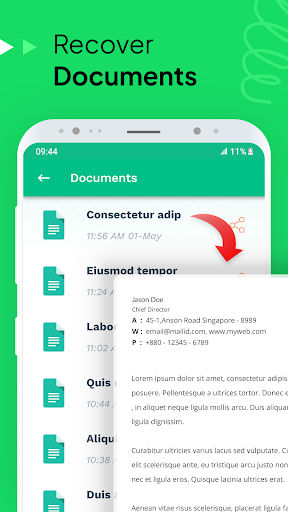
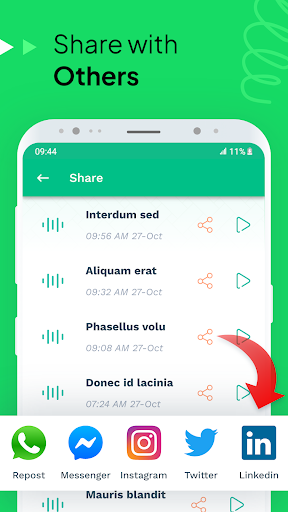
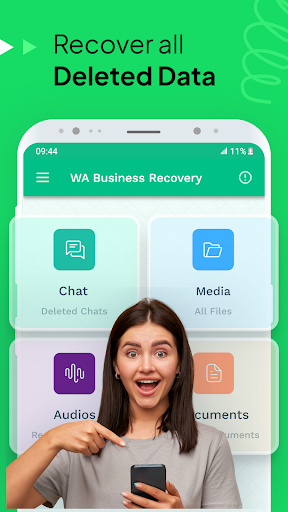
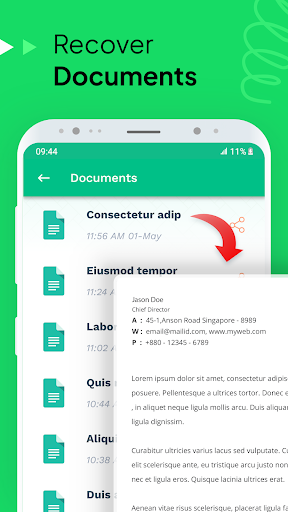
The app specializes in recovering deleted text messages and media files such as images, videos, voice notes, and documents. By scanning notifications and utilizing backup data, it can restore your valuable information without hassle. Whether you've accidentally deleted a message from WhatsApp, WhatsApp Business, Facebook Messenger, or Snapchat, this recovery tool is capable of retrieving those files swiftly.
Backup and Restore Functionality
One of the app's standout features is its SMS backup and recovery capability. This functionality allows you to create backups of your conversations, which can be restored anytime you need to recover deleted data. It provides peace of mind, especially for users concerned about data loss over time.
Photo and Video Recovery
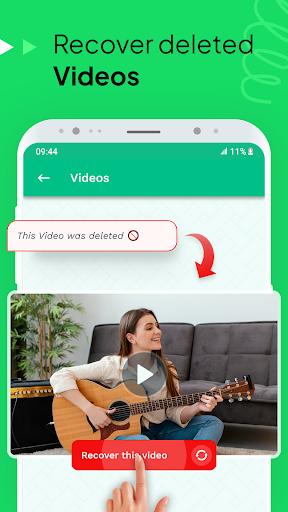
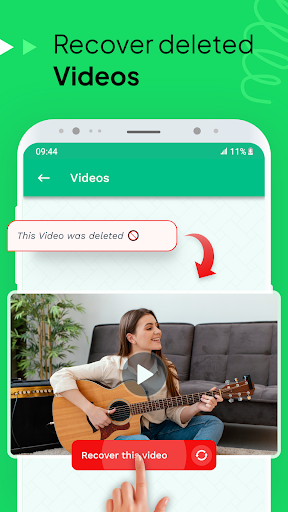
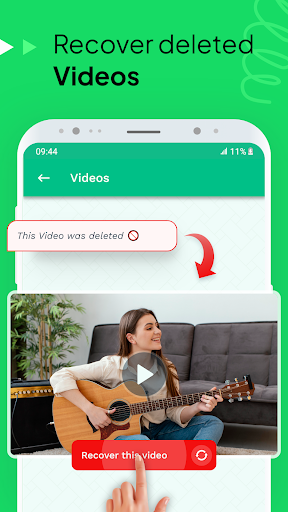
Besides text messages, the app offers photo restoration and video recovery features. If you’ve lost cherished memories stored in your chat apps, this tool can scan and retrieve those images and videos directly from notifications or backed-up data. It also supports restoring files stored on your SD card or phone memory, making it versatile for various device setups.
Compatibility with Multiple Platforms
Designed for both Android and iOS devices, Recover Deleted Messages performs reliably across different operating systems. Regular updates ensure continued compatibility with the latest versions, and the interface is user-friendly, making recovery accessible to all users—even those who aren't tech-savvy.
Privacy and Safety
Security is a priority. The app operates locally on your device, ensuring that your private data remains confidential. Moreover, it doesn’t require a complicated setup or cloud access, providing a secure environment for data recovery.
How to Use Recover Deleted Messages Effectively
Step-by-Step Recovery Process
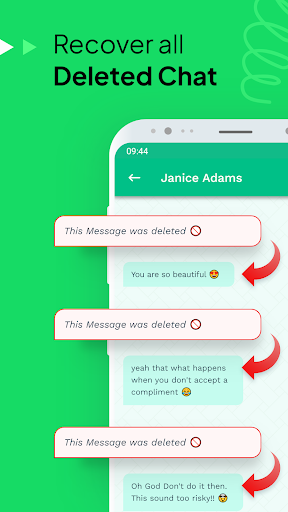
Getting started is simple—install the app, grant necessary permissions such as notification access, and initiate a scan. The app will then display recoverable messages and files, allowing you to preview and select what to restore. For WhatsApp and WhatsApp Business users, it can retrieve entire chat histories, including images and voice notes.
Limitations to Keep in Mind
While powerful, the app has some limitations:
- Deleted messages recovery requires notification access permissions; without this, recovery may not work.
- Muting a chat or disabling notifications can prevent the app from detecting deletions.
- If notifications are turned off, recovery of deleted media and messages might be restricted.
- Files that haven't been fully downloaded or are stored outside notification history may not be recoverable.
Why Choose This Data Recovery App?
This recover deleted data application stands out because of its ease of use, comprehensive recovery options, and cross-platform performance. Whether you’re trying to retrieve important work messages, treasured family photos, or deleted social media content, this tool has you covered. It’s also frequently updated to ensure compatibility and enhanced features.
If you find this app helpful, consider giving it a 5-star rating to support ongoing development. Your feedback helps improve the functionality and user experience. For any questions or support issues, contact the dedicated support team via email.
Conclusion
Accidental deletions happen, but with Recover Deleted Messages, you have a reliable solution to restore your lost data effortlessly. Its smart scanning, backup options, and media recovery features make it an essential tool for anyone looking to safeguard their digital conversations and files. Don’t let deleted messages or photos disrupt your day—download the app and regain control of your data today!
Pros
- Easy to recover lost messages.
- Supports multiple messaging platforms.
- User-friendly interface.
- Fast recovery process.
- No technical skills required.
Cons
- Limited features in the free version.
- May not recover all message types.
- Requires app permissions.
- Occasional ads in the free version.
- No support for older devices.











