




Discover REC - Screen | Video Recorder: The Ultimate Screen Recording Solution
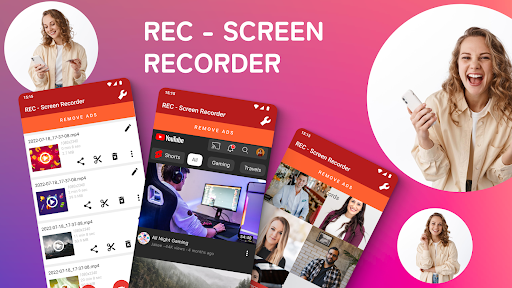
Imagine capturing your screen in stunning high quality with ease—whether it's for gaming, tutorials, video calls, or live streams. REC - Screen | Video Recorder is a free and versatile screen recording app designed to meet all your recording needs. Supporting a wide range of resolutions from UHD to SD, this app allows you to create crisp, clear videos complemented with excellent audio from your microphone. Its intuitive interface and powerful features make it one of the top choices for anyone looking to produce professional-grade screen recordings effortlessly.
Key Features of REC - Screen | Video Recorder
High-Quality Video Recording
This app supports recording in UHD, FHD, HD, and other video resolutions, ensuring you get the best quality output for your tutorials, gameplay, or presentations. Whether you're capturing fast-paced gaming moments or detailed tutorials, the app provides customizable frame rates and bitrates for optimal results.
Audio Recording and Screen Touch Display
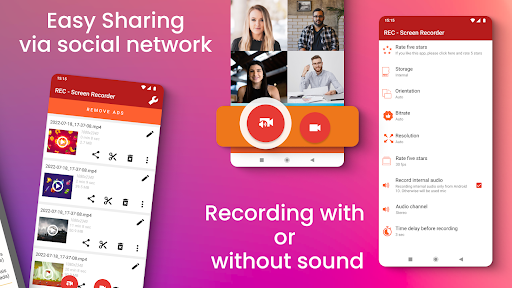
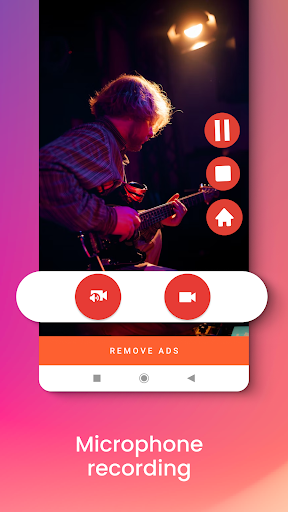
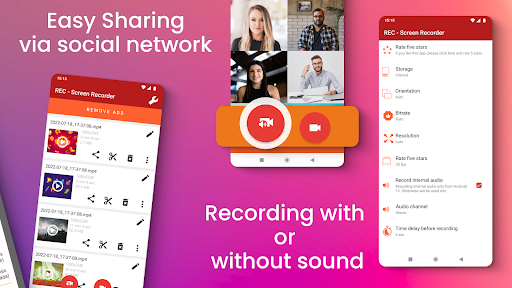
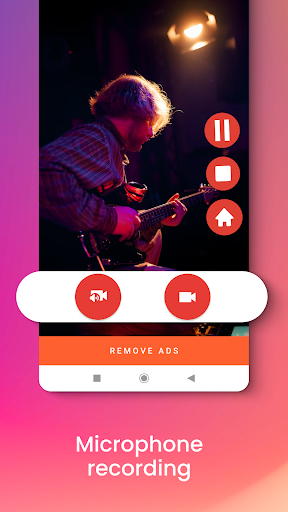
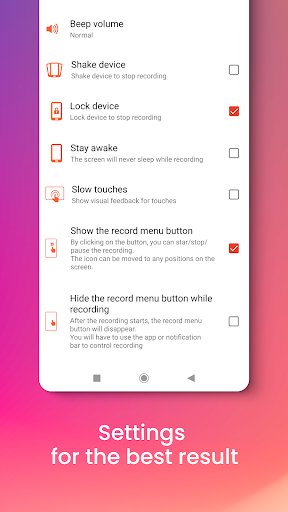
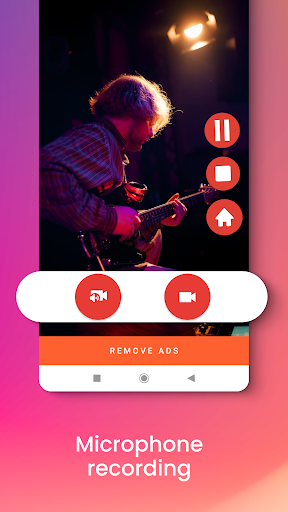
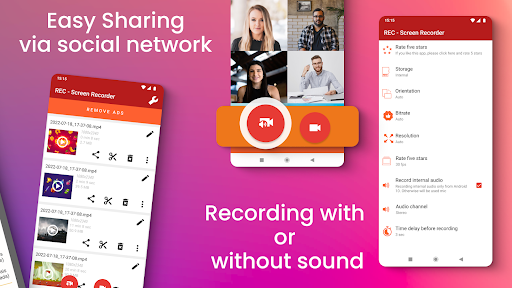
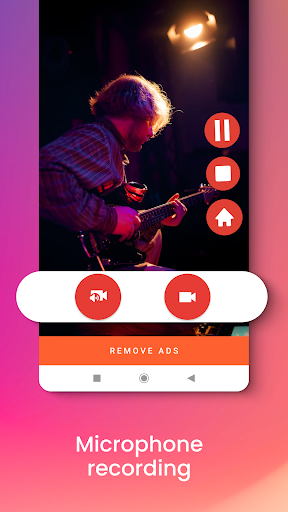
Record high-quality audio directly from your microphone, making it ideal for creating voice-overs or commentaries. The feature to display screen touches during recording adds interactive clarity, especially useful when illustrating app walkthroughs or tutorials. You can also choose whether to include external sound in your recordings or not.
Unlimited Recording Time & Multiple Storage Options
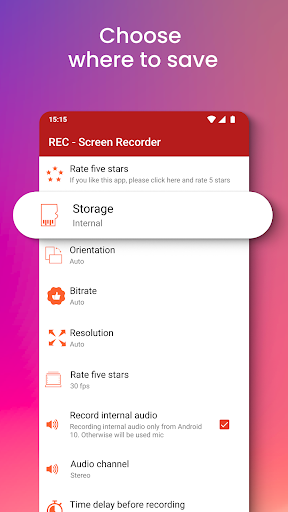
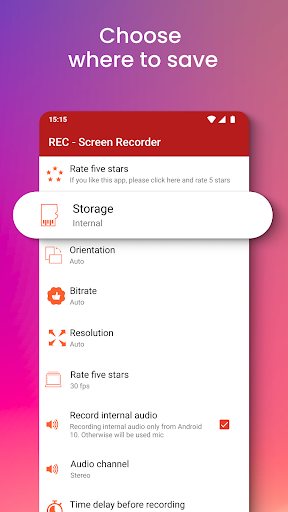
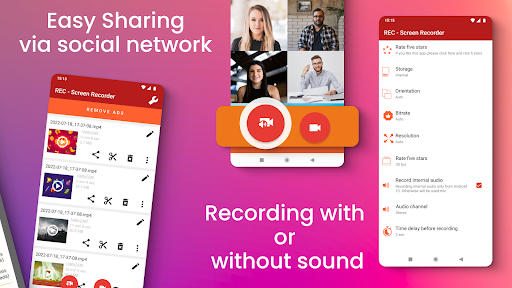
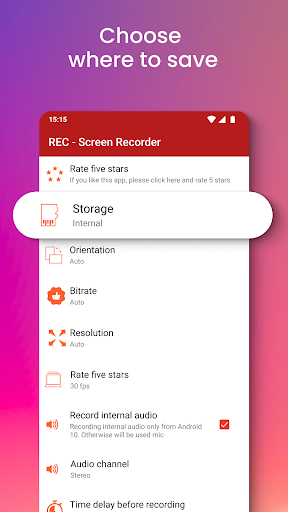
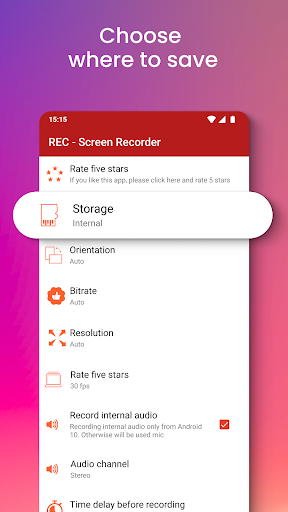
Say goodbye to time limits—your recordings can be as long as you need. Files can be saved on your device's internal memory, SD card, or an external USB device. Additionally, the app facilitates easy sharing via email, Messenger, or social media platforms like Facebook, Twitter, and Instagram. You can also upload directly to cloud services such as Dropbox, Google Drive, OneDrive, and YouTube.
Smart Recording Controls
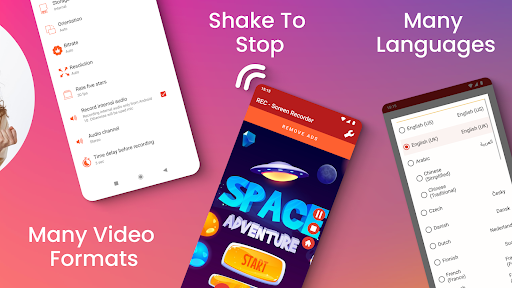
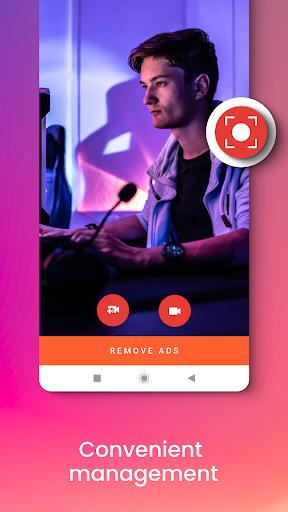
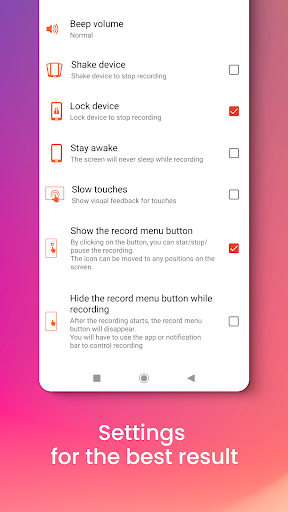
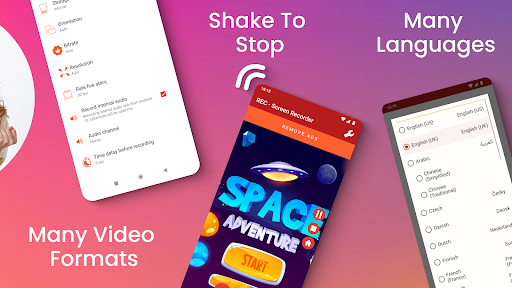
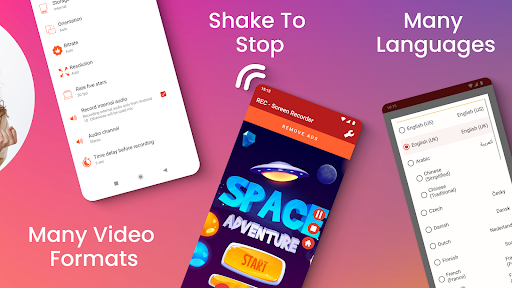
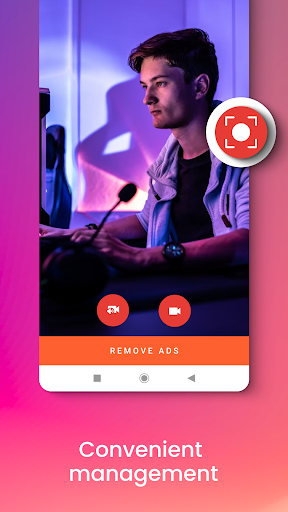
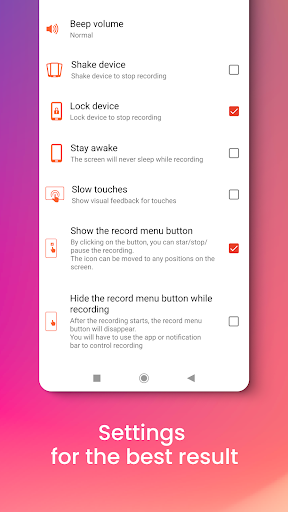
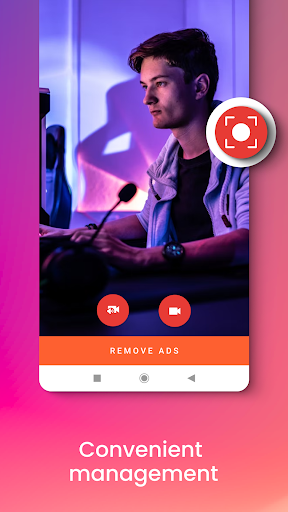
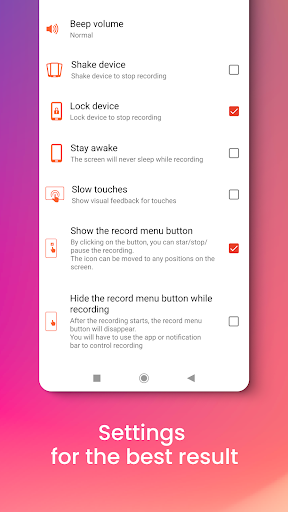
Control your recordings effortlessly through a floating window or notification bar. Features like pause/resume enable you to manage your recordings smoothly. The app also offers a convenient shake-to-stop feature and commands to turn off the screen to end a recording safely. You can even schedule the start of recordings with the delay option.
Customization and Editing
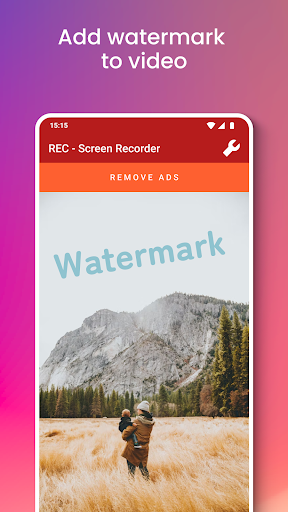
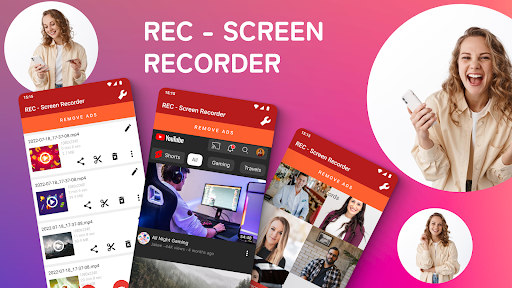
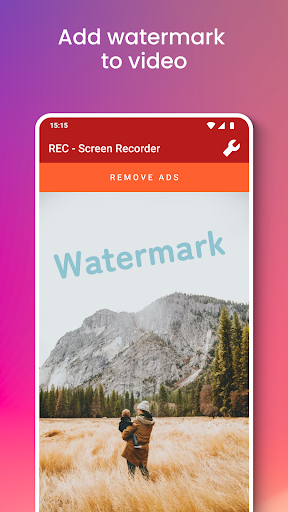
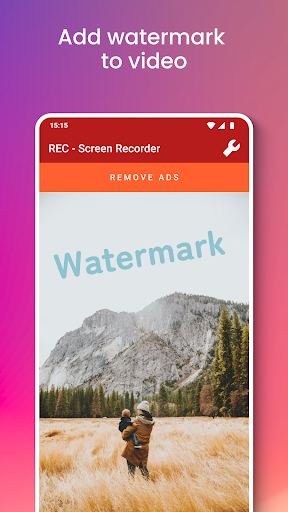
Personalize your videos by adding your logo or watermark to prevent unauthorized use. After recording, you can edit your videos within the app, trimming sections or enhancing quality before sharing. With support for more than 30 languages, this app offers a user-friendly experience worldwide.
Why Choose REC - Screen | Video Recorder?
This powerful screen recording tool stands out due to its combination of simplicity and advanced features. Whether you’re a content creator, gamer, educator, or professional, REC provides you with all the tools necessary to produce polished videos. Its easy-to-use interface ensures even beginners can start recording almost instantly, while its customizable settings appeal to advanced users seeking precise control over their recordings.
Reputation as one of the most popular recording apps is well-earned, with millions already enjoying its seamless functionality and high-quality output. The app’s multi-language support ensures usability across different regions, further exemplifying its global appeal. Plus, it’s completely free, so you can start recording today without any cost.
Ideal Use Cases for REC - Screen | Video Recorder
The app is perfect for creating detailed tutorials, product demos, gameplay commentary, or professional presentations. The ability to record external sound and display screen touches makes it easier to craft engaging and instructive content. Additionally, the option to add watermarks aids in branding your videos and protecting your work.
Conclusion
If you're seeking a reliable, easy-to-use, and feature-rich screen recording app, REC - Screen | Video Recorder is undoubtedly worth trying. Its powerful capabilities, flexibility in storage options, and high-quality output make it a top choice among content creators and professionals alike. Download the free app today and start capturing your screen seamlessly for tutorials, gameplay, or live streams. With REC, the possibilities are endless!
Pros
- Easy-to-use interface
- High-quality video recording
- Supports multiple formats
- Videos are watermark-free
- Enables screen capturing
Cons
- Limited editing options
- High battery consumption
- Contains advertisements in the free version
- Requires in-app purchases
- Occasional lagging issues











