


Discover the Power of Screen Recorder - G1REC
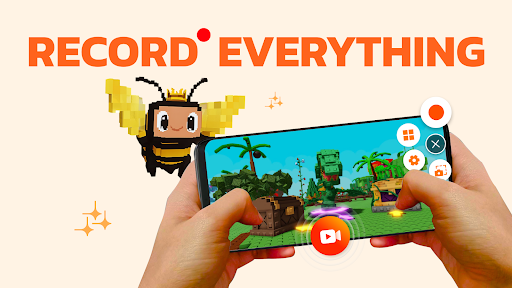
Are you looking for a versatile and easy-to-use screen recorder for your mobile device? Screen Recorder - G1REC is an all-in-one solution designed to help you effortlessly capture everything happening on your screen. Whether you're recording gameplay, creating tutorials, or documenting app performances, G1REC offers a comprehensive set of features tailored to meet your needs.
This powerful app allows users to record high-resolution videos without watermarks, add voice commentary, and even include facecam reactions. Its user-friendly interface combined with robust functionality makes it a top choice for both casual users and content creators aiming to produce professional-quality recordings. Compatible with Android and iOS, G1REC ensures broad accessibility for users worldwide.
Key Features of Screen Recorder - G1REC
1. Easy Screen Capture and Recording
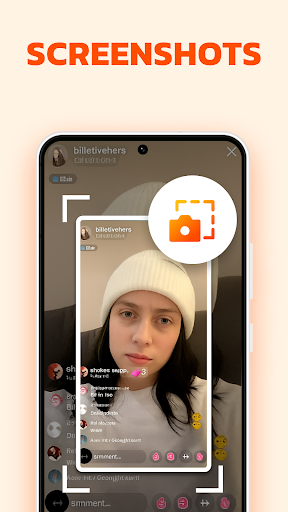
Quickly take screenshot with an accessible floating button, or start recording your screen with audio support. The app captures both internal sounds and microphone input, making it perfect for gameplays, tutorials, and reviews.
2. Face Camera Integration
Include your reactions in recordings with the face camera feature. The facecam overlay is movable and resizable, allowing you to personalize your videos and add a human element to your content, ideal for YouTubers and livestreamers.
3. High-Quality Video Recording
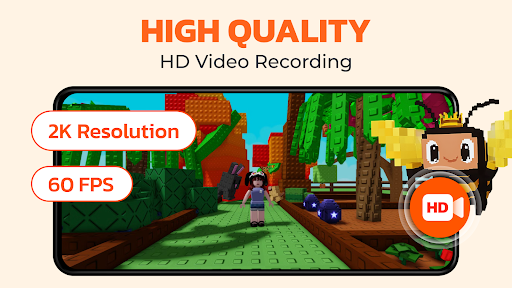
Record in stunning 1080p resolution at 60FPS with a bitrate of 12Mbps. Whether capturing fast-paced gameplay or detailed tutorials, G1REC ensures your videos are crisp and smooth.
4. Creative Video Tools
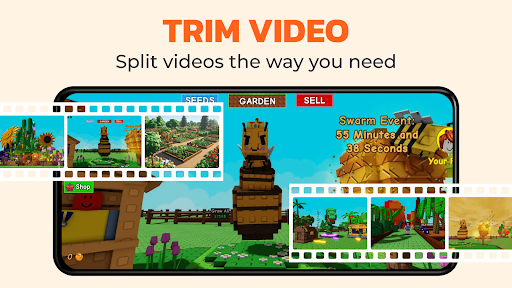
Enhance your content with built-in editing features such as drawing during recordings using the Brush Tool, trimming videos, or adding annotations. Post-recording editing makes your videos more engaging and professional.
5. Video Conversion and Sharing
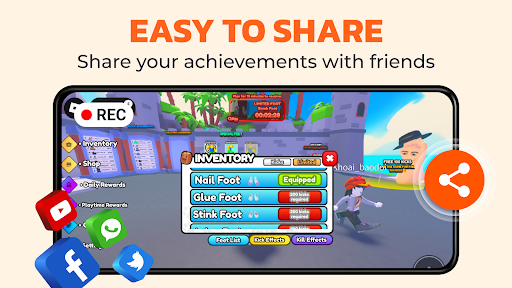
Convert videos into different formats, such as Video to MP3 for extracting audio tracks or Video to GIF for creating shareable, looping animations. Easily share your creations directly to platforms like Youtube, Snapchat, WhatsApp, Facebook, and TikTok without watermarks.
6. Additional Features for Creators
Use the Voice Changer to add fun effects, and conceal the floating recording button to maintain a clean recording interface. These features are designed to give you a flexible and distraction-free recording experience.
User Experience and Performance
The app boasts a sleek, intuitive interface that makes navigation straightforward. Users can quickly access all main functions from the main screen, and with performance optimizations, G1REC remains lightweight yet powerful. During testing, it consistently delivered crash-free recordings without lag or frame drops, even during resource-intensive game captures.
Whether you’re a gamer wanting to record your top plays or a teacher creating tutorials, G1REC’s reliable performance ensures your content is captured flawlessly. The app also seamlessly integrates with social media platforms, allowing you to upload and share your videos effortlessly, boosting your content’s reach and engagement.
Unleash Your Creativity with G1REC
If you've ever wished for an easy-to-use and feature-rich screen recording tool, Screen Recorder - G1REC fits the bill perfectly. Its ability to record in high quality, include facecam reactions, and convert videos into popular formats like MP3 and GIF makes it ideal for creators looking to produce engaging content. Whether capturing gameplay, recording tutorials, or documenting app demos, G1REC provides all the necessary tools in one lightweight package.
Continuously evolving based on user feedback, G1REC aims to enhance your recording experience. With its versatile features and reliable performance, it stands out as a top choice for those seeking an efficient and professional screen recording app. Elevate your content creation process and start recording like a pro today!
Pros
- High-quality video recording.
- Intuitive user interface.
- Supports multiple languages.
- No watermark on recordings.
- Offers various recording modes.
Cons
- Consumes a lot of battery power.
- Limited options for editing videos.
- Requires in-app purchases for certain features.
- May lag on older devices.
- Intrusive advertisements.











