
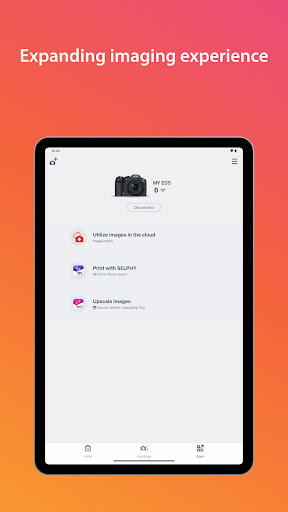
Discover the Power of Canon Camera Connect App for Seamless Wireless Photography
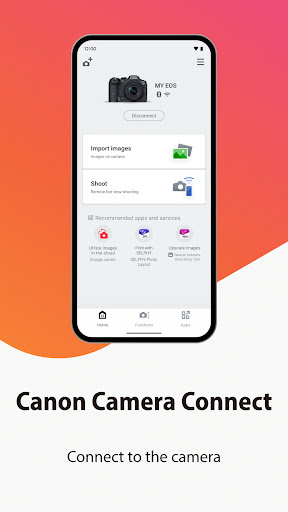
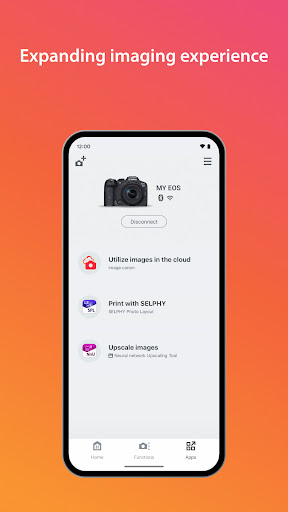
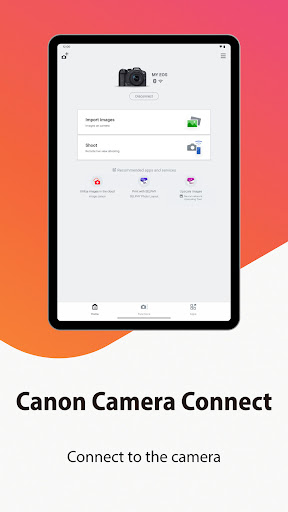
Are you a photography enthusiast looking to effortlessly transfer images from your Canon camera to your smartphone? The Canon Camera Connect app is designed to bridge that gap, transforming how you manage your photos on the go. Whether you're capturing vacation memories, important events, or everyday moments, this versatile application allows you to connect your compatible Canon camera with your mobile device via Wi-Fi or Bluetooth, making your photography workflow smoother and more efficient.
Features and Functionalities of Canon Camera Connect
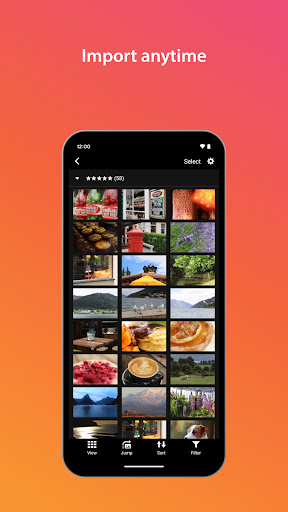
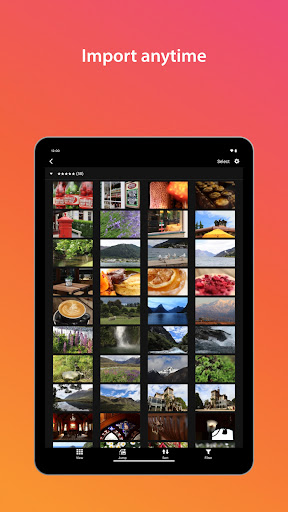
The Canon Camera Connect app offers a host of innovative features tailored to enhance your photography experience. One of its standout capabilities is the ability to transfer and save images directly from your camera to your smartphone, enabling instant sharing on social media platforms like Instagram, Facebook, or WhatsApp. This eliminates the need for cumbersome cables and memory card readers, providing a truly wireless solution.
Remote Shooting and Live View
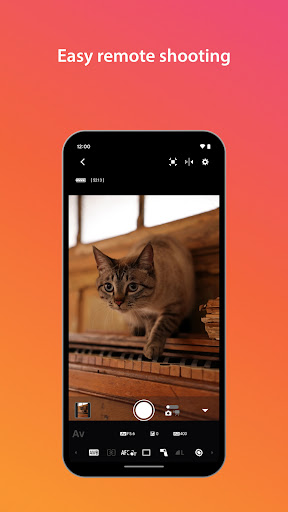
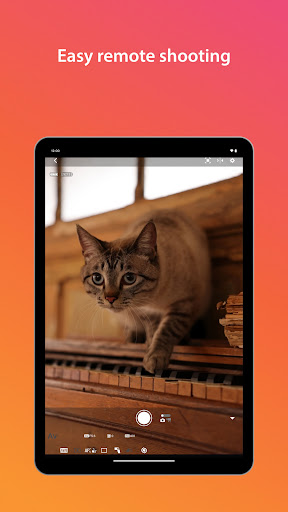
Another impressive feature is the remote shooting option, which utilizes live view imaging of the camera directly on your smartphone screen. Setting up your camera on a tripod or at a distant location becomes simple when you can control it remotely, adjust focus, tweak exposure settings, and even capture shots without physically interacting with the camera. This feature is perfect for group photos, selfies, or capturing difficult angles.
Location Tagging and Connectivity
The app also enables you to acquire location information from your smartphone and embed it into your images, enriching your travel and event memories. Seamless switching between Wi-Fi and Bluetooth connections allows for quick setup—such as switching from pairing mode over Bluetooth to direct Wi-Fi connection—ensuring you stay connected hassle-free. For compatible cameras, features like remote release of the shutter via Bluetooth and firmware updates increase your camera's functionality and longevity.
System Requirements and Compatibility
To ensure optimal performance, the Canon Camera Connect app requires devices running on Android 11 through Android 15. It supports Bluetooth 4.0 or higher with Android 5.0 or later, and compatible languages include Japanese, English, French, Italian, German, Spanish, Simplified Chinese, Russian, Korean, and Turkish. Supported file types are primarily JPEG, MP4, and MOV, although RAW files, HEIF images, and certain high-resolution videos like 8K movies are not supported for transfer. Be mindful that compatibility may vary based on camera models, so referring to the official Canon website for a list of supported devices is recommended.
Important Notes for Optimal Use
Ensure your camera has the necessary connectivity features, especially Bluetooth if you intend to use Bluetooth-related functions. When connecting, you might encounter system prompts—acknowledging these ensures smoother reconnections in subsequent uses. Additionally, please be cautious about personal information such as GPS data embedded in images, particularly when sharing online. Battery life can drain faster when using Wi-Fi and the app extensively, so carrying spare batteries during long shoots is advisable.
Real-Life Experience with Canon Camera Connect
Using the Canon Camera Connect app in various settings—from outdoor landscapes to indoor portraits—demonstrates its reliability and convenience. The live view feature proves especially useful for achieving precise compositions, while the effortless transfer of images helps speed up your sharing process. Despite occasional connectivity hiccups—common in crowded Wi-Fi environments—the app generally performs well, providing a seamless experience once connected.
Pros and Cons
The app's intuitive interface and rich feature set make it a valuable tool for both amateur and professional photographers. However, users should be aware that high-resolution MOV files or RAW images are not directly transferable, which could be limiting for those wanting maximum image quality transfer. Nevertheless, the overall value proposition is strong, especially considering how much it enhances mobility and control over your camera.
Conclusion: Why Canon Camera Connect Is a Must-Have for Canon Users
If you're a passionate photographer utilizing Canon's range of cameras, the Canon Camera Connect app is an essential addition to your digital toolkit. Its ability to wirelessly transfer images, remotely control your camera, and add location metadata elevates the overall photography experience. While it may have minor limitations, the convenience, flexibility, and advanced features it offers make it a reliable companion whether you're traveling, doing studio shoots, or capturing spontaneous moments. Embrace the future of wireless photography with Canon Camera Connect and enjoy a smarter, more connected shooting experience.
Pros
- Easy wireless photo transfer
- User-friendly interface
- Remote camera control
- Compatible with most Canon models
- Quick setup process
Cons
- Requires Canon account
- Limited editing features
- Consumes battery quickly
- Occasional app crashes
- Needs stable Wi-Fi connection











