
Introduction to DaTuner: Tuner & Metronome
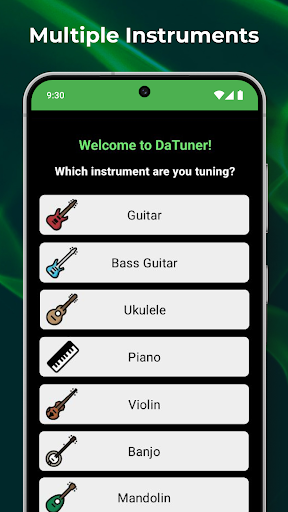
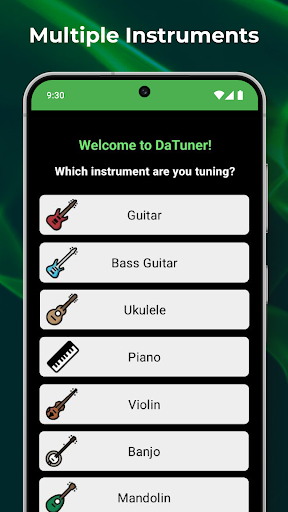
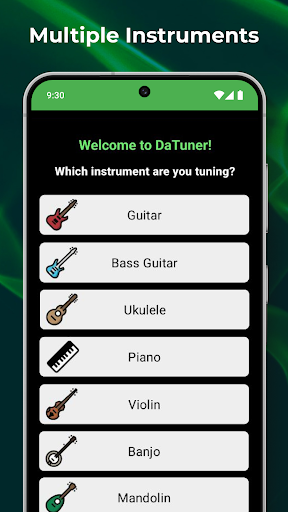
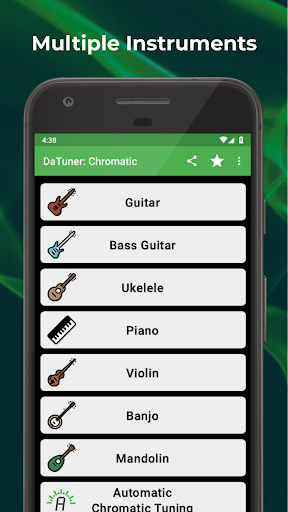
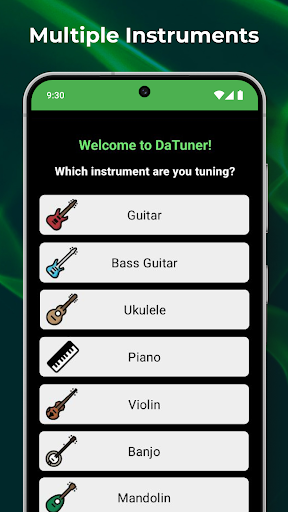
For all music enthusiasts, whether you're a beginner or a seasoned musician, DaTuner: Tuner & Metronome stands out as an essential tool to keep your instruments perfectly in tune and your rhythm solid. This versatile app provides a seamless and accurate experience for tuning a wide range of instruments including guitar, bass, violin, ukulele, banjo, cello, piano, mandolin, and more. Designed with the user in mind, the intuitive interface ensures that tuning and rhythm checking are effortless, regardless of your skill level.
Key Features of DaTuner
Accurate and Responsive Tuning
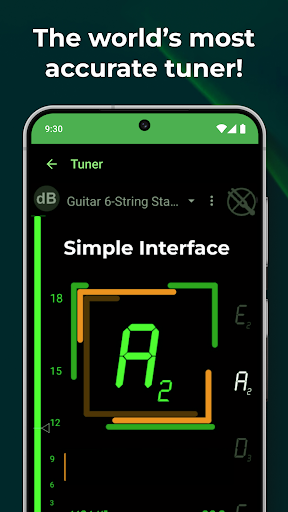
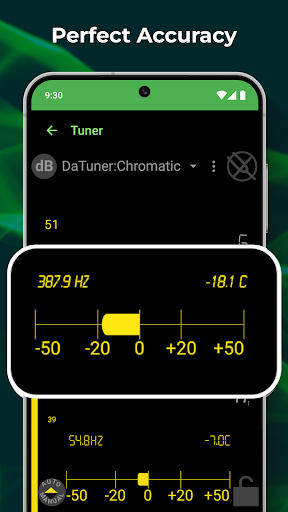
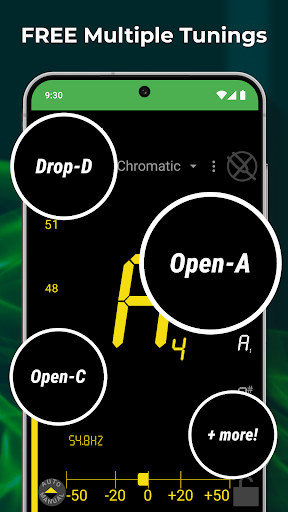
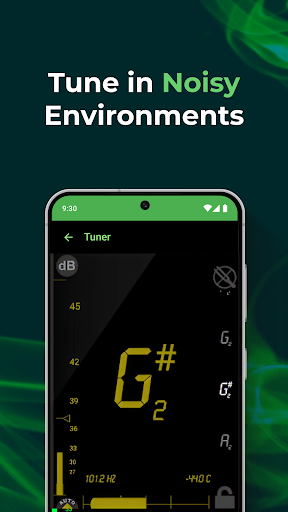
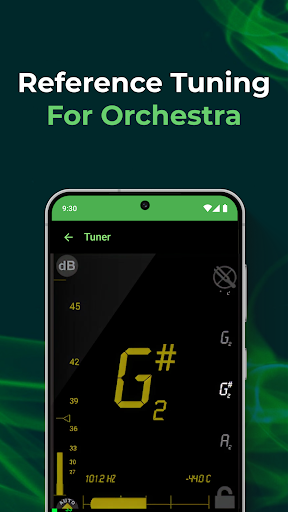
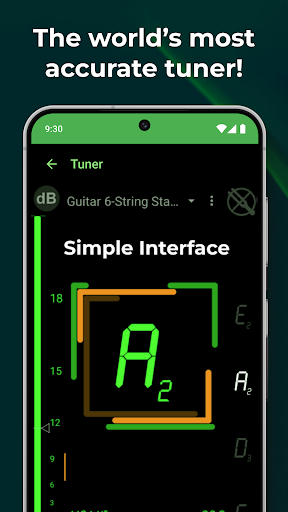
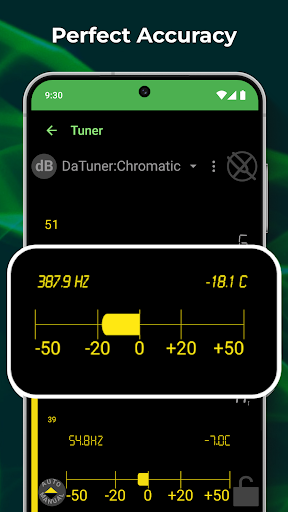
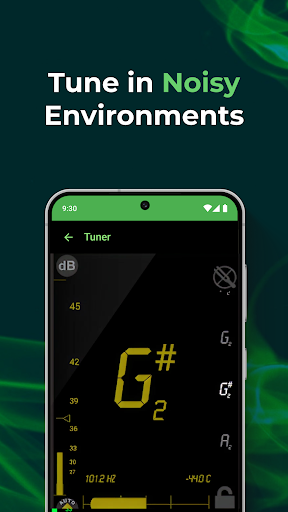
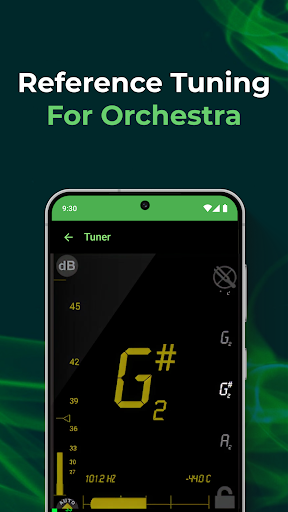
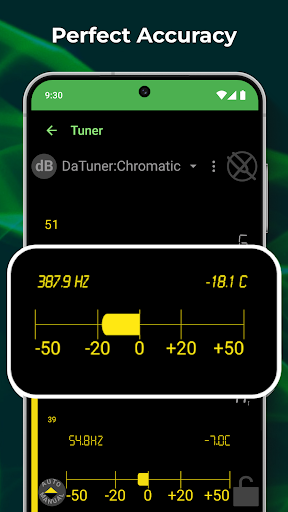
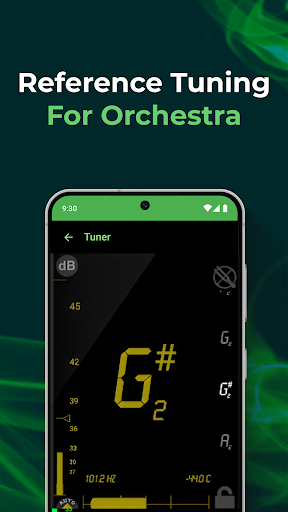
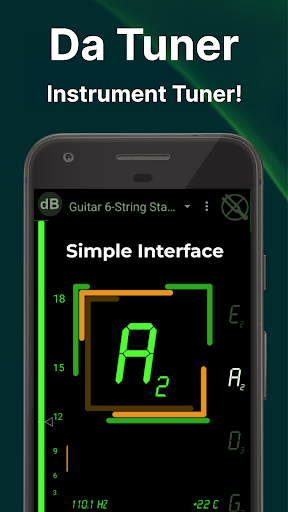
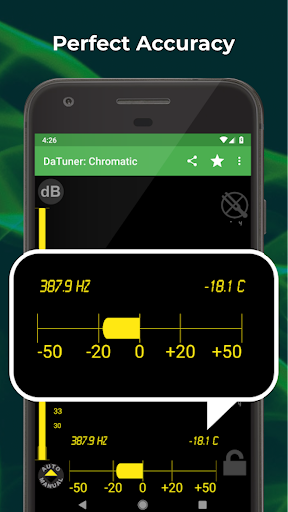
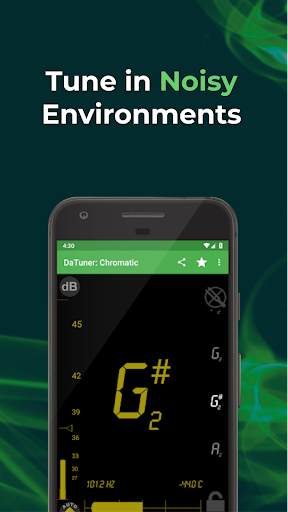
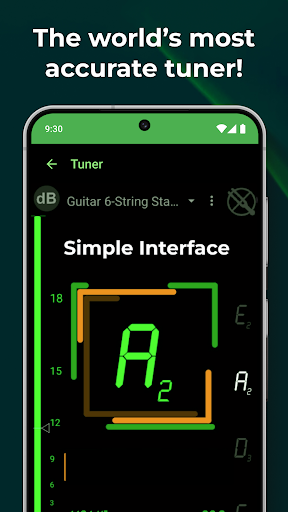
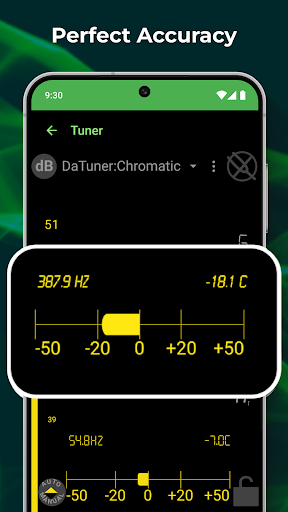
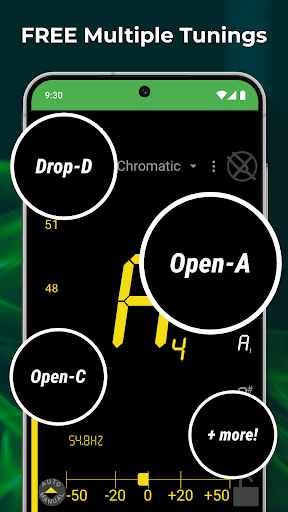
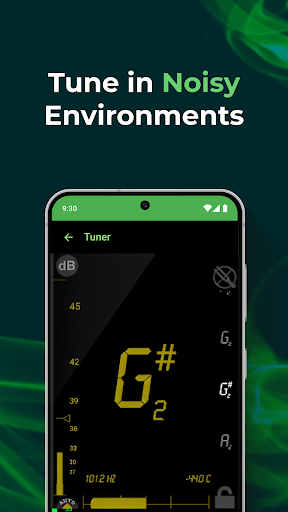
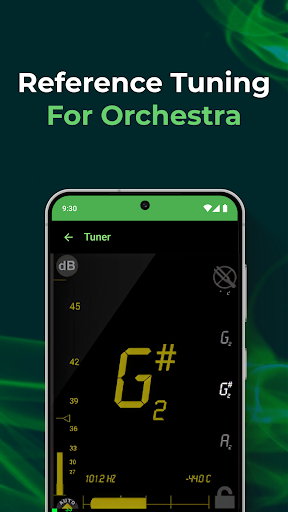
DaTuner boasts high precision with features like No dead zone, where the screen turns green once the note is accurately in tune, providing instant visual confirmation. The app adjusts sensitivity automatically but also allows manual fine-tuning. The display shows the nearest note and octave prominently, along with the frequency in hertz and error in cents, aiding detailed tuning adjustments.
Versatile Instrument Compatibility
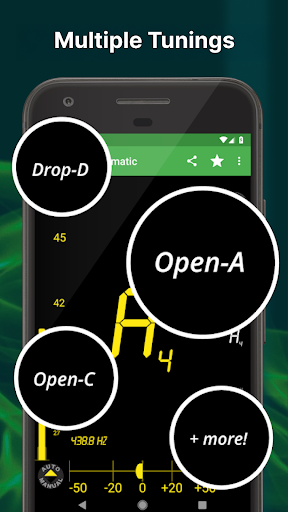
This app supports multiple instruments, from string instruments like violin and ukulele to keyboard instruments such as piano, and even orchestral instruments like cello. Its flexibility makes it an ideal tuning companion for various musical setups, with planned updates to add even more instrument options.
User-Friendly Interface
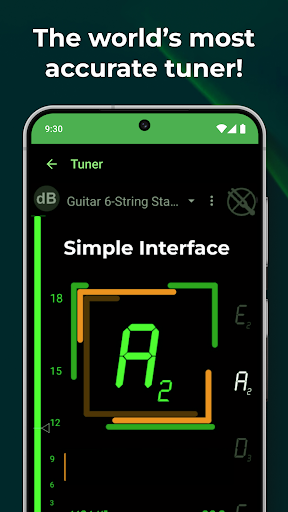
Instead of flashy graphics, DaTuner prioritizes efficiency and clarity. The clear, easy-to-read display ensures you never miss a note, while the screen lock feature allows you to lock onto a specific note—helpful when you need to tune up or down accurately. The app also offers filter lock to isolate a particular note and reference frequency adjustments for specific tuning needs.
Customizable and Advanced Features
In the PRO version, users gain access to features like a strobe tuner displaying up to four overtones, transposition, customizable temperaments, and notation options (like Solfège). There is also a pitch pipe with multiple harmonics and an enhanced tuning algorithm to refine your sound further. These tools are perfect for advanced musicians seeking precise tuning capabilities.
Enhanced Tuning Experience
DaTuner isn't just about tuning; it's about elevating your music practice. The app provides quick, reliable results, with minimal latency, thanks to its premium sampling rates of up to 48kHz. Its speed and accuracy help you stay confident whether you're practicing alone or preparing for a performance.
Additional Features for Rhythm and Practice
In addition to tuning, DaTuner includes a metronome that is just as dependable. You can set custom tempos and time signatures, with clear visual and audio cues, so you keep perfect timing whether you're rehearsing at home or on stage. The app's ability to save multiple instrument settings simplifies switching between instruments, making it a comprehensive tool for serious musicians.
Why Choose DaTuner?
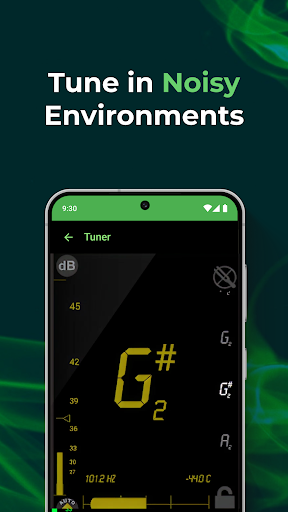
Compared to many tuning apps, DaTuner stands out by focusing on core functionality—precision, ease of use, and versatility. Its responsive display and automatic sensitivity adjustment ensure you can tune your instrument quickly and accurately, no matter the environment. Whether you're tuning a ukulele, a violin, or a piano, DaTuner adapts to your needs, helping you achieve a perfect sound every time.
Conclusion
In the crowded world of tuning apps, DaTuner: Tuner & Metronome offers a reliable, straightforward, and powerful solution for musicians of all levels. It combines accurate tuning with user-friendly features, making it an essential tool for practicing, recording, or live performance. Download DaTuner today and experience the difference it makes in your music journey—because the right tune can truly elevate your playing to the next level.
Pros
- Accurate tuning for various instruments
- User-friendly interface
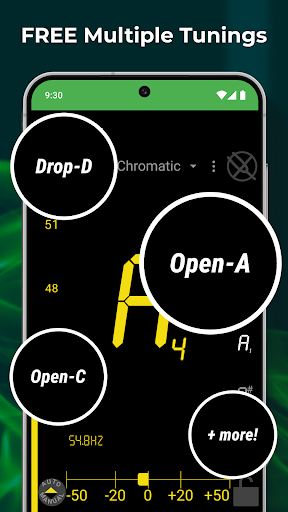
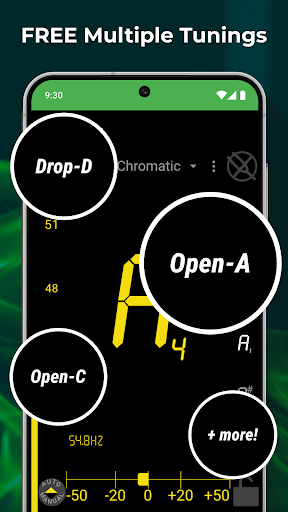
- Wide range of tuning modes
- Lightweight and fast performance
- Highly customizable settings
Cons
- Ads in free version can be intrusive
- Limited features without premium
- Requires microphone access
- Occasional calibration issues
- No offline mode











