

Introduction to Okta Verify
In today's digital landscape, securing online accounts is more crucial than ever. Okta Verify is a lightweight and user-friendly application designed to provide an extra layer of security through multi-factor authentication (MFA). By integrating Okta Verify into your login process, you ensure that only authorized users can access their accounts, protecting sensitive information from unauthorized access.
What is Okta Verify?
Okta Verify is a robust security app that simplifies the process of verifying your identity during sign-in. The app supports various verification methods, such as push notifications, temporary 6-digit codes, or biometrics if enabled by your organization. This multi-faceted approach guarantees that your accounts are safeguarded by multiple layers of authentication security.
Key Features of Okta Verify
Effortless Setup and Enrollment
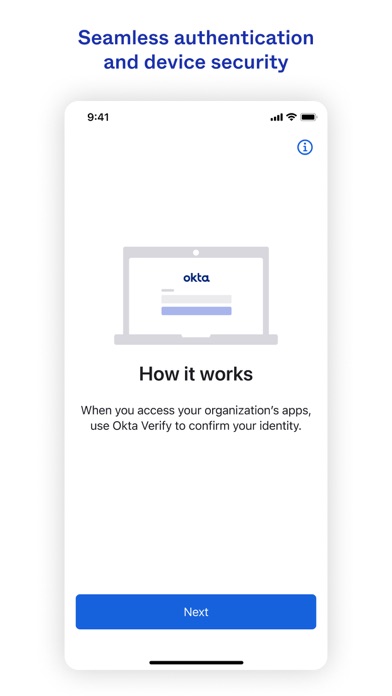
Getting started with Okta Verify is straightforward. After downloading it from the App Store or Google Play, the app guides you through a simple setup process. It’s designed with a clean, intuitive interface, making it accessible even for users who are not tech-savvy. During setup, the app requests permission to use your device's camera, enabling you to quickly scan QR codes for device enrollment, streamlining the onboarding process.
Multiple Verification Methods for Enhanced Security
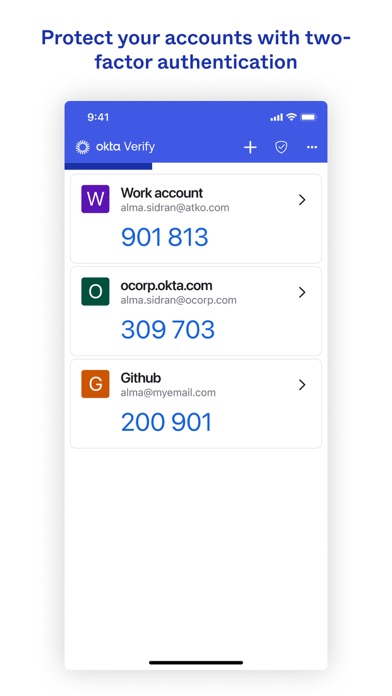
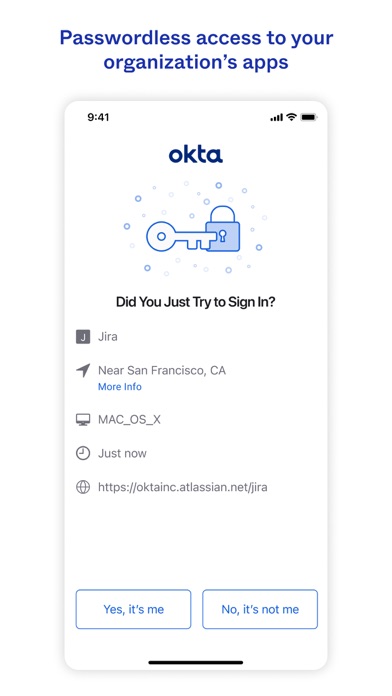
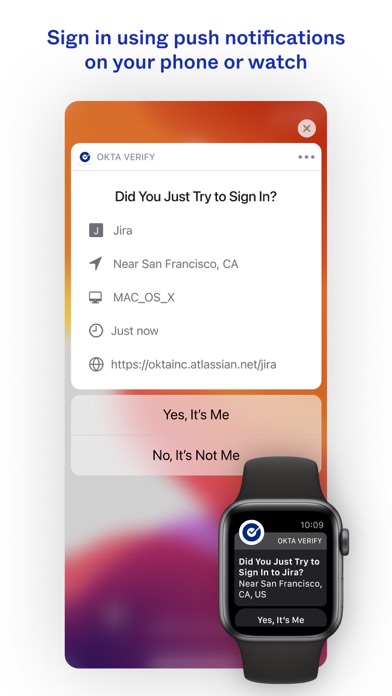
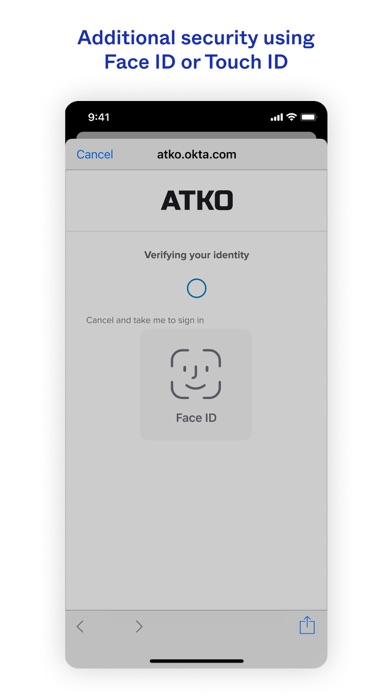
Once configured, Okta Verify offers various methods to verify your identity. The most common is push notifications, which prompt you to approve or deny login attempts directly on your device. For added flexibility, it also generates temporary 6-digit codes for manual entry, and supports biometric authentication such as fingerprint or face recognition if supported by your device and organization’s policies. This versatility ensures your accounts remain protected across different devices and platforms.
User-Friendly Experience
The design of Okta Verify emphasizes simplicity and usability. Its minimalistic interface ensures that users can navigate effortlessly, with all critical functions accessible at a glance. The app's performance remains smooth during daily use, providing reliable security without intrusive prompts or complicated procedures. Whether you're managing personal email, banking, or social media accounts, Okta Verify integrates seamlessly, making multi-factor authentication hassle-free.
Advantages of Using Okta Verify
Implementing Okta Verify significantly enhances your online security by adding an extra authentication layer. The push notification feature allows quick approvals, reducing friction while maintaining security. Its multi-platform support means you can use it across various devices, whether on smartphones or tablets. Additionally, the app's straightforward design ensures that even those new to MFA can adopt it with ease, empowering users to take control of their online safety.
Final Thoughts
In an era where data breaches and cyber threats are increasingly common, Okta Verify offers a trustworthy, efficient way to fortify your digital defenses. Its combination of simplicity, versatility, and robust security features makes it an excellent choice for anyone seeking to implement multi-factor authentication into their online routine. If you haven't yet adopted an MFA solution, giving Okta Verify a try could be a decisive step toward safeguarding your digital life. Once you experience the added peace of mind it provides, you'll wonder how you ever managed without it.
Pros
- Seamless integration across various platforms.
- Intuitive and easy-to-use interface.
- Robust security features.
- Fast and simple two-step verification process.
- Regular updates and feature improvements.
Cons
- Requires an active internet connection.
- Limited offline capabilities.
- Setup process may be challenging for new users.
- Lacks support for Windows Phone devices.
- Occasional delays in notifications.











