







Introducing Docusign - Upload & Sign Docs
Are you tired of drowning in paperwork and looking for a seamless way to manage documents on the go? Docusign - Upload & Sign Docs is your ultimate digital solution, transforming the traditionally tedious process of signing and managing agreements into a quick, secure, and efficient experience. This innovative app acts like a virtual assistant in your pocket, empowering you to upload, sign, and track documents anytime, anywhere, using almost any device.
Powerful Features for Effortless Document Management
Easy to Use Interface
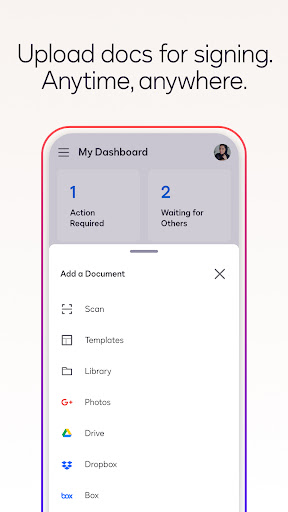
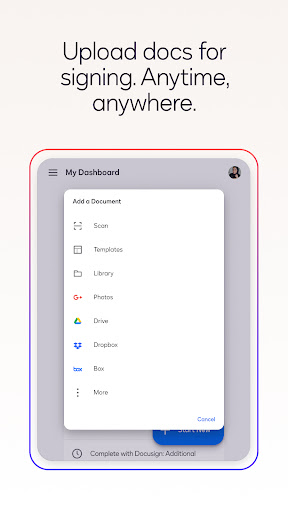
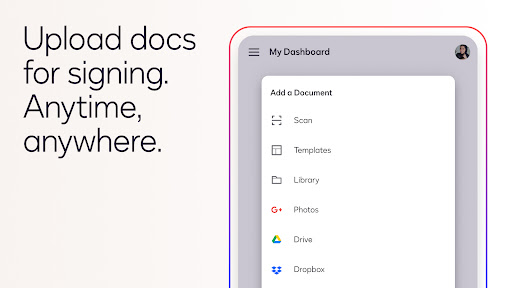
Once downloaded, the app’s user-friendly interface makes uploading and signing documents straightforward. You can quickly upload files directly from your email, cloud storage platforms such as Google Drive, Dropbox, or OneDrive. The app supports a variety of file formats including PDF, Word, Excel, images like JPEG and PNG, and text-based files, ensuring compatibility with most document types you need to manage.
Seamless Integration
One of the standout features of Docusign is its integration capability. Sync effortlessly with popular platforms such as Salesforce, Evernote, and real estate tools like zipForm Plus. This makes it especially useful for professionals who need to handle multiple documents across different systems without interrupting their workflow.
Digital Signature at Your Fingertips
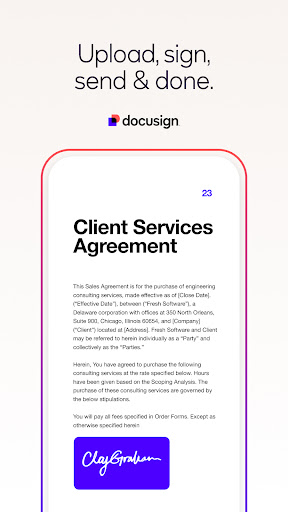
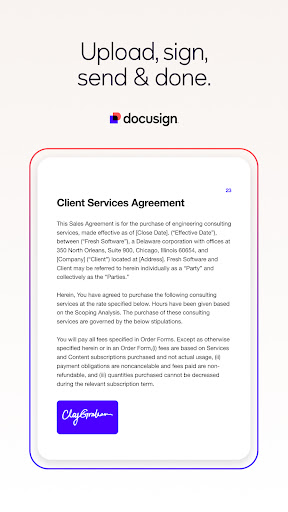
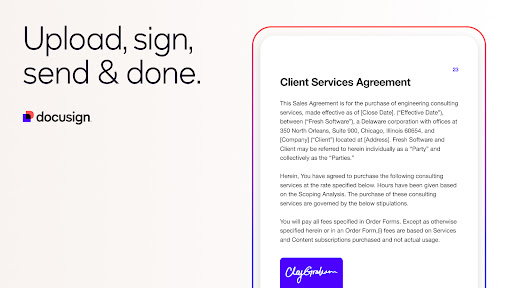
Adding your signature is simple and highly customizable. You can draw your signature directly on your device, select from pre-styled signatures, or type your name to generate a stylized signature. The app automatically adapts documents for mobile screens, ensuring readability and ease of signing whether you’re on a smartphone or tablet.
Secure & Legally Binding
Security is a top priority with Docusign. The app uses bank-level encryption, complying with industry standards such as ISO 27001 and SSAE16. Every signed document includes a comprehensive audit trail, providing a clear record of actions, times, and signers, making your electronic signatures legally binding and secure.
Real-Time Notifications & Tracking
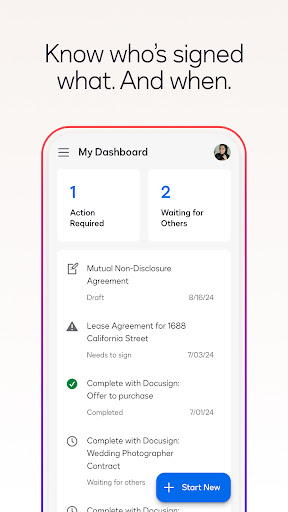
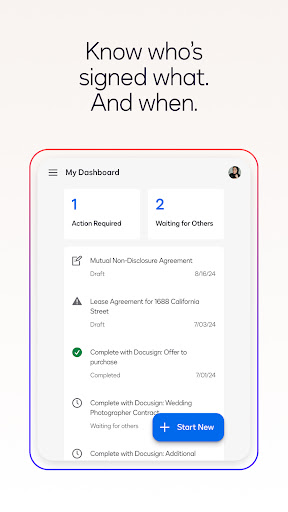
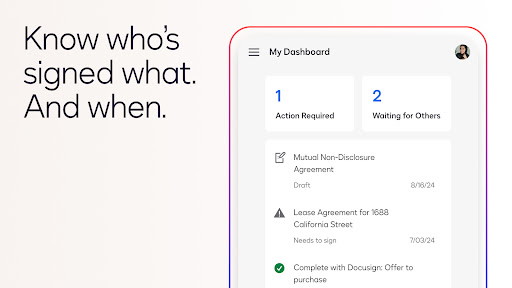
Receive instant push notifications when a document has been signed or if reminders are needed. Monitoring the status of your agreements becomes effortless, reducing delays and ensuring timely completion of contracts or approvals.
Versatile Document Support & Common Use Cases
Whether you’re handling non-disclosure agreements (NDAs), sales contracts, healthcare forms, or lease agreements, Docusign supports a broad range of document types. Its ability to securely sign and send contracts, waivers, and permission slips makes it an invaluable tool for businesses and individuals alike.
Subscription Plans & Additional Features
Free Version
The basic plan allows unlimited free signing for all parties, making it ideal for individual users with minimal needs. You can send up to five documents per month with essential features like reusable templates, in-person signing, and reminders.
Premium Plans
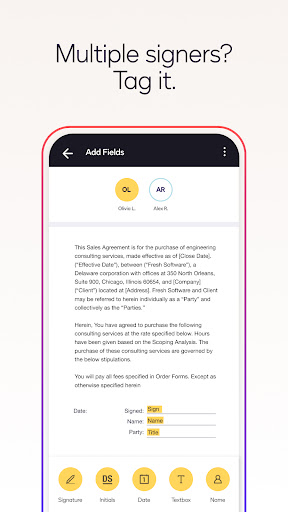
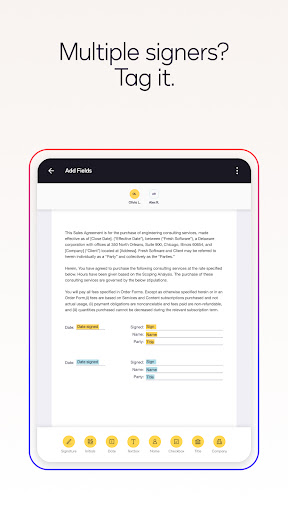
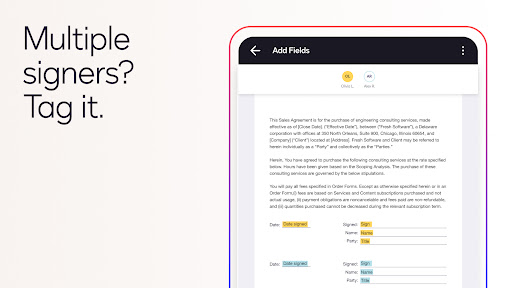
For more advanced features, Docusign offers subscription plans like the Standard, Real Estate, and Personal plans. These include additional capabilities such as advanced fields, integration with real estate software, and management tools for professional use.
Why Choose Docusign?
Choosing Docusign - Upload & Sign Docs means opting for a secure, legally compliant, and user-friendly digital signing solution. Its integration with popular cloud platforms, support for multiple file types, and comprehensive security protocols ensure that your documents are handled with utmost care and efficiency. Whether you're a busy professional or managing personal paperwork, this app simplifies your workflow and saves valuable time.
Discover More
Interested in learning more about Docusign and how electronic signatures can benefit your business or personal tasks? Visit the official Docusign product page for detailed information, subscription options, and solutions tailored to your needs.
Pros
- Smooth process for signing documents
- User-friendly interface
- Data is handled securely and with encryption
- Supports a variety of integrations
- Effective features for tracking documents
Cons
- Requires an internet connection to function
- Free version has limited features
- App may occasionally run slower
- Subscription plans can be costly
- Can be complicated for new users to learn











