


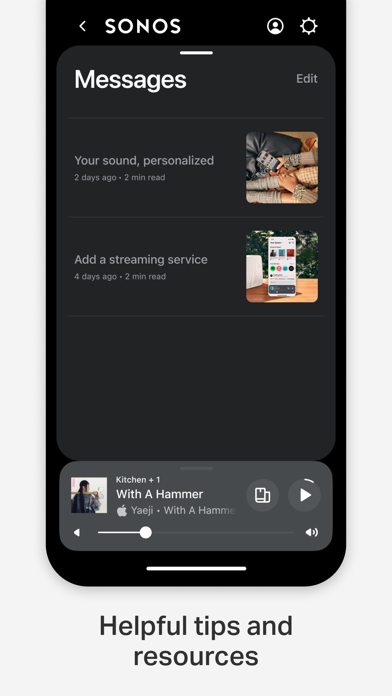
Description of the Sonos App
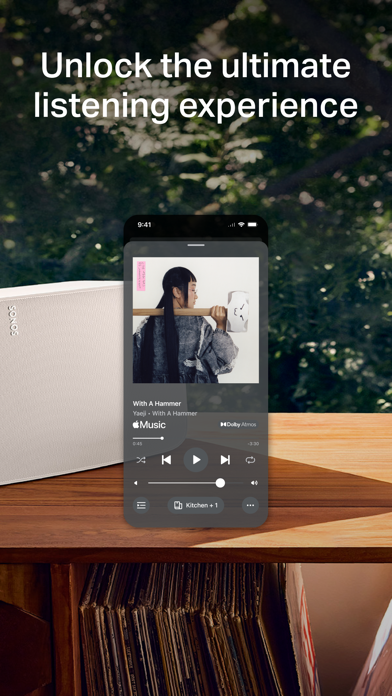
The Sonos app revolutionizes the way you experience music and audio at home by seamlessly bringing together all your favorite content and settings into one intuitive platform. Designed for effortless control, this app allows users to browse, search, and manage their entire Sonos sound system with just a few taps, making it easier than ever to enjoy high-quality audio throughout the home.
All-in-One Control Center
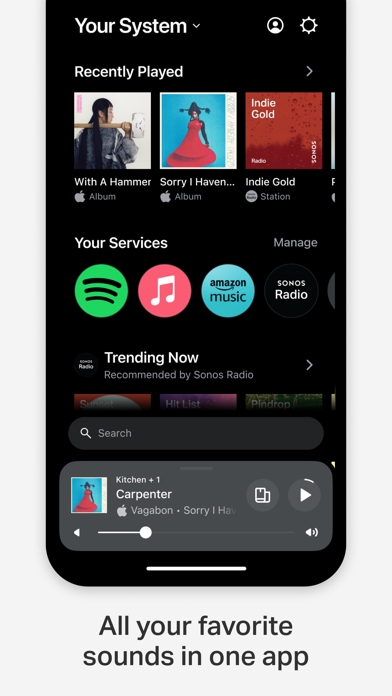
The Home screen of the Sonos app provides quick access to your recent favorites, new discoveries, and system controls, all in one place. Whether you want to jump back into a playlist, explore new music, or adjust volume in different rooms, everything is conveniently located at your fingertips. This centralized control ensures a smooth and distraction-free user experience, allowing you to tailor your listening environment effortlessly.
Streamlined Streaming Experience
The Sonos app supports browsing and playing content from a variety of streaming services, eliminating the need to switch between different apps. You can access popular platforms such as Spotify, Apple Music, Amazon Music, Pandora, TIDAL, Audible, Deezer, IHeartRadio, and SiriusXM. This comprehensive integration offers a unified experience, allowing you to discover and enjoy your preferred music and audio content from multiple sources within a single, user-friendly interface.
Whole-Home Audio Control
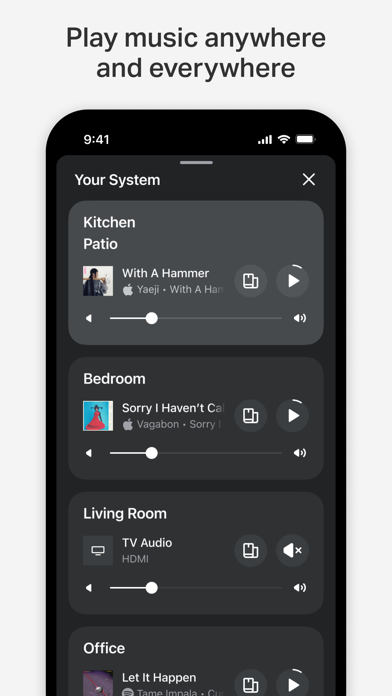
The whole-home control feature is a standout benefit of the Sonos app. It enables you to play different content in each room or synchronize the same song across multiple speakers, creating a customized audio environment. Whether you're hosting a party or relaxing at home, you can effortlessly manage what plays in each space, giving you complete flexibility to craft your ideal listening ambiance.
Personalized Listening and Fine-Tuning
Create a personalized music library by saving your favorite artists, albums, playlists, and stations directly in the app. This feature, known as Sonos Favorites, makes it easy to access your most-loved content quickly. Additionally, the app allows you to optimize sound quality within your space using Trueplay™, which fine-tunes your speakers for optimal performance based on room acoustics. Adjust settings to suit your preferences, whether it’s boosting bass levels or balancing treble, for a truly customized listening experience.
Easy Setup and Expansion
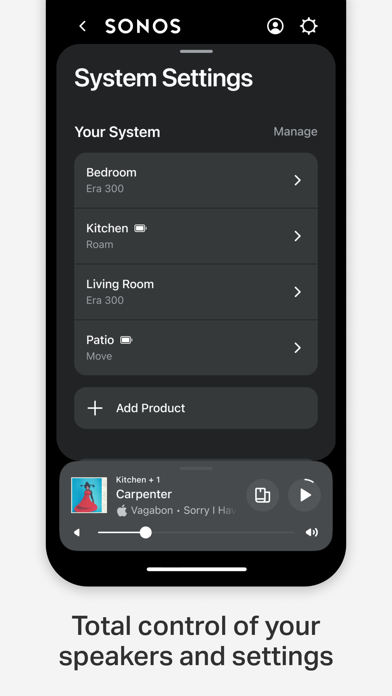
Getting started with Sonos is straightforward. The app automatically detects your Sonos devices, guiding you through setup with simple steps. You can quickly create stereo pairs, set up a cinematic surround sound system, or add additional speakers to other rooms—all from within the app. This flexibility makes expanding your audio system hassle-free, ensuring your entire home can be filled with superb sound effortlessly.
Enhanced Voice Control Features
To elevate your hands-free experience, the Sonos app enables Sonos Voice Control, allowing you to play music and manage your system using voice commands. This feature, compatible with voice-enabled Sonos products, offers an intuitive way to control your audio system privately and conveniently. Note that voice control features may vary by language and country, but when available, they provide an innovative way to engage with your Sonos ecosystem.
Conclusion
In summary, the Sonos app is the central hub for managing your home audio setup with ease and precision. Its robust features—including multi-room control, streaming service integration, personalized sound settings, and effortless setup—make it an indispensable tool for any music lover. Whether you're a casual listener or an audiophile, the Sonos app enhances your listening experience, delivering rich, immersive sound quality across your entire home. Embrace the convenience and superb sound performance of Sonos, and transform your space into the ultimate audio sanctuary.
Pros
- High-quality sound output
- User-friendly interface
- Seamless multi-room audio
- Wide range of streaming services
- Reliable customer support
Cons
- Expensive compared to competitors
- Requires a stable Wi-Fi connection
- Limited Bluetooth functionality
- Setup can be complex for some users
- No offline voice control











