

Introduction to DSLR HD Camera : 4K HD Camera
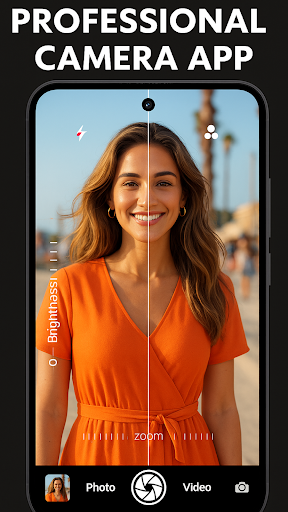
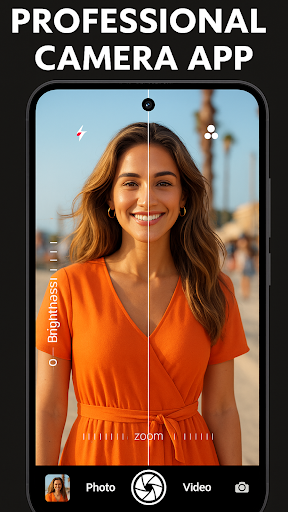
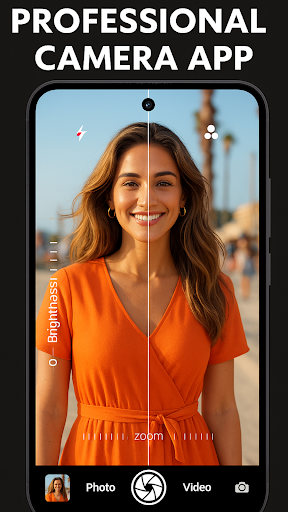
Are you passionate about mobile photography and eager to elevate your smartphone’s camera capabilities? DSLR HD Camera : 4K HD Camera is designed to transform your device into a professional-grade photography tool. With its array of advanced features, this app allows both amateur and seasoned photographers to capture stunning images and videos with ease. Whether you're aiming for crisp portraits, breathtaking landscapes, or cinematic 4K videos, this app provides the tools needed to achieve high-quality results right from your pocket.
Key Features of DSLR HD Camera : 4K HD Camera
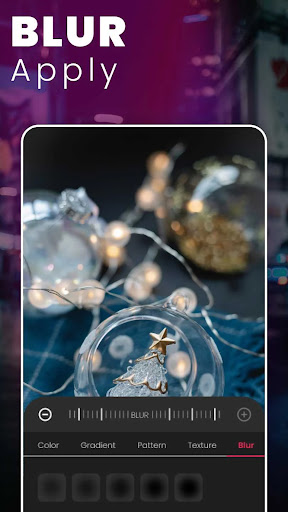
Ultra Blur Effect – Capture Stunning Moments!
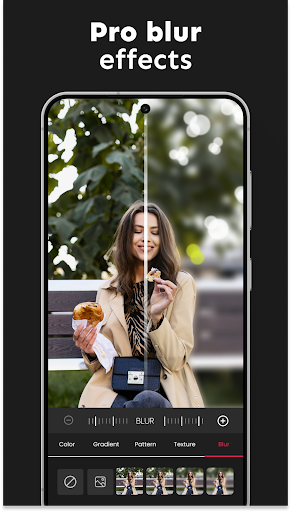
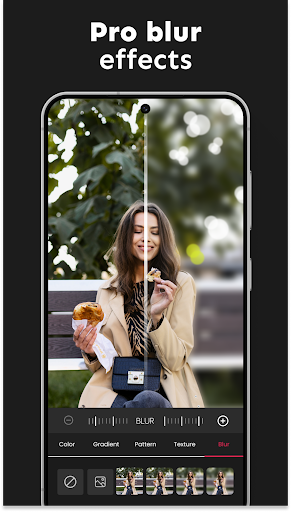
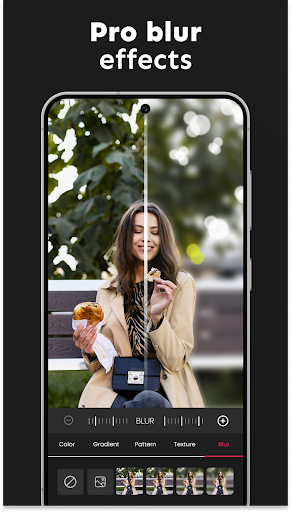
The standout feature of this professional camera app is the ultra blur effect. It enables users to effortlessly blur backgrounds and emphasize their subjects, creating a professional depth-of-field effect similar to high-end DSLR cameras. The intuitive blur editor allows you to adjust the intensity of the blur and control brush sizes for detailed editing, making it perfect for portraits and artistic shots.
High-Resolution Capture
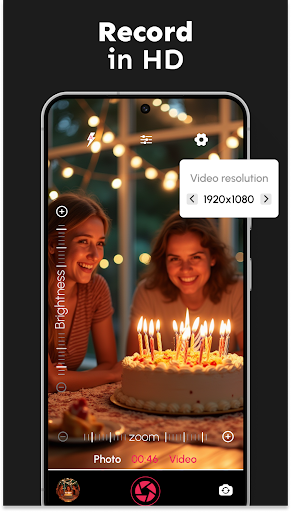
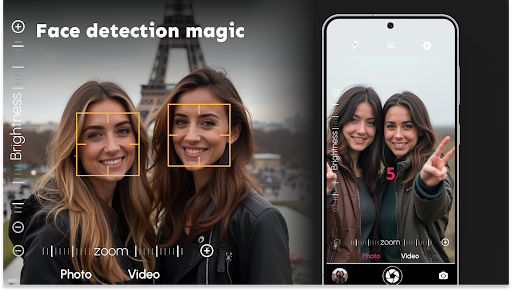
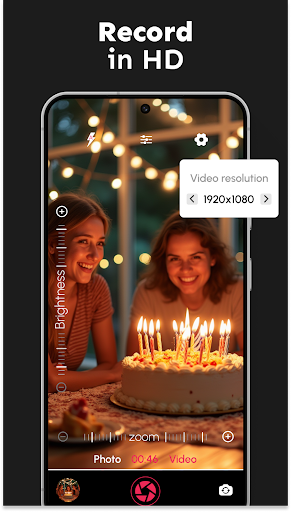
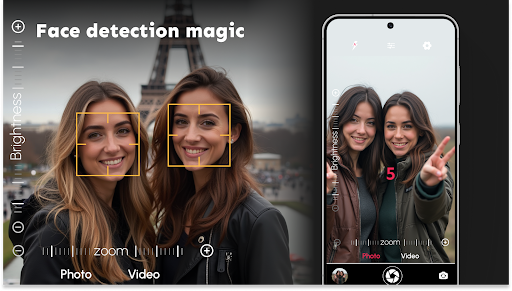
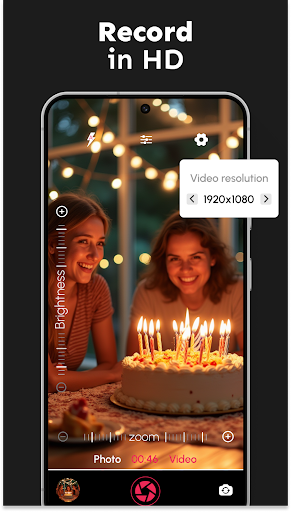
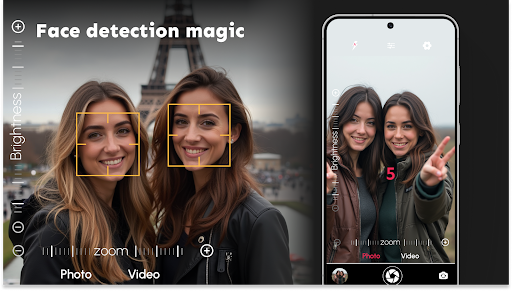
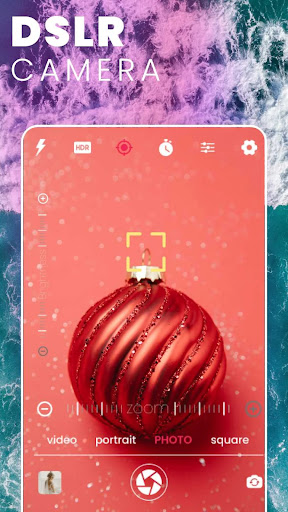
Photographers can shoot in high-resolution HD photos and videos in 1080p, 4K, and ultra-HD formats. This ensures your memories are preserved in the highest quality possible. The app also features accurate face detection for crisp, clear shots of your loved ones.
Versatile Shooting Modes
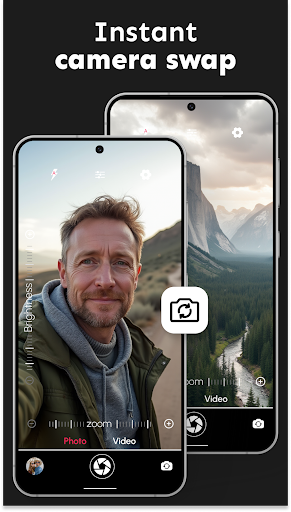
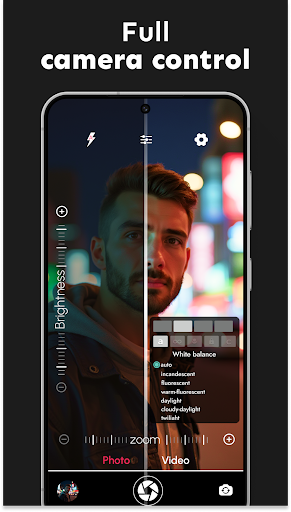
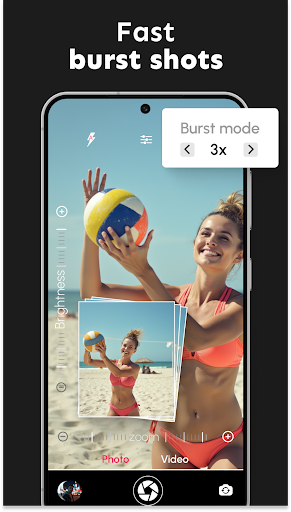
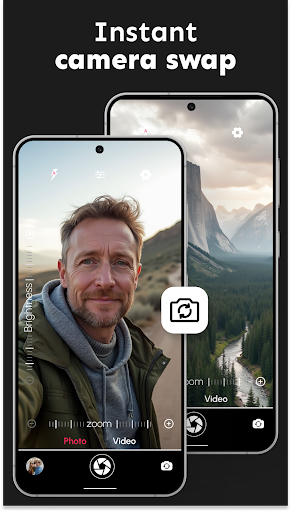
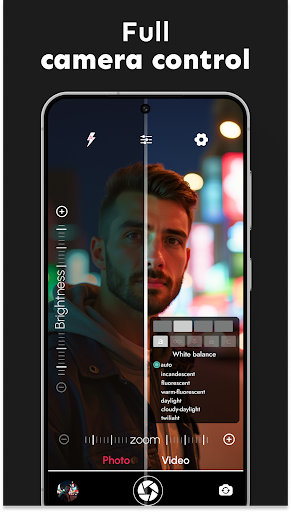
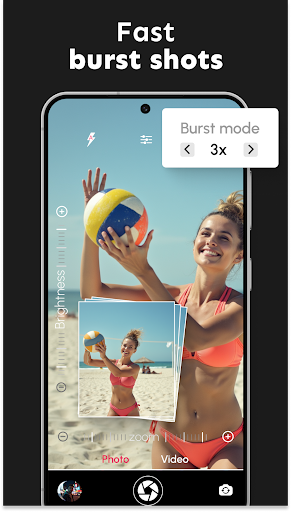
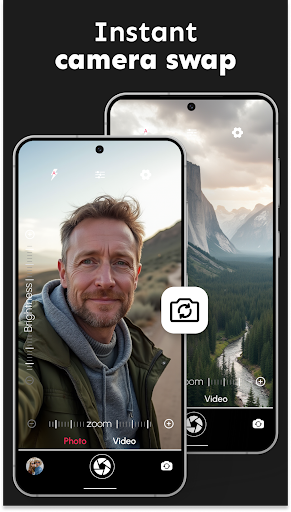
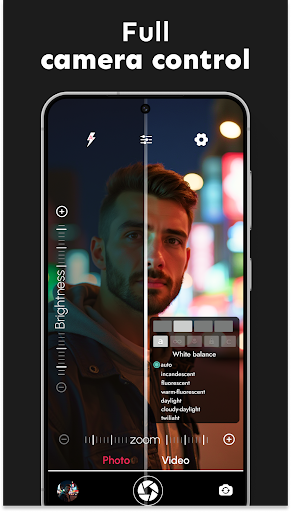
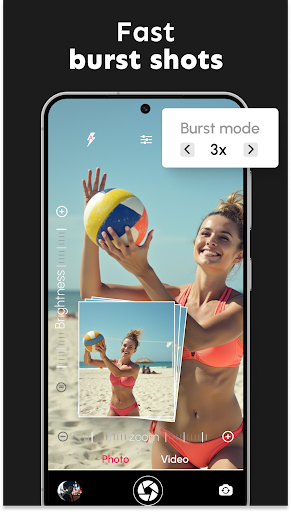
Switch seamlessly between front and rear cameras. Additional modes include burst mode with configurable delays for action shots, scene modes, and white balance adjustments. Users can also select from various color effects and exposure compensation to customize their images.
Comfortable and Discreet Shooting
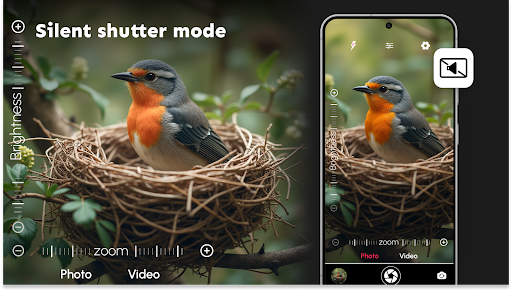
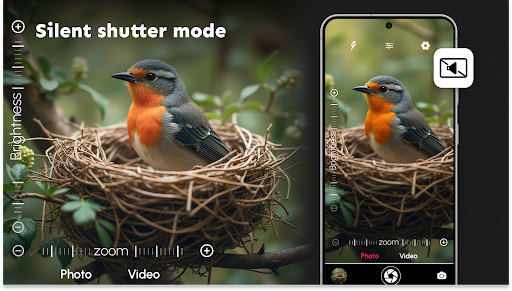
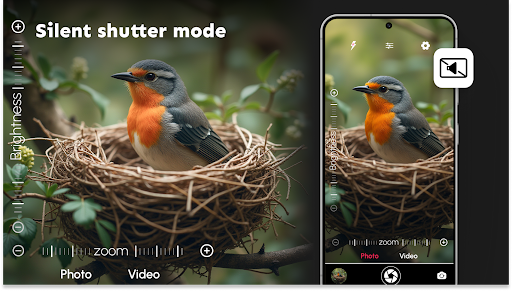
Enjoy features like the silent shutter for discreet photography sessions, zoom controls for precision framing, and remote control timers with audio countdowns. These functionalities provide a professional touch to your photography experience.
Video Capabilities and Controls
Capture your favorite moments with support for multiple video resolutions. The app's multi-touch gesture control allows smooth zooming, making your videography as dynamic as your photography.
Enhance Your Photography with Professional Tools
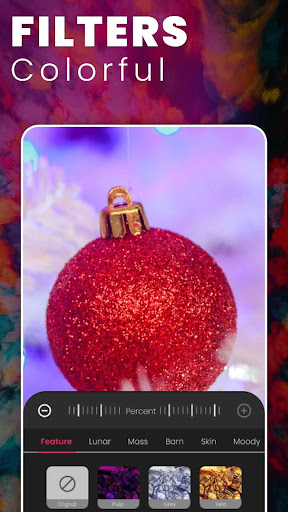
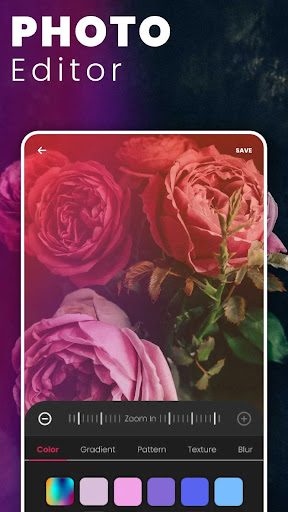
The app is designed to cater to different skill levels, offering advanced digital camera filters and effects that elevate your photos to a professional standard. One of its most impressive features is the ultra blur effect, which simplifies background blurring and subject focusing. The intuitive editor lets you adjust the blur's intensity and brush size, giving you complete control over your artistic vision.
Whether you're taking quick selfies, scenic landscapes, or artistic portraits, DSLR HD Camera : 4K HD Camera helps you shoot like a seasoned pro. Its adjustable settings enable you to fine-tune aspects like focus, exposure, and white balance, ensuring your photos always look polished and professional.
With user-friendly controls and a clean interface, the app minimizes the learning curve. This makes it an ideal choice for beginners wanting to learn photography basics without sacrificing the depth of control appreciated by more experienced users. Regular updates from the developers add new features and improvements, demonstrating a commitment to enhancing your photography experience.
Why Choose DSLR HD Camera : 4K HD Camera?
If you’re serious about mobile photography, this app provides a comprehensive suite of tools to unlock your creativity. Its ability to deliver crisp 4K videos and ultra-high-resolution photos, combined with professional effects like the ultra blur, makes it one of the top choices for capturing high-quality content. Its versatility and performance ensure that no matter your skill level, you can produce stunning visuals effortlessly.
Conclusion: Upgrade Your Mobile Photography Today
Ready to take your photography skills to the next level? Download DSLR HD Camera : 4K HD Camera now and benefit from its powerful features, professional-grade filters, and dynamic video recording capabilities. Whether you want to capture memorable moments, create artistic shots, or produce cinematic videos, this app empowers you to do it all with ease. Enhance your creativity, impress your friends, and showcase your photography talent with a tool that puts professional quality right in your hand.
Pros
- High-quality 4K video recording
- User-friendly interface for easy navigation
- Wide range of manual settings available
- Supports RAW image format for flexibility
- Fast and responsive autofocus feature
Cons
- Consumes a lot of battery power
- Large app size may impact device storage
- Limited compatibility with older devices
- Occasional lag when switching modes
- Lacks advanced editing tools











