

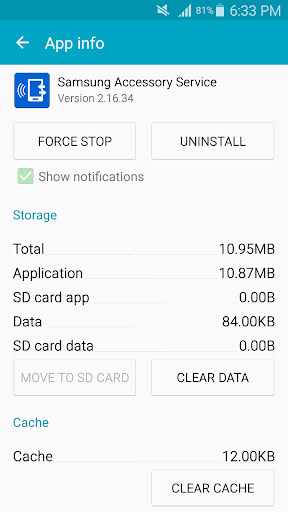
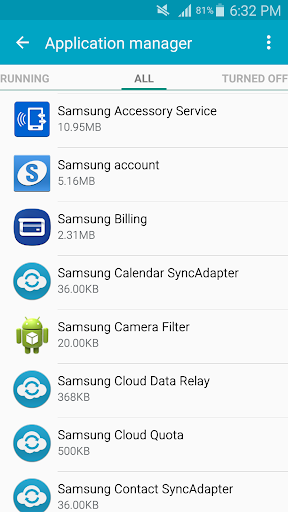
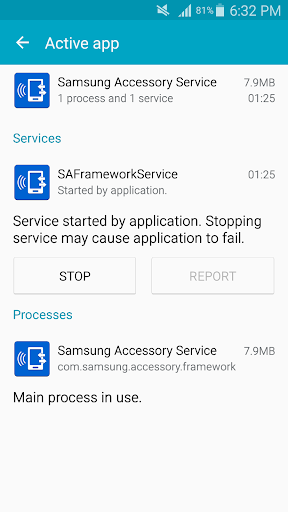
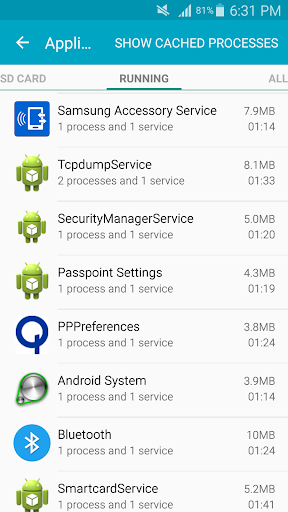
Samsung Accessory Service Overview
Samsung Accessory Service is an essential tool that fosters a stable and efficient environment for using a variety of accessories with your mobile device. Designed to enhance connectivity and user convenience, this service seamlessly allows your device to interact with compatible accessories, providing a smooth and dynamic user experience. Whether you're using it with Samsung's wearable devices or digital cameras, Samsung Accessory Service ensures that managing your accessories is straightforward and responsive.
Supported Accessories and Compatibility
This versatile service is compatible with an array of Samsung accessories, making it a core component for Galaxy users. Some of the key accessories include:
- Galaxy Gear, Gear 2, Gear S Series, Galaxy Watch Series
- Samsung Gear Fit 2
- Samsung NX-1 Digital Camera
When connected to your mobile device, Samsung Accessory Service provides functionalities such as connection management and data transfer, ensuring that your accessories function optimally and stay synchronized with your device.
Key Features of Samsung Accessory Service
Seamless Connection & Data Transfer
The primary features include establishing and maintaining connections between your mobile device and various accessories. This service supports sending and receiving data efficiently, enhancing the usability of connected devices such as smartwatches and fitness bands.
File Transfer Capabilities
Samsung Accessory Service facilitates quick and easy transfer of media files—like photos, videos, and documents—between your device and accessories. This ensures your content is always within reach, whether you're managing files on your Galaxy Camera or syncing media with wearable devices.
Permissions and System Requirements
To operate smoothly, Samsung Accessory Service requires specific permissions:
- Storage: Essential for transferring media files to your accessory devices.
If your device runs on Android version below 6.0, it is recommended to update your system software to configure app permissions correctly. Note that permissions granted before may reset after software updates, and reinstalling or moving the app to external storage might affect its functionality.
Enhancing Your Samsung Ecosystem Experience
Unified Device Management
Imagine effortlessly managing all your Samsung devices—smartwatches, earbuds, tablets—through a single app. Samsung Accessory Service acts as a behind-the-scenes facilitator, ensuring devices communicate seamlessly. This creates a unified experience, reducing the hassle of switching between multiple apps or settings.
Effortless Notifications & Firmware Updates
One of the app’s standout features is its ability to synchronize notifications across your devices. For example, you can receive and view messages directly on your smartwatch during a workout, saving you from constantly reaching for your phone. Additionally, the app allows easy firmware updates for your accessories, keeping everything up to date for optimal performance.
User-Friendly Interface
Samsung has designed the interface to be clean and intuitive. Even users without a tech background will find it easy to navigate and set up. The app automatically detects compatible Samsung devices nearby, simplifying the initial connection process and ensuring a smooth setup experience.
Conclusion: Is Samsung Accessory Service Worth It?
If you’re deeply integrated into the Samsung ecosystem, Samsung Accessory Service is undoubtedly a valuable addition to your device management toolkit. It acts like a personal assistant—keeping your devices in sync and communication flowing effortlessly. While it may not boast flashy features, its reliability and convenience make it an indispensable app for Galaxy users looking to optimize their device ecosystem.
In today’s connected world, having an app that simplifies managing and syncing multiple Samsung gadgets enhances overall usability and user experience. So, don’t hesitate to give Samsung Accessory Service a try and enjoy a more streamlined, connected Samsung journey.
Pros
- Seamless integration with Samsung devices
- Supports a wide range of Samsung accessories
- User-friendly interface
- Enhances device connectivity
- Improves accessory functionality
Cons
- Limited to Samsung ecosystem
- Occasional connectivity problems
- Consumes battery power
- May need frequent updates
- Unavailable on non-Samsung devices











