


Discover the Ultimate TV Remote Control for Roku App
Attention Roku TV fans! If you're on the hunt for a free Roku mobile app, look no further than RoKast - free Roku Remote Control for TV. This innovative app unlocks a world of features designed to enhance your TV viewing experience. Whether you're controlling Roku streaming devices or smart TVs, RoKast has you covered with intuitive controls and versatile functionality.
Key Features of the Roku Remote Control App
The RoKast app offers a range of powerful features, including:
- Roku TV Remote Control for All devices: Compatible with a wide array of Roku TVs and streaming devices, including models from TCL, Philips, Hisense, Sharp, and Element.
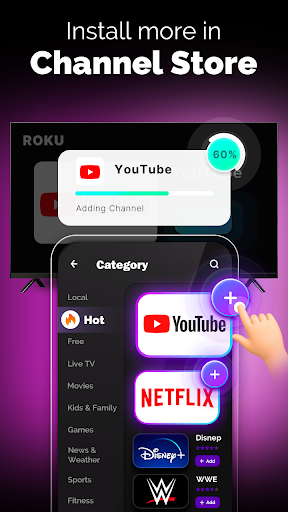
- Install more channels directly from the Roku channel store and access trending apps like Netflix, YouTube, Disney+, Plex, Pluto TV, FITE, NBA, and others.
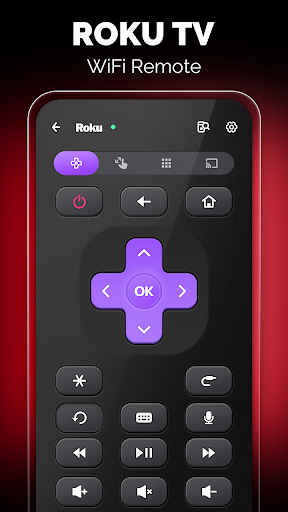
- Enjoy a wifi & IR compatible remote with volume control, allowing flexible connection modes based on your setup.
- Easy access to local Roku channels through the app, making content browsing effortless.
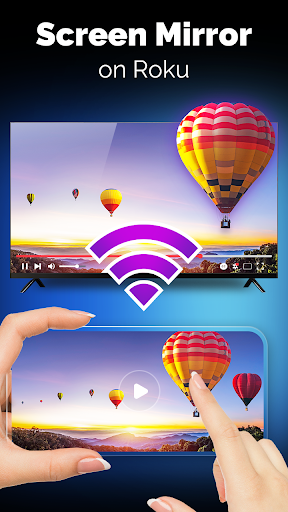
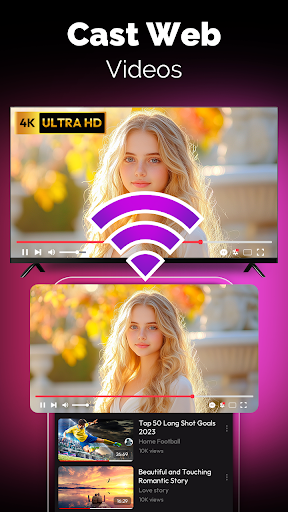
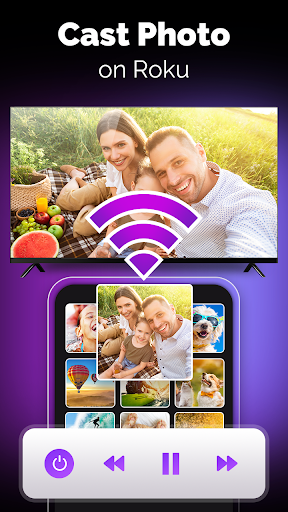
- Advanced features such as Screen Mirroring & TV Cast for a seamless media sharing experience.
- Private Listening to enjoy audio privately via your headphones or device.
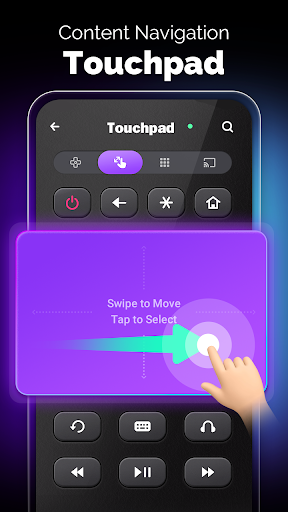
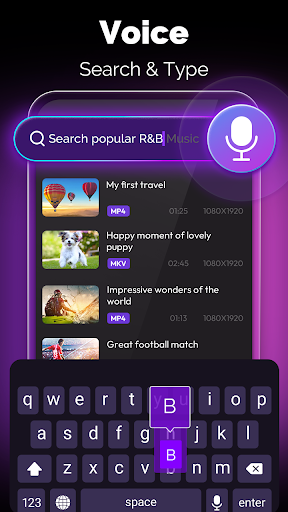
- Built-in touchpad & keyboard for intuitive navigation and quick typing, simplifying search and input tasks.
- Power button control and volume adjustment for comprehensive TV management.
Seamless Connectivity and Control Modes
The RoKast app excels in offering both wifi mode and IR mode control options:
- Wifi Mode: Connect your Roku device and Android phone to the same WiFi network for smooth, wireless control.
- IR Mode: If your device is equipped with an infrared (IR) blaster—either built-in or external—you can use it as an alternative control method, providing greater flexibility.
Why Choose the TV Remote Control for Roku App?
The Roku remote control for TV app is more than just a digital replacement for your physical remote. It’s a comprehensive tool that elevates your streaming experience through:
- User-friendly interface: Simple to set up and navigate, mimicking traditional remote controls for familiarity.
- Enhanced convenience: Use your phone’s keyboard for quick searches and password entry, avoiding tedious scrolling.
- Voice command support: Effortlessly control your Roku device by simply speaking commands like "Play Stranger Things."
- Reliable performance: Instant response times coupled with energy efficiency ensure it doesn’t drain your phone’s battery.
Additional Benefits and Considerations
This app not only replaces lost or missing remotes but also provides a smarter way to control your TV. If you own a Roku smart TV from brands like TCL, Philips, or Hisense, or stream content via Roku devices, RoKast will integrate seamlessly into your home entertainment setup. A quick note: RoKast is not an official Roku product, nor is it affiliated with Roku Inc. It’s a third-party app designed to improve your streaming control experience without relying solely on the physical remote.
Conclusion: Your Ultimate TV Control Companion
Whether your remote is nowhere to be found or you simply want a more versatile control method, the TV remote control for Roku app is a game-changer. It offers a smartphone-based solution that combines ease of use, powerful features, and compatibility across various Roku devices and TVs. With support for both WiFi and IR modes, intuitive interface, voice commands, and channel management, this app truly transforms how you enjoy your favorite streaming content. Embrace the convenience and upgrade your TV control today!
Pros
- Simple setup process enabling quick start.
- Compatible with all Roku TV models.
- Intuitive and user-friendly interface design.
- Supports voice commands for added convenience.
- Free to download and operate.
Cons
- Occasional lag or disconnection issues.
- Presence of intrusive advertisements at times.
- Limited features available in the free version.
- Requires a stable internet connection.
- Does not support older TV models.











