


Overview of the Cast to TV+ Chromecast Roku TV App
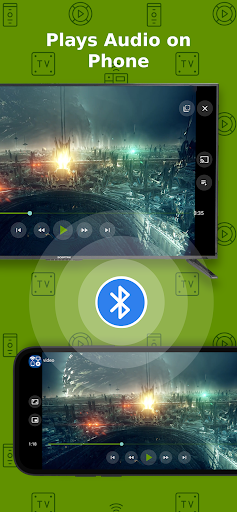
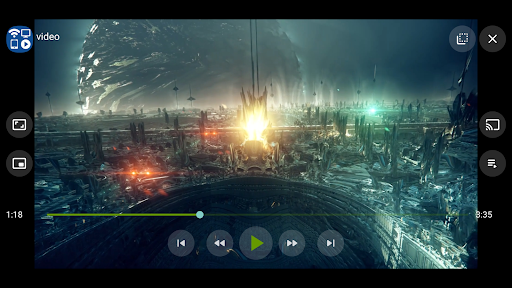
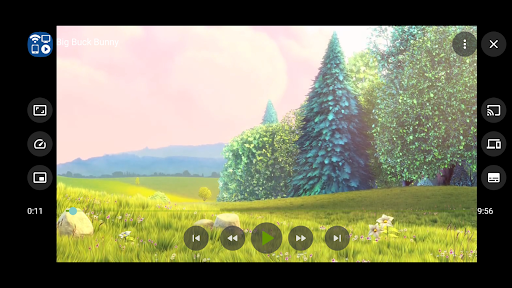
Are you tired of the hassle involved in transferring your favorite movies, music, or photos from your phone or tablet to your TV? The Cast to TV+ Chromecast Roku TV app revolutionizes your streaming experience by enabling seamless connectivity between your mobile device and a wide array of compatible smart TVs and streaming devices. Whether you're a devoted user of Chromecast, Roku, or other popular streaming platforms, this app makes casting simple, efficient, and enjoyable. With its user-friendly interface and versatile features, it stands out as an essential tool for anyone looking to enhance their home entertainment setup.
Effortless Connection and Compatibility
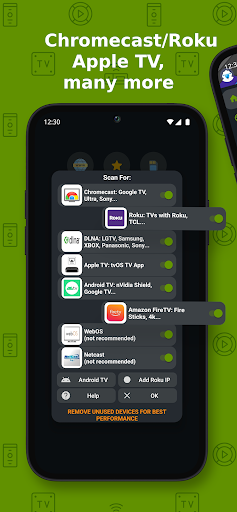
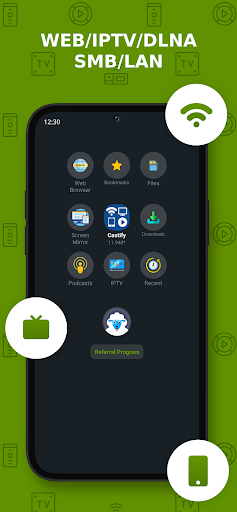
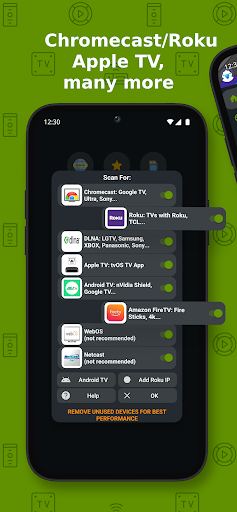
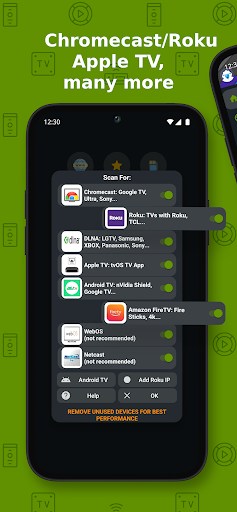
The standout feature of Cast to TV+ Chromecast Roku TV is its incredible ease of use. Setting up the app is straightforward—just a few taps, and your device is ready to cast. Even if you're not tech-savvy, you'll find it intuitive and quick to master. The app supports a variety of streaming devices including Chromecast 1, 2, Ultra HD 4K, Roku Premiere, Express, Streaming Stick, and Roku TV. Additionally, it works seamlessly with Fire TV or Fire Stick, Xbox One, and Xbox 360 via DLNA receivers, as well as numerous Smart TVs with built-in DLNA support like LG, TCL, Philips, Sony Bravia, Samsung, Sharp, and Panasonic. Compatibility extends further by supporting web browsers such as Chrome, Firefox, Amazon Silk, as well as browsers on TVs or PlayStation 4. The broad device support ensures you can cast your favorite content regardless of your existing setup.
Versatile Content Support
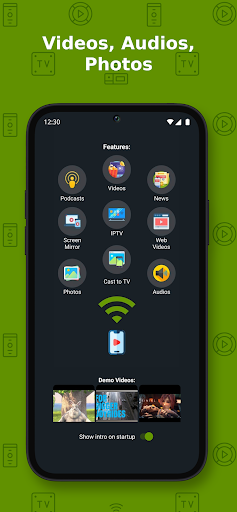
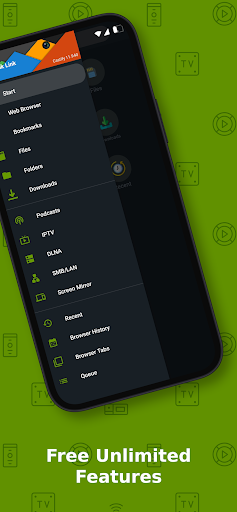
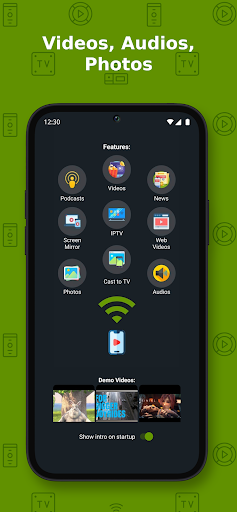
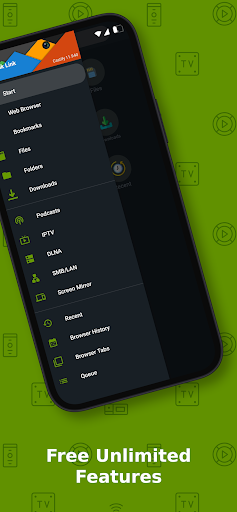
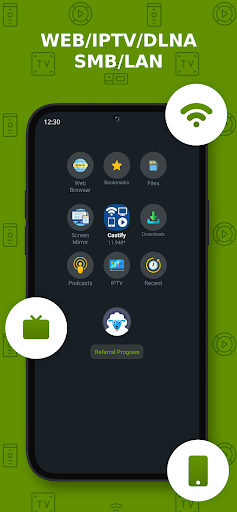
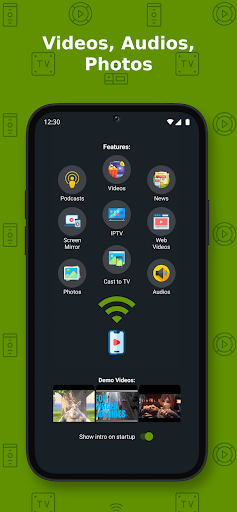
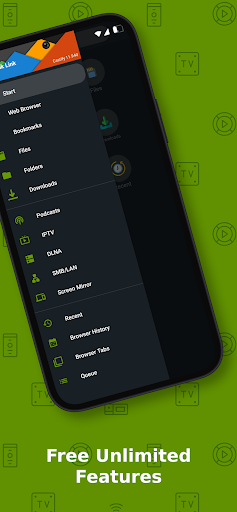
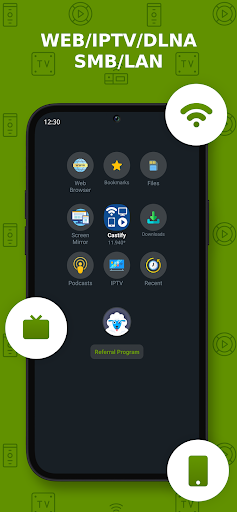
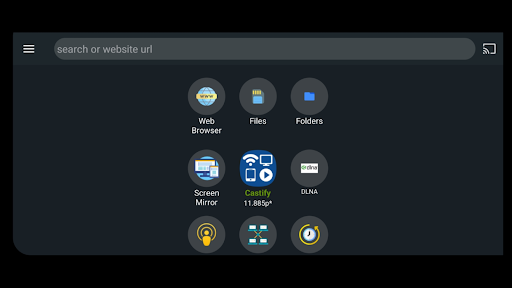
Whether you're streaming videos, music, photos, or web content, Cast to TV+ Chromecast Roku TV has you covered. The app allows you to cast from multiple sources:
- Phone files
- Websites via browser
- IPTV streams
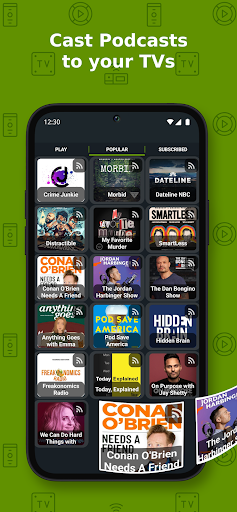
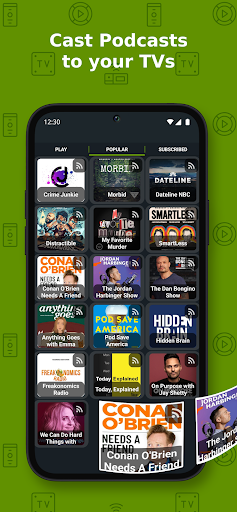
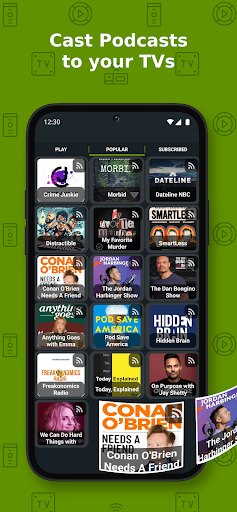
- Podcasts
- DLNA servers
- SMB, Samba, NAS, LAN shares
Powerful Features to Enhance Streaming Experience
Beyond basic casting, Cast to TV+ Chromecast Roku TV offers several advanced features:
- AI Subtitle Generate: Automatically creates subtitles for any video.
- AI Subtitle Translation: Translates SRT subtitles into different languages.
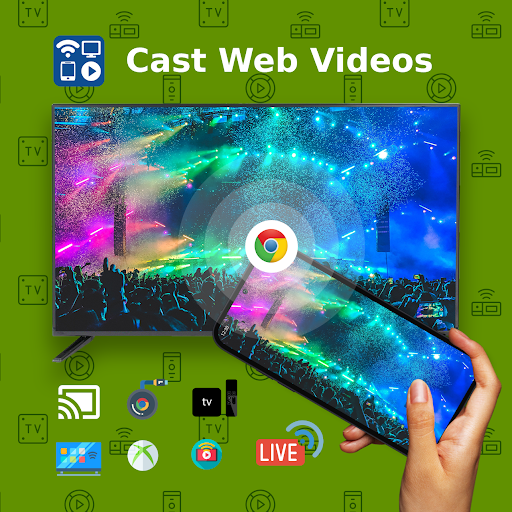
- Web video streaming: Cast videos directly from websites.
- Universal remote controls for Roku, Android TV, Samsung, LGTV, FireTV.
- Popup blocker and screen mirroring to enhance usability.
- Support for IPTV playlists with m3u.
- Picture-in-Picture (PiP) mode for multitasking.
- Cast to web browsers such as Chrome and others.
- Support for subtitles for Chromecast & Roku.
- Manage and search videos across multiple websites.
- Create playlists and control volume/playback directly from the app.
Simple Usage Steps for Instant Casting
Using Cast to TV+ Chromecast Roku TV is straightforward:
- Open the app and navigate to your preferred website using the integrated browser.
- The browser automatically detects any playable videos, movies, or music on the site.
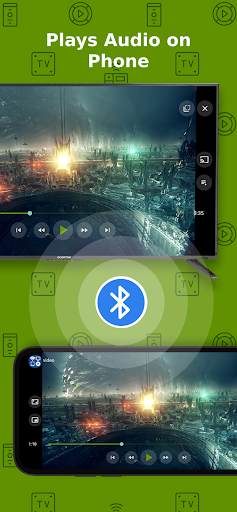
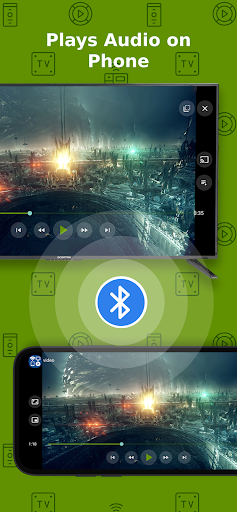
- Choose to play content locally on your phone/tablet or cast it directly to your TV via Chromecast, Roku, Xbox, or other compatible devices.
Device Limitations and Troubleshooting
While Cast to TV+ Chromecast Roku TV offers extensive device support, some features like screen mirroring or local cast of audio/photos may be limited depending on your device and operating system. For example:
- On older Android devices, screen mirroring may not be available.
- Roku devices require enabling screen mirroring in settings.
- Apple TV Apple AirPlay requires enabling AirPlay in settings and disabling battery optimization on Android devices.
- Some video formats, like MKV, may not be supported across all streaming receivers.
Why Choose Cast to TV+ Chromecast Roku TV?
This app stands out because of its **simplicity combined with powerful capabilities**. It doesn't host any content itself but simply sends your media from supported sources to your TV, making it a reliable and safe choice for streaming enthusiasts. Whether you're casting your favorite web videos, IPTV channels, or phone photos, this app ensures high-quality transmission with minimal fuss. Its compatibility with multiple devices and extensive features makes it a versatile tool for upgrading your entertainment experience. Say goodbye to the frustration of tangled cables and complicated setups—embrace the convenience of wireless casting today!
Pros
- Easy setup with most smart TVs
- Supports multiple video formats
- Streams in high resolution
- Compatible with Roku and Chromecast
- User-friendly interface
Cons
- Requires a stable Wi-Fi connection
- Contains advertisements in the free version
- Limited features without a premium subscription
- Occasional streaming lag
- Not compatible with all TV models











