Introduction to Geo Tracker - GPS tracker
Are you an outdoor enthusiast, traveler, or someone who often finds themselves navigating unfamiliar areas? If so, Geo Tracker - GPS tracker is an essential app that transforms your smartphone into a powerful navigation tool. Whether you're exploring new cities, hiking in remote wilderness, or simply looking to keep a record of your trips, this versatile GPS tracker has everything you need. It supports integration with Open Street Maps and Google Maps, providing detailed maps and satellite imagery to ensure you're always on the right path. Its user-friendly interface and comprehensive features make it a perfect companion for outdoor activities, travel adventures, and route sharing.
Key Features of Geo Tracker - GPS tracker
Navigation and Route Recording
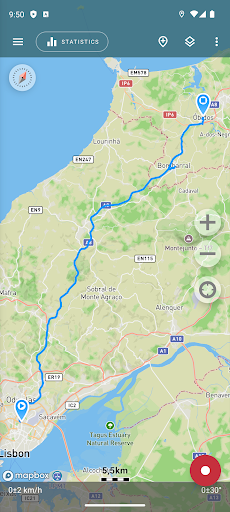
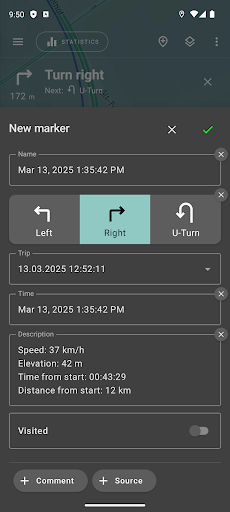
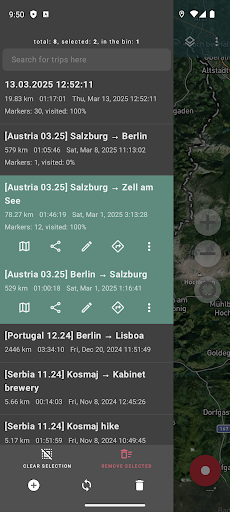
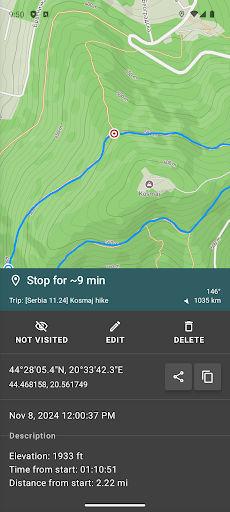
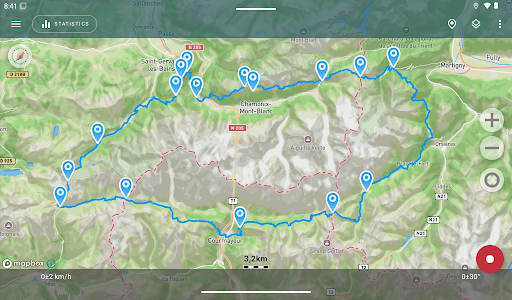
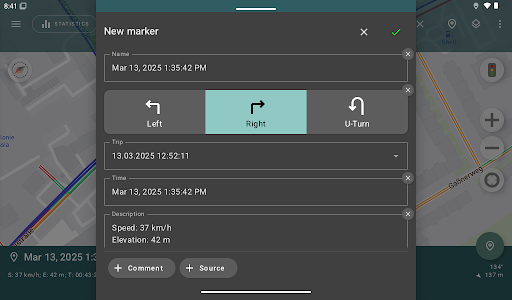
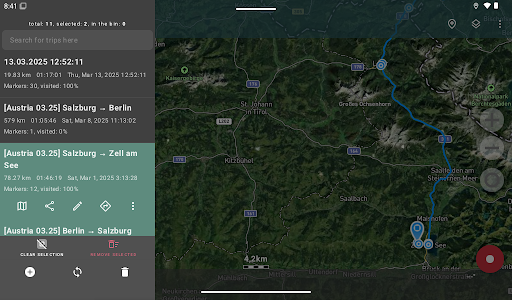
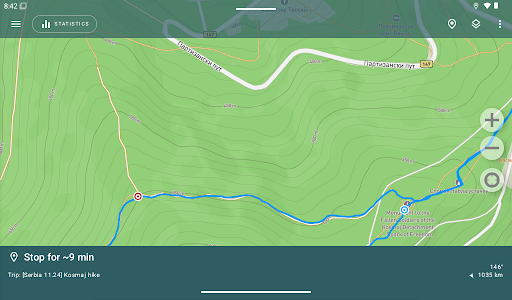
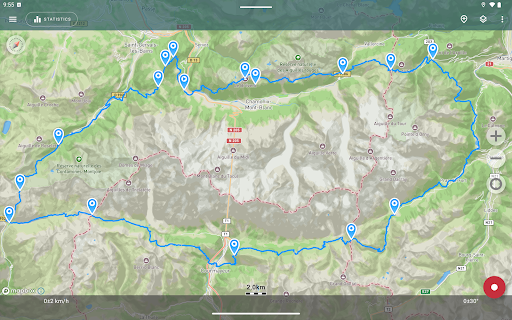
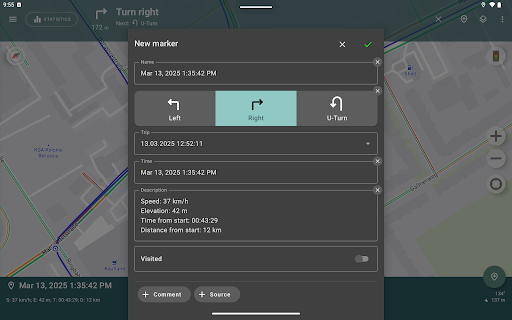
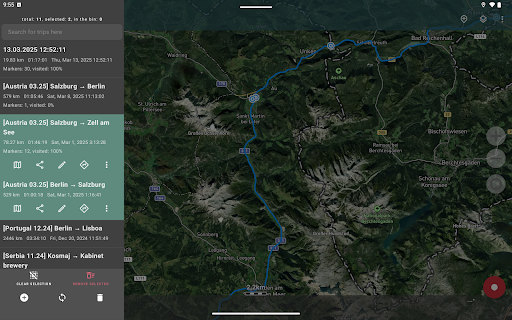
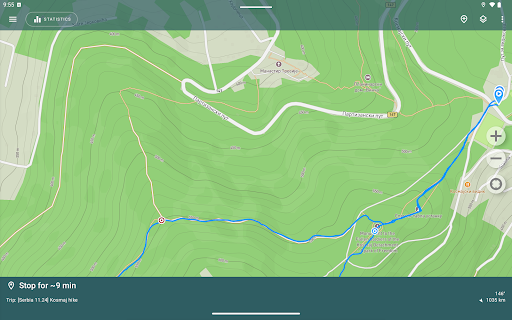
The app allows you to record GPS tracks of your adventures, analyze trip statistics, and share your routes with friends. You can easily mark important or interesting points along your journey and later locate specific locations on the map if you know their coordinates. The app supports importing routes from GPX, KML, or KMZ files, making it versatile for various navigation needs.
Offline Maps and Map Customization
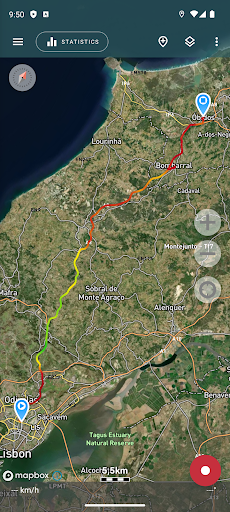
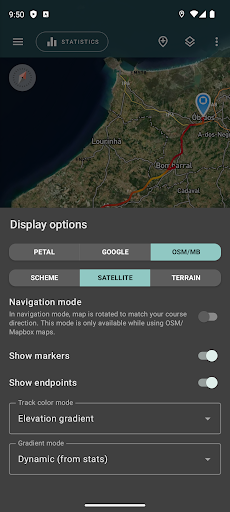
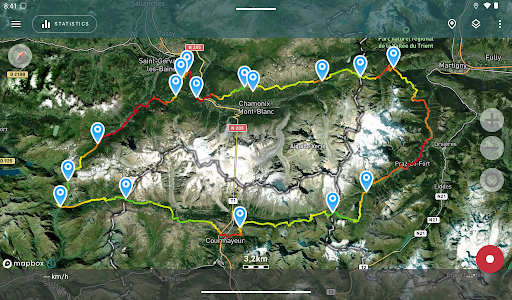
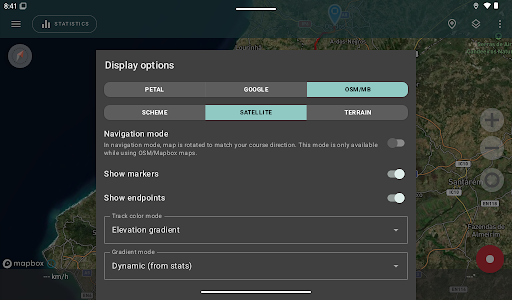
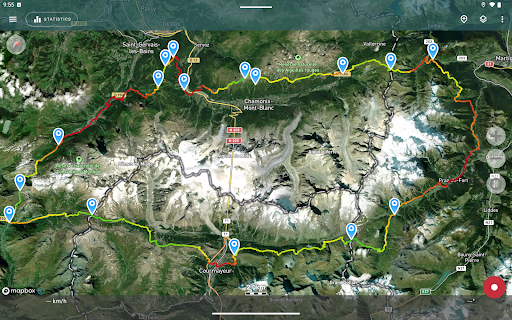
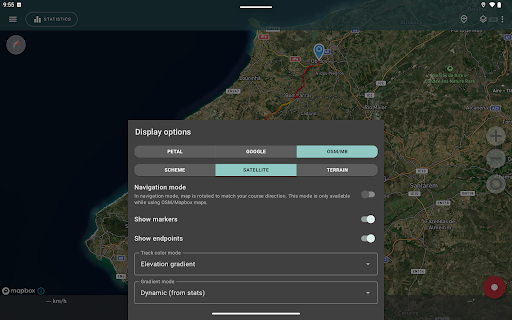
One of the standout features is the ability to view offline maps. Maps from Open Street Maps and Mapbox satellite images can be downloaded and stored on your device, ensuring access even without internet connection. The app allows switching between different map styles, including detailed satellite imagery, which is particularly useful in remote areas or when internet access is limited.
Statistics and Data Analysis
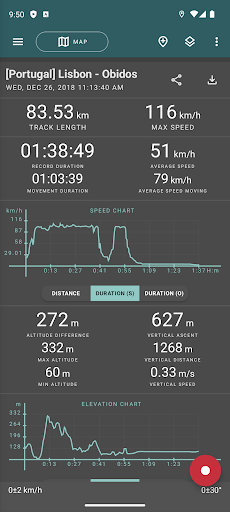
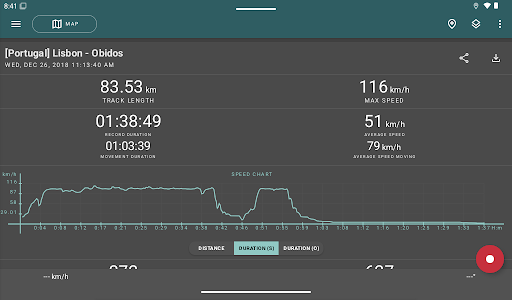
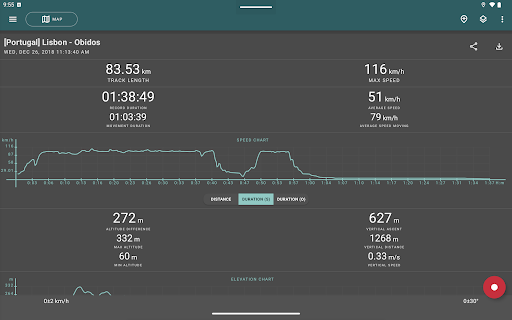
Track your distance traveled, maximum and average speeds, as well as altitude metrics like minimum and maximum altitude. The app also calculates vertical distance, ascent, and slope, providing comprehensive insights into your journey. Visual charts display speed and elevation data for better analysis.
Navigation Mode and Power Management
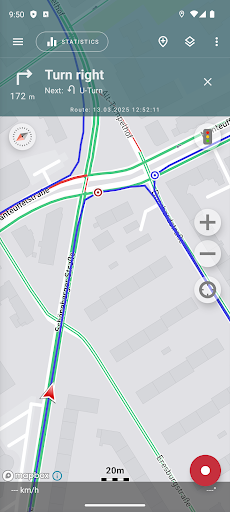
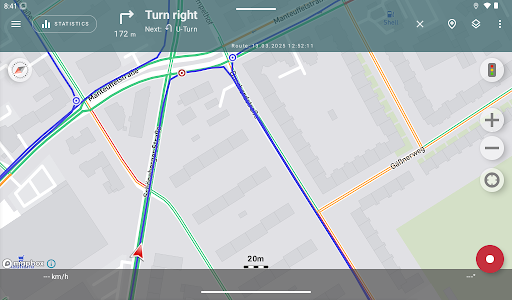
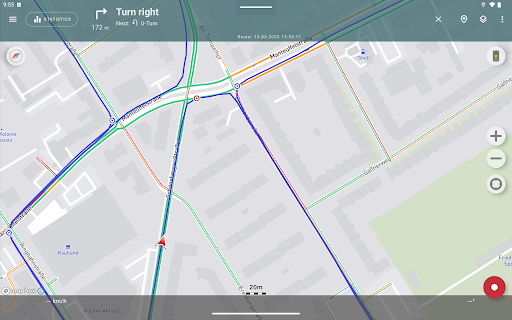
During navigation, activate the navigation mode in which the map automatically rotates according to your travel direction, simplifying real-time navigation. The app supports background tracking with optimized power consumption, allowing ongoing recording for approximately a whole day on a single charge. An economy mode is available in settings for further power efficiency.
Additional Functionalities
The app offers features like sharing your current route, viewing the surrounding area in extruded views, and generating colorful screenshots for social sharing—perfect for showcasing your achievements or outdoor explorations. All data is stored locally on your device, and the app respects your privacy, without displaying ads or collecting personal data. Optional voluntary donations help support ongoing development.
Practical Tips for Optimal GPS Usage
To achieve the most accurate tracking experience, ensure a clear view of the sky before starting your activity. Wait for the GPS signal to establish, restart your device if necessary, and make sure location services are enabled. Set your device's Date & time to "automatic" for better GPS lock. During outdoor excursions, avoid obstructions like tall buildings or dense forests that can interfere with GPS reception. For consistent results, check your device’s location settings and disable airplane mode if active. If encountering persistent issues, reinstalling the app may resolve configuration glitches.
Why Choose Geo Tracker - GPS tracker?
When it comes to reliable navigation and trip recording, Geo Tracker stands out due to its robust features, offline capabilities, and privacy-conscientious design. It’s ideal for outdoor activities, such as hiking, biking, and traveling, as well as for those who love to analyze their routes post-journey. Its compatibility with popular mapping services like Google Maps and OpenStreetMap allows seamless integration into your preferred navigation workflow. Plus, the app’s customizable settings let you tailor tracking intervals and map styles, elevating your user experience.
Conclusion
Overall, Geo Tracker - GPS tracker is a highly versatile and user-friendly app that offers precise GPS tracking, detailed route analysis, and offline map support — making it an excellent choice for outdoor adventurers, travelers, and navigation enthusiasts alike. Its privacy-focused approach and efficient power management ensure long-lasting usage, whether you're coordinating your next expedition or exploring new territories. Download Geo Tracker today to transform your smartphone into a reliable GPS guide and elevate your outdoor experiences with confidence.
Pros
- Accurate real-time GPS tracking
- User-friendly navigation interface
- Offline maps available for remote locations
- Detailed trip statistics and history
- Customizable tracking options
Cons
- High battery consumption
- Limited options for social sharing
- Intrusive ads in the free version
- Requires constant internet connection for live tracking
- Occasional GPS signal loss in dense areas