









Overview of Maps All in One, Speedometer App
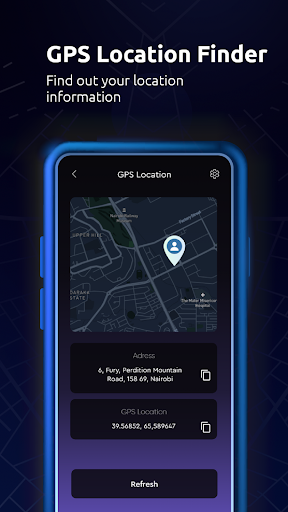
The Maps All in One, Speedometer app is a versatile and comprehensive navigation tool designed to enhance your travel experiences. It combines multiple map services and essential features into a single, easy-to-use application, making it an ideal companion for both casual outings and long road trips. Whether you need real-time traffic updates, offline maps, or location sharing, this app consolidates everything into a streamlined interface to make your journeys safer, faster, and more enjoyable.
Travel Planning and Route Management
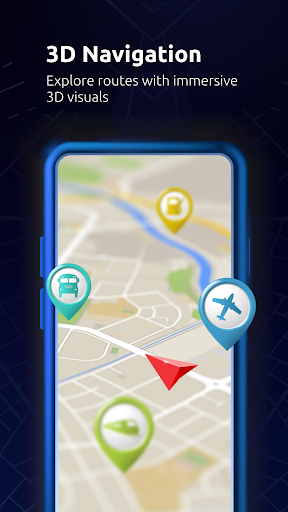
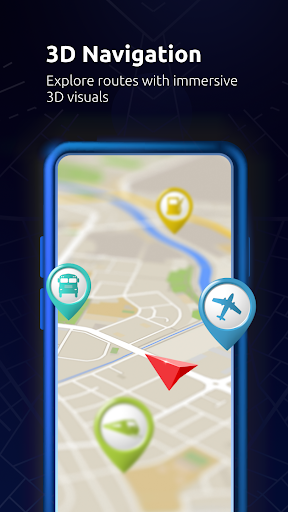
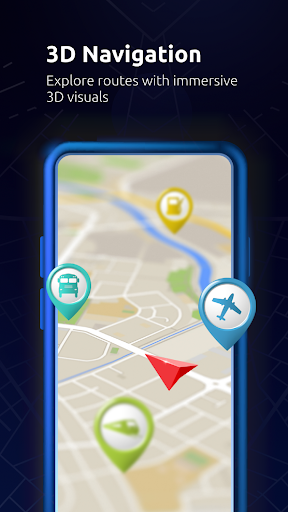
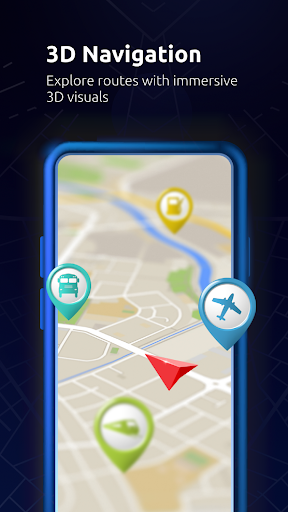
Start planning your trip in advance with the app’s robust route navigation system. Find and explore routes for your journey and discover various important locations such as •Gas stations, •restaurants, •malls, •airports, •cafes, •masjid, •temples, •churches, and •stores. Simply locate these places on the map, click on them, and access detailed directories or make routes to them. You can even export your routes to your GPS device or preferred navigation app, ensuring seamless turn-by-turn guidance.
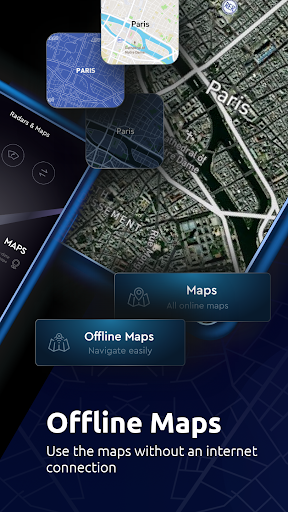
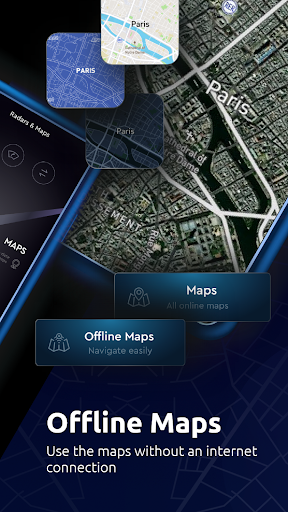
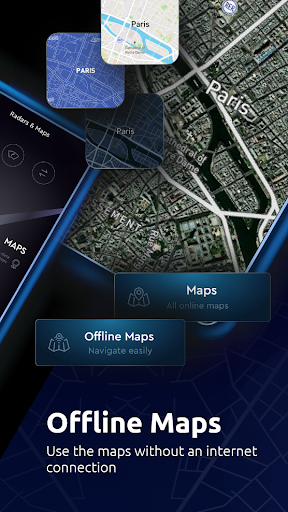
Real-time adjustments are an integral part of the app. If your route is affected by incidents like car crashes, traffic jams, or construction work, Maps All in One will suggest alternative routes based on live traffic alerts, helping you save time and avoid delays. Offline maps further improve reliability, allowing you to search and navigate without an internet connection, which is especially useful in remote areas or when data usage is a concern.
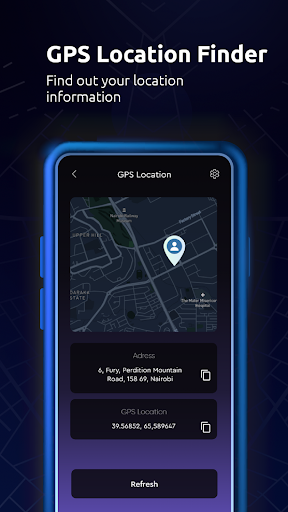
Save your favorite locations and trip memories with ease. The app allows you to store personal places, track GPS routes, and sync this data across all your devices, ensuring your trip history and preferences are always accessible. Incorporate features like a Qibla direction and altitude tools to enhance your travel preparations.
Comprehensive Navigation Features
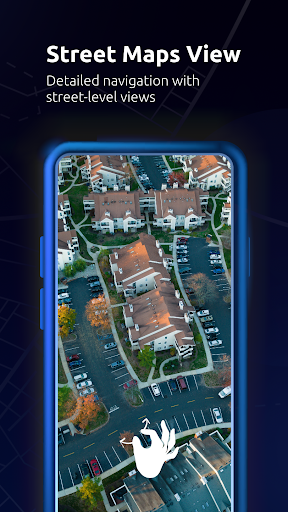
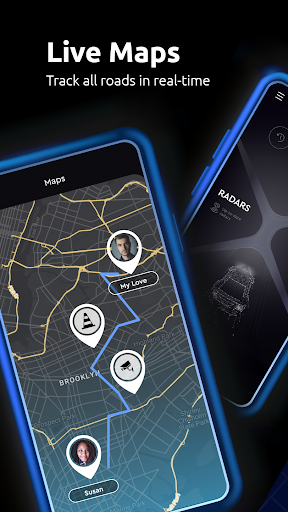
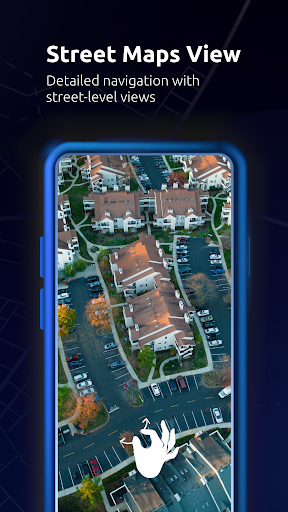
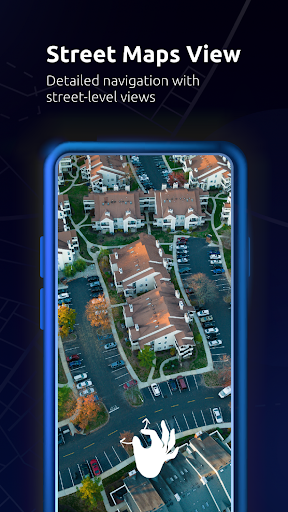
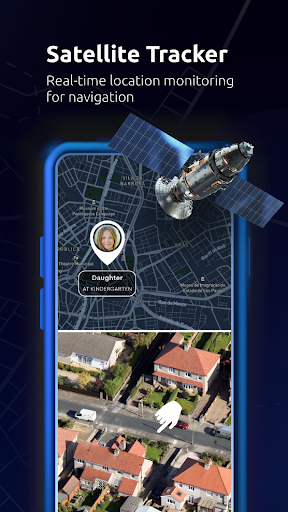
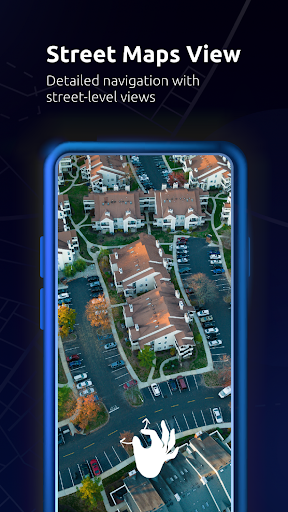
Designed for simplicity and speed, Maps All in One offers various map types including road maps, satellite imagery, topographic views, and radar overlays. You can add multiple layers over any map to tailor your navigation experience to your specific needs. The app supports voice-guided directions, street view maps, and live traffic updates that ensure you stay informed throughout your journey.
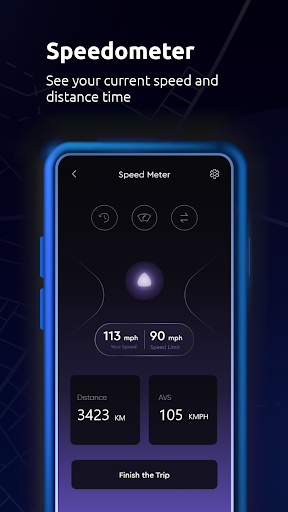
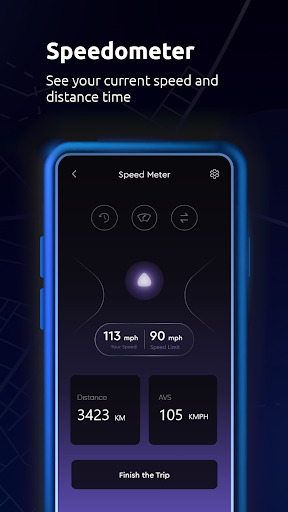
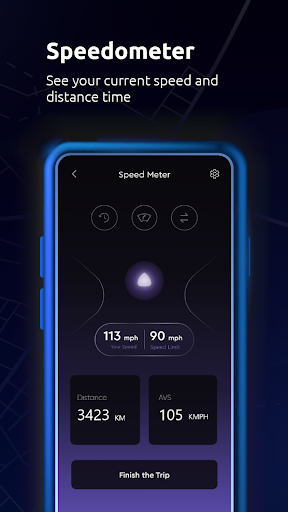
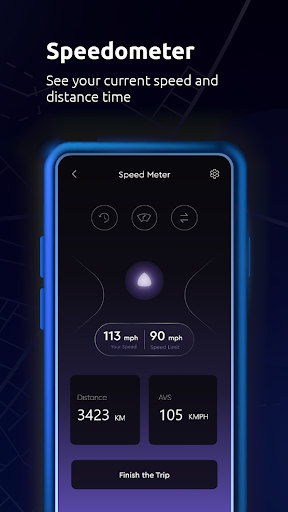
Additional features like a built-in speedometer help monitor your current speed, making long drives safer and compliant with speed limits. The digital compass feature also assists in determining your direction, which is invaluable when exploring unfamiliar areas.
Planning your trip is made easier with the app’s trip planner feature. Whether you're heading home, to a new destination, or exploring tourist spots, you can create personalized routes optimized for driving, biking, or walking. You can even find the nearest public places quickly with the app's efficient search capabilities and ready-made travel guides.
Additional Benefits and User Experience
The Maps All in One, Speedometer app is tailored for various travel scenarios, offering essential tools like live street views, radar overlays, altitude information, and offline route planning. Its user-friendly interface and customizable shortcuts prevent clutter and make navigation intuitive. Equipped with voice guidance, users can learn directions hands-free, reducing distractions while driving.
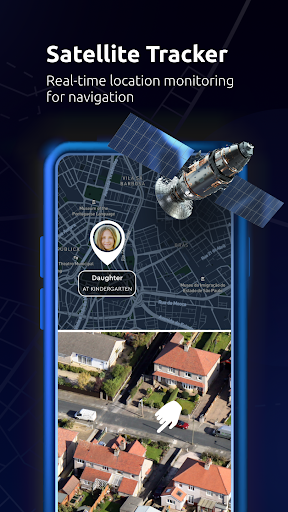
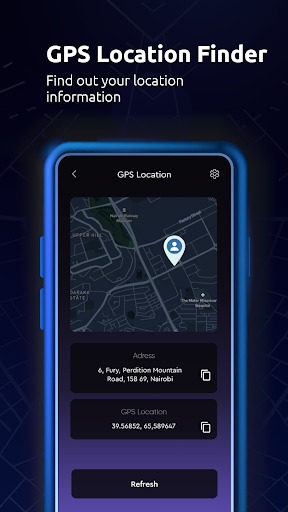
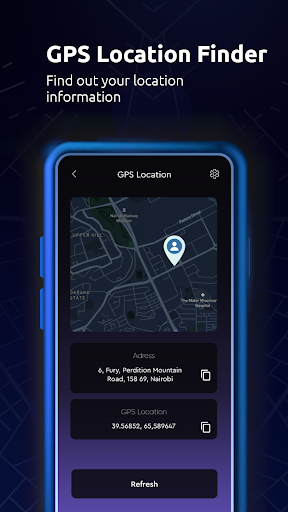
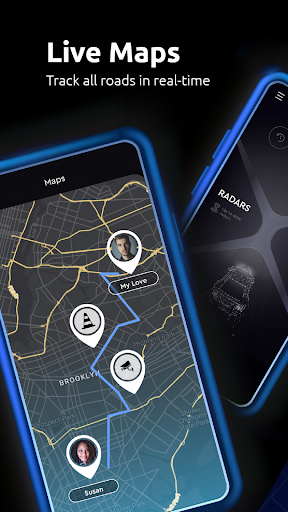
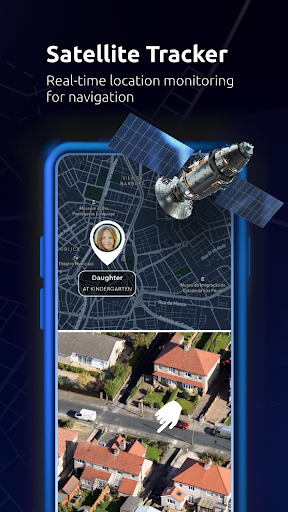
Sharing your location with friends or family is straightforward, enhancing safety and coordination. The app’s ability to log visited places and create GPS tracking history enables travelers to document their journeys effortlessly. It’s not just a navigation app; it’s a comprehensive trip management system that saves time, reduces stress, and maximizes travel enjoyment.
In summary, Maps All in One, Speedometer consolidates numerous mapping and navigation features into one powerful app. Whether you’re exploring new places or commuting daily, it offers reliable offline support, real-time traffic updates, route optimization, and multi-layer map views—all designed to ensure your trips are smooth and well-informed. Download it today and experience a smarter way to travel, making every journey safe, efficient, and memorable.
Pros
- Comprehensive navigation features
- Accurate speed tracking
- User-friendly interface
- Customizable map views
- Offline map availability
Cons
- Consumes a lot of battery
- Ads can be intrusive
- Limited language support
- Requires frequent updates
- Data-heavy on mobile networks











