
Introduction to Pydroid 3 - IDE for Python 3
If you're a Python enthusiast or a developer constantly on the move, finding a reliable and feature-rich mobile IDE is essential. Pydroid 3 - IDE for Python 3 is a powerful Android application designed to bring the full capabilities of a desktop Python environment to your smartphone or tablet. With its user-friendly interface and comprehensive set of features, Pydroid 3 makes coding in Python accessible, productive, and enjoyable—even without a constant internet connection.
Key Features of Pydroid 3
One of the standout aspects of Pydroid 3 is its support for the latest Python 3 interpreter. This ensures you have access to all the latest language features and improvements. The app includes an offline Python 3 interpreter, so you can write and run Python programs without needing an internet connection—perfect for those who travel or have limited connectivity.
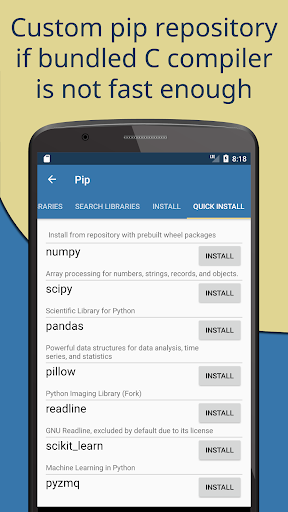
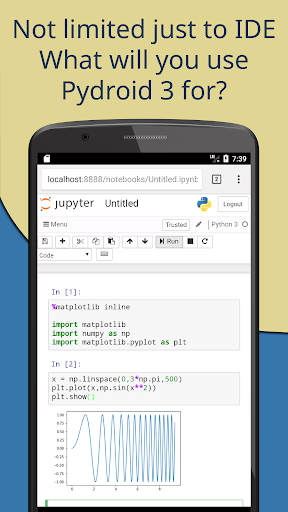
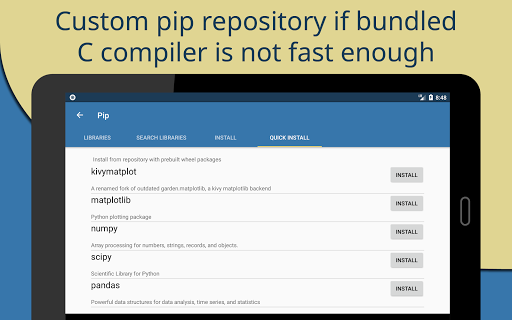
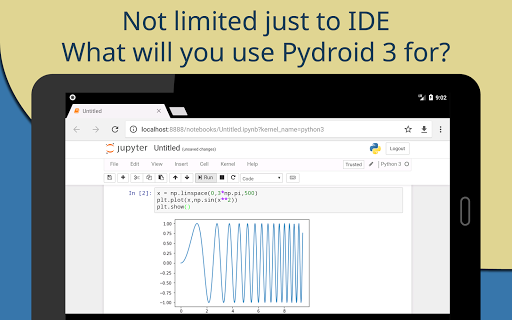
Managing external libraries is seamless with the built-in PIP package manager. It also provides a custom repository for prebuilt wheel packages that facilitate the installation of key scientific libraries like numpy, scipy, matplotlib, scikit-learn, and jupyter. For computer vision enthusiasts, OpenCV support (on devices with Camera2 API) makes image processing straightforward. Additionally, TensorFlow and PyTorch are accessible, enabling machine learning and deep learning projects directly on your device.
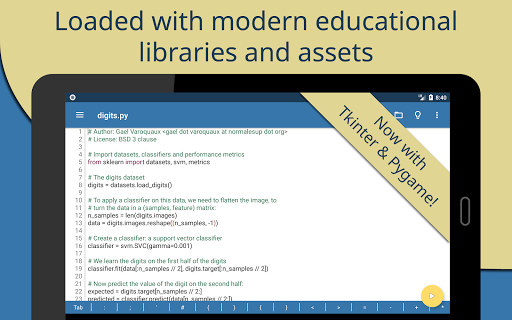
To streamline your learning process, Pydroid 3 offers out-of-the-box example projects. This makes it easier for beginners to grasp Python concepts and for advanced users to prototype ideas quickly. The app’s full Tkinter support allows you to create graphical user interfaces, further expanding the possibilities of your Python projects.
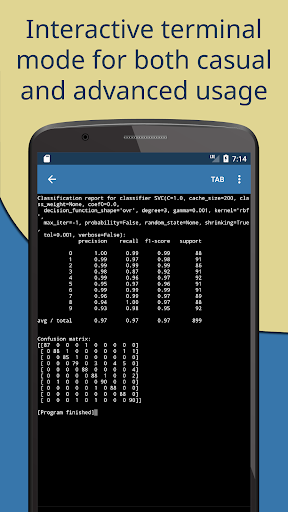
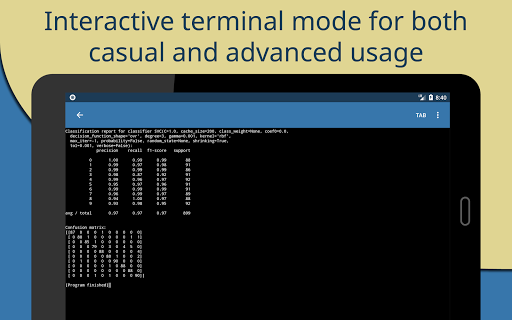
Developers familiar with terminal environments will appreciate the full-featured Terminal Emulator, which supports readline, making command-line interactions more intuitive. For compiling native code, Pydroid 3 includes a built-in C, C++, and Fortran compiler—enabling you to build any library that depends on native code from pip, directly from the app’s command line.
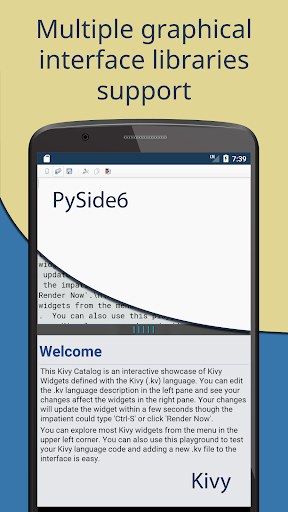
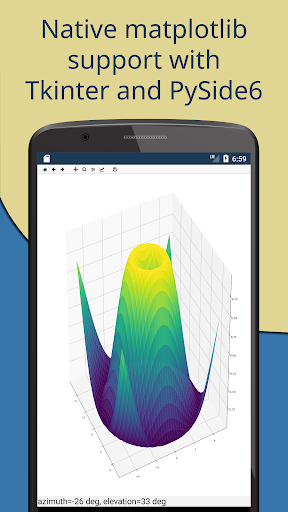
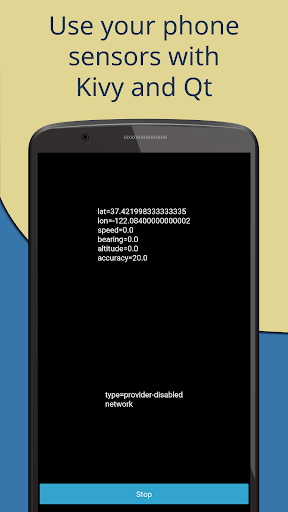
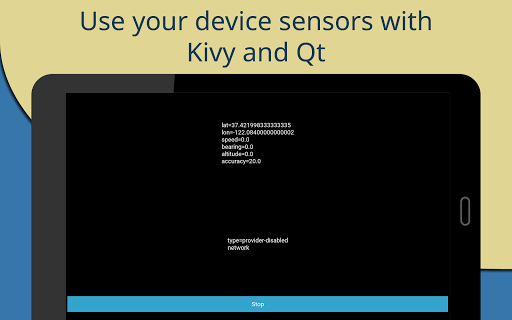
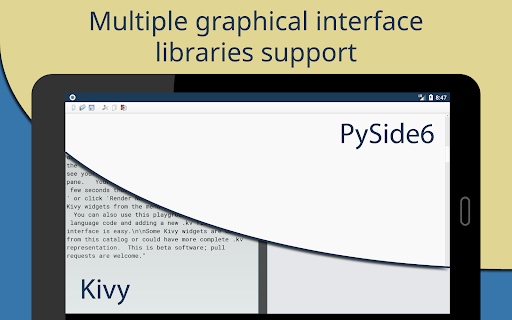
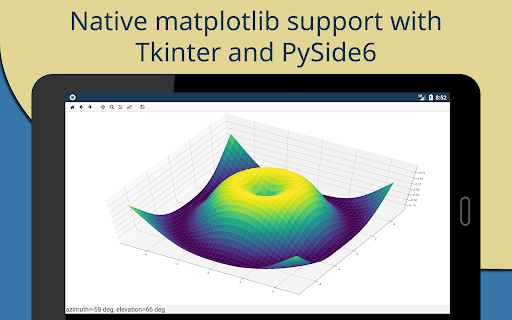
Advanced debugging is enabled through the PDB debugger, which supports breakpoints and watches, assisting in troubleshooting complex code. For graphical libraries, support for Kivy (with a new SDL2 backend), PySide6, matplotlib, pygame 2, and other libraries can be accessed via the Quick Install repository, opening up extensive options for GUI and game development.
Editor and Development Environment
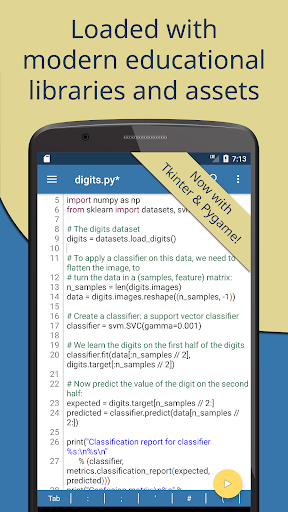
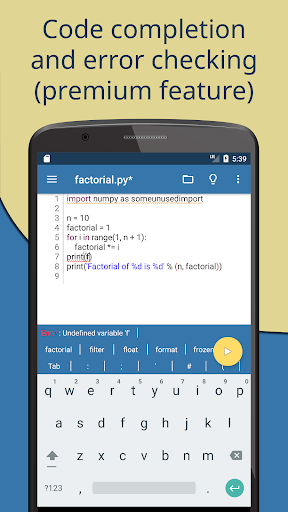
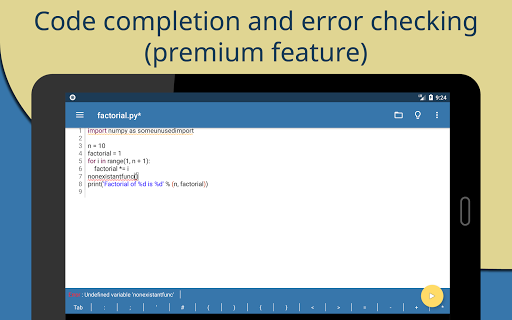
The built-in editor mimics many features found in traditional IDEs, offering code prediction, auto indentation, and real-time code analysis. Syntax highlighting and customizable themes improve readability, while tabbed editing allows for multitasking. Interactive navigation features—like go-to-definition—help you explore your codebase efficiently. For quick sharing, the app also supports one-click upload to Pastebin.
User Experience and Usability
Setting up Pydroid 3 is quick and simple. The app’s easy installation process, coupled with an optimized on-screen keyboard, makes coding on a mobile device more comfortable. The keyboard provides quick access to symbols and shortcuts essential for Python programming, reducing the need to switch between apps or layouts.
Whether you’re working on simple scripts or complex projects, Pydroid 3 handles project management effectively. You can save, execute, and manage files with ease, making it feel like a mini computer in your pocket.
Limitations and Premium Features
While Pydroid 3 shines in many areas, some advanced features are reserved for the Premium version, including features marked with an asterisk (*). These include enhanced library support and additional IDE functionalities. Occasionally, the app might lag with very large scripts or heavy libraries, a minor compromise given its portable nature.
Some libraries, especially those that are difficult to port—like certain scientific and system-level packages—are available exclusively to premium users due to development complexity. If you're interested in contributing, the developers welcome community involvement to create free forks of these libraries.
Conclusion: Is Pydroid 3 Right for You?
In summary, Pydroid 3 is a versatile and powerful IDE tailored for Python developers who need a mobile solution. It combines an intuitive interface with support for a wide array of libraries essential for scientific computing, data analysis, GUI development, and machine learning. Although it’s not a complete replacement for a desktop IDE, its portability, offline capabilities, and rich feature set make it an ideal companion for learning, prototyping, and coding on the go. Whether you are a student, hobbyist, or professional, giving Pydroid 3 a try could significantly enhance your Python development experience on Android devices.
Pros
- User-friendly interface suitable for beginners
- Available offline Python 3 interpreter
- Supports a wide range of Python libraries
- Frequently updated with new features
- Includes integrated PIP for straightforward package management
Cons
- Limited compatibility with external hardware
- Uses significant device storage space
- Occasional performance slowdowns
- Contains advertisements in the free version
- Lacks support for Python 2










