


Discover the Power of MyChart: Your Personal Healthcare Companion
In today's fast-paced world, managing your health and staying connected with your healthcare providers is more important than ever. MyChart emerges as a game-changing mobile application designed to put your health information directly in the palm of your hand. Whether you need to review test results, schedule appointments, or communicate with your care team, MyChart offers a seamless, secure experience that empowers you to take control of your healthcare journey.
Key Features of MyChart
The app provides a comprehensive suite of features tailored to make healthcare management simple and accessible:
Access to Your Health Data
With MyChart, you can review test results, medications, immunization history, and other vital health information anytime, anywhere. The app's intuitive interface ensures that your medical history is just a few taps away—think of it as carrying a mini-hospital in your pocket.
Connect with Devices and Other Healthcare Accounts
Enhance your health tracking by linking your • connect account to Google Fit. This integration allows your personal health-related data from wearable devices and fitness apps to flow directly into MyChart, providing a more holistic view of your wellness.
Health Management Made Easy
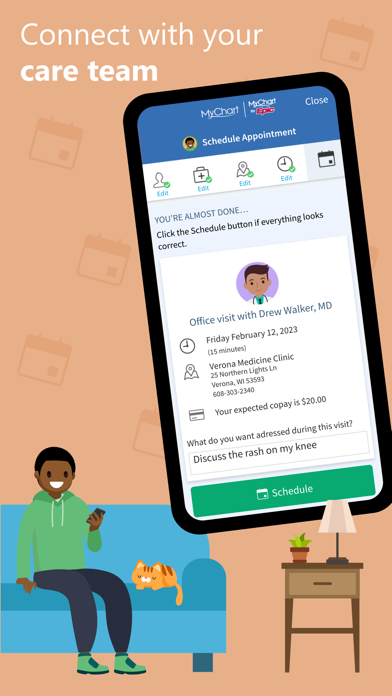
Schedule and manage appointments—whether in-person visits or video consultations—without the hassle of phone calls. The app offers appointment reminders to keep you on track and reduce missed visits.
Financial Transparency and Secure Sharing
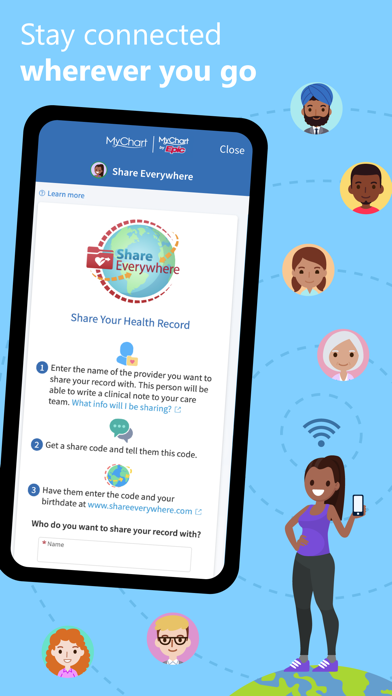
Get price estimates for your care, view and pay medical bills securely, or share your medical records with anyone having internet access—effortlessly and safely. For patients with multiple healthcare providers, MyChart allows the connection of accounts from different organizations, ensuring all your health information is consolidated and easy to access.
Stay Informed with Notifications
Receive push notifications for new health updates or appointment reminders. Tailor these alerts in your • account settings within the app to stay fully informed about your healthcare.
Getting Started with MyChart
To begin your journey with MyChart, you need to create an account through your healthcare organization. Simply download the app, search for your provider's organization or visit their official MyChart website, and sign up. Once registered, enable features like fingerprint authentication or set a four-digit passcode to log in quickly and securely—bypassing the need to enter your username and password each time.
Why MyChart is a Must-Have Healthcare App
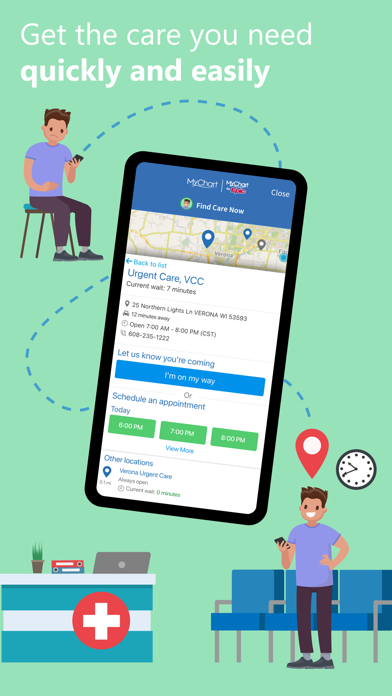
Imagine having a personal health portal right on your smartphone—accessible when you need it, whether at home, work, or on the go. MyChart simplifies active health management, making it easy to stay updated on your health status, communicate directly with your healthcare providers, and handle administrative tasks like billing and appointment scheduling.
Enhanced Features for Better Healthcare Experience
The app not only provides vital health data but also enriches user engagement with educational resources related to your conditions and treatments. This educational element transforms MyChart from a mere health record app into a personalized health library, helping you make informed decisions about your well-being.
Conclusion
If you're looking to streamline your healthcare management and stay connected with your care team effortlessly, MyChart is the ultimate digital companion. Its comprehensive features, secure data sharing capabilities, and user-friendly interface make it an indispensable tool for modern health management. From reviewing test results to scheduling appointments and accessing health resources, MyChart empowers you to take charge of your health with confidence. Start exploring today and discover how this innovative app can improve your healthcare experience.
Pros
- Integrates smoothly with medical records.
- User-friendly interface enables easy navigation.
- Secure login with various authentication methods.
- Provides real-time updates on lab results and appointments.
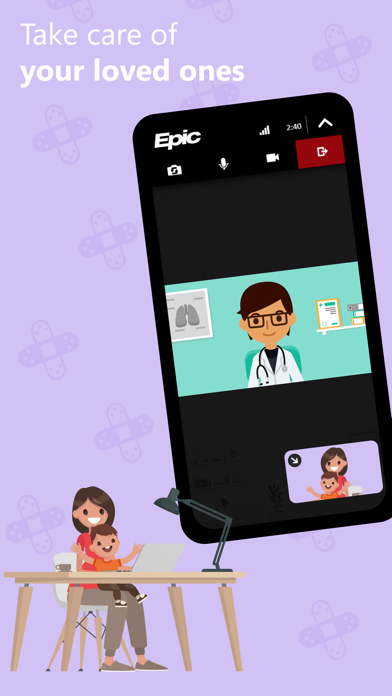
- Supports telemedicine consultations with healthcare providers.
Cons
- Limited to healthcare providers participating in the program.
- Users have reported occasional app crashes.
- Some functionalities depend on an active internet connection.
- Setup process may be complex for users with limited technical skills.
- Notification alerts can become overwhelming if not properly managed.











