





PixVerse: AI Video Generator
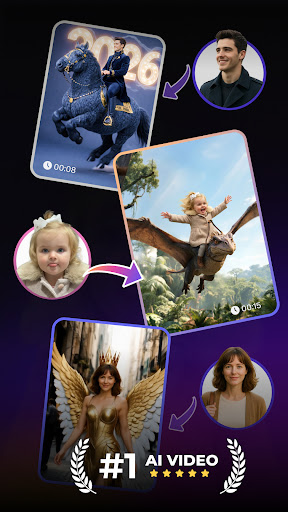
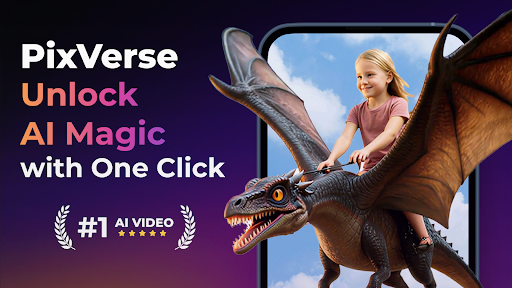
Have you ever dreamed of a magical wand capable of transforming your imagination into mesmerizing videos? Introducing PixVerse: AI Video Generator—an innovative app that's revolutionizing the way creators make videos. Think of it as a mini production studio in your pocket, offering an effortless way to turn photos, text, and clips into stunning content in seconds. Whether you're a beginner or an experienced filmmaker, PixVerse empowers you with powerful tools to bring your stories to life with just a few taps.
Getting started with PixVerse is incredibly simple. The app is available on both Android and iOS platforms, downloadable from your respective app store. Once installed, it greets you with a sleek and intuitive interface designed for users of all skill levels. Navigating through the features feels natural, making the process of video creation fun and accessible from the very first launch.
Key Features That Make PixVerse Stand Out
Core Features
- ✨ Key Frame Control: Upload custom first and last frames to ensure seamless videos with better creative stability. This feature allows precise control over the starting and ending points of your videos.
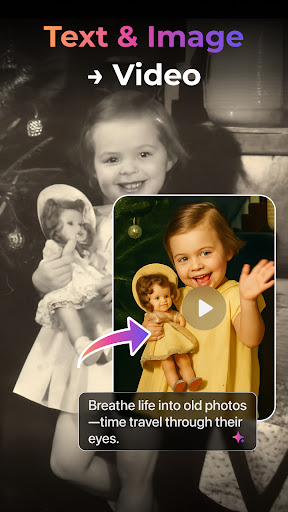
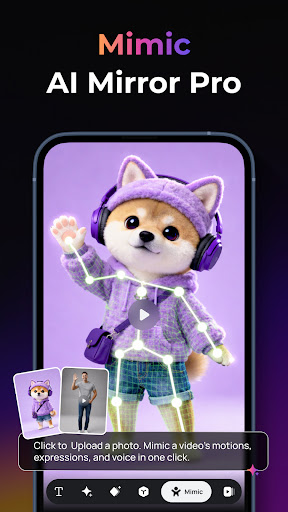
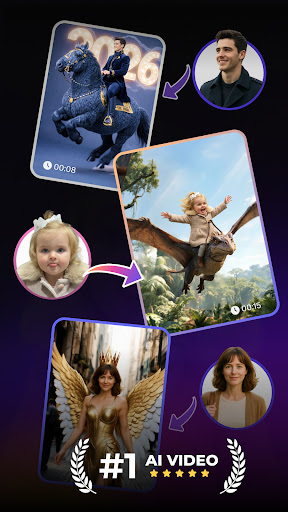
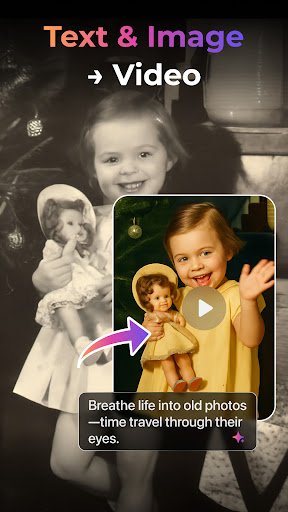
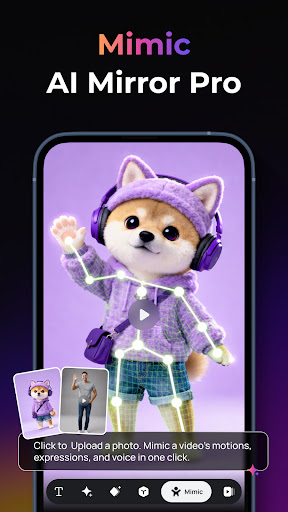
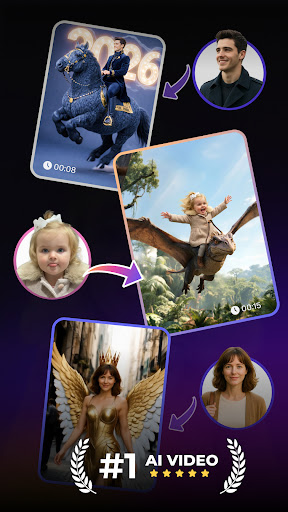
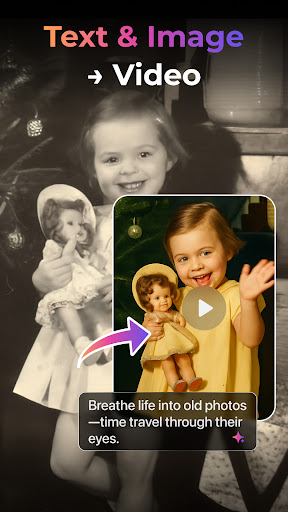
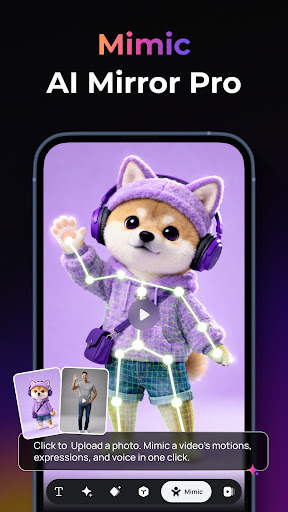
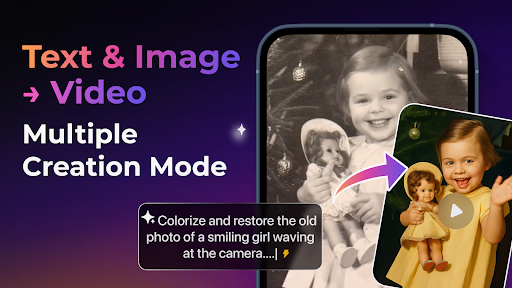
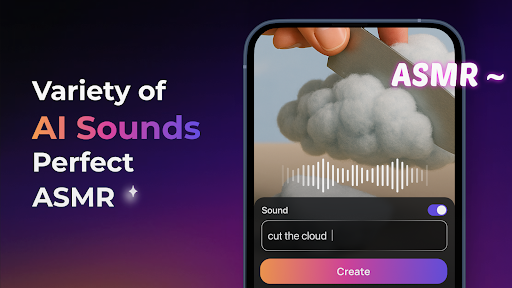
- 🎬 Multi-Creation Modes: Convert images to videos with AI-powered animations, generate cinematic videos from text prompts, or extend existing clips with smooth AI-driven continuity. These modes cater to various creative needs, making content production flexible and fun.
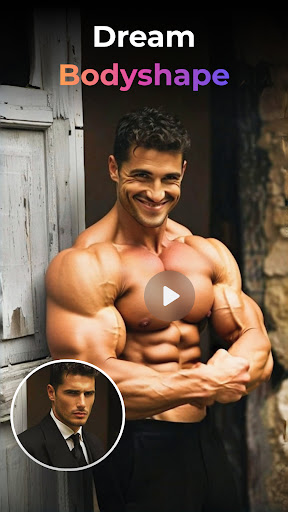
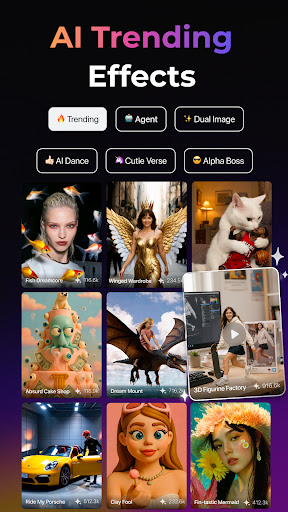
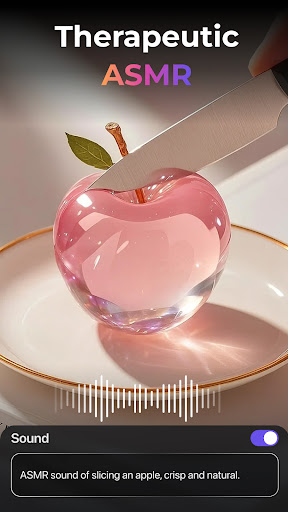
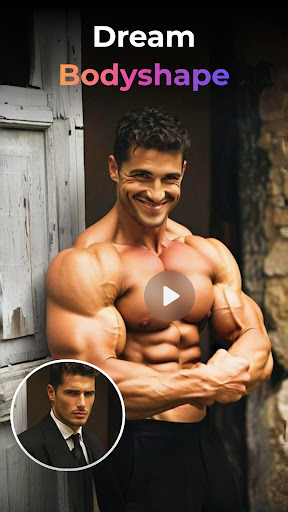
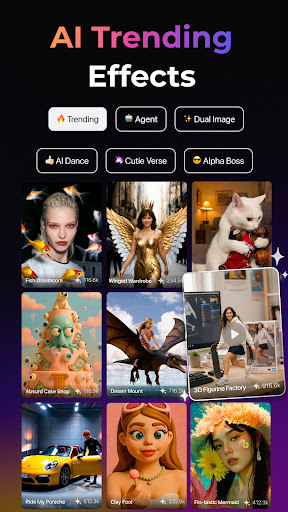
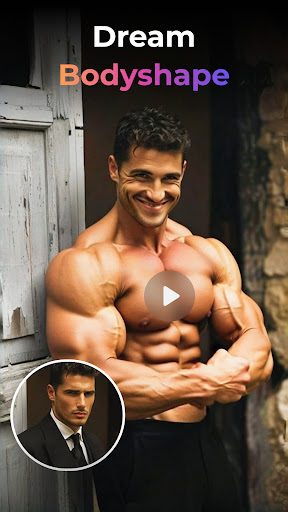
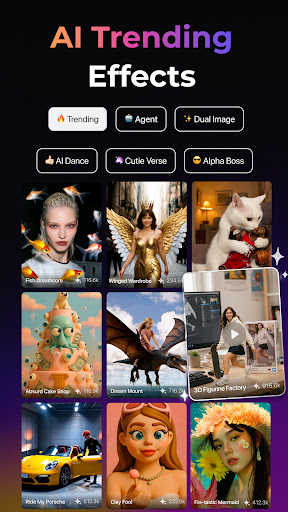
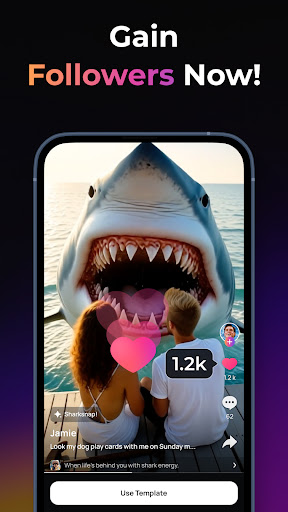
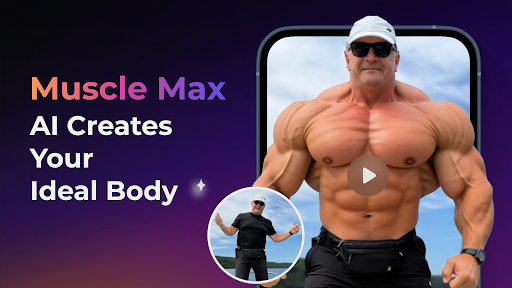
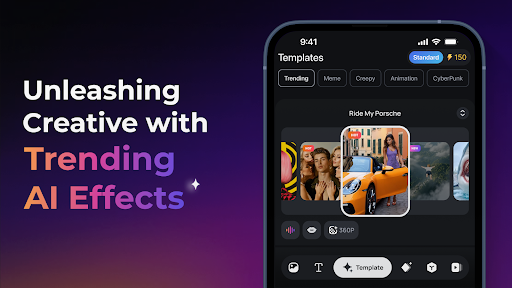
- 🔥 Trending AI Effects: Enhance your videos with effects like 💖 Embrace Warmth for family bonds, 💪 Muscle Surge for powerful physiques, 💃 Dance Revolution for lively dance sequences, and 🧥 SuitSwagger for dapper fashion looks. These effects add professional polish and vibrancy to your videos.
Why Choose PixVerse?
- Lightning Speed: Generate stunning videos in just 5 seconds.
- Cinematic Quality: Output in crystal-clear HD that captivates audiences.
- Hyper-Real AI: Advanced physics simulations create realistic and immersive effects.
Unlock Your Creativity with Continuous Updates
PixVerse isn't just a one-time tool; it's an evolving platform that keeps you ahead with cutting-edge creative tools. Regular updates introduce new effects, templates, and features to inspire your imagination and keep your content fresh. Join millions of creators worldwide who are redefining storytelling through the magic of AI-powered video generation.
Explore the Benefits
One of the standout advantages of PixVerse is its lightning-fast process: you can create professional-grade videos in just seconds. The app produces cinematic quality content suitable for social media, marketing, or personal projects. Its hyper-real AI technology mimics real-world physics, adding an extra layer of authenticity to your videos. Plus, the platform provides seamless API integration options for developers and businesses looking to embed AI video creation into their workflows.
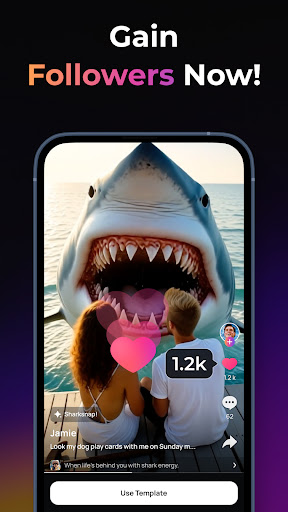
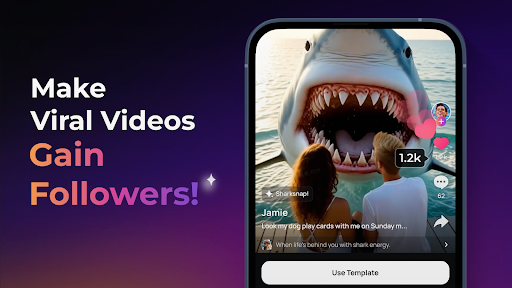
Whether you're crafting travel vlogs, promotional content, or artistic shorts, PixVerse offers an accessible yet powerful suite of features to meet diverse creative needs. The community aspect allows sharing your creations, receiving feedback, and collaborating with fellow artists—making the platform not just a tool, but a vibrant creative ecosystem.
If you're ready to elevate your video content and turn your ideas into visual masterpieces with extraordinary ease, PixVerse is the app to watch. Download now and start transforming your imagination into stunning AI-generated videos in seconds!
Pros
- User-friendly interface suitable for beginners
- High-quality video output
- Fast processing speeds
- Wide variety of AI effects
- Supports multiple video formats
Cons
- Limited customization options
- Requires an internet connection
- Full features available only through subscription
- Occasional bugs in effects
- Cannot edit videos offline










