

Secure Your Privacy with the Calculator - Photo Vault App
Are you seeking a reliable way to hide sensitive photos, videos, and files on your smartphone? The Calculator - photo vault app offers an ingenious solution by disguising itself as a simple calculator. On the surface, it appears to be your everyday calculator application, but behind this facade lies a powerful vault designed to keep your personal data safe and private. This blog-style overview explores the features and benefits of this clever app, demonstrating how it can become your ultimate privacy guardian.
Unveiling the Secret: How the Calculator - Photo Vault Works
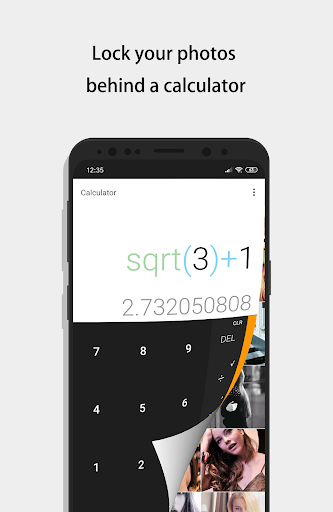
Once you download and launch the Calculator - photo vault, you'll be greeted with a sleek and familiar calculator interface. The true magic begins when you enter your secret numeric code and press the '=' button. Instead of performing calculations, this action unlocks the hidden vault where all your private files are securely stored. This discreet method ensures that anyone glancing over your shoulder will only see a functioning calculator, not a vault full of concealed images or videos. It’s an innovative and unobtrusive way to maintain privacy without attracting attention.
Key Features That Make This App Stand Out
This app is packed with features that prioritize both security and convenience, making it an excellent choice for users who value privacy and ease of use:
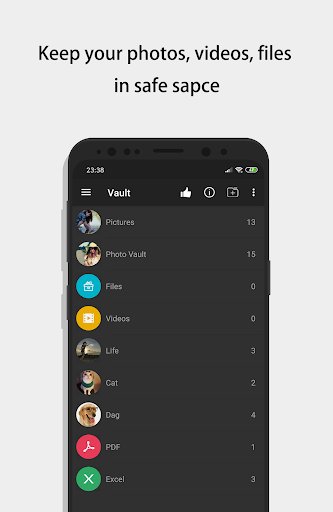
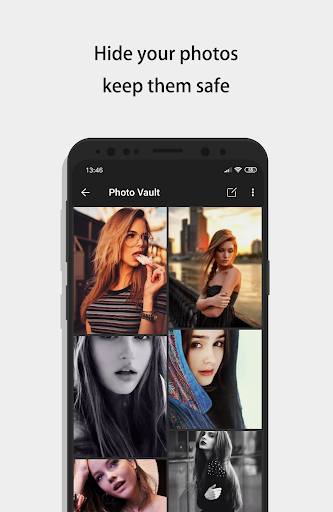
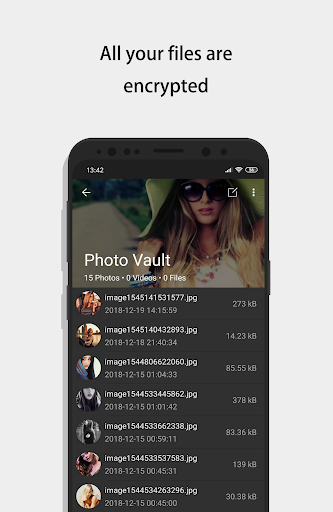
- Vault: Utilizing AES encryption, your files—regardless of format or size—are securely encrypted, ensuring they are safe from unauthorized access. You can store photos, videos, and other files without restrictions.
- Browser: An integrated private browser allows you to browse sensitive websites and download images directly into your vault. All browsing activity leaves no traces, ensuring complete privacy.
- Shake Close: Quickly lock your vault by shaking your phone, offering instant control over your privacy at any moment.
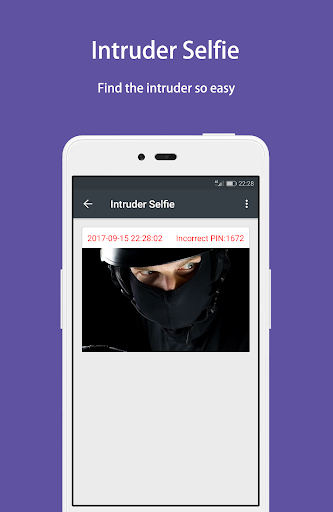
- Intruder Selfie: If someone tries to access your vault with the wrong password, the app automatically takes a selfie of the intruder, providing potential evidence of unauthorized access.
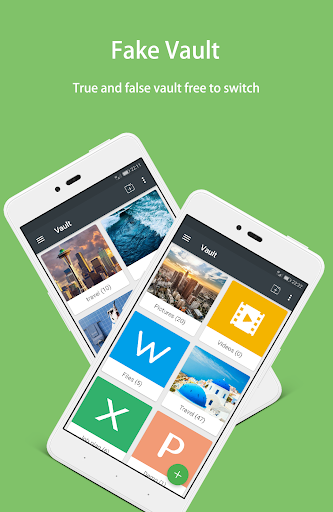
- Fake Vault: Create a secondary fake vault with a different password to store dummy files, adding an extra layer of deception.
- Fingerprint Unlock: For faster and more secure access, unlock your vault using your fingerprint.
- Colorful Themes: Customize the app's appearance with various stylish themes to match your personal style.
- Calculator: Comes with all the standard and scientific calculator functions, making it seamless to perform ordinary calculations without revealing your secret vault behind the scenes.
How to Use and Manage Your Hidden Files
Unlocking the vault is straightforward: simply input your password combined with the '=' button in the calculator interface. If you forget your password, you can input 11223344 on the calculator and press '=' to recover your password via security questions. Long pressing on files within the vault allows you to restore or manage them easily. Remember, all your hidden files are stored solely on your device—be sure to back them up regularly to prevent data loss during device transfers or factory resets. To update your access details, navigate to Settings > Safe > Lock Type within the app.
Enhanced Security Features for Your Peace of Mind
Security is a top priority with this app. It employs robust encryption standards to safeguard your private content. The intruder selfie feature acts as a real-time alert system, capturing photos of anyone attempting unauthorized access. Additionally, the app can notify you of break-in attempts, providing added peace of mind. User-friendly options like password recovery and easily changeable lock methods ensure that managing your privacy settings is simple and effective.
Why Choose the Calculator - Photo Vault?
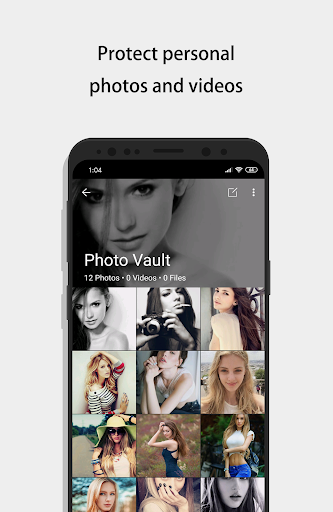
In today's digital world, safeguarding your personal information has become more important than ever. The Calculator - photo vault elegantly combines security with discretion, disguising itself as an ordinary calculator while offering a sophisticated vault for your confidential files. Its ease of use, extensive security features, and customization options make it a top choice for anyone looking to protect their private photos, videos, and documents discreetly. Whether you're hiding personal images or sensitive work files, this app provides a trusted shield against prying eyes.
Conclusion
If you want a smart and discreet solution to keep your private files safe, the Calculator - photo vault is an excellent app to consider. Its clever disguise, coupled with powerful security features like AES encryption, intruder selfies, and fingerprint unlocking, ensures your confidential data remains protected at all times. With an intuitive interface and customizable themes, it makes managing your hidden files both easy and stylish. Embrace this hidden vault app and enjoy peace of mind knowing your personal moments stay private and secure.
Pros
- Securely hides private photos
- User-friendly interface
- Supports multiple file formats
- Strong password protection
- Offers cloud backup
Cons
- Limited free storage space
- Ads in free version
- No video support
- Limited editing features
- Requires internet for backup











