
RSA Authenticator (SecurID): A Comprehensive Overview
The RSA Authenticator (SecurID) app is a leading security tool designed to enhance digital protection and simplify access management for individuals and organizations alike. With increasing cyber threats, enterprises and highly regulated industries rely on trusted solutions like RSA to safeguard sensitive data. This application is particularly valuable for those seeking robust multi-factor authentication (MFA) options that integrate seamlessly across various platforms and environments.
Key Features of RSA Authenticator
Multi-Factor Authentication (MFA) Made Easy
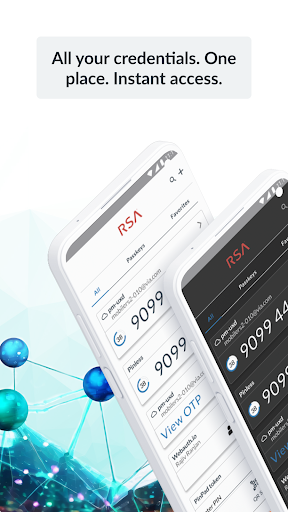
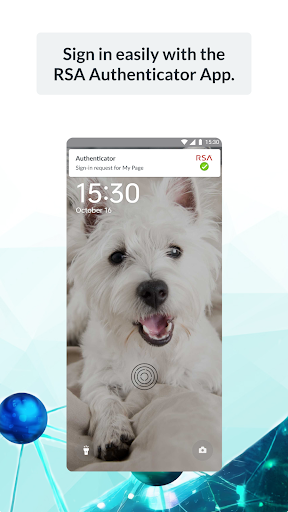
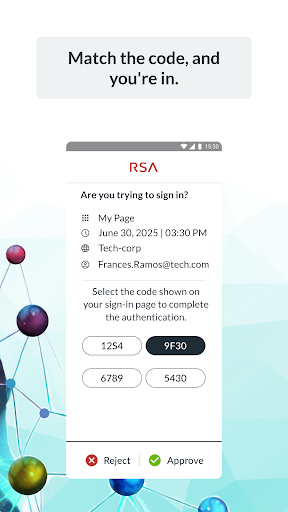
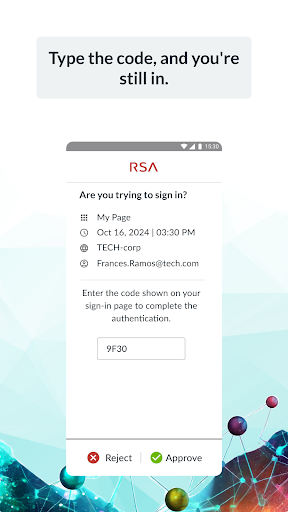
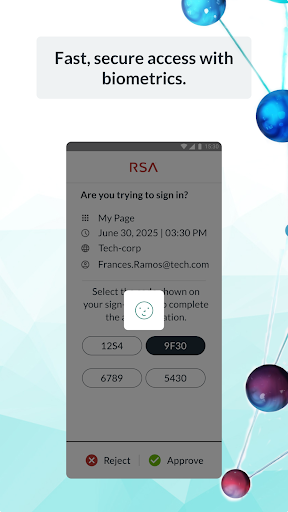
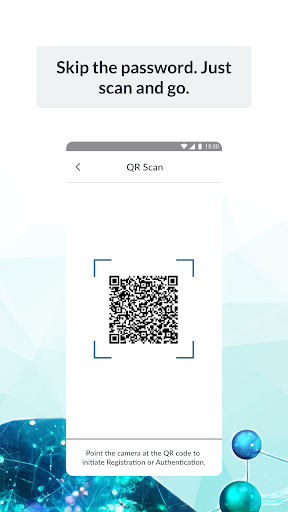
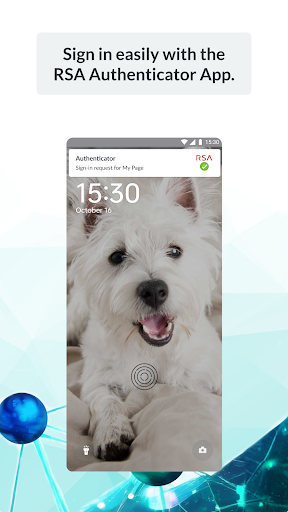
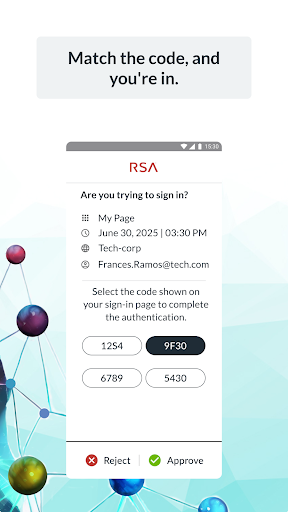
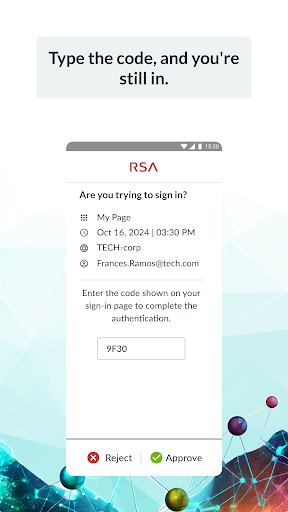
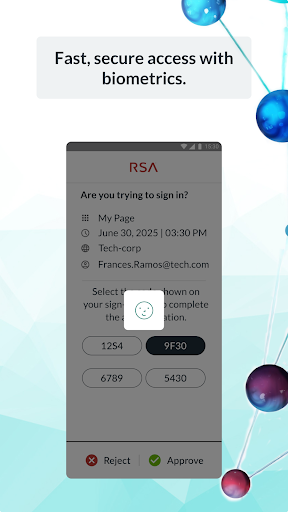
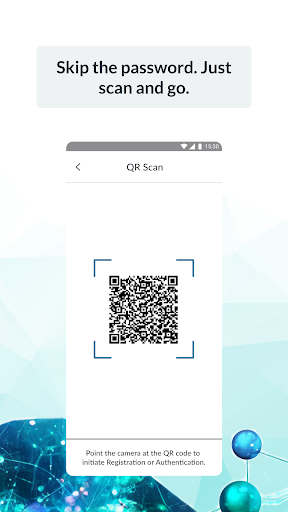
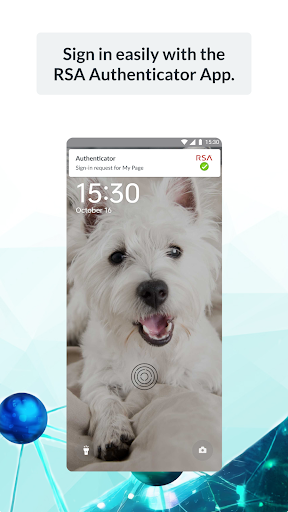
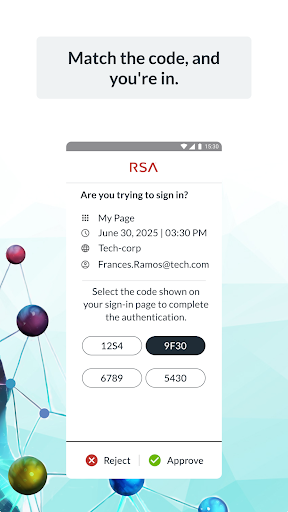
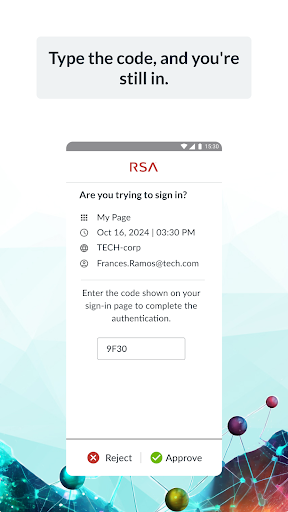
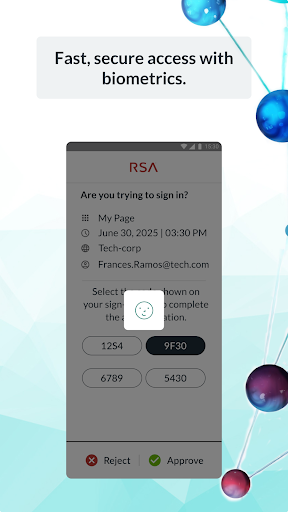
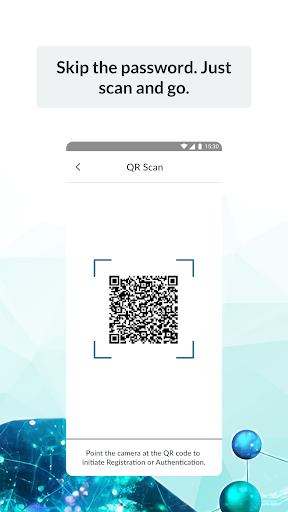
One of the standout features of the RSA Authenticator app is its comprehensive multi-factor authentication support. By combining different verification methods such as one-time passcodes (OTP), QR codes, code matching, push notifications, biometrics, and hardware authenticators, the app provides an extra layer of security. This means that accessing accounts requires not just a password but also a secondary verification step, significantly reducing the risk of unauthorized access. The app's device-bound passkeys are phishing-resistant and ensure a smooth experience across your apps and services.
Passwordless Security and Passkeys
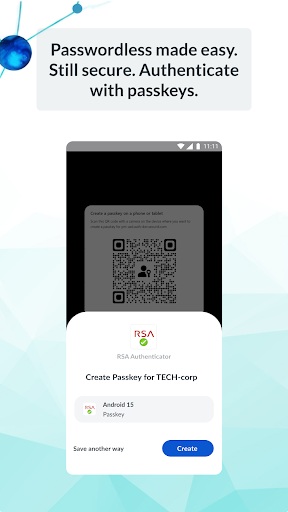
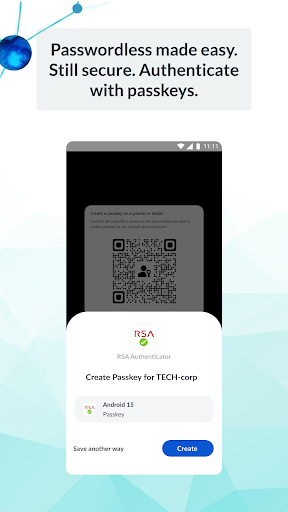
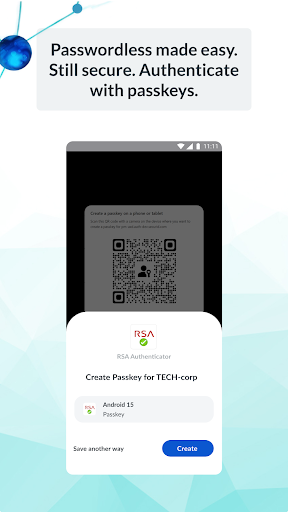
In addition to MFA, RSA emphasizes passwordless security, enabling users to utilize passkeys tied directly to their devices. This feature offers fast, secure, and frictionless authentication, reducing the reliance on traditional passwords that are often vulnerable to attacks. Organizations aiming for streamlined user experiences while maintaining high-security standards will find this approach particularly beneficial.
Setup and User Experience
Ease of Setup
Setting up the RSA Authenticator app is designed to be straightforward and user-friendly. The installation process involves following clear instructions that guide users through account registration and device linking without the need for technical expertise. This simplicity ensures quick deployment, whether for individual users or enterprise-wide implementations.
User-Friendly Interface
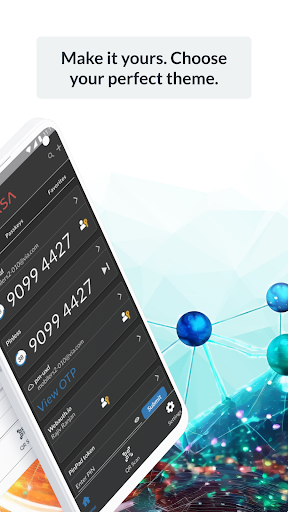
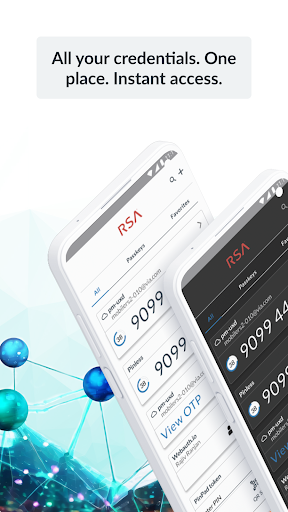
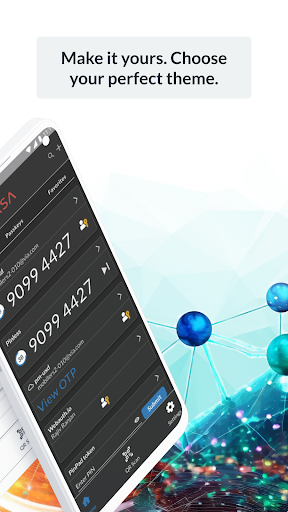
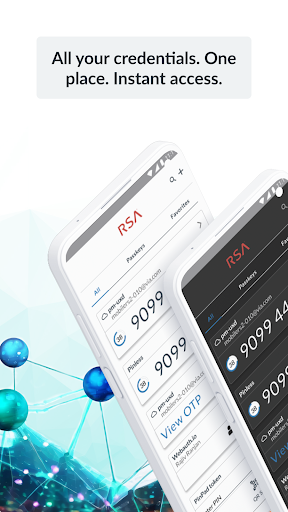
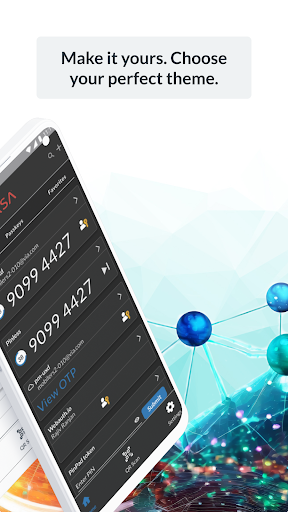
The app features an intuitive and minimalistic interface, making navigation easy even for beginners. Users are not overwhelmed with unnecessary notifications or complex options, allowing them to focus on security tasks. The straightforward design enhances overall user experience and encourages consistent usage.
Security and Considerations
While the RSA Authenticator app offers advanced security features, it requires a degree of trust in the RSA platform, especially since sensitive authentication data is managed within the app. Due to its reference in high-security environments, it’s most suitable for users needing robust authentication measures. If your requirements are simple password management, this app might offer more security than necessary. Organizations and individuals concerned about digital identity protection will appreciate RSA’s commitment to security and reliability.
Conclusion
The RSA Authenticator (SecurID) app stands out as a powerful and reliable tool designed to protect your digital life through multi-factor authentication and passwordless security. Its easy setup, user-friendly interface, and comprehensive security features make it a top choice for enterprises and security-conscious individuals alike. Whether you’re safeguarding sensitive corporate data or personal information, RSA’s solution offers peace of mind by providing phishing-resistant passkeys and versatile authentication options.
If you’re seeking a trusted security app that can streamline access without compromising safety, the RSA Authenticator is worth exploring. Empower your security infrastructure with this reliable tool and enjoy a safer digital environment.
Pros
- Easy setup for two-factor authentication
- Supports multiple tokens for accounts
- Provides secure and reliable access
- User-friendly interface
- Includes offline authentication options
Cons
- Requires initial setup time
- Limited to platforms supporting RSA
- No backup options for lost tokens
- Interface may seem outdated
- Offline mode is limited to specific features











