


Streamlabs: Live Streaming
If you're passionate about live streaming or considering entering the world of online broadcasts, Streamlabs stands out as one of the best free video streaming applications available today. Offering a comprehensive set of features tailored for creators, Streamlabs transforms your mobile device into a powerful streaming studio. Whether you want to share mobile gameplay or showcase your everyday life, this app makes it remarkably easy to connect with your audience across multiple platforms like Twitch, YouTube, Kick, Facebook, and Instagram. Perfect for new streamers and experienced content creators alike, Streamlabs is designed to enhance your live streaming experience with minimal hassle.
Seamless Multi-Platform Streaming
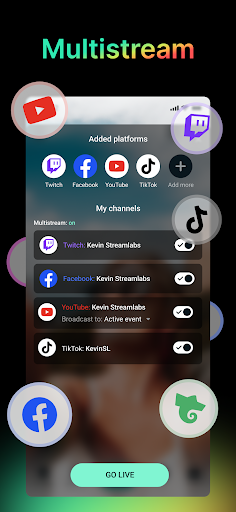
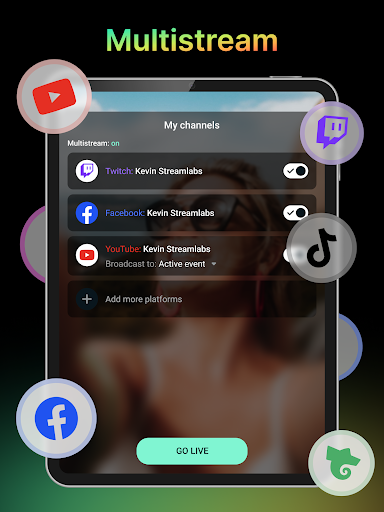
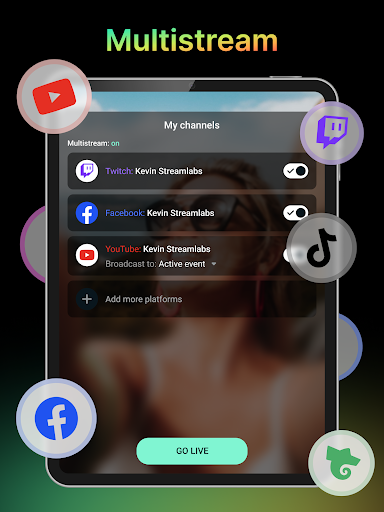
One of the standout features of Streamlabs is its ability to connect your channels for direct live streaming. You can broadcast your content to the most popular platforms or even set up a custom RTMP destination for more advanced streaming needs. For those looking to maximize their growth, a Streamlabs Ultra subscription unlocks multi-streaming capabilities, allowing you to broadcast simultaneously to multiple platforms. This feature is essential for expanding your reach and engaging a broader audience, effectively making your content available to viewers across different social channels at the same time.
Perfect for Gaming and IRL Content
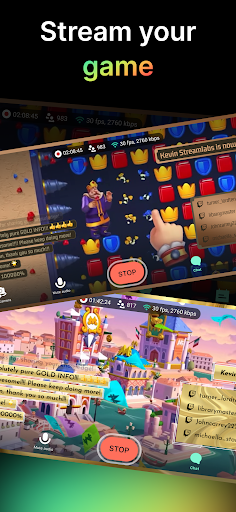
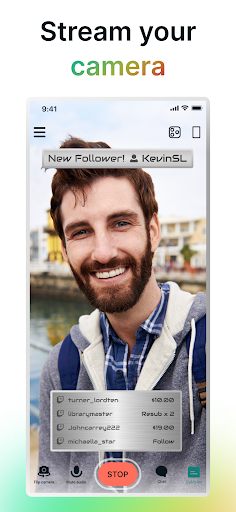
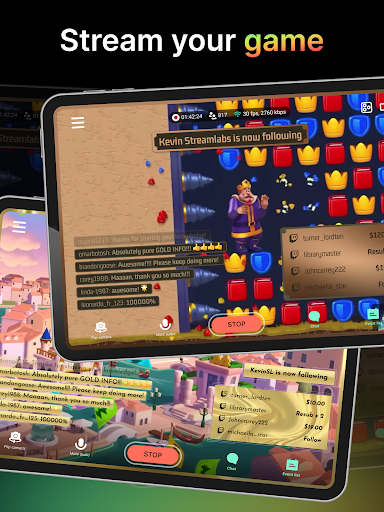
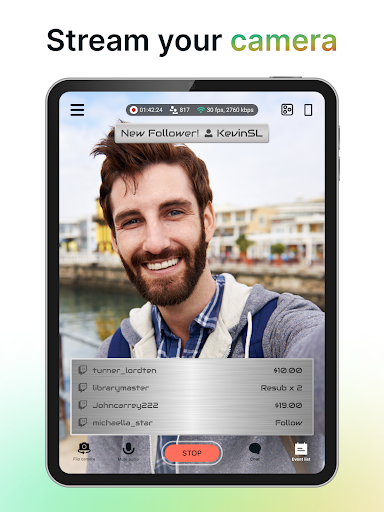
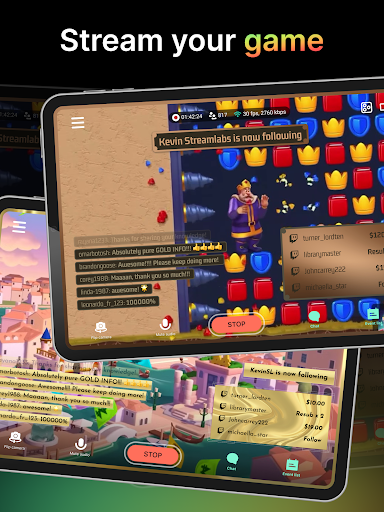
Whether you're into live game streaming or prefer IRL broadcasting, Streamlabs offers versatile tools to suit your style. Gamers can easily share their mobile gameplay of titles like PUBG Mobile, Clash Royale, Pokemon GO, or Rocket League Sideswipe. The app simplifies that process, making it effortless to go live and showcase your skills. For IRL streamers such as travel vloggers, musicians, or podcasters, the front and rear camera swap feature makes streaming high-quality content on the go a breeze. This flexibility allows you to connect with your audience no matter where you are or what you’re sharing.
Personalize and Engage with Your Audience
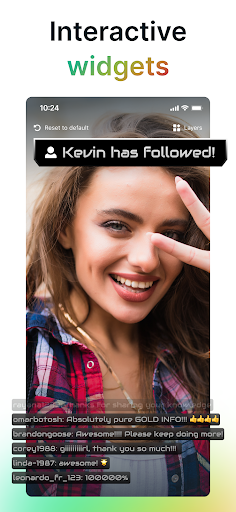
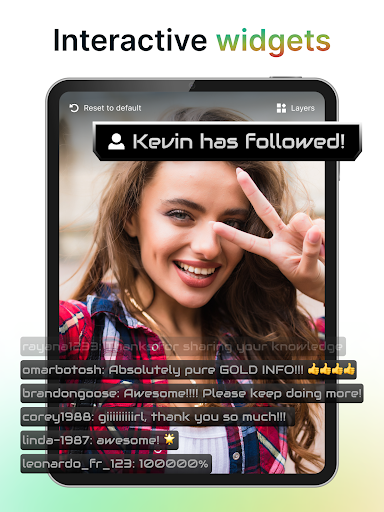
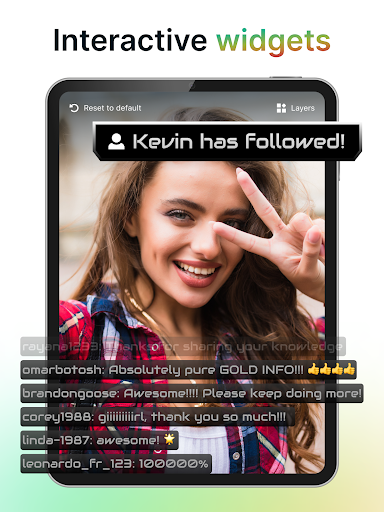
Streamlabs makes it easy to customize your live stream’s appearance with a variety of themes that can be applied with just a few taps. You can also add your logo, images, and personalized text, creating a unique visual identity. To boost viewer interaction, the app offers alerts and widgets like Alert Box, Chat Box, and Goals. These tools help you engage with your community, encourage participation, and keep your stream lively and interactive, turning viewers into loyal followers.
Reliable Streaming with Disconnect Protection and monetization options
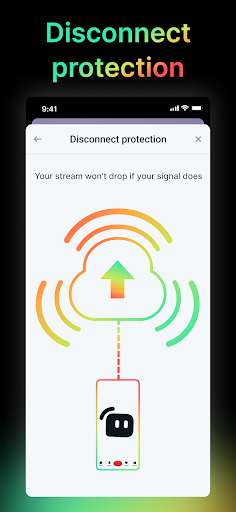
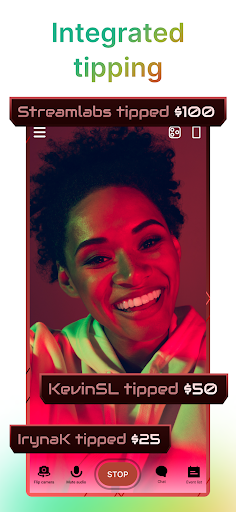
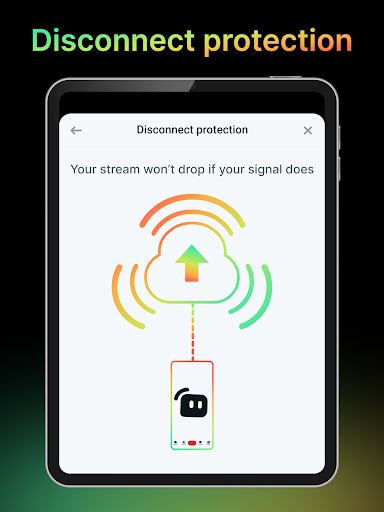
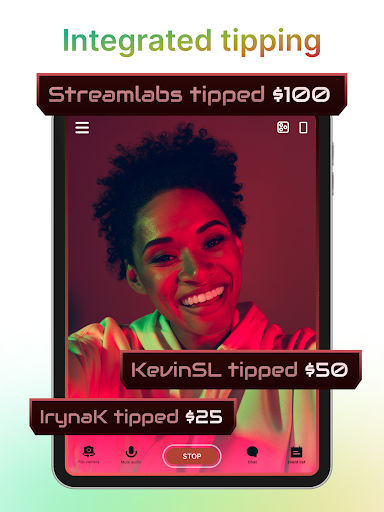
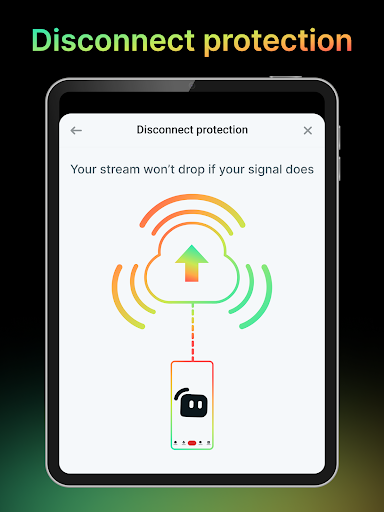
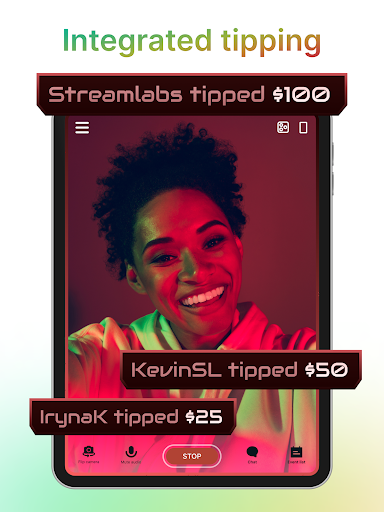
One of the major advantages of using Streamlabs Ultra is its disconnect protection. Should your internet connection falter, your stream remains live, preventing you from losing viewers at critical moments. Additionally, creators can monetize their streams by setting up a Tip Page to receive direct donations from fans. Fully integrated on-screen tip alerts add a layer of appreciation and incentive for supporters to contribute, making your streaming experience both engaging and profitable.
Getting Started Made Easy
Embarking on your streaming journey with Streamlabs is straightforward. The app is available for both Android and iOS devices and can be downloaded from popular app stores. Its intuitive interface welcomes newcomers, making setup simple even for those with little technical experience. Once installed, the app guides you through the process of linking your accounts, customizing your stream, and going live. With plenty of tutorials and support options available, you'll be streaming like a pro in no time.
Final Thoughts
In conclusion, Streamlabs presents an all-in-one solution for live streamers looking to elevate their content. Its powerful features, ease of use, and multi-platform capabilities make it a top choice for content creators aiming to grow their audience and enhance their streaming quality. Whether you’re broadcasting gameplay, IRL adventures, or creative content, Streamlabs offers the tools you need to deliver professional-level streams right from your mobile device. If you're ready to take your streaming game to the next level, it’s time to give Streamlabs a try and transform your live broadcasts into captivating experiences.
Pros
- User-friendly interface suitable for beginners
- Compatible with various streaming platforms
- Options to customize alert templates
- Includes real-time chat interaction features
- Offers a wide range of widget options
Cons
- Limited features in the free version
- Occasional crashes of the app
- High CPU usage on older devices
- Depends on a stable internet connection
- Advanced functionalities require a subscription











