

Introduction to GIF Maker & GIF Editor
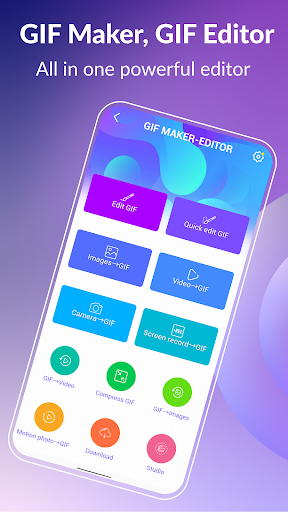
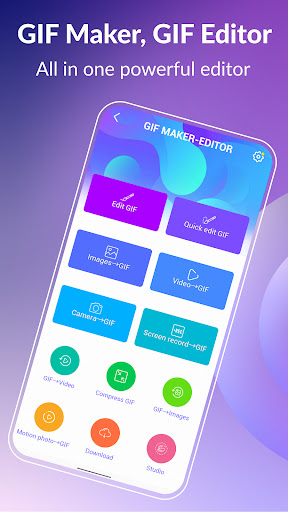
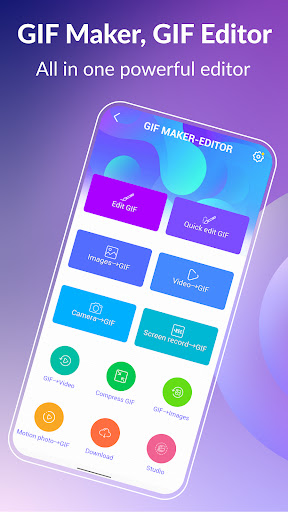
Unleash your creativity with GIF Maker & GIF Editor, the all-in-one GIF app that empowers users to create and edit high-quality animated GIFs without any watermarks. Designed with an intuitive and user-friendly interface, this versatile application makes transforming images, videos, screen recordings, and even existing GIFs into stunning animations incredibly easy. Whether you're a casual enthusiast or a seasoned creator, GIF Maker & GIF Editor is your go-to tool for bringing your visual ideas to life.
Supported Formats and Customization
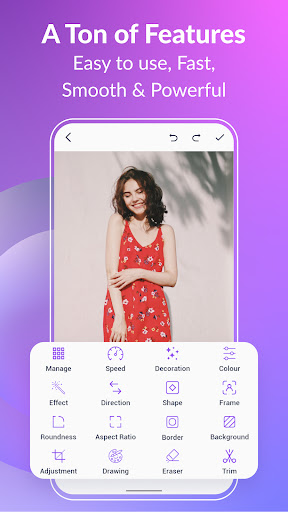
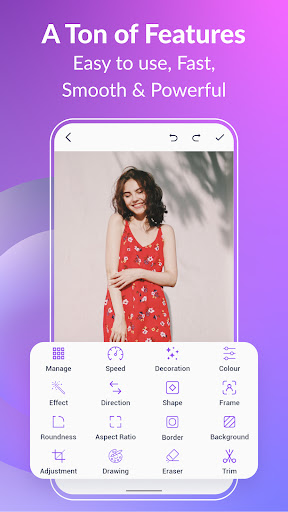
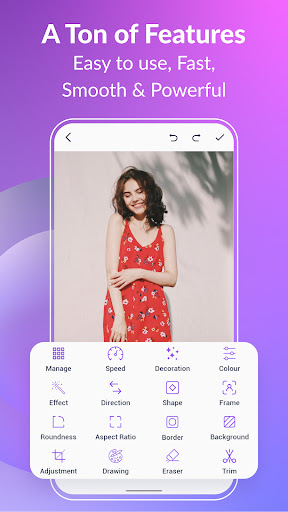
The app supports a wide range of popular formats including PNG, JPEG, MP4, MPEG, FLV, 3GP, GIF, and more. This broad compatibility ensures that you can effortlessly import your favorite media files and customize your GIFs to match your unique style. Features such as crop, resize, change speed, add emojis, filters, trim, apply stickers, adjust aspect ratio and roundness allow for comprehensive creative control. You can craft animations with up to 400 frames and support a frame rate of up to 50 fps, ensuring smooth and high-quality output every time.
Advanced Editing Tools
Quick and Easy GIF Editing
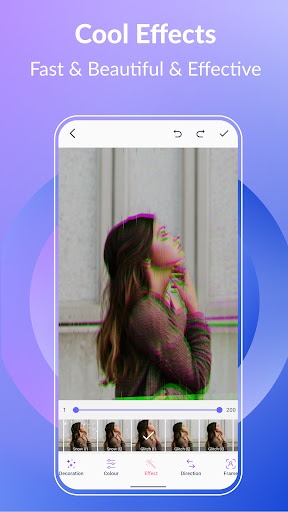
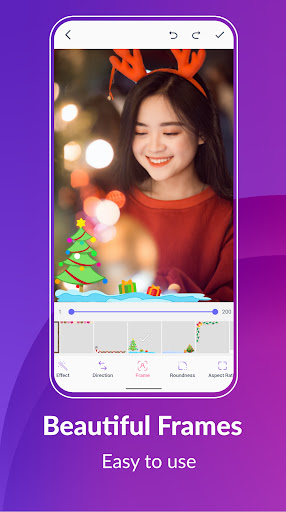
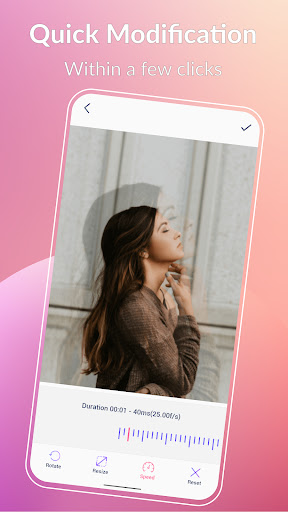
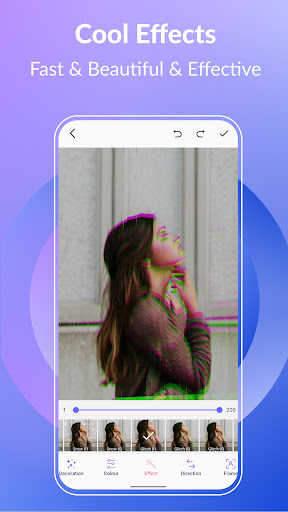
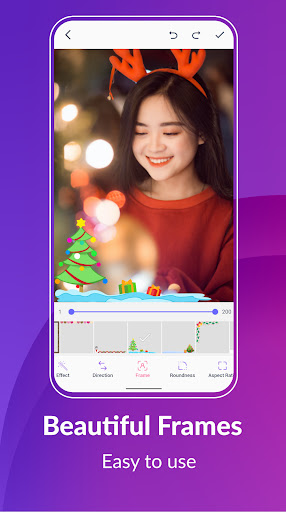
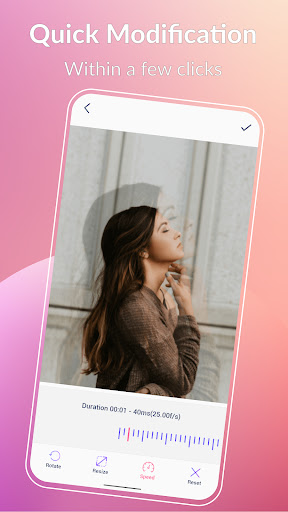
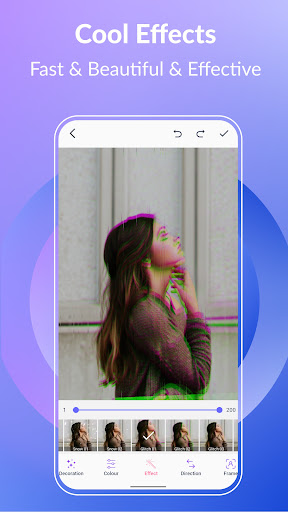
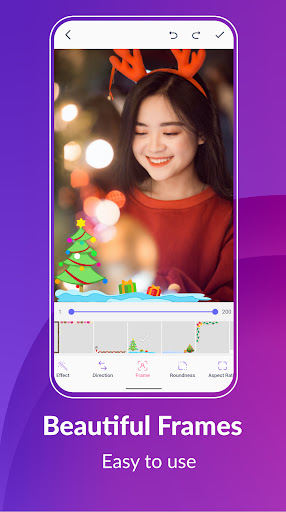
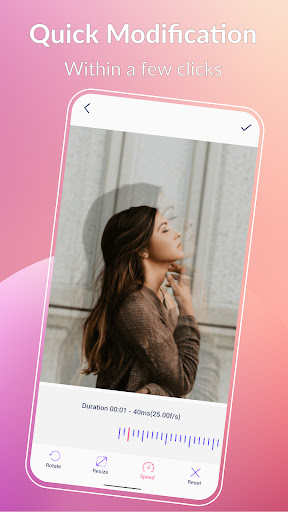
The GIF Maker & GIF Editor offers quick editing tools to refine your animations in seconds. Resize your GIFs, modify playback speed, or rotate them effortlessly. Enhance your creations with a variety of effects and picture frames such as 1977, Amaro, Hefe, Glitches, VHS and more, adding distinctive styles to your GIFs.
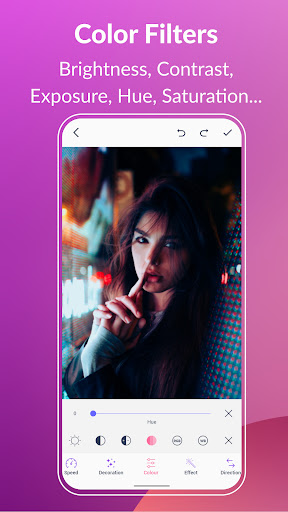
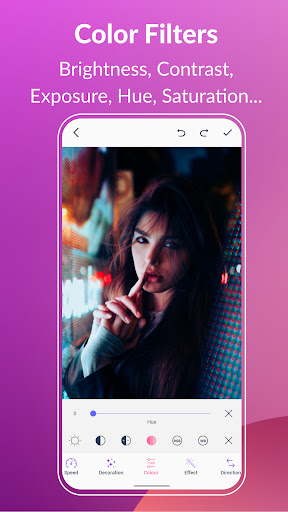
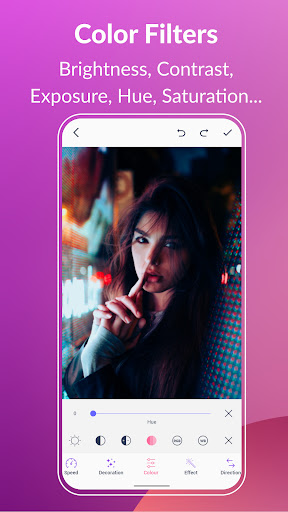
Color adjustment features enable you to modify brightness, contrast, exposure, hue, saturation, and white balance—bringing your animation to vibrant life with just a few sliders.
Adding Text, Stickers and Emojis
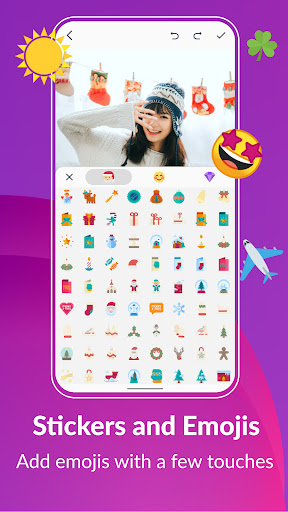
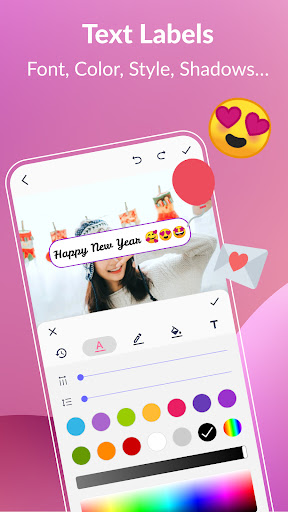
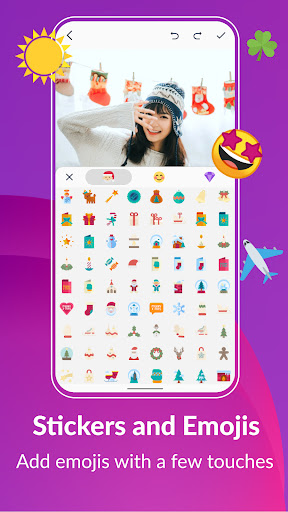
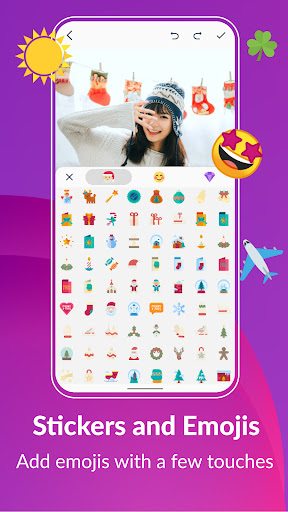
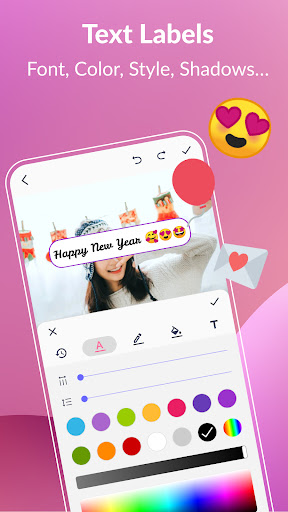
Make your GIFs more engaging by adding text labels with customizable styles, colors, fonts, shadows, borders, and timing. Incorporate fun stickers and emojis to inject personality and humor into your animations. These features allow for dynamic storytelling and personalization.
Background Customization & Special Effects
Create striking backgrounds using options like transparent, black, white, solid colors, gradients, blur effects, and more. Such customization helps your GIFs stand out in social feeds and messaging conversations, making your content memorable and captivating.
Sharing and Exporting
Once your GIF masterpiece is ready, easily share it directly to popular platforms including WhatsApp, Facebook, Twitter, Instagram, Giphy, Tenor, and TikTok. The app also allows you to export high-quality GIFs in various formats, ensuring your animations look their best across all sharing channels.
Additionally, the built-in GIF compressor helps you create smaller, more manageable files without compromising quality, perfect for quick sharing or storage optimization.
In case you want to repurpose your animations, you can convert GIFs to videos with just a few clicks, maintaining resolution and quality for seamless playback across platforms.
Frame Management and Creative Enhancements
Extract individual frames from GIFs easily to analyze or reuse specific moments. The app also supports managing your entire GIF collection, making it simple to view, organize, and edit your saved animations.
Further, the support for up to 22 languages—including English, Français, Español, 中文, 日本語, Deutsche, हिंदी, Русский, and more—ensures accessibility for users worldwide, enabling everyone to create and customize their GIFs effortlessly.
Conclusion
If you're passionate about GIF creation, GIF Maker & GIF Editor stands out as a comprehensive tool that combines powerful editing features with ease of use. It's perfect for crafting memorable animations, adding fun effects, and sharing your creativity with a global audience. Whether you want to turn your videos into lively GIFs, design memes, or produce eye-catching social media content, this all-in-one application offers the flexibility and capabilities to make your visions come true. Dive into the world of animated storytelling today, and let your imagination run wild with GIF Maker & GIF Editor.
Pros
- Intuitive interface for quick editing
- Extensive selection of editing tools
- Supports various file formats for importing
- Fast processing and export speeds
- Enables adding text and stickers to GIFs
Cons
- Limited advanced editing options
- Reports of occasional app crashes
- Intrusive advertisements
- Watermark on exports in the free version
- Certain features available only via in-app purchases











