

Introduction to Video Player All Format HD
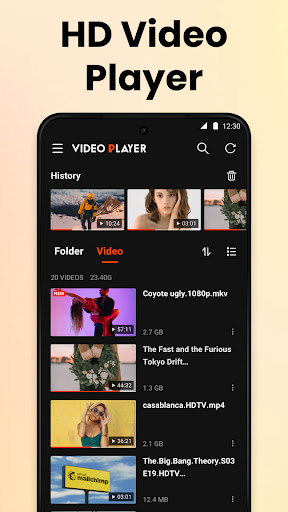
Video Player All Format HD is a powerful and lightweight video player designed specifically for Android devices. Despite its small size—less than 10 MB—this app offers a rich set of features that cater to all your video playback needs. Whether you're watching 4K or 1080p videos, this media player ensures a seamless and high-definition viewing experience. Its user-friendly interface combined with performance-focused functionalities makes it one of the top choices for Android users seeking a versatile and efficient video player.
Supported Formats and Compatibility
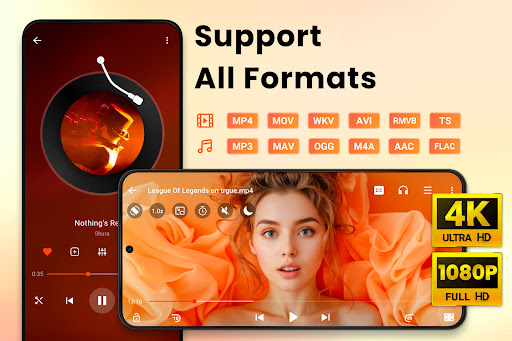
This HD Video Player All Format supports virtually all video formats, including MKV, MP4, M4V, AVI, MOV, 3GP, FLV, WMV, RMVB, and TS. No matter what file type you have, this app can handle it effortlessly. Its extensive compatibility ensures you can enjoy your entire video library without needing to convert files or use multiple players. From casual viewing to intense movie sessions, this media player covers all formats seamlessly.
Key Features of the Video Player All Format HD
Multiple Playback and Viewing Options
The app offers a range of features to enhance your viewing experience, including:
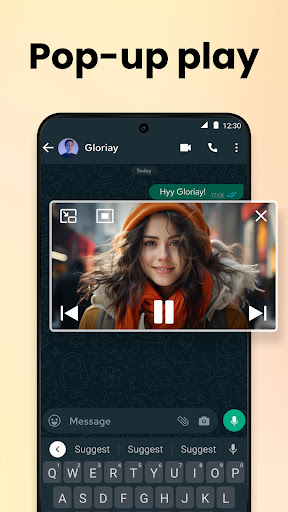
- Popup Play: Watch videos in a floating window while chatting or browsing other apps, perfect for multitasking.
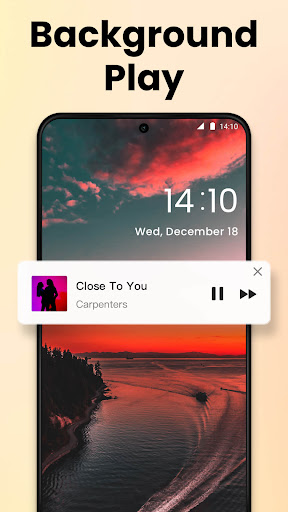
- Background Play: Listen to videos with the screen off, mimicking an audiobook experience or background audio playback.
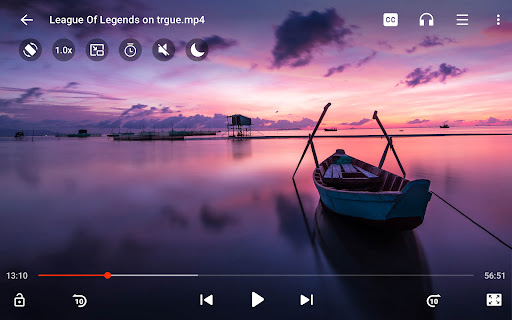
- Change Video Speed: Adjust playback speed from 0.5x to 2x, ideal for tutorials or fast-forward viewing.
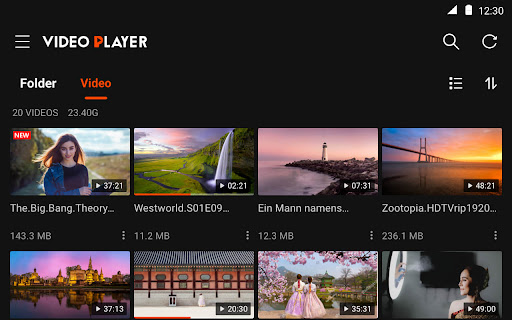
- Auto Detect: The app automatically scans your phone and SD card for video files and folders, making organization simple.
- Manage Videos: Delete, rename, and organize your video files directly within the app.
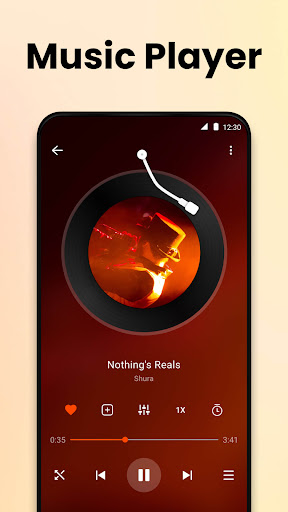
- Sleep Timer: Set a timer to automatically stop playback, perfect for bedtime viewing.
- Night Mode & Quick Mute: Reduce eye strain during night viewing and mute sound instantly.
- Equalizer: A five-band equalizer with bass boost to customize audio output for the best listening experience.
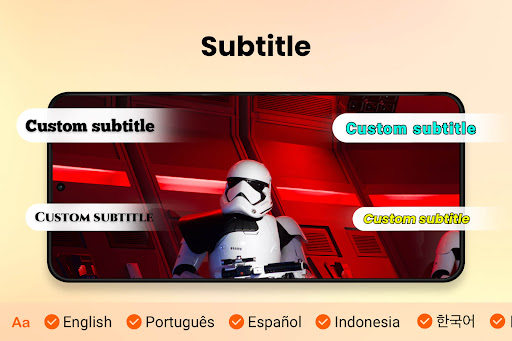
- Download & Subtitles: Easily add subtitles and download them directly for supporting foreign language content.
- Audio Track Switch: Easily switch between different audio tracks in a video.
- View Modes: Switch effortlessly between Grid View and List View for better file management.
- Quick Search: Instantly find your videos with an efficient search feature.
Advanced Media Playback Features
The app enables precise control over media playback, including:
- Speed Control: Fuel your learning or entertainment with playback speeds from 0.5x to 2.0x.
- Fast Forward & Rewind: Jump ahead or back by 10 seconds with ease.
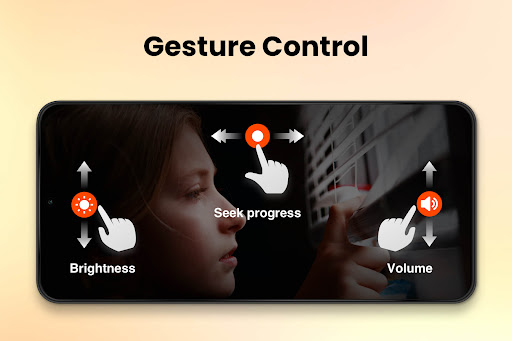
- Gesture Controls: Use intuitive gestures for forward/backward seeking, volume adjustments, and more.
- Night Mode: Reduce screen brightness to prevent eye strain during late-night viewing.
Design and User Experience
The interface of Video Player All Format HD is designed with simplicity and ease of use in mind. The intuitive layout allows users to access controls like volume, brightness, and playback speed with just a swipe or tap. The app's responsive design ensures smooth operation across various device sizes and specifications, making it a reliable choice even for devices with limited resources.
Performance and Reliability
This media player delivers stable and efficient performance. It handles large HD files without lag and uses minimal battery and memory resources. The app is perfect for users who want a fast, reliable, and light video player that works flawlessly regardless of file size or format.
Conclusion
In summary, Video Player All Format HD is an excellent choice for Android users who need versatile, high-performance video playback. Its broad format support, rich feature set, and user-friendly design make it a top-tier media player for everyday entertainment, educational content, or binge-watching sessions. With its compact size and intuitive controls, it’s ideal for users with limited storage or those seeking a lightweight yet powerful video player. Give this app a try and elevate your video viewing experience to the next level!
Pros
- Supports all major video formats.
- High-definition playback.
- User-friendly interface.
- Quick loading times.
- Customizable playback settings.
Cons
- Contains advertisements.
- Lacks offline mode.
- Limited features available for free.
- Occasional playback lag.
- Does not support subtitles in the free version.










