

Infinite Design: The Ultimate Mobile Digital Art App
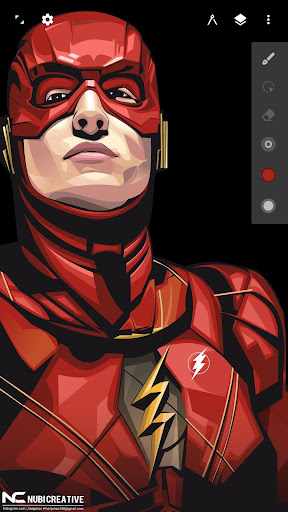
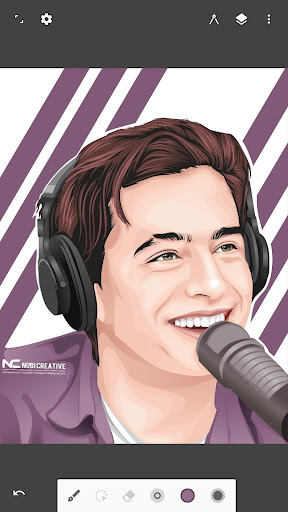
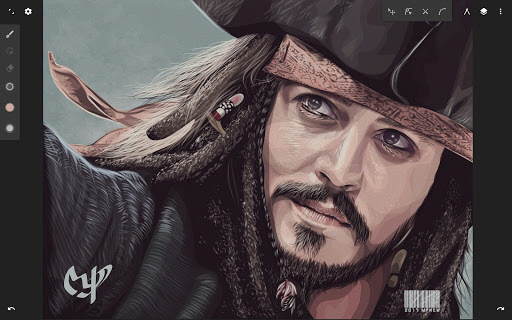
Are you passionate about digital art and constantly searching for an app that can transform your creative ideas into stunning visuals on the go? Look no further than Infinite Design. Rebuilt from the ground up, this innovative drawing app delivers a blazing-fast, incredibly stable experience with an improved interface, making it a top choice for both novice artists and seasoned designers alike.
Key Features and Capabilities
Unmatched Drawing Experience
Infinite Design offers an infinite canvas—a space that allows you to pan, zoom, or rotate your artwork freely, providing an unparalleled creative environment. Whether you're working on complex illustrations or detailed sketches, this feature ensures you have limitless space to bring your ideas to life. The app also boasts intuitive path editing and Boolean operations, simplifying the process of creating precise shapes and intricate designs.
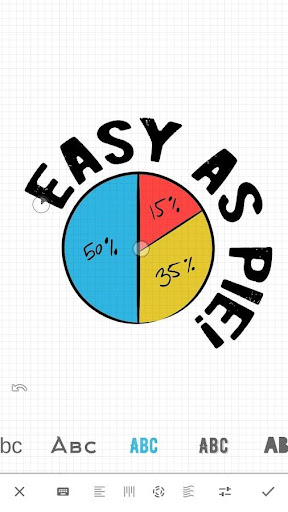
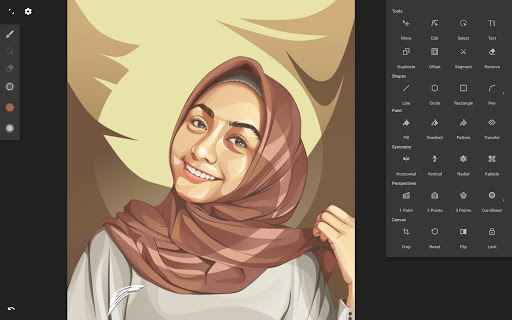
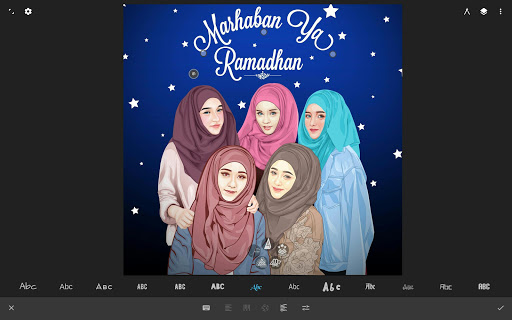
Superior tools such as the pen tool enable you to construct shapes easily, while the text tool supports horizontal, vertical, circular, or text-on-path options, offering diverse ways to incorporate typography into your artwork. Experiment with four types of symmetry, or work with unlimited layers for complex projects. The history slider allows for unlimited undo, enabling you to scrub through your design process seamlessly.
Advanced Artistic Tools
Take your creativity further with tools that include the transform options—translate, scale, rotate, flip, distort, and skew. The app supports gradient and pattern fill options, helping you add depth and texture to your artwork. The automatic shape detection feature makes drawing geometric shapes quick and easy, while the grid assists with alignment and snapping for precision editing.
Import images from your gallery, camera, or search the web directly within the app. Convert any image into fully editable vector paths through the vectorize feature, ensuring your artwork maintains quality at any scale. Export your projects as JPEG, PNG, or SVG, and share your creations effortlessly to the Infinite Studio community or Instagram.
Streamlined User Interface
Despite its vast feature set, Infinite Design maintains a simple and organized interface that prioritizes user experience. Quickly move your favorite tools to the top bar for easier access. Drag out the color wheel with two fingers for precise color adjustments, making your workflow more efficient. The intuitive layout ensures that you spend less time navigating menus and more time creating.
Enhanced Performance and Usability
Infinite Design is optimized for smooth performance on various devices. It handles complex projects with multiple layers without lag, thanks to dedicated performance enhancements. The app's responsiveness to touch gestures delivers a natural and intuitive interaction, making the creative process more enjoyable. Additionally, a host of tutorials are available to assist beginners and enhance their skills.
The Perfect Choice for Digital Artists
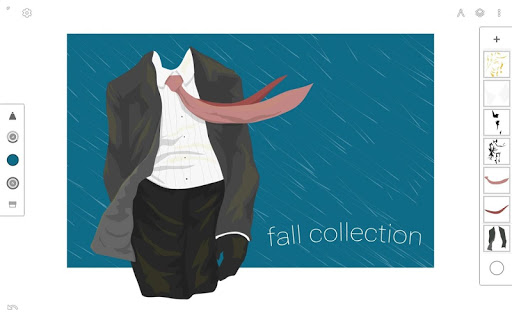
Whether you're crafting detailed illustrations, designing logos, or simply doodling for fun, Infinite Design offers a comprehensive suite of tools that cater to all levels of digital art enthusiasts. Its powerful features, combined with a straightforward interface, empower you to produce professional-quality artwork directly from your mobile device. The app's support for high-resolution exports makes it ideal for printing or sharing your masterpieces across various platforms.
If you're looking for a versatile, reliable, and feature-rich digital drawing app for mobile, Infinite Design deserves a spot on your device. Unleash your creativity, experiment with new techniques, and create your next masterpiece with ease and confidence.
Pros
- User-friendly interface for straightforward navigation
- Professional-grade tools for advanced design work
- Supports scalable vector graphics
- Layer system enables detailed editing
- Regular updates introducing new features
Cons
- May consume significant resources on older devices
- Few tutorials available for beginners
- Premium features require payment
- Occasional bugs in complex projects
- No cloud storage option for saving projects











