

Overview of the Zoom Rooms Controller App
The Zoom Rooms Controller app revolutionizes the way you manage and control your Zoom Room meetings. Designed to enhance the user experience, this app functions as an intuitive command center, making video conferencing more seamless and efficient. Whether you're in charge of a conference room, training space, or executive office, the Zoom Rooms Controller offers a simple and scalable solution to effortlessly operate Zoom Rooms systems.
Key Features of the Zoom Rooms Controller
The app provides a comprehensive suite of features aimed at optimizing your meeting environment. With top-tier video and screen sharing quality, it ensures that every presentation and collaboration session is crisp and clear. Connecting to your Zoom Rooms setup is quick and easy, supporting Google Calendar, Office 365, or Microsoft Exchange integrations for seamless scheduling.
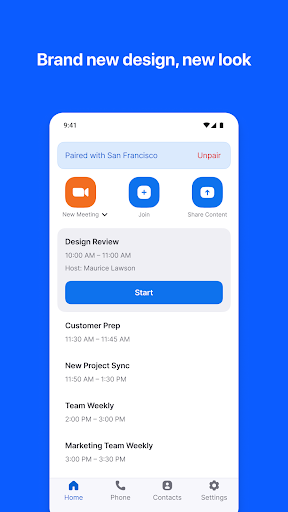
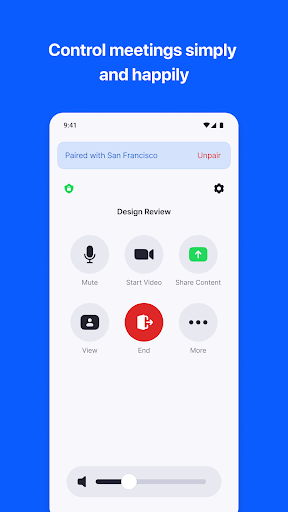
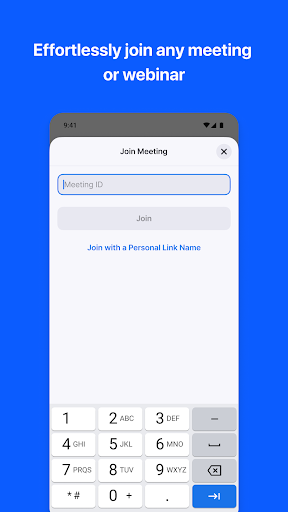
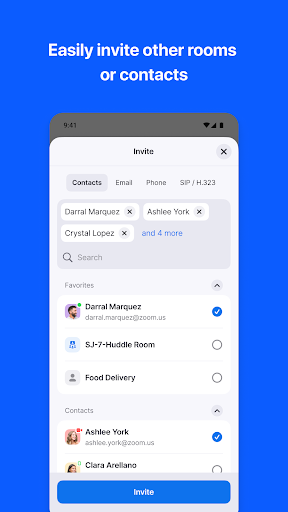
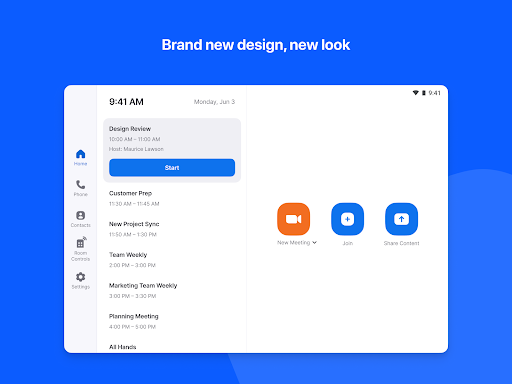
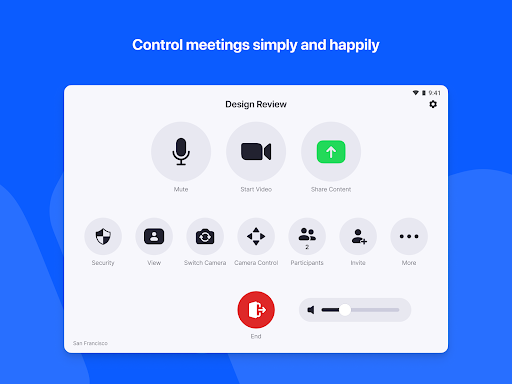
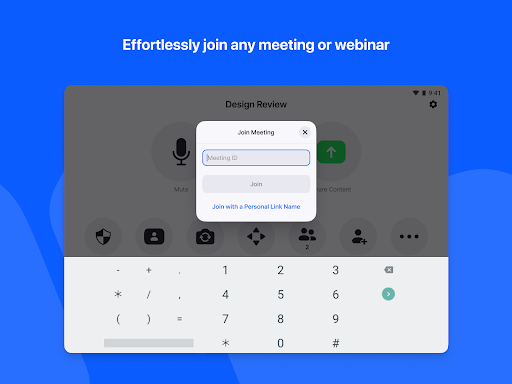
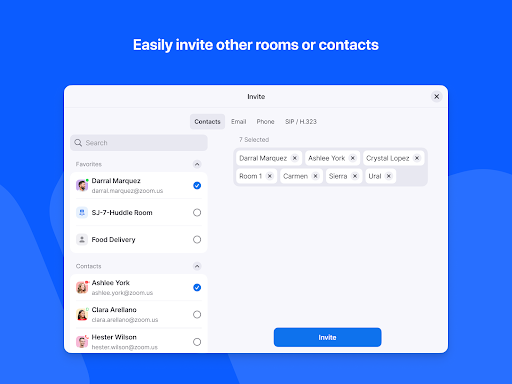
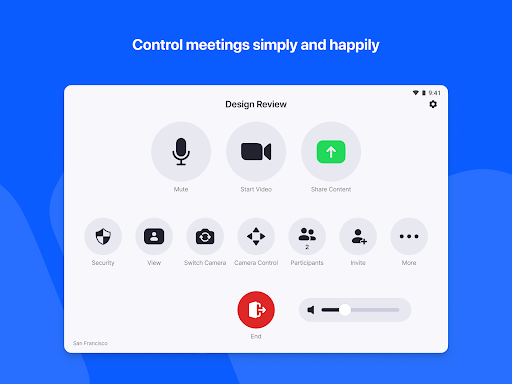
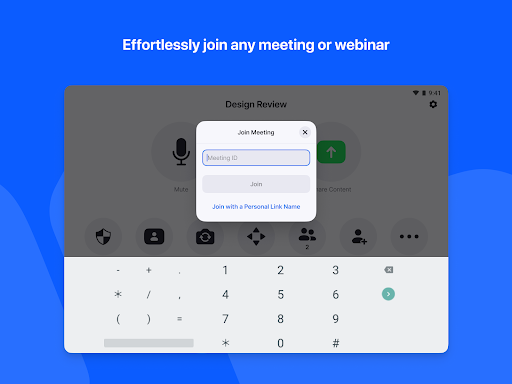
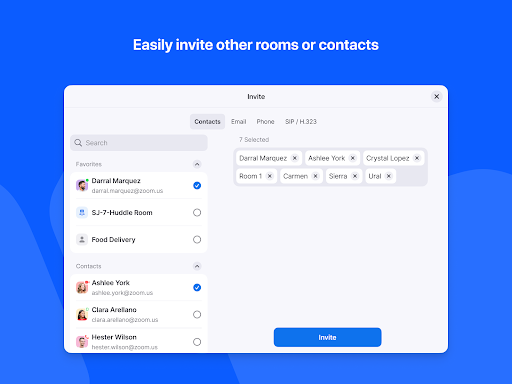
Using the app, initiating or joining meetings with just a single tap becomes a reality, dramatically reducing setup time. Large and intuitive room controls enable you to manage audio, video, and participant settings effortlessly. Wireless screen sharing allows content to be shared from any device, whether desktop, mobile, or other compatible systems.
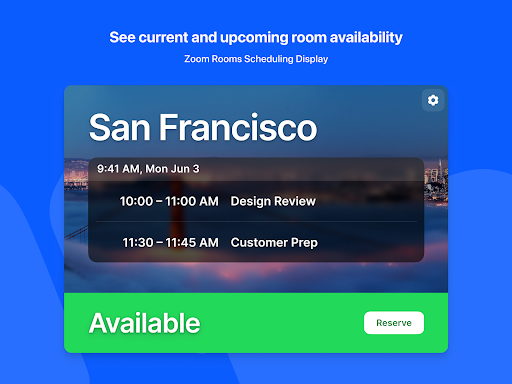
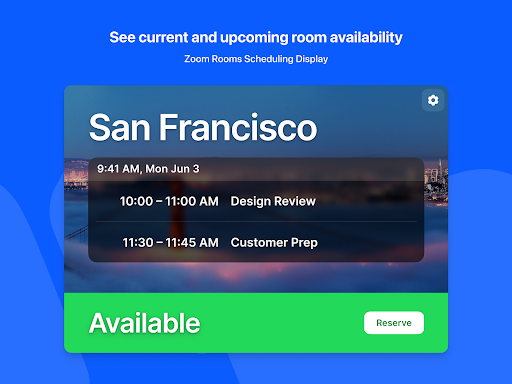
The app supports configurations with up to 3 HD screens, making it suitable for conference rooms of various sizes. It also offers native room control integration for environment management, such as lighting and projectors. Additionally, unlimited scheduling displays and digital signage capabilities facilitate room booking and content management across your facility.
For flexibility, the Zoom Rooms Controller allows pairing and controlling Zoom for Home devices and other Zoom Rooms from your personal mobile device. During meetings, you can view the active speaker, switch to content sharing, or engage in gallery view with up to 49 video feeds. Supporting up to 1,000 interactive participants and 10,000 view-only webinar attendees, the app is ideal for large scale conferences.
Meetings can be recorded directly through the app, providing easy options for sharing or later review. Compatible with a variety of devices, such as Android, iOS, Windows, Mac, SIP/H.323 room systems, and telephones, it ensures broad interoperability, making it an essential tool for modern collaboration.
Personal Experience with the Zoom Rooms Controller
Using the Zoom Rooms Controller is a game-changer in managing virtual meetings. Setting up the app on a tablet is straightforward — a quick download followed by simple on-screen instructions gets you ready in minutes. The seamless connection to your existing Zoom environment means no complicated configurations are required, enabling you to focus on your meeting content rather than technical issues.
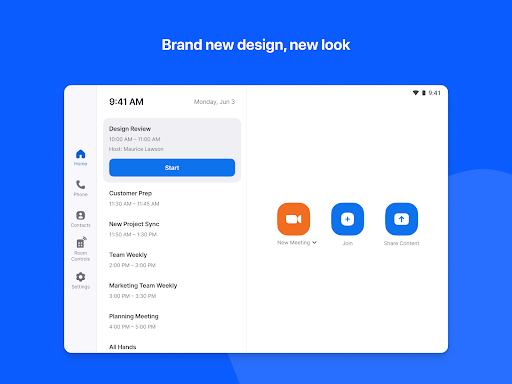
The intuitive interface is thoughtfully designed, offering controls that even less tech-savvy users can handle confidently. Starting or joining a meeting is just a tap away, and managing participants and audio/video settings becomes a breeze. One standout feature is the built-in content sharing, allowing users to broadcast presentations or notes effortlessly from their device.
Customization options further enhance usability; you can adjust control layouts, change app backgrounds, and easily switch between different Zoom Rooms if managing multiple spaces. For organizations aiming to optimize their meeting room utilization, insights and analytics into room usage are available, empowering smarter space management.
Overall, the Zoom Rooms Controller app simplifies complex meeting management, improves operational efficiency, and provides a smooth user experience. Its intuitive controls, flexible integrations, and powerful features make it an indispensable tool for modern workplaces aiming to streamline their collaboration efforts.
Conclusion
The Zoom Rooms Controller app combines simplicity and power, transforming your meeting space into a high-functioning collaboration hub. Whether used for small huddle rooms or large conference halls, its scalable features and user-friendly interface enhance productivity and meeting quality. Embrace the future of video conferencing with this innovative controller, and enjoy effortless management of your Zoom Rooms environment for a more connected and efficient workflow.
Pros
- User-friendly interface for easy navigation.
- Seamless integration with Zoom Rooms.
- Customizable settings for different needs.
- Remote control of meeting features.
- Supports multiple devices and platforms.
Cons
- Requires stable internet connection.
- Limited functionality without Zoom Rooms.
- Can be complex for first-time users.
- Needs regular updates for new features.
- Compatibility issues with older devices.











