

Discover the Power of KWGT Kustom Widget Maker
Are you tired of the same old, static widgets cluttering your Android home screen? Want to personalize your device with unique, eye-catching elements that reflect your style? Look no further than KWGT Kustom Widget Maker, the ultimate app for designing custom widgets that transform your mobile experience. As the most versatile widget creator available on Google Play, KWGT empowers users to craft one-of-a-kind widgets, ranging from elegant clocks to detailed weather displays, all tailored to your preferences. Whether you're a seasoned designer or a casual user, this app offers an intuitive yet powerful platform to unleash your creativity and redefine your home screen aesthetic.
Why Choose KWGT for Home Screen Customization?
KWGT stands out because it’s more than just a widget app—it's a blank canvas for your imagination. Unlike preset widgets, KWGT provides comprehensive tools to build personalized displays that fit your style and needs. Want to showcase your favorite photos, track your fitness goals, or display live weather updates? With KWGT, you have the freedom to design exactly what you envision. Its flexibility makes it the perfect choice for anyone seeking to elevate their Android experience with highly customized, dynamic widgets that truly stand out.
Getting Started with KWGT
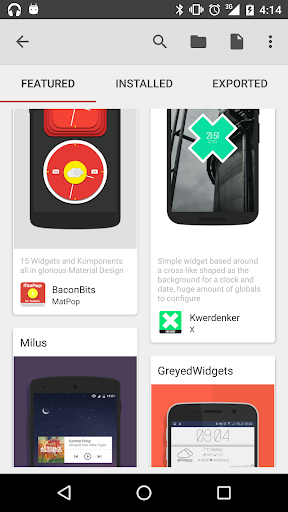
Starting out with KWGT might seem daunting at first, but it's easier than you think. The app offers a curated selection of pre-made templates that help you get acquainted with its features without starting from zero. These templates serve as practical starting points or inspiration, allowing you to tweak and customize quickly. As you familiarize yourself with the interface, you can gradually experiment with creating from scratch—choosing shapes, colors, fonts, images, and animations. KWGT’s user-friendly design and detailed tutorials make it accessible for beginners, while offering depth for advanced users eager to push creative boundaries.
Unleash Your Creativity with WYSIWYG Editing
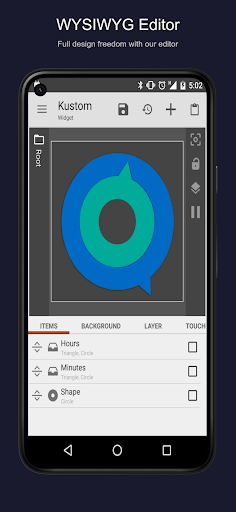
KWGT’s hallmark feature is its "What You See Is What You Get" (WYSIWYG) editor, which offers full control over widget design. Whether you're crafting a minimalist clock or a complex dashboard, you can start with a blank canvas or a starter skin. Customize text with any font, color, size, and effects like shadows or 3D transformations. Incorporate shapes such as circles, rectangles, or triangles, or upload your own images and SVG graphics for maximum versatility. Advanced layer management enables stacking objects, applying gradients, filters, and overlays—allowing for highly detailed and polished designs.
Making Widgets Interactive
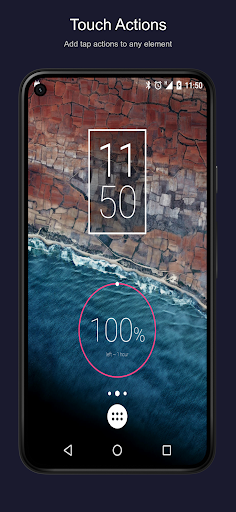
Add a layer of functionality to your creations by making your widgets interactive. With touch actions and hotspots, you can set elements to launch apps, toggle system settings, or execute specific actions with just a tap. Imagine a weather widget that opens your favorite weather app or a music control that responds instantly to your commands. This feature turns static designs into functional tools that enhance your daily usability.
Create a Wide Range of Custom Widgets
KWGT unlocks endless possibilities for home screen personalization. Custom widgets you can craft include:
- Stylish & Photo Widgets: Showcase your favorite images or create minimalist photo displays.
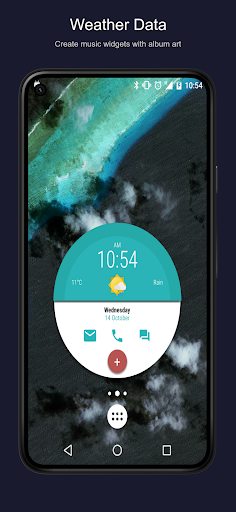
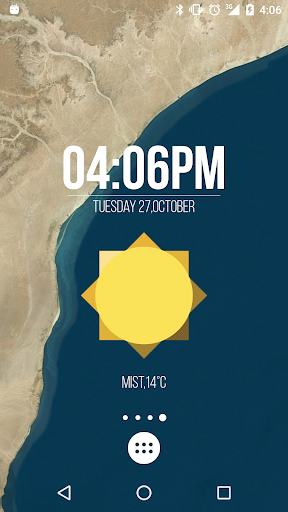
- Weather Widgets: Display detailed weather data, including wind chill and "feels like" temperature from multiple providers.
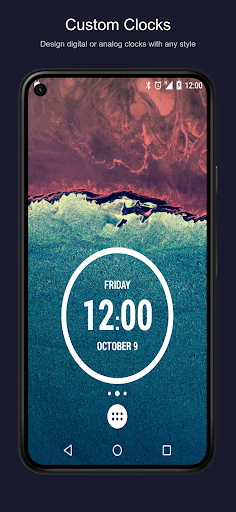
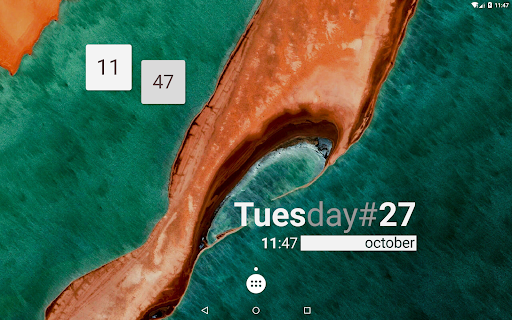
- Clocks & Timepieces: Design digital or analog clocks, world clocks, or astronomical displays showing sunrise and sunset times.
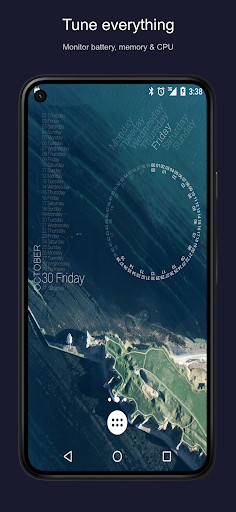
- System Monitors: Visualize battery life, CPU usage, memory usage, and more with custom gauges.
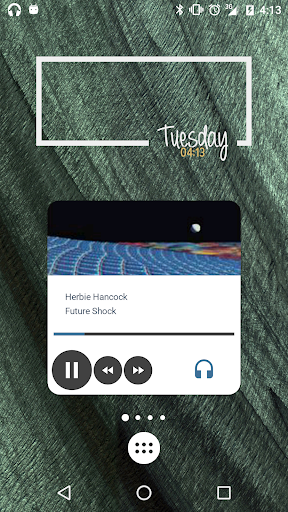
- Music & Media Widgets: Show current song info, album art, and controls seamlessly integrated into your home screen.
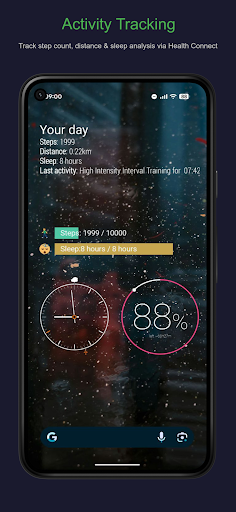
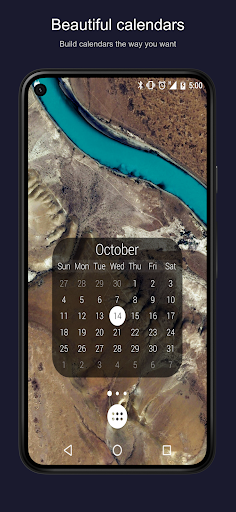
- Fitness & Calendar Widgets: Track steps, calories, and view upcoming calendar events with sleek, personalized interfaces.
Advanced Features for Power Users
For those seeking unmatched functionality, KWGT offers deep customization options:
- Complex Logic: Use embedded functions, conditionals, and variables to create dynamic, responsive widgets.
- Live Data Integration: Fetch content from online sources using HTTP, RSS feeds, or XML/XPATH parsing for real-time updates.
- Tasker Compatibility: Connect with Tasker automation app to trigger widget changes based on context or schedules.
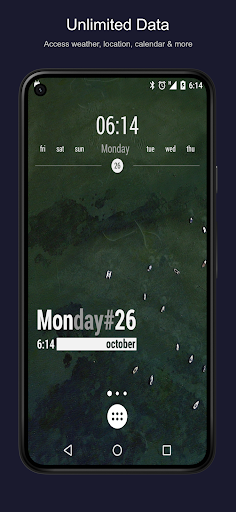
- Extensive Data Display: Show system info like Wi-Fi status, traffic conditions, alarms, location, pace, and more, all customized your way.
Upgrade to KWGT Pro
Unlock premium features with KWGT Pro:
- Remove advertisements, enhancing your experience.
- Support ongoing development and updates.
- Enable importing of presets from SD cards and external skins.
- Simply save and recover your presets to share or back up your creations.
Community and Support
Join a vibrant community of KWGT users who share ideas, presets, and inspiration on platforms like Reddit. For technical support or feedback, it’s recommended to reach out via official channels rather than reviews. The developer’s support site offers tutorials, additional resources, and guidance to help you get the most out of your widget-building journey.
Ready to Transform Your Phone?
In summary, KWGT Kustom Widget Maker is the perfect tool for anyone looking to personalize their Android device with custom widgets. Its blend of powerful features, intuitive design, and limitless creative potential makes it an essential app for customizing your home screen and making your phone uniquely yours. Whether you want a sleek digital clock, an interactive weather display, or a complex data dashboard, KWGT has the tools you need to bring your ideas to life. Dive into KWGT today and turn your home screen into a masterpiece of your own creation!
Pros
- Highly customizable widgets
- User-friendly interface
- Frequent updates
- Wide range of templates
- Supports community sharing
Cons
- Steep learning curve
- In-app purchases
- Limited free features
- Occasional bugs
- High battery usage











