

Background Video Recorder App: Your Ultimate Discreet Video Recording Solution
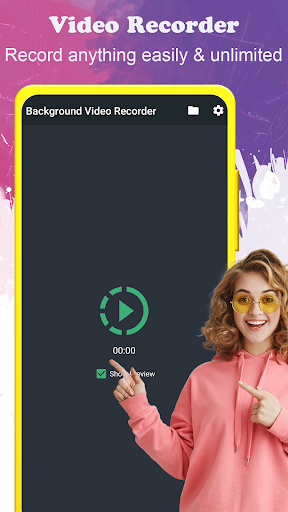
The background video recorder (BVR) is a versatile app designed to simplify video recording on your mobile device. Whether you need to keep recording with the screen off or schedule recordings in advance, this app offers a broad range of features tailored for ease of use and professional-quality footage. With a user-friendly interface, one-click Video Recorder shortcut (Quick Record), and support for over 50 languages, it ensures accessibility for users worldwide. In this detailed overview, we explore the key features that make Background Video Recorder a must-have app for anyone interested in discreet or hands-free video capturing.
Main Features of Background Video Recorder
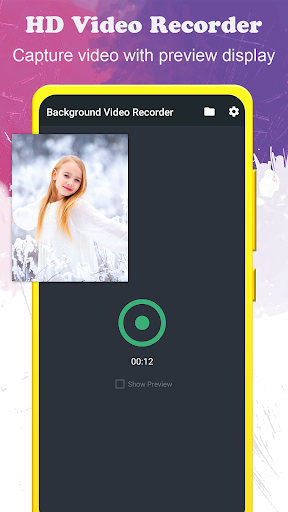
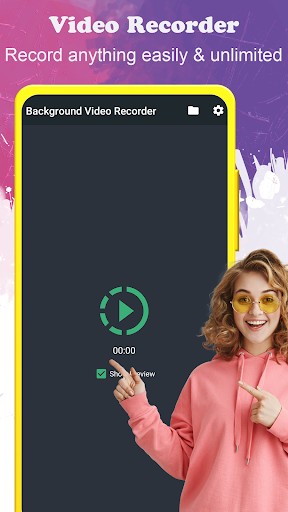
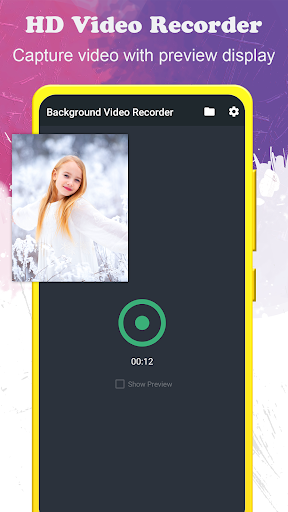
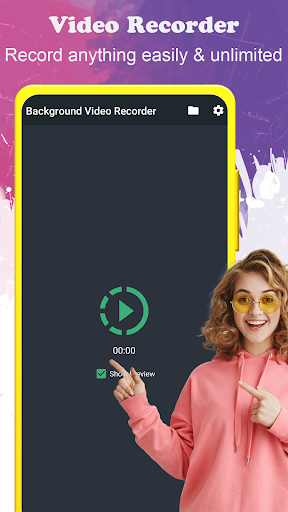
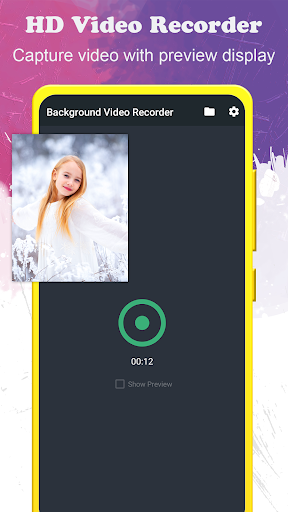
The app allows for an unlimited number of video recordings, meaning you can record as many videos as needed without storage constraints from the app itself. You can choose to record with or without preview, depending on your preference, and there’s support to save videos directly to your SD card or external storage for easy organization and access. Starting and stopping recordings is just a one-touch operation, making it quick and intuitive. Additionally, the app supports video orientation, ensuring your footage remains correctly aligned whether recording in portrait or landscape mode.
Performance and Recording Flexibility
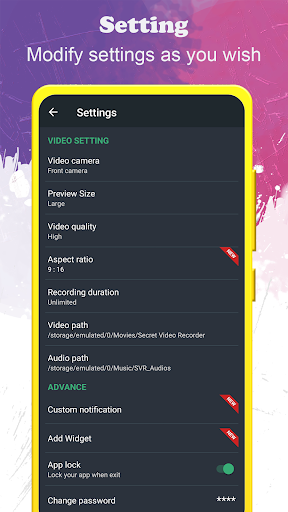
One of the standout capabilities is the support for background recording during phone calls, which is perfect for capturing moments without interruption. The app also allows you to turn your screen off while recording, maintaining privacy, conserving battery, and ensuring that your recording process remains discreet. Whether capturing from the front camera or the back camera, users can choose high-definition output with Full HD (1920x1080) clarity. The configuration options for video duration, camera selection, and video quality make it customizable to suit various needs. Before recording, the app conveniently checks for available free storage, preventing interrupted recordings.
Security and Ease of Use
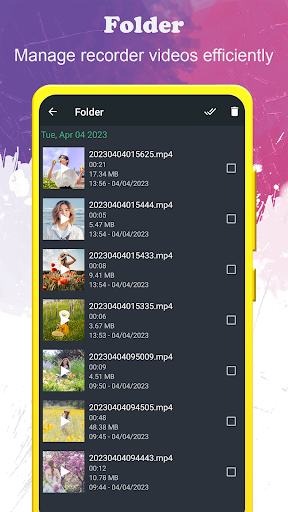
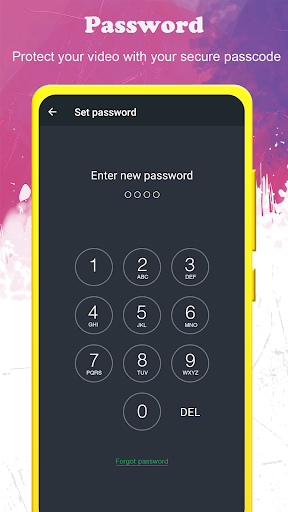
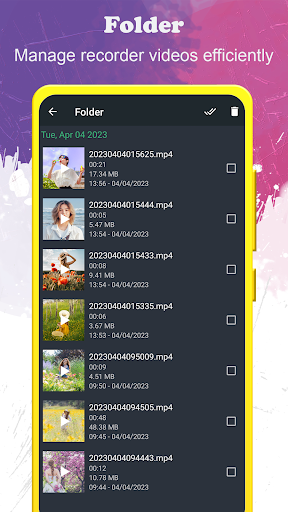
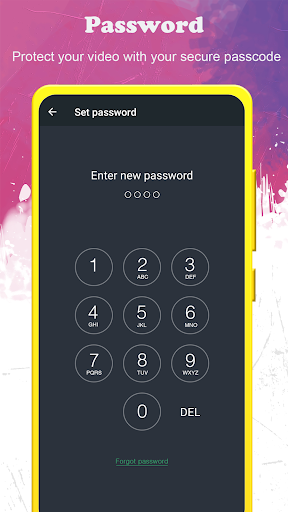
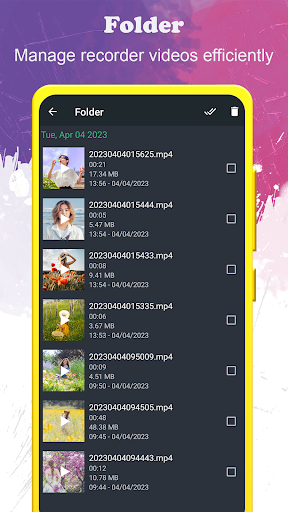
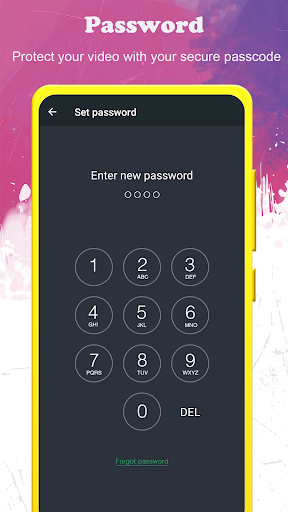
Protect your recordings and app access with passcode locks, adding an extra layer of security. Navigating to your recorded videos is straightforward, with quick access to the designated folder where videos are stored. The app’s multi-language support ensures global usability, and its intuitive interface makes it suitable for users of all technical levels.
Additional Features and Feedback
The Background Video Recorder also offers essential features such as easy configuration of recording duration, camera selection, and video quality. Users can check available storage before initiating recordings to avoid issues, and the process of opening the folder containing saved videos is simplified. For support or feature requests, users can contact the dedicated team via email, ensuring continuous improvement and user satisfaction.
Use Cases and Practical Applications
Imagine situations where discreet recording is necessary, such as capturing candid moments without attracting attention or recording meetings secretly. This is where the background video recorder truly shines. Its ability to operate silently in the background, even during calls, makes it an invaluable tool for journalists, investigators, or anyone needing a reliable and covert video solution. Whether you’re documenting an event or capturing a conversation, this app provides a seamless experience without the need to hold or constantly interact with your device.
Final Thoughts
Overall, the background video recorder is a powerful, user-friendly application that delivers on its promise of discreet and high-quality video recording. Its comprehensive features—such as background recording, scheduled captures, full HD support, and security options—combine to make it a versatile tool for various personal and professional scenarios. If you are seeking a dependable way to record videos effortlessly and discreetly, this app is definitely worth a try. Just remember to use it responsibly and respect privacy regulations in your jurisdiction.
Pros
- User-friendly interface suitable for beginners
- Records high-quality videos in the background
- Supports various video formats
- Operates smoothly without lag
- Includes scheduled recording features
Cons
- Drains significant battery life
- Limited features available in the free version
- Compatibility issues with some devices
- Requires permissions that may raise privacy concerns
- Occasional crashes reported by some users











