
Introducing AudioLab Audio Editor Recorder: Your All-in-One Audio Editing Companion
Imagine having a professional studio right in your pocket. With AudioLab Audio Editor Recorder, this is now possible on your Android device. Whether you're a musician, podcaster, or someone passionate about customizing sounds, this versatile app provides a comprehensive set of tools to create, edit, enhance, and personalize your audio content effortlessly. The app is renowned for its powerful features, user-friendly interface, and support for a wide range of formats, making it the ultimate solution for all your audio needs.
Key Features of AudioLab Audio Editor Recorder
1. Easy-to-Use Interface & Fast Setup
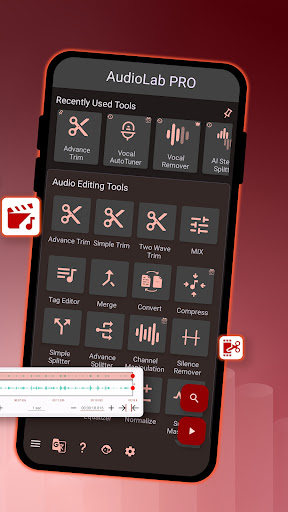
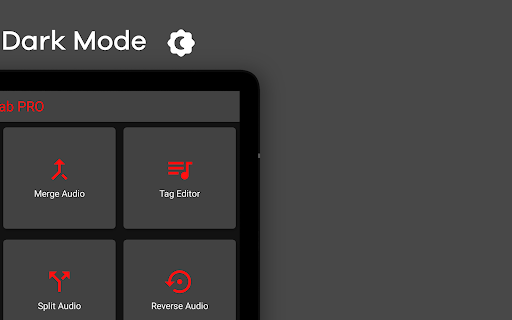
Getting started with AudioLab is simple. The installation process is quick, and the intuitive interface ensures that even beginners can navigate through the plethora of features without hassle. The drag-and-drop functionality, combined with clean design, allows you to access editing tools promptly, saving you time and effort.
2. Comprehensive Audio Editing Capabilities
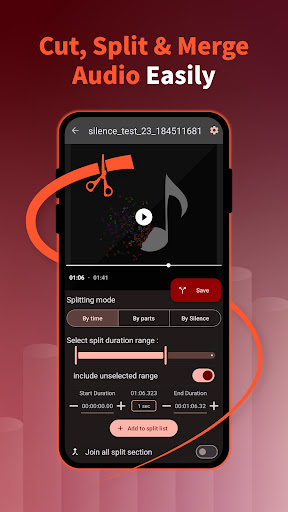
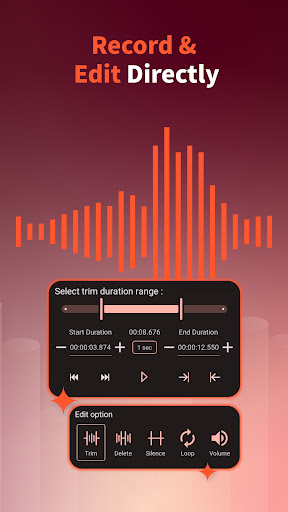
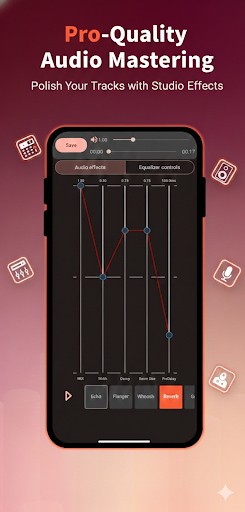
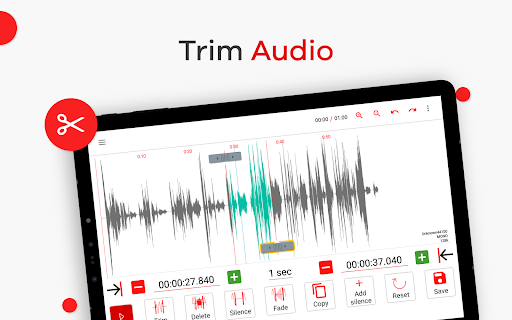
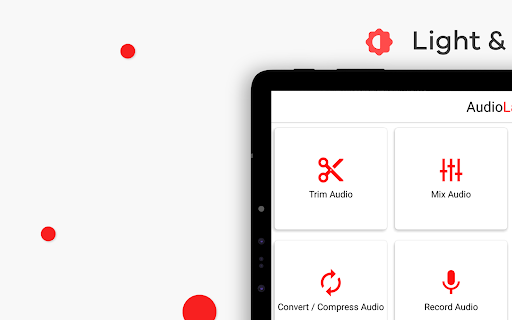
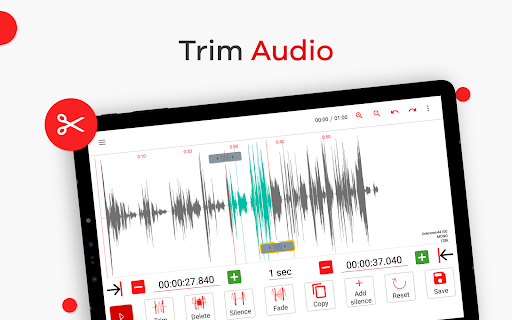
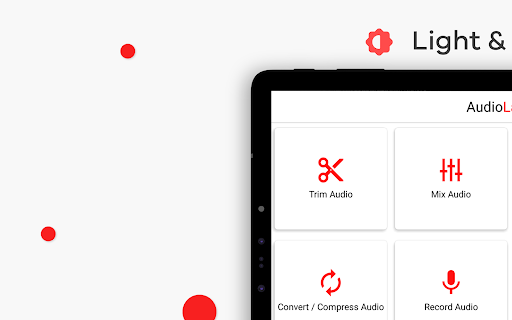
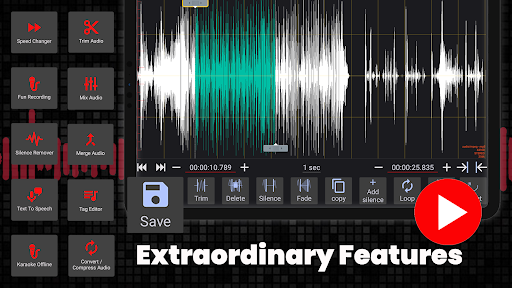
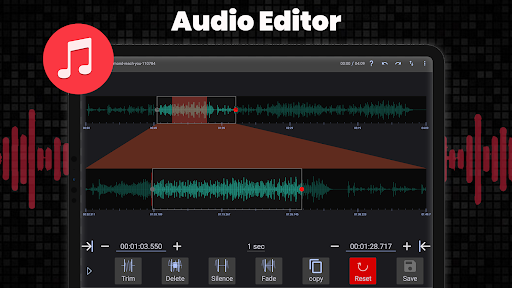
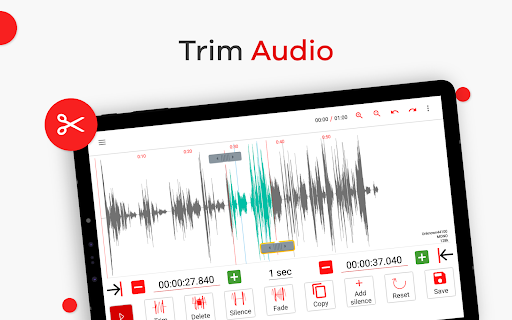
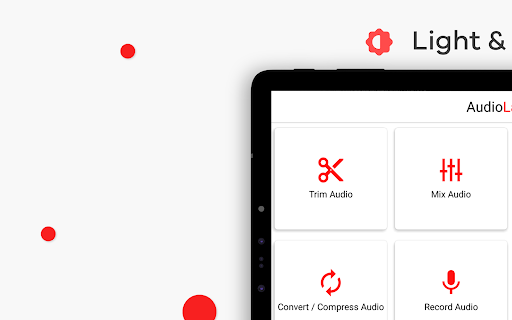
Whether you want to trim your favorite music, merge multiple audio files, or convert formats, AudioLab has you covered. It supports all major audio formats, ensuring seamless compatibility. The app includes tools for editing audio tracks, applying special effects like echo, reverb, and pitch changes, and even creating custom ringtones with just a few taps. Its versatile MP3 cutter & song editor enables precise trimming to extract the best parts of your audio.
3. Music and Sound Creation Features
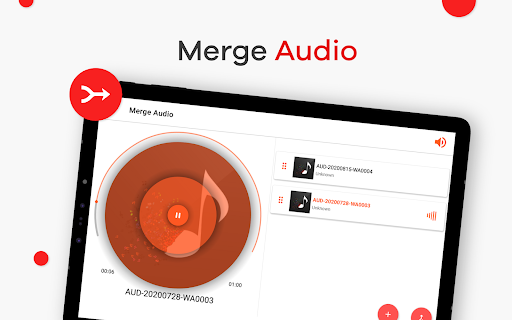
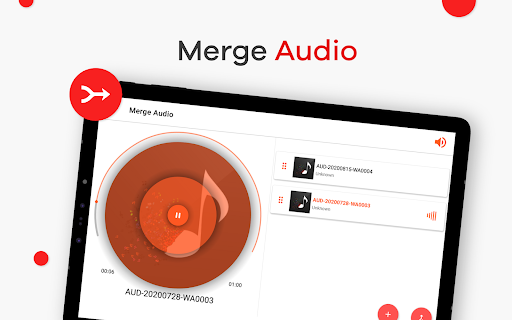
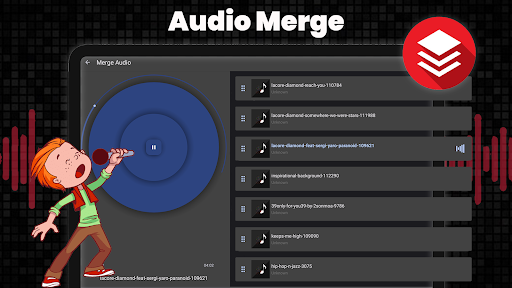
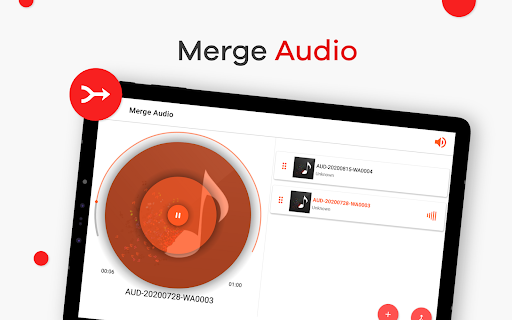
Looking to craft your own songs or mix different tracks? AudioLab offers a powerful music mixer that allows you to combine up to four audio tracks for professional-sounding remixes. The audio merger & joiner feature helps you merge multiple files of varying formats without quality loss. This makes it ideal for creating podcasts, mashups, or custom music.
4. Recording and Enhancing Audio
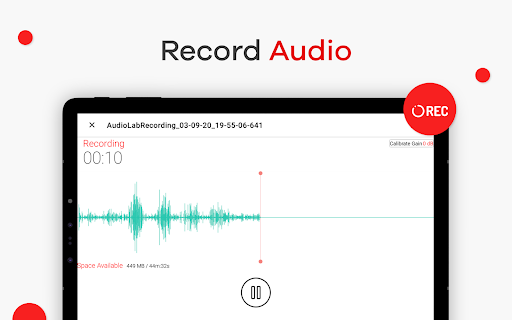
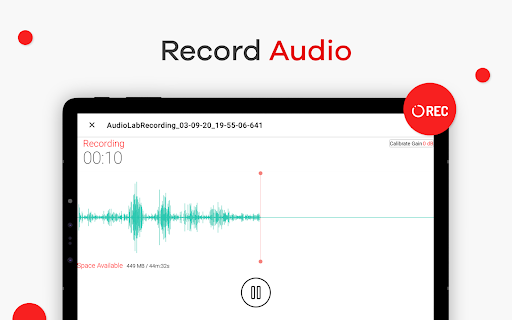
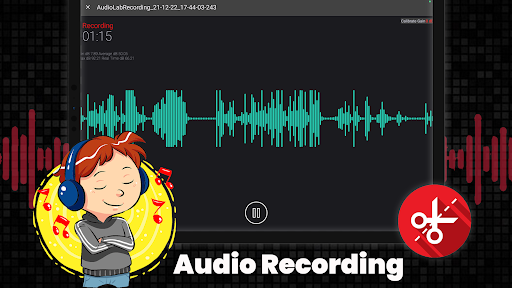
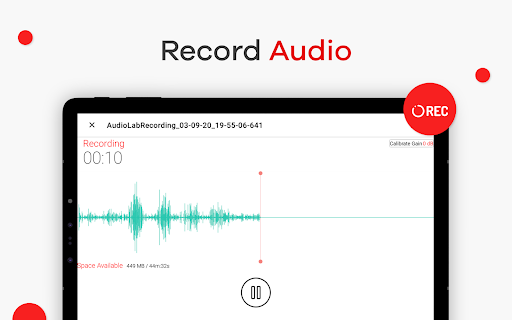
The built-in audio recorder ensures high-quality sound capture, whether you're recording vocals, instruments, or podcasts. Features like noise reduction and volume booster improve your recordings by removing background noise and amplifying audio clarity. Real-time effects such as pitch adjustment and voice modification open up creative possibilities for your recordings.
5. Format Conversion & Audio Optimization
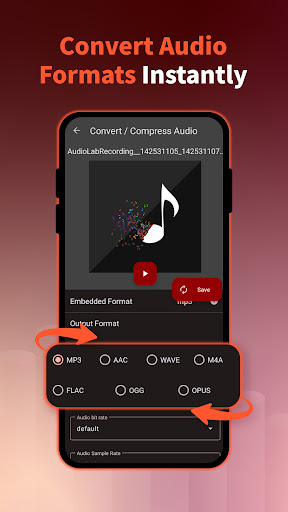
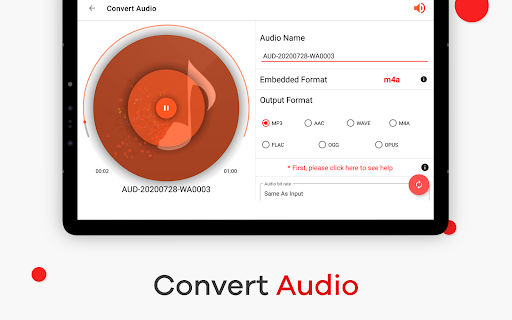
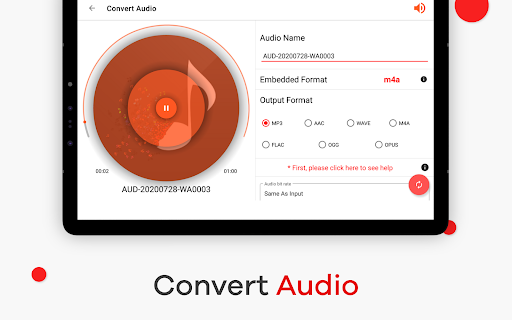
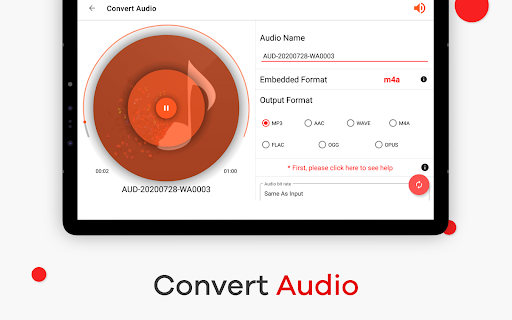
Transform your audio files between formats with the audio converter feature—supporting popular formats like MP3, WAV, and more. Additionally, tools such as audio compressor help reduce file size without compromising quality, perfect for sharing or saving storage space.
6. Advanced Video & Audio Editing
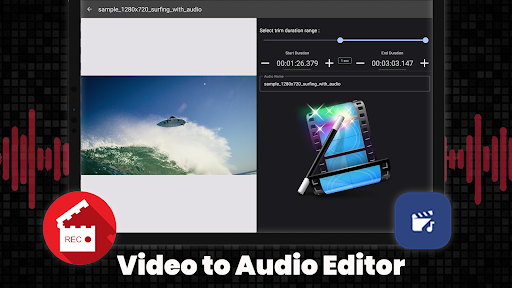
Beyond audio, AudioLab can extract sound from videos with the video to audio converter. It allows you to convert MP4 videos to high-quality MP3 audio, making it easy to isolate soundtracks or create audio clips from your favorite videos. Other features include creating audio loops and sound splits, perfect for karaoke, background music, or sound effects.
7. Special Audio Effects & Enhancements
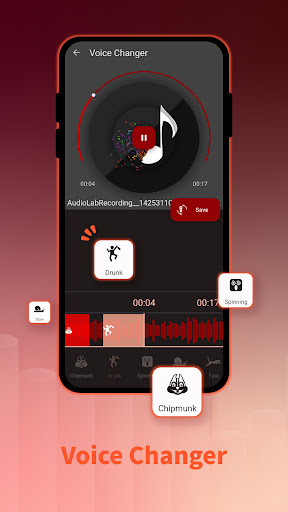
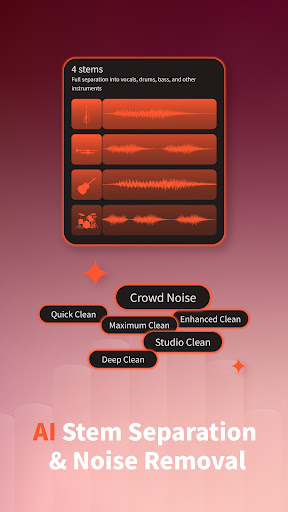
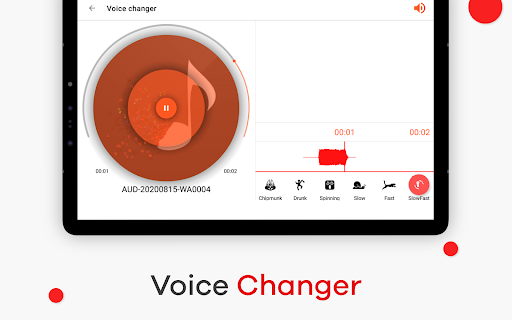
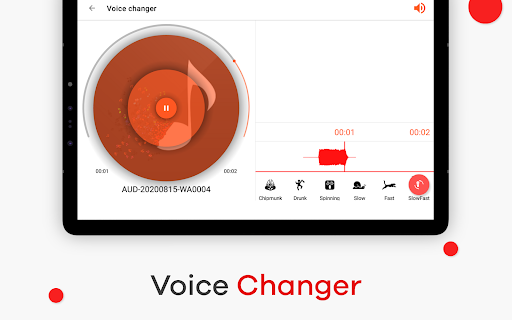
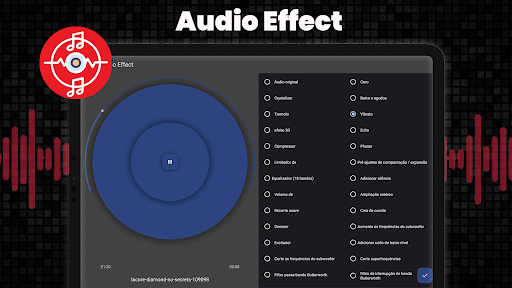
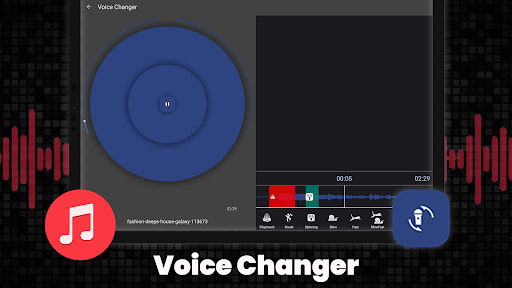
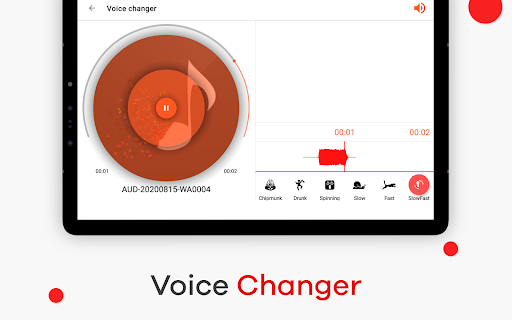
For creative projects, the app offers a variety of effects such as 3D music, bass boosting, and audio video looping. The background remover enables you to isolate vocals or instruments, while the voice changer and text-to-speech features allow personalized voice modifications. Whether you’re editing podcasts or producing music, these tools provide limitless possibilities.
Why Choose AudioLab?
AudioLab Audio Editor Recorder genuinely stands out as the most comprehensive and easy-to-use audio editing app available for Android. Its extensive feature set—including MP3 cutter, sound editor, music mixer, and voice recorder—makes it the perfect all-in-one toolkit. It's especially suited for those who want to craft high-quality audio content without the need for complex, expensive software. Best of all, it is free to download, with no limitations, offering premium functionality at your fingertips.
Unleash Your Creativity with AudioLab
Whether you're editing tracks for a podcast, creating personalized ringtones, or producing music, AudioLab empowers you to realize your audio projects with professional-quality results. Its innovative features, intuitive interface, and support for a wide spectrum of audio formats make it the go-to app for audio enthusiasts and professionals alike.
Pros
- User-friendly interface
- Wide range of editing tools
- Supports multiple formats
- High-quality audio output
- Real-time editing features
Cons
- Can be resource-intensive
- Limited free version features
- Occasional ads disruptions
- Requires internet for some features
- Some advanced tools need purchase











