

Introduction to GitHub: The Essential Developer Platform
GitHub is more than just a version control system; it's a comprehensive platform that has become a holy grail for developers worldwide. Whether you're a coding novice or an experienced programmer, this platform offers a multitude of features designed to enhance collaboration, streamline workflows, and foster learning.
Getting started with GitHub is straightforward. With a simple download of the app and the creation of your account, you gain instant access to a sleek, intuitive interface that simplifies navigation—even for those new to coding or project management. Once onboard, you can explore a vibrant community of developers, contribute to open-source projects, and keep your project history well-organized with version control.
Key Features of GitHub for Developers
Collaborative Environment
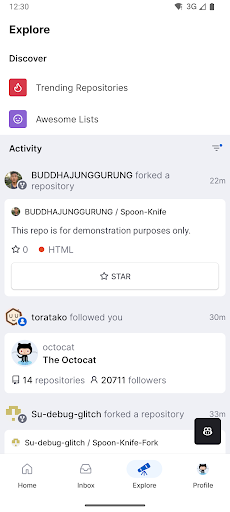
A standout feature of GitHub is its collaborative environment. It functions as a social network for developers, allowing you to work with programmers from across the globe on open-source projects. You can see what others are working on, suggest improvements, or contribute directly to projects, fostering a space of continuous learning and innovation.
Version Control
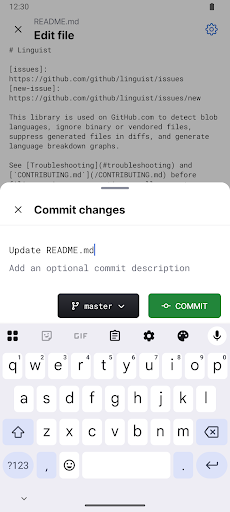
Managing code changes has never been easier thanks to GitHub's robust version control system. Every modification is tracked, enabling you to revert to previous versions effortlessly and ensuring your work is safe from accidental loss. This feature acts as a time machine for your code, making collaborative development safer and more manageable.
Community and Learning
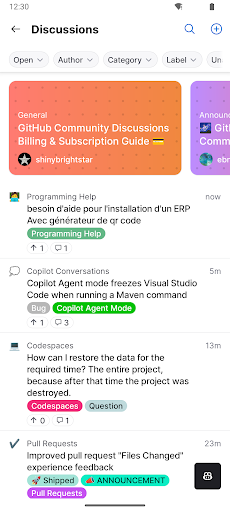
The platform's lively discussions and forums are gold mines for troubleshooting, sharing insights, and learning new skills. If you encounter a problem, you can post questions and receive advice from experienced developers, rendering GitHub an excellent space for growth and knowledge exchange.
Mobile Capabilities with GitHub for Android
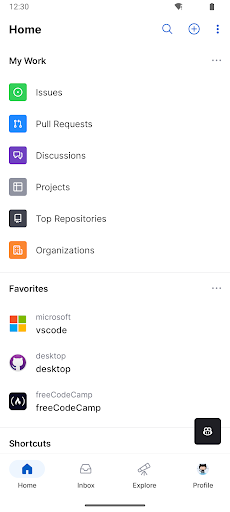
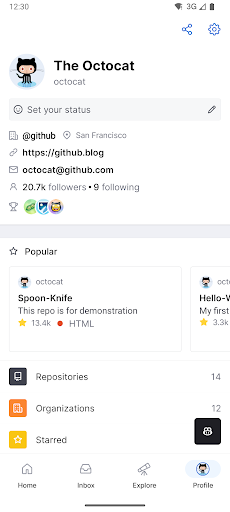
The GitHub for Android app extends the power of this platform to your mobile device, offering the flexibility to manage your work from anywhere. With this app, you can perform essential tasks on-the-go, making remote collaboration seamless and efficient.
Key functionalities include:
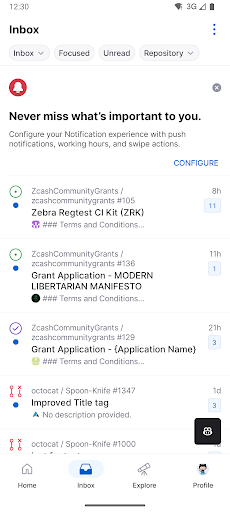
- • Browse your latest notifications
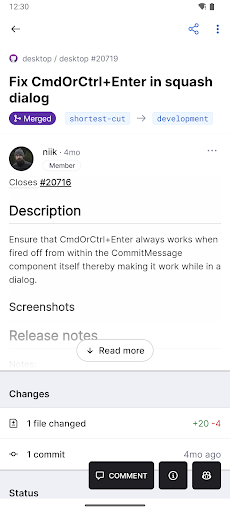
- • Read, react, and reply to Issues and Pull Requests
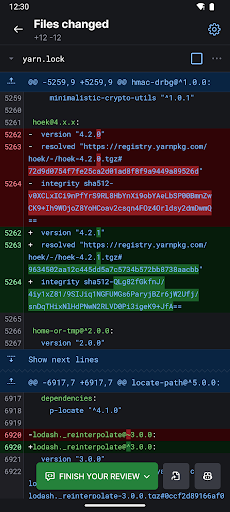
- • Review and merge Pull Requests
- • Organize Issues with labels, assignees, projects, and more
- • Browse your files and code content
These features are designed to keep teams in sync, streamline code reviews, and facilitate issue management even when you're away from your desktop. The app delivers a native experience that feels familiar and smooth, ensuring you stay productive wherever you are.
The Power of GitHub: Why Developers Rely on It
Developers love GitHub for its seamless integration with a multitude of tools such as Slack, Trello, and others. This interconnectedness helps maintain a smooth workflow and reduces context switching, allowing projects to progress faster.
Beyond its integrations, the platform is constantly evolving. Regular updates introduce new features, performance improvements, and security enhancements, ensuring that GitHub remains at the cutting edge of software development technology. This adaptability makes it an indispensable tool that grows with you as your skills and projects expand.
Whether for personal learning, contributing to open-source projects, or managing professional codebases, GitHub offers a versatile environment full of opportunities for collaboration, innovation, and growth. Its vibrant community, combined with its powerful features, makes it an essential platform for developers worldwide.
Pros
- Excellent collaboration features
- Robust version control system
- Wide range of integrations
- Large open-source community
- Intuitive user interface
Cons
- Steep learning curve for beginners
- Limited mobile app features
- Dependence on internet connection
- Complexity for small projects
- Potential privacy concerns











