

Introducing the AR Ruler App: Tape Measure Cam
The AR Ruler App: Tape Measure Cam is a revolutionary tool that turns your smartphone into a portable digital tape measure, leveraging augmented reality (AR) technology. Whether you're a DIY enthusiast, a homeowner, or someone in need of quick measurements on the go, this app offers a seamless experience to measure everything around you with remarkable precision. With support for ARCore (Android) and LiDAR scanner (iOS), it enhances the way you perceive and interact with your space, making room and home measurements easier than ever before.
Key Features of the AR Ruler App
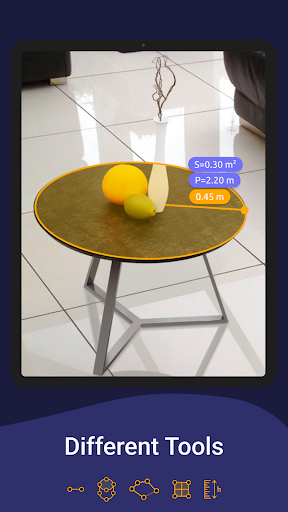
The app provides a comprehensive suite of measurement tools designed to cater to various needs:
Linear Measurement
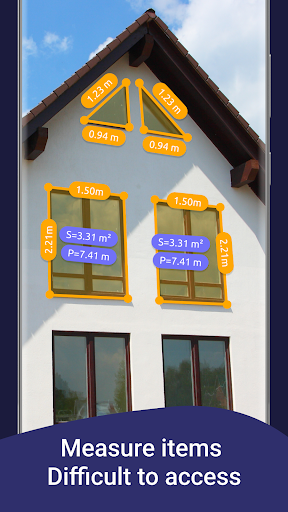
Allows you to measure the •length in units like cm, m (meters), mm, inches, feet, and yard. It's perfect for quick size checks or detailed home projects.
Distance Meter
Enables measuring the distance from your device to a specific point on a detected 3D plane, ideal for figure out the space between furniture or room features.
Angles and Corners
The app can measure •angles on 3D planes, assisting you with precise corner measurements for carpentry or interior design.
Area and Perimeter
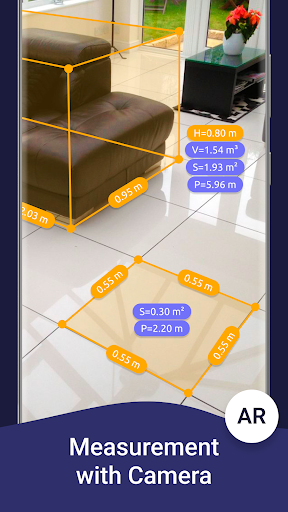
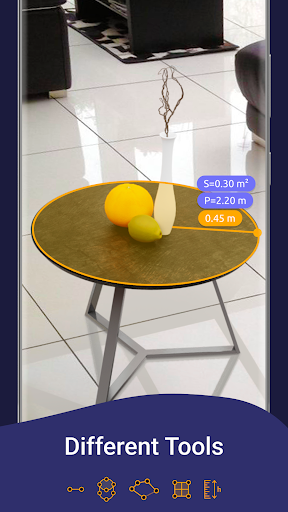
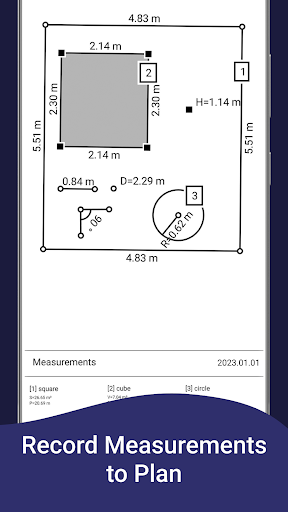
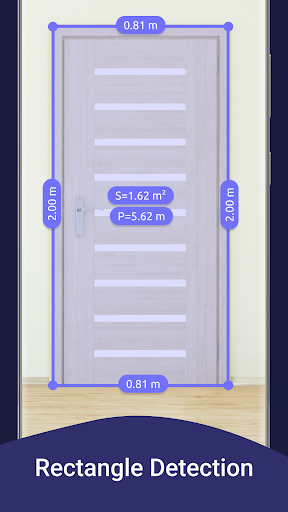
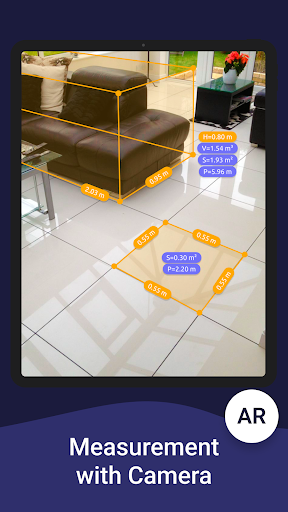
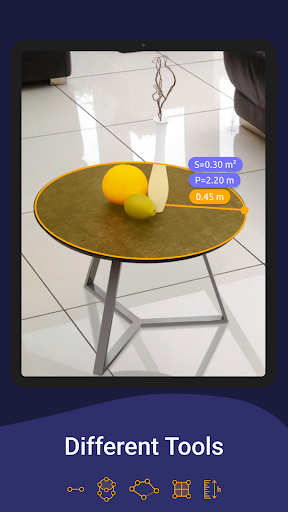
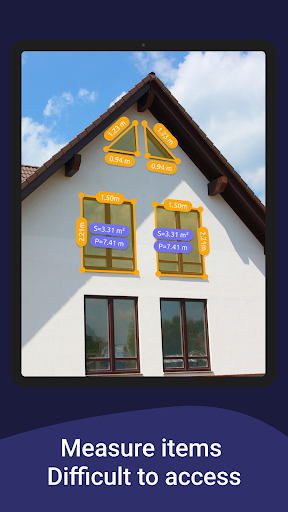
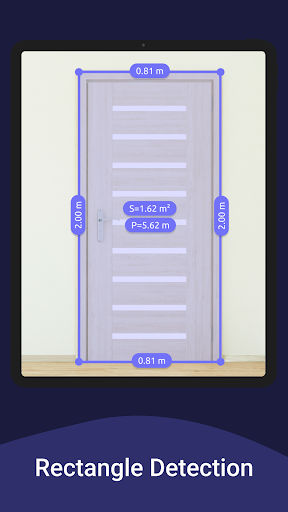
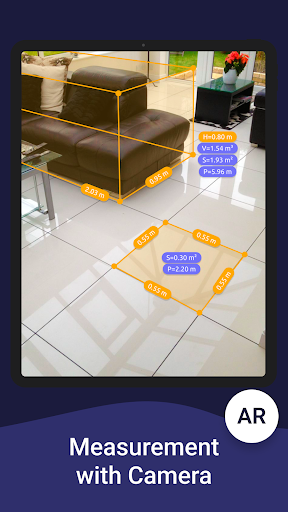
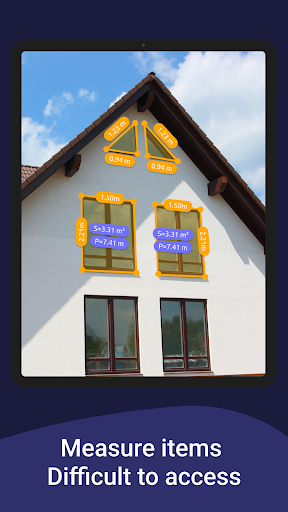
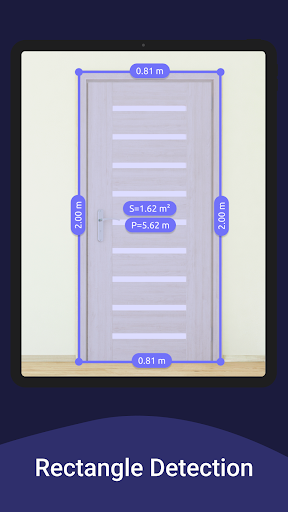
Easily calculate area and perimeter of rooms or objects, making it great for planning furniture placement or flooring projects.
Volume Scanner
Measure the size of 3D objects to determine their volume, which is valuable for packaging, shipping, or interior decoration.
Path Scan
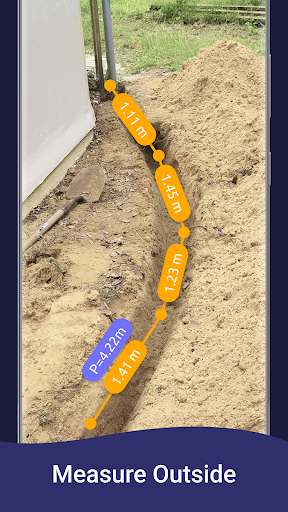
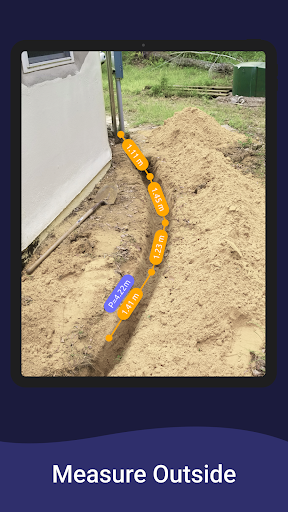
Calculate the length of a photo path, useful for mapping walking routes or measuring elongated objects.
Height Measurement
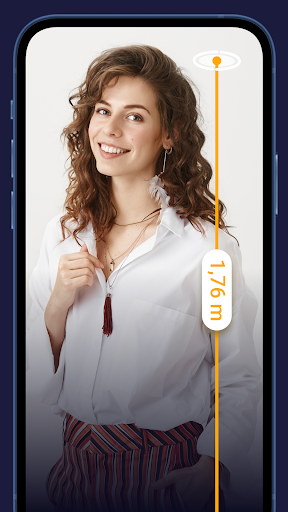
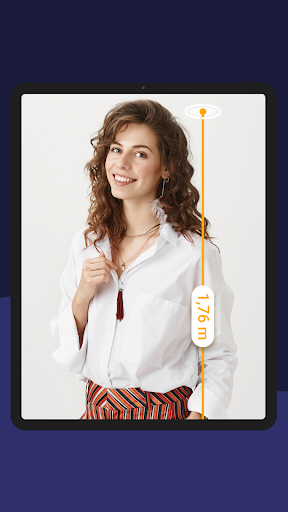
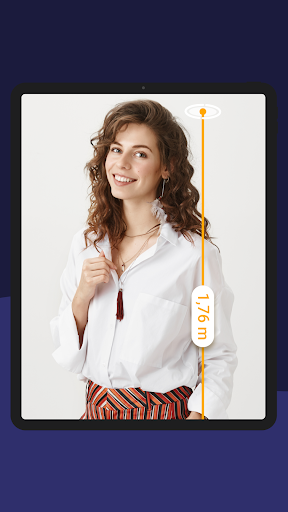
Determine the height of objects relative to the surface detected, facilitating tasks like evaluating ceiling heights or furniture dimensions.
Room Planner & Home Design
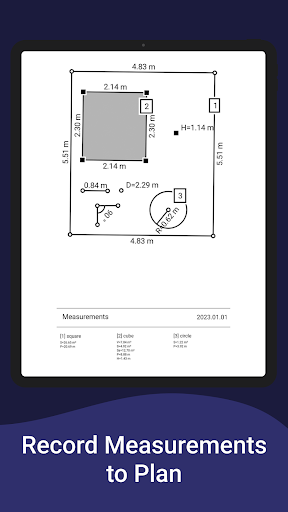
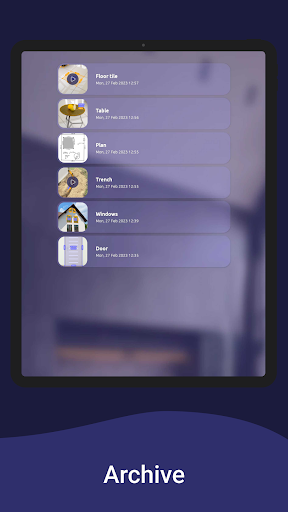
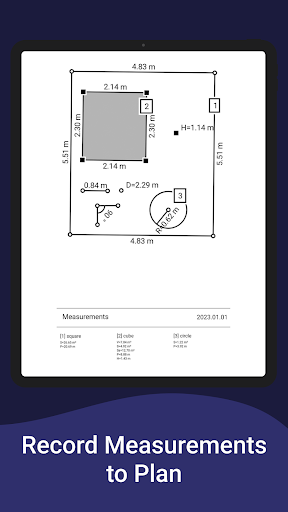
Generate room plans by drawing and projecting objects, then export the floor plan as a PDF. It enables virtual interior design and space planning.
On-screen Ruler & Photo Measure
Provides a digital ruler directly on your phone screen for small object measurements and allows capturing measurement photos for reference.
Getting Started and Compatibility
Using the AR Ruler App is straightforward. Simply install it from your app store—it's available for both iOS and Android devices. The app leverages the latest ARCore library produced by Google and Apple's LiDAR scanner to enhance measurement accuracy and room scanning quality. Whether you're scanning your entire house for a new layout or measuring a single piece of furniture, the app adapts seamlessly to your device's capabilities, providing precise results even for complex calculations.
Why Choose the AR Ruler App
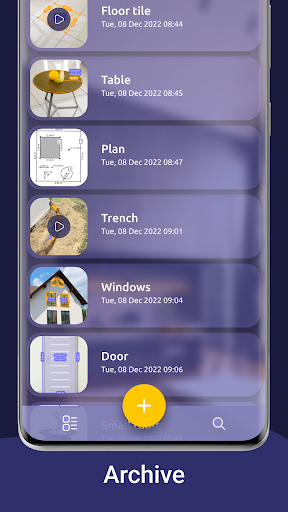
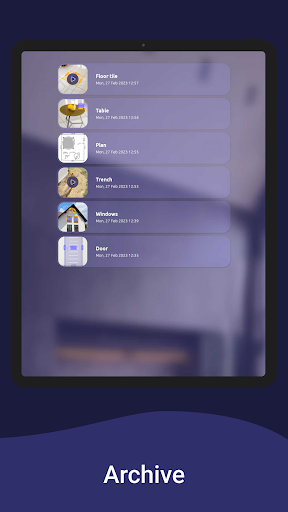
The beauty of this app lies in its versatility and convenience. It eliminates the need for traditional tape measures and physical tools, especially in tight or hard-to-reach spaces. The real-time augmented reality overlay allows you to visualize measurements instantly, which is perfect for home improvement projects, furniture shopping, or DIY repairs. The ability to save measurements and generate detailed floor plans makes it a powerful tool for both casual users and professionals.
Conclusion: Is It Worth Your Attention?
If you often find yourself requiring quick, accurate measurements without carrying around bulky tools, the AR Ruler App: Tape Measure Cam is undoubtedly worth trying. Its user-friendly interface, wide range of measurement options, and integration of AR technology make it a standout choice for modern measurement needs. While it might not completely replace traditional tools in highly precision-dependent tasks, it offers an impressive blend of convenience and accuracy for everyday purposes. Enhance your homescapes, plan your interior design, or simply satisfy your curiosity with this innovative digital ruler—download the app today and start measuring smarter with just your smartphone.
Pros
- Provides precise measurement accuracy.
- Features an intuitive and easy-to-use interface.
- Supports both metric and imperial measurement units.
- Seamlessly integrates augmented reality technology.
- Receives frequent updates and enhancements.
Cons
- Needs good lighting conditions to ensure accuracy.
- May not be compatible with older device models.
- Can consume a significant amount of battery life.
- Offers limited free features.
- Requires occasional recalibration.











