

Overview of Presets for Lightroom — FLTR
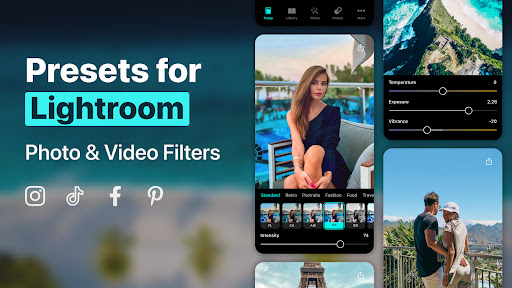
Presets for Lightroom — FLTR is a powerful mobile photo editing app that provides free and premium preset filters designed to transform your photos with ease. Whether you're a professional photographer, a casual user, or a social media enthusiast, FLTR offers a comprehensive collection of presets tailored to elevate your images on Lightroom CC. Collaborating with top photographers, designers, and bloggers, FLTR has curated an impressive preset box that makes photo editing simple, quick, and fun. From color grading to applying stunning effects directly on your mobile device, this app helps you achieve professional-quality edits anywhere, anytime.
Main Features of Presets for Lightroom — FLTR
Extensive Preset Library
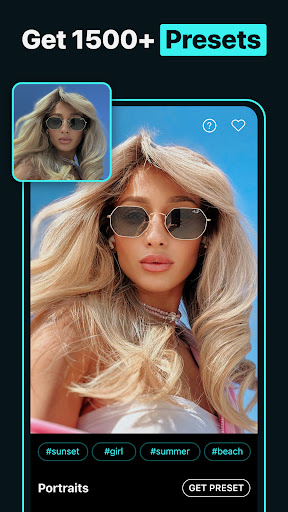
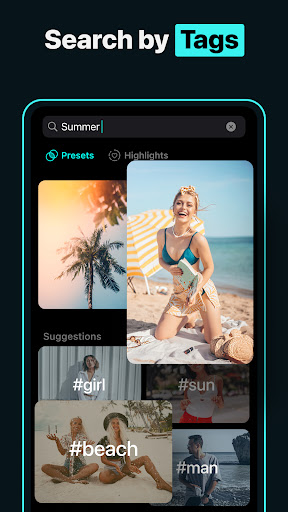
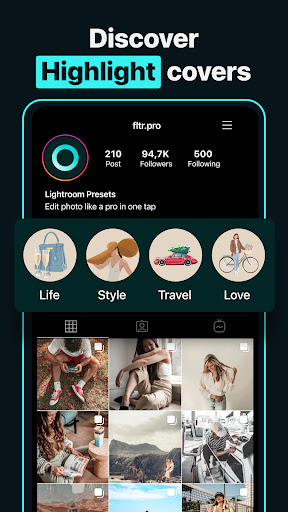
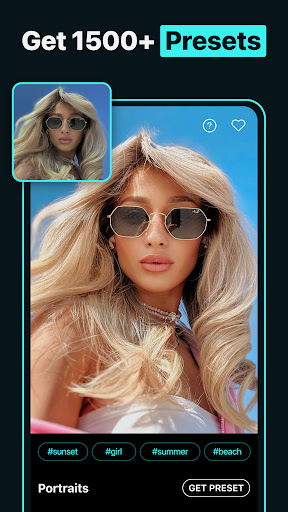
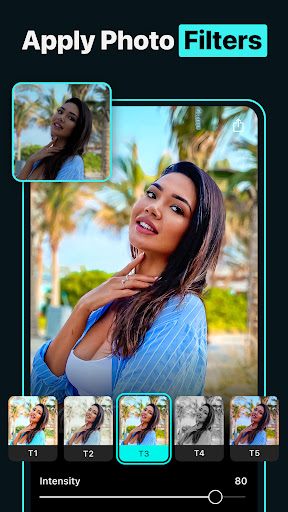
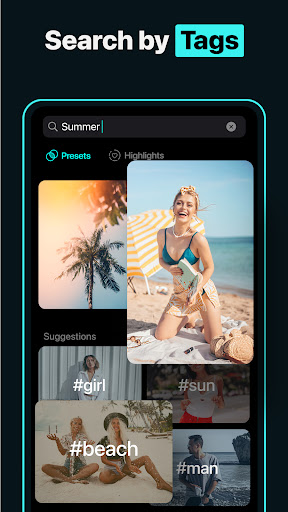
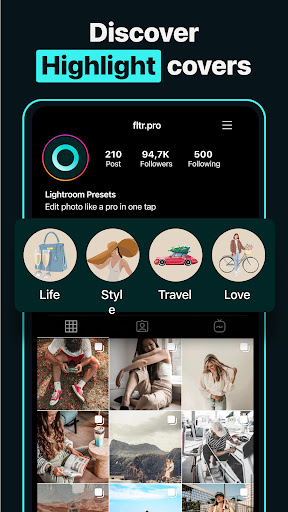
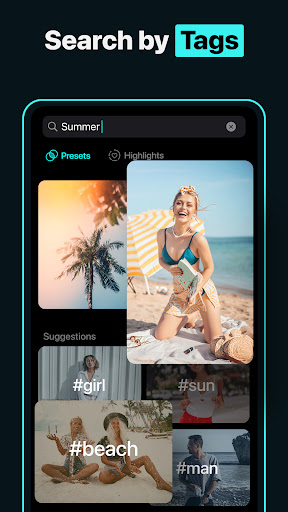
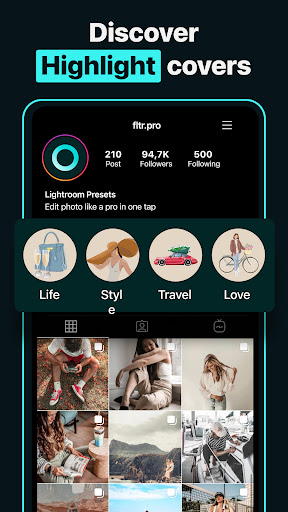
With over 1000+ Lightroom presets and 74 DNG packs, FLTR offers a vast array of options to suit any style. Whether you're aiming for a city style, fashion, nature, or food look, the app has you covered. Create eye-catching Instagram highlights and covers with ease, and explore stunning presets perfect for 2024-2025.
Specialized Filters and Effects
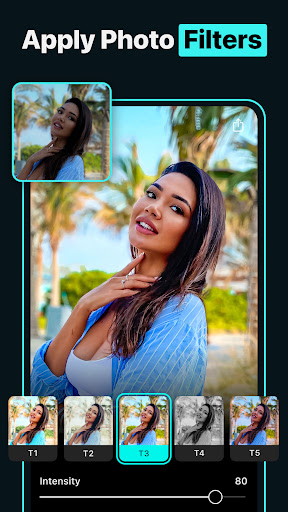
FLTR includes an array of filters such as luminar filters, teal and orange filters, moody photo filters, and many more. These filters help you craft an exclusive aesthetic that stands out on social media platforms like Instagram, Facebook, and Snapchat. Whether you're seeking a light and airy vibe or a dark and moody atmosphere, FLTR provides customizable options to match your creative vision.
Easy and On-the-Go Editing
The app is designed for user-friendliness, making photo editing accessible for everyone. Capture or select a photo, choose from a variety of presets, and instantly enhance your images—no complicated tools required. Whether you're in Paris, NY, Malibu, or anywhere else, FLTR enables quick and professional edits to share on your favorite social media channels.
Customization and Fine-Tuning
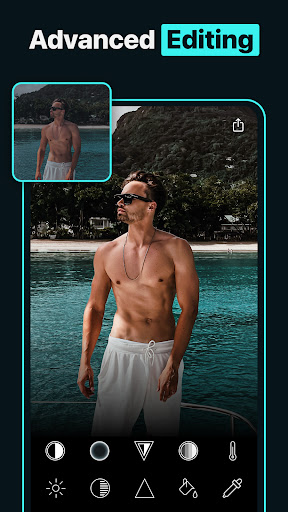
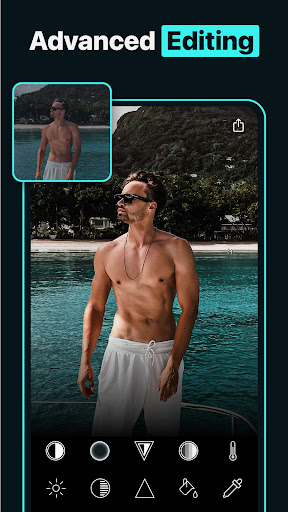
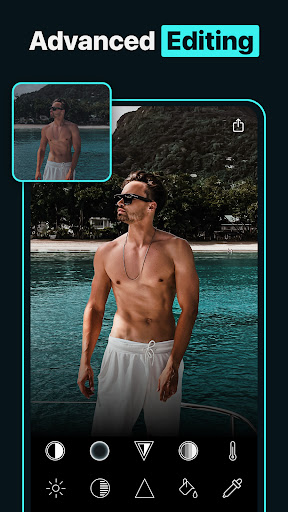
Beyond applying presets, FLTR allows users to tweak settings like exposure, contrast, saturation, and more. This feature empowers you to personalize each photo, ensuring a unique look that reflects your style. It’s like having a mini photo studio right in your pocket, giving you total control over the final outcome.
Community and Inspiration
The app fosters a vibrant community where users can share their edited photos and presets. Browsing through others’ work provides inspiration and trends that you can incorporate into your edits. You can also download presets shared by fellow users, expanding your creative toolkit and experimenting with endless possibilities.
Enhance Your Social Media Presence
FLTR’s preset collection enhances your photos, making your Instagram profile more attractive and professional. With features like IG highlights and effects, you can create a cohesive aesthetic that attracts followers and engages your audience. The app is an ideal choice for aspiring influencers and social media marketers seeking to upgrade their visual content.
Why Choose Presets for Lightroom — FLTR?
If you're passionate about photography or social media, FLTR is an indispensable tool for elevating your photo editing skills. Its extensive library, intuitive interface, and customization options make it suitable for beginners and experienced users alike. The app's ability to quickly transform ordinary images into stunning visuals allows you to stand out in a crowded digital space.
Furthermore, FLTR's compatibility with popular social media platforms means you can effortlessly share your creations and grow your online presence. Whether you're editing travel photos, food shots, fashion images, or nature scenes, FLTR’s versatile presets help you achieve professional-quality results effortlessly.
Pros
- User-friendly for beginners.
- Offers a wide range of presets.
- Improves photo quality instantly.
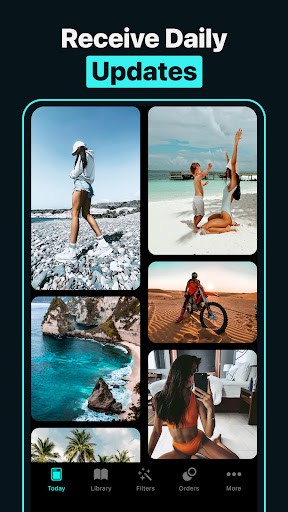
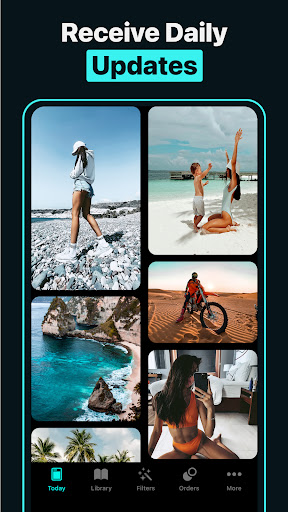
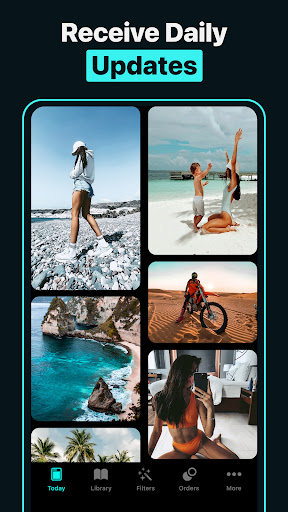
- Frequently updated with new presets.
- Works with various devices.
Cons
- Limited features in the free version.
- Requires in-app purchases.
- May cause slowdowns on older devices.
- Occasional crashes of the app.
- Presets often need customization.











