

Introduction to Google Chat
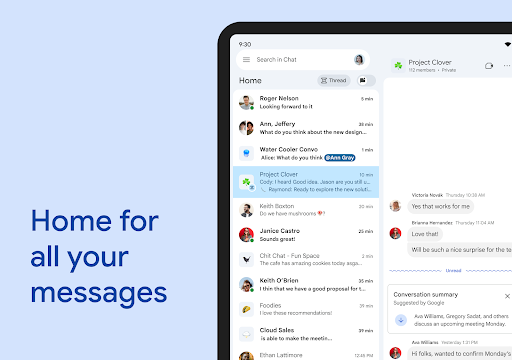
In today's fast-paced digital world, effective communication is the cornerstone of successful teamwork. Google Chat is a powerful messaging and collaboration platform designed specifically for teams within Google Workspace. It seamlessly integrates with your existing Google apps, making it easier than ever to connect, share, and work together efficiently. Whether you're managing a project, coordinating with colleagues, or keeping your family organized, Google Chat provides a feature-rich environment that enhances productivity and communication.
Core Features of Google Chat
AI-First Messaging & Smart Collaboration
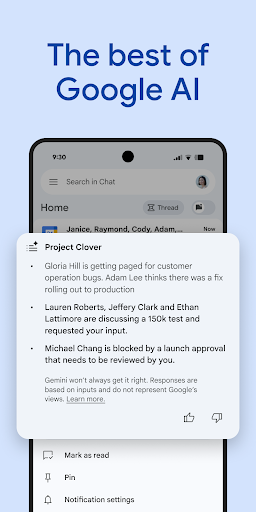
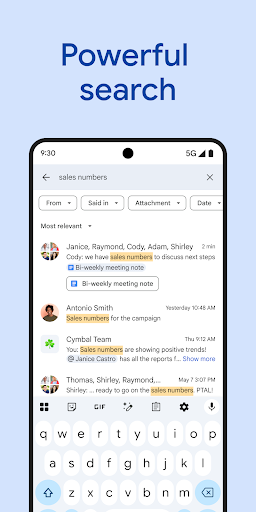
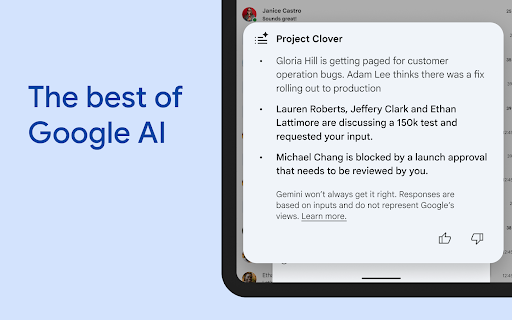
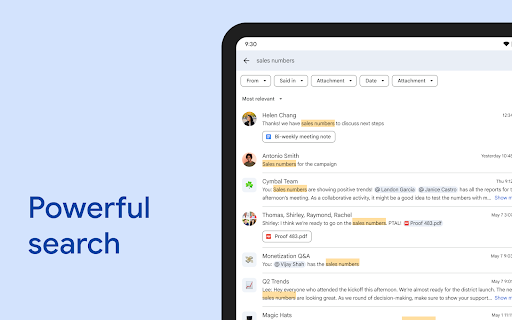
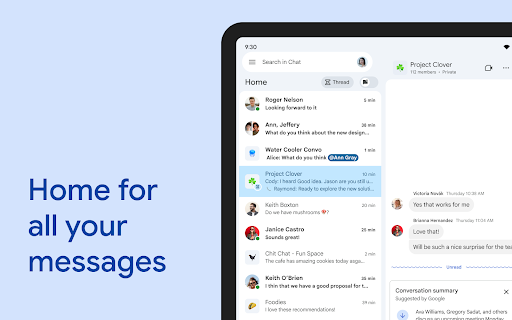
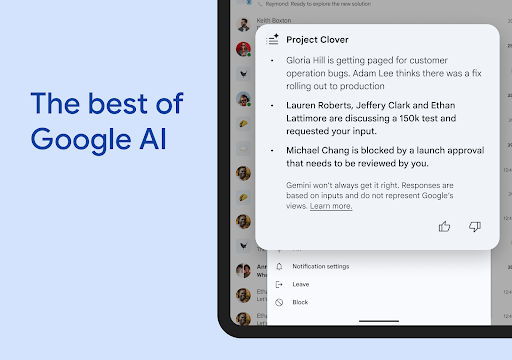
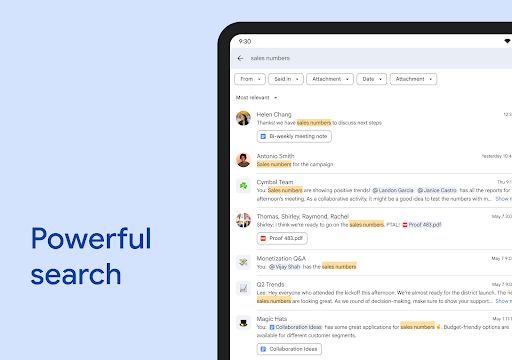
Google Chat is transformed by AI-powered features designed to make conversations smarter and more productive. With conversation summaries, you can quickly catch up on important updates without scrolling through long message threads. The app offers automatic translation capabilities across more than 120 languages, breaking down language barriers and fostering global collaboration. The AI-driven search feature helps you find specific messages, files, or information swiftly, saving valuable time. Additionally, you can easily capture action items, ensuring your team stays aligned on tasks and deadlines.
Team Connectivity and Communication Tools
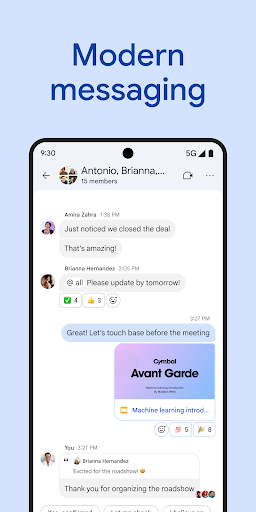
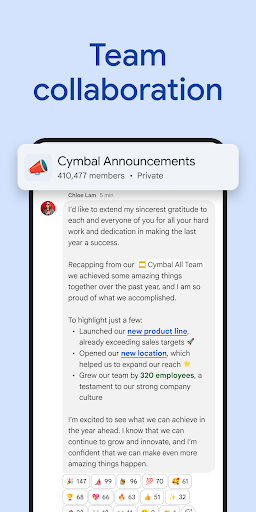
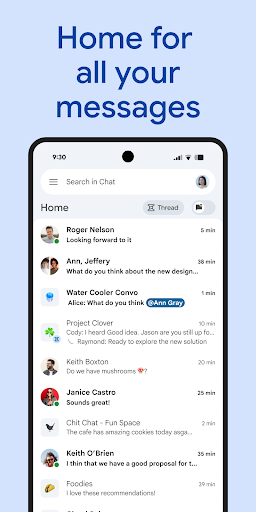
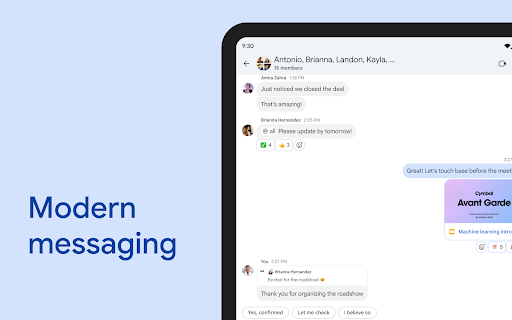
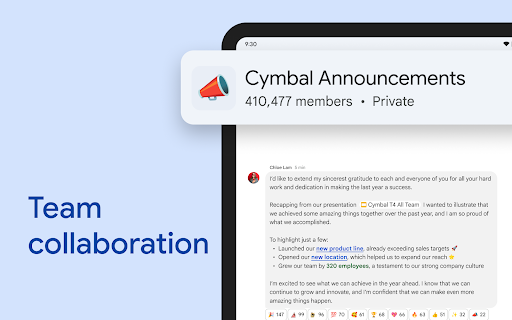
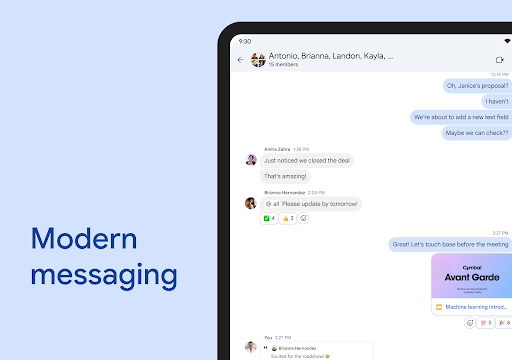
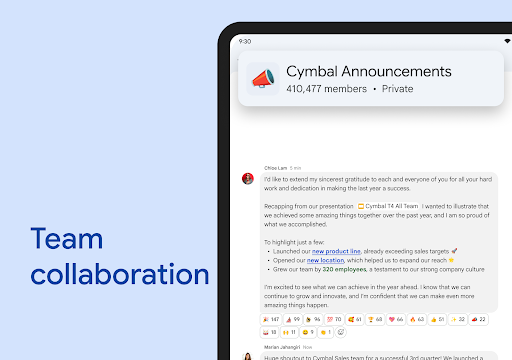
Google Chat is designed to keep teams connected and engaged through various features. You can start a chat with a individual colleague, a dedicated group, or even your entire team. The app supports personalized status updates, so team members know when you're heads-down or available for a quick chat. Share detailed updates via audio and video messages for richer communication. Plus, in real-time, teams can join huddles—quick audio or video calls—anytime, anywhere, enhancing spontaneous collaboration.
Deep Integration with Google Workspace
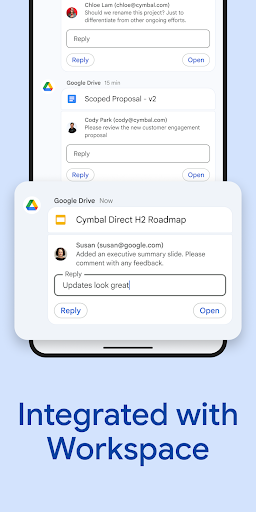
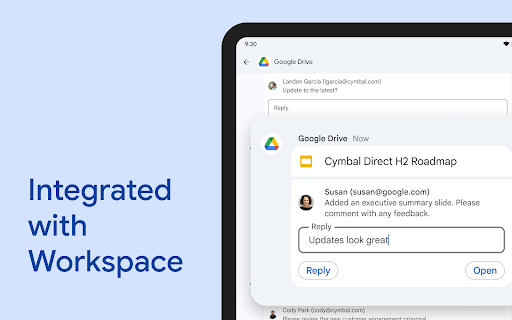
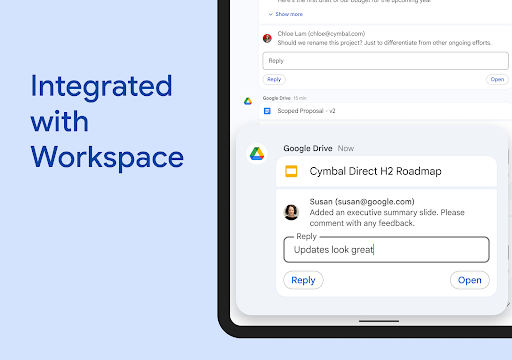
One of the biggest advantages of Google Chat is its integration with Google Workspace apps like Gmail, Calendar, Drive, Tasks, and Meet. This interconnected ecosystem allows for a unified workflow, where sharing files from Google Drive or scheduling meetings with Google Calendar can all happen without leaving the chat interface. Smart chips further enhance this experience by linking files, people, and spaces directly within conversations, making team collaboration seamless and efficient.
Extension and Customization
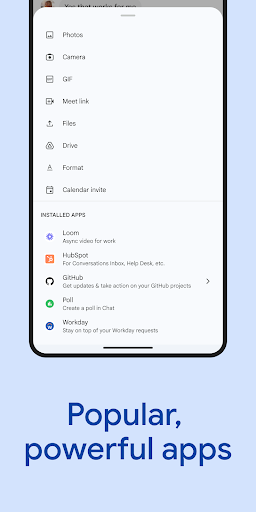
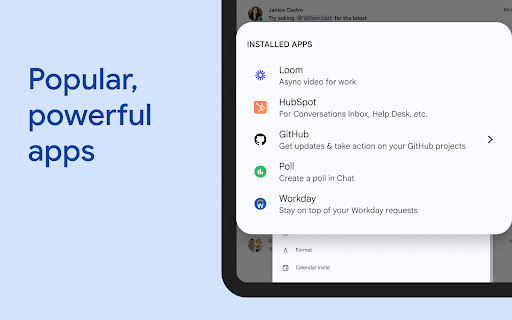
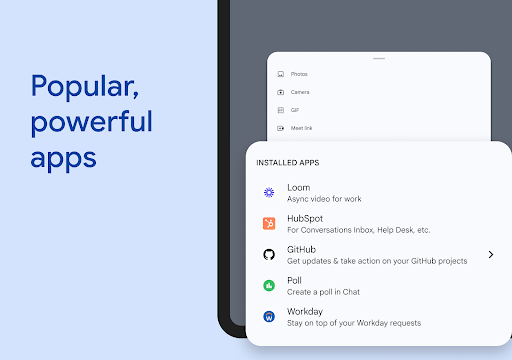
To boost productivity, Google Chat supports installation of popular apps like Jira, GitHub, PagerDuty, and Workday. These integrations help manage workflows directly within chat. Developers can even create custom no-code or low-code applications using Chat APIs, tailoring the platform to unique team needs. This flexibility ensures that whether your team operates in development, project management, or customer support, Google Chat can adapt to your requirements.
Security and Privacy
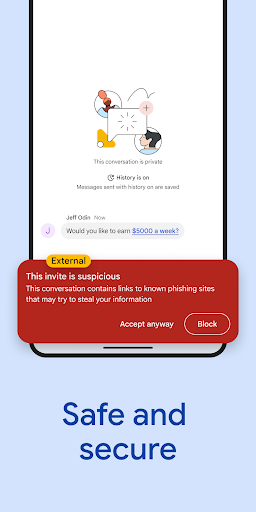
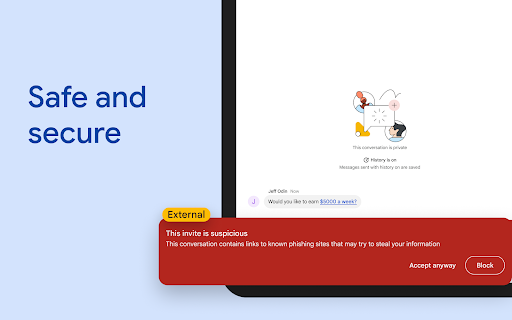
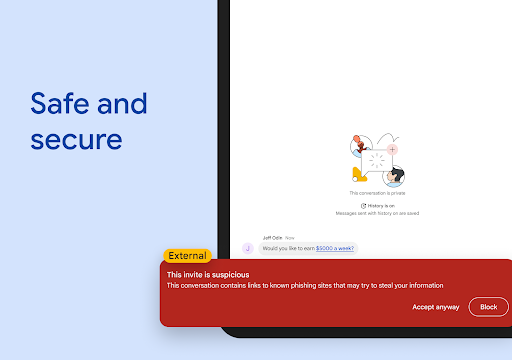
Security is a top priority with Google Chat, protected by Google’s cloud-native, zero-trust architecture. The platform has no desktop apps to patch, and no data is stored on end-user devices, safeguarding sensitive information. It employs AI-powered data loss prevention (DLP), along with phishing and malware detection, to keep your data safe. For organizations migrating from insecure legacy platforms, Google Chat offers a secure, modern alternative that meets enterprise-grade security standards.
Availability and Subscription Plans
Google Chat is included as a core component of Google Workspace, available for consumer, education, and business users. Some advanced features might require a paid subscription. You can start with a 14-day free trial to explore its capabilities and see how it can transform your teamwork. For more details, visit the Google Workspace pricing page.
Conclusion: Why Choose Google Chat?
If you're already immersed in Google’s ecosystem, Google Chat is an invaluable addition to your productivity toolkit. It not only simplifies communication but also streamlines workflows through tight integration with other Google apps and services. From small teams to large enterprises, Google Chat offers a secure, versatile, and intelligent platform for collaboration. With features like AI-powered summaries, automatic translation, smart sharing, and real-time communication, it empowers teams to stay connected and get more done effortlessly.
Whether you're managing projects, coordinating with your family, or engaging with clients, Google Chat adapts to your needs. Its user-friendly interface and robust security ensure a smooth, safe experience for all users. So, why not give Google Chat a try and discover how it can enhance your digital collaboration today?
Pros
- Seamless integration with Google Workspace.
- User-friendly interface and navigation.
- Real-time collaboration features.
- Supports direct and group messaging.
- Highly customizable notifications.
Cons
- Limited integrations outside of Google apps.
- Occasional synchronization problems reported.
- Lacks advanced project management tools.
- Requires a Google account for access.
- Mobile app doesn't include some desktop features.










