
Adobe Express: AI Photo, Video
Adobe Express is the quick and easy app to create on-brand content that helps your business stand out and make an impact. Regardless of your skill level, Adobe Express empowers you and your team to craft high-quality marketing & business materials while maintaining brand consistency.
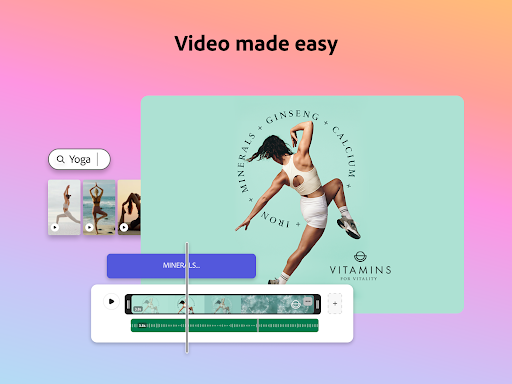
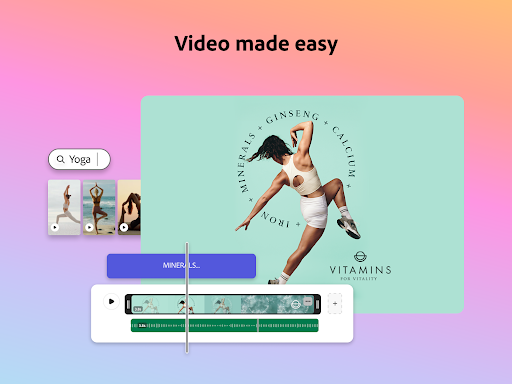
Video Made Easy
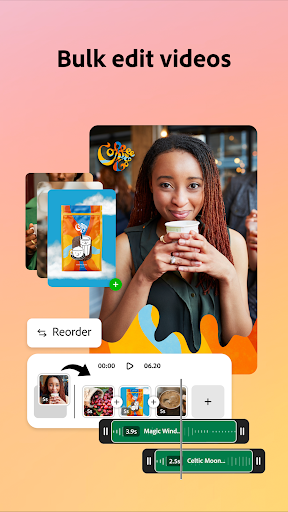
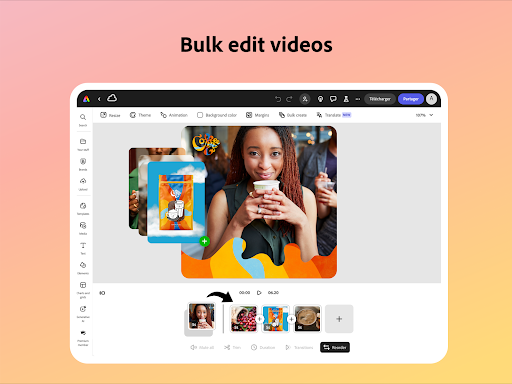
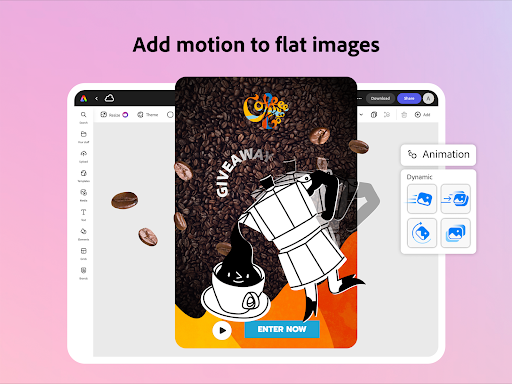
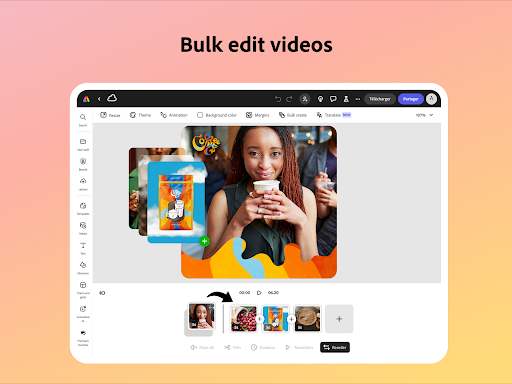
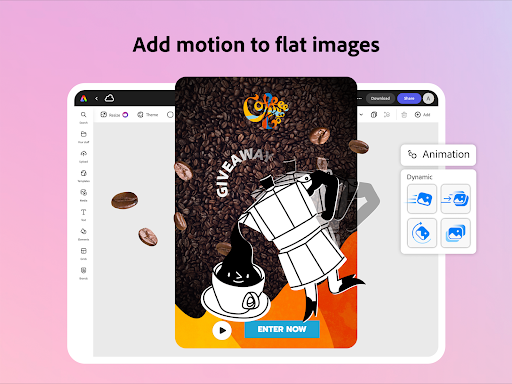
With Adobe Express, editing videos becomes a straightforward process through customizable templates. Simply upload clips directly from your Gallery, then combine, trim, and enhance your footage. Add text to videos, incorporate music, sound effects, and transitions to produce engaging content that stands out. The app also offers automatic captions, reframe options for different social channels, and the ability to easily remove background noise to ensure your videos are of the highest quality.
AI Content Creator
Jump-start your creativity with the Generate image feature. Instantly produce photo art using the AI photo generator. Use AI tools to erase objects from photos or insert new objects based on a prompt, bringing your imagination to life effortlessly. These AI-powered tools help streamline your workflow, making content creation faster and more creative.
Bye-Bye Backgrounds
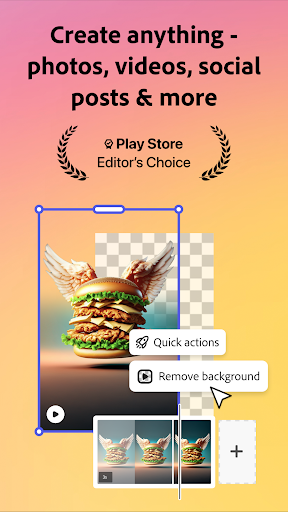
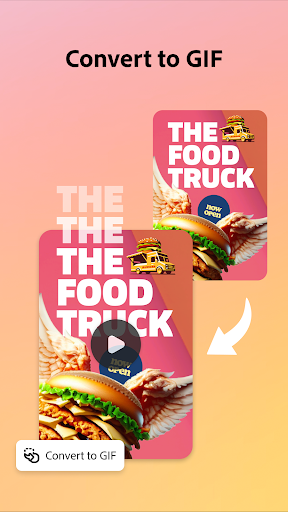
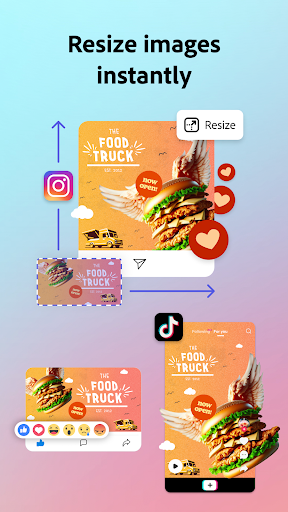
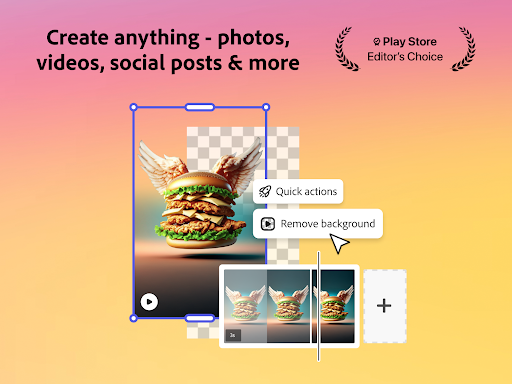
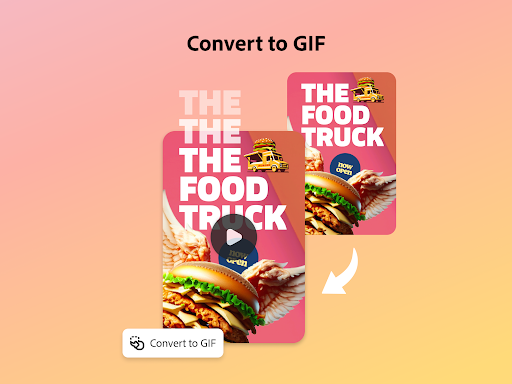
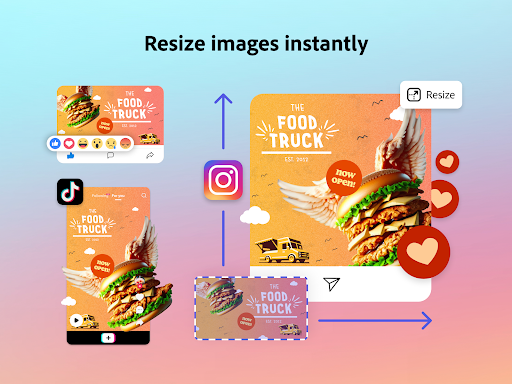
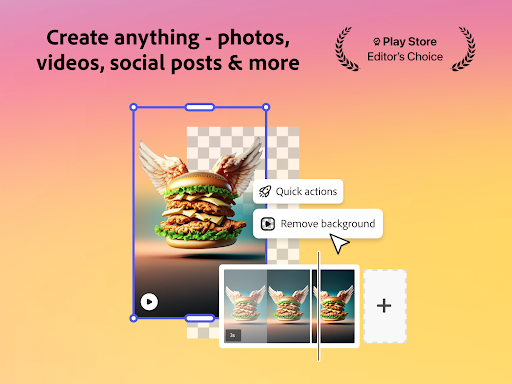
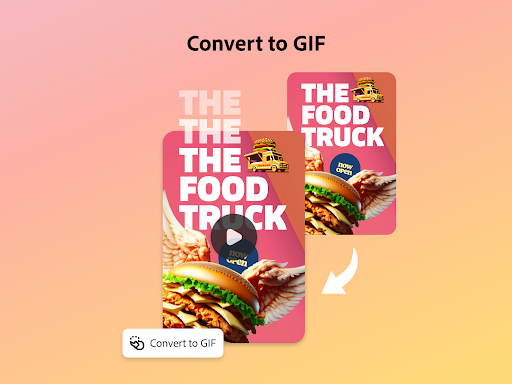
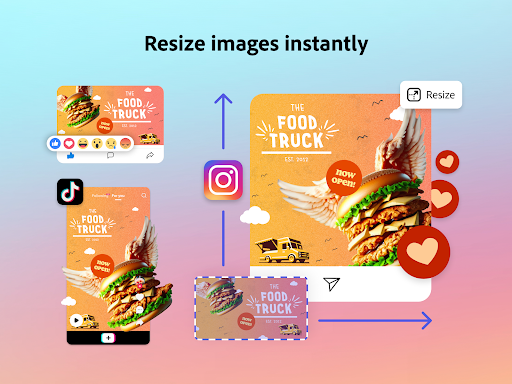
Thanks to Quick Actions, removing backgrounds, adding captions, transforming images into GIFs, and resizing your content are just a single tap. These features simplify editing tasks and save you valuable time during your creative process.
Staying on Brand Made Easy
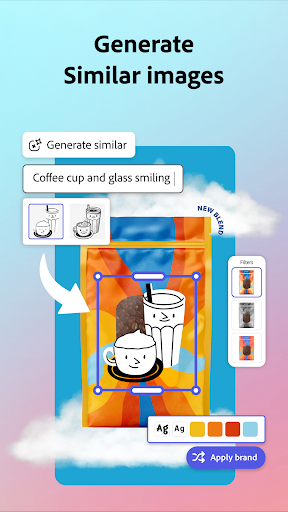
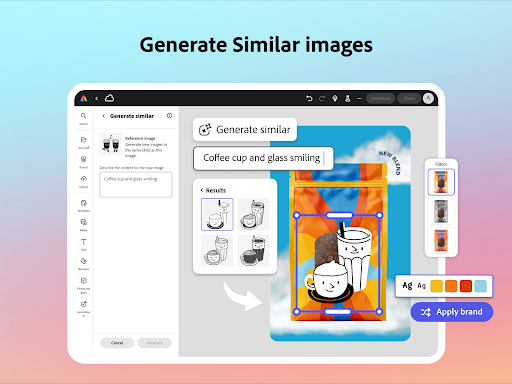
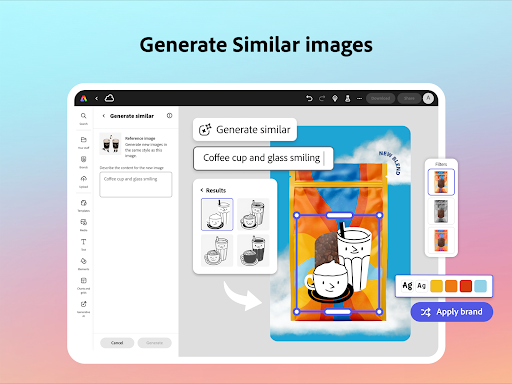
With brand kits, you can easily create on-brand graphics. Keep all your fonts, colors, and logos organized and ready to use in any design. Apply your brand elements across all your social content with just a tap. Maintain a cohesive look with the Generate Similar feature, and enhance your designs with over 30 new filters powered by Photoshop.
Content Scheduling Made Simple
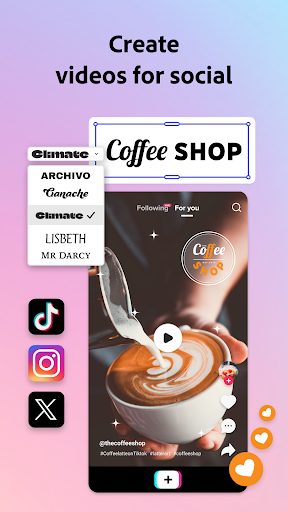
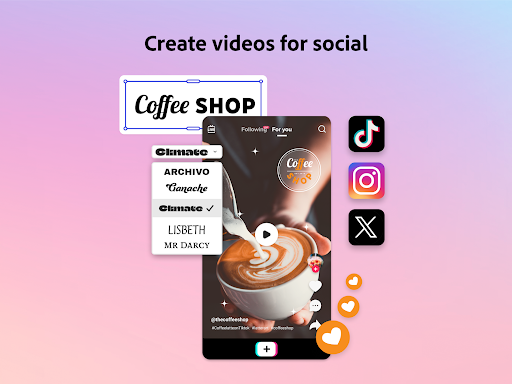
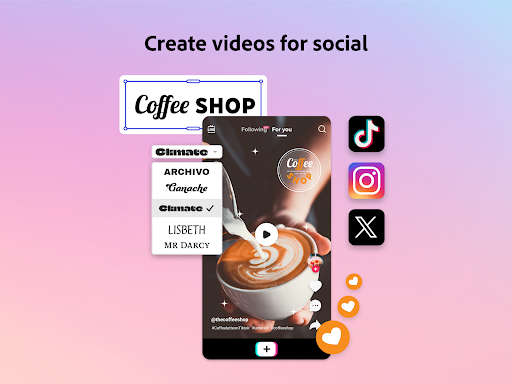
Effortlessly plan, preview, schedule, and publish your social media posts in just a few clicks. The app's scheduling tools help streamline your content calendar, ensuring your posts go live at the right time for maximum impact.
Quick Action Tools
Utilize a variety of quick tools such as trimming & resizing designs for any digital marketing channel, removing video backgrounds, converting image files, cropping photos, and creating GIFs. Generate QR codes in different styles, animate characters with your voice, and generate/edit video captions. These features provide flexibility and efficiency to your content creation process.
Additional Information
Note that some features may not be supported on all devices currently, but support is continuously expanding. Your feedback is valuable in shaping future updates. Join the Adobe Express Discord community to share your thoughts, and visit Uservoice to request new features.
For issues or bugs, you can connect with the community at the Adobe Community Forum.
Premium Membership
The Adobe Express Premium membership unlocks a range of advanced features including access to over 200 million royalty-free Adobe Stock assets, 250 generative credits for creating images and templates, and tools like Remove Video Background and One-click Resize. You can use your Premium plan across desktop and mobile devices, with additional benefits like Adobe Photoshop Express on mobile. Please review the terms of service for full details.
Legal and Privacy
Your use of this Adobe app is governed by the Adobe General Terms of Use and the Privacy Policy. Adobe respects your rights and privacy, and you can learn more about selling or sharing personal information. All trademarks belong to their respective owners.
Adobe Express: AI Video Design
If you’ve ever struggled to create stunning video content for your social media or business without professional tools, then Adobe Express: AI Video Design is like that friendly neighbor who just so happens to be a tech genius. This innovative app is designed to take the heavy lifting off your shoulders, making video creation accessible even for beginners. Let’s explore what makes this app a must-have tool for anyone venturing into video design.
Getting Started with Ease
The user interface of Adobe Express: AI Video Design is intuitive and straightforward. From the moment you open the app, you're greeted with a clean layout that guides you step-by-step through creating your first video. It's almost like having a personal tutor right in your pocket. Designed for users of all skill levels, you don’t need a background in graphic design or tech expertise to craft engaging videos.
Features That Stand Out
This app offers a rich set of features. With a wide variety of templates, you can easily start a project without worrying about layout or design. The true magic lies in the AI-powered tools — that suggest design tweaks, color schemes, and music that match your video’s mood. It’s like having an intelligent creative assistant guiding you. Moreover, seamless integration with Adobe's suite, such as Photoshop and Illustrator, allows you to import and export files smoothly, streamlining your workflow.
Performance and Reliability
Adobe Express: AI Video Design runs reliably, offering smooth performance and quick rendering. Whether you’re making a quick Instagram story or a detailed promotional video, the app handles it efficiently, even on older devices. This dependability is essential when working under tight deadlines, ensuring your creative process remains uninterrupted.
Creative Freedom at Your Fingertips
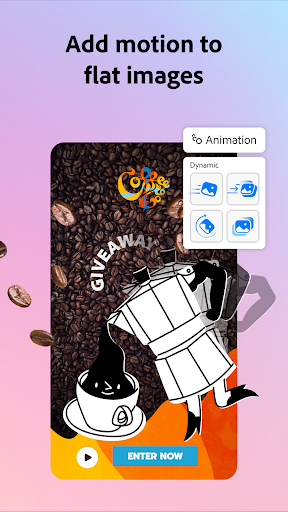
One of the best aspects is the drag-and-drop interface; users can customize elements, add text animations, and experiment with visuals freely. The app encourages creativity, enabling you to try different styles until you find the perfect fit for your brand or personal taste. The tight integration with social media platforms makes publishing directly from the app seamless — saving time and effort in managing your content.
Final Thoughts
In summary, Adobe Express: AI Video Design combines ease of use with powerful video editing capabilities. Whether you're a seasoned marketer or just starting out, this app acts like a mini production studio in your pocket — ready to bring your creative ideas to life with just a few taps. So, give it a try, explore its features, and elevate your video content effortlessly. Once you experience its capabilities, you'll wonder how you ever managed without it!
Pros
- User-friendly interface suitable for beginners.
- Availability of a wide variety of templates.
- Outstanding AI-powered design tools.
- Seamless integration with Adobe Creative Cloud.
- Fast and efficient video rendering.
Cons
- Full feature access requires a subscription.
- May experience crashes on older devices.
- Limited functionality when offline.
- Consumes a significant amount of battery power.
- In-app purchases may be costly.