

Introduction to FlipaClip: Create 2D Animation
Unleash the power of your imagination and explore your unique animation style with FlipaClip! This incredible application provides you with comprehensive tools and an easy-to-use platform to breathe life into your ideas. Whether you're a beginner curious about animation or an aspiring animator ready to craft captivating stories, FlipaClip serves as an ideal creative companion.
Designed for both ease of use and advanced features, this app empowers users to create animated videos, GIFs, and explore various animation styles ranging from whimsical storytelling to expressive character animations. Its intuitive interface resembles having a virtual flipbook at your fingertips, making the animation process accessible and fun for everyone.
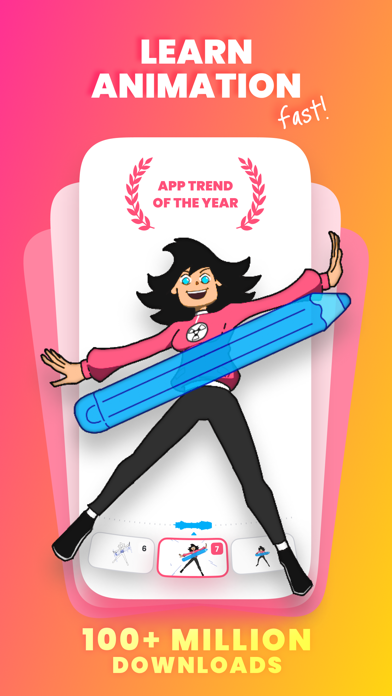
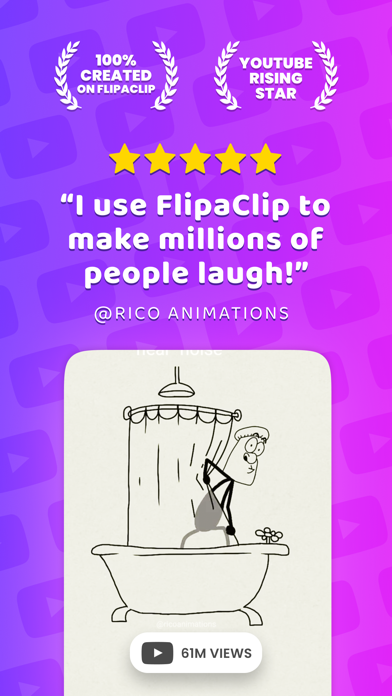
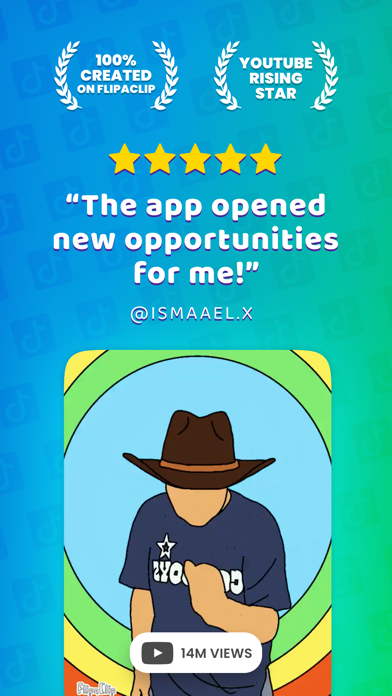
Since its launch, FlipaClip has gained immense popularity worldwide, earning accolades such as the prestigious "App of the Year" award from the Google Play Store. Today, it has been downloaded over 30 million times, a testament to its widespread appeal and powerful capabilities in the field of digital animation.
Versatile Animation Styles and Creative Possibilities
One of the most striking features of FlipaClip is its support for a diverse range of animation styles. Creators are producing everything from Cartoons, Memes, and Anime to Stick Figures and Stop Motion. The app caters to multiple interests, including Gacha Life, Furry animations, Sketch animations, and even Music Animated Videos.
Gamers, in particular, will appreciate the ability to animate characters from popular games like Roblox, Minecraft, and Battle Royale titles. The possibilities are truly endless, encouraging users to experiment with Loopable NFTs, Animals, Fandom content, and more. This vibrant community fosters creativity and inspires new forms of animated expression every day.
Key Features of FlipaClip
Art Drawing Tools
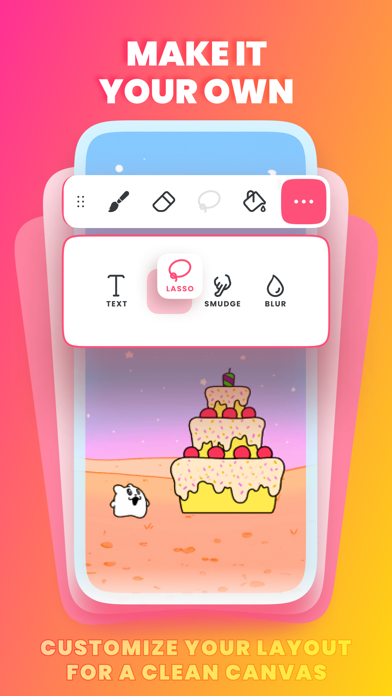
Make art with practical tools like Brushes, Lasso, Fill, Eraser, Ruler shapes, Mirror tool, and insert Text with multiple font options—all available for free! You can paint on custom canvas sizes and draw with a pressure-sensitive stylus, with support for devices like Samsung S Pen and SonarPen.
Animation Layers and Effects
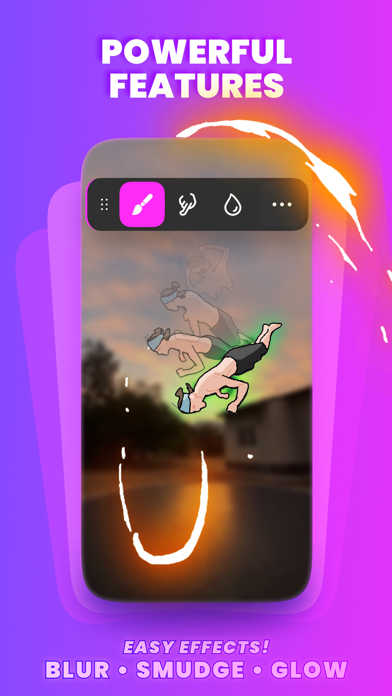
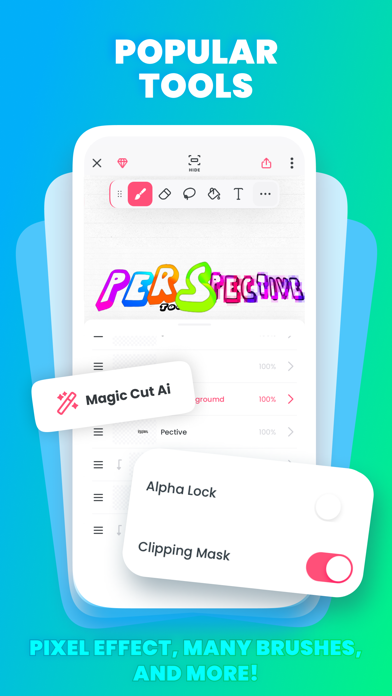
The layered system allows you to work on up to 3 layers for free, with options to upgrade to 10 layers for more complex projects. Features like the Glow Effect and Blending Modes help enhance your animations, adding depth and visual appeal.
Powerful Video Animation Tools
The app includes an animation timeline, onion skinning for smooth frame transitions, a frames viewer, overlay grids, and scrub controls to fine-tune your work. These tools make creating high-quality animations straightforward, whether you’re making short clips or full stories.
Adding Music and Sound Effects
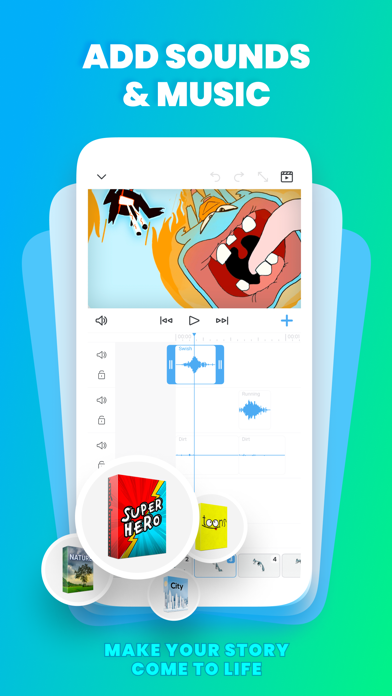
Create engaging animations by adding and editing audio tracks. You can import custom sounds, record voices for dialogue, or use curated sound effects to bring your project to life. The seamless integration of sound enhances the storytelling experience.
Import Photos & Videos
Animate directly on top of images and videos or create rotoscoped animations. The app supports exporting your creations as MP4, GIF, or PNG sequences with transparency, making sharing your work across different platforms easy.
Sharing and Challenges
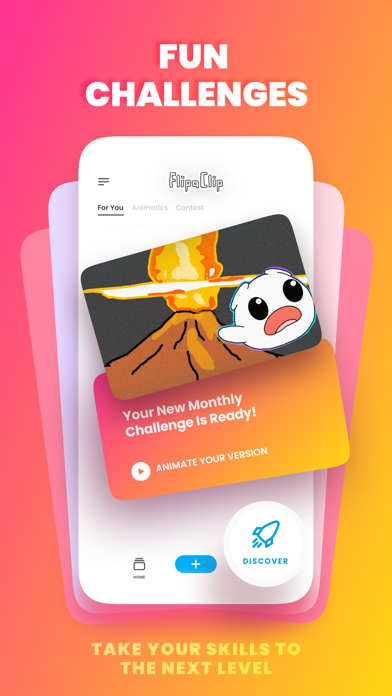
Share your animations effortlessly to popular platforms like YouTube, TikTok, Instagram, and more. Additionally, participate in free challenges and contests that foster community engagement and help showcase your talent.
Why Choose FlipaClip?
FlipaClip is perfect for users of all ages—from children to adults—who are eager to explore animation. Its robust drawing tools and user-friendly interface make it easy to start creating immediately. The app’s community-driven approach provides ample tutorials, tips, and inspiration, making the learning curve gentle and motivating.
Whether you want to produce simple doodles or complex animated stories, FlipaClip offers the tools, features, and flexibility to turn your ideas into stunning animations. Its support for multiple media types, layered editing, sound integration, and cross-platform sharing makes it a comprehensive solution for digital animators.
Ready to bring your imagination to life? Download FlipaClip: Create 2D Animation today and start your animation journey with just a few taps! Join a thriving community of creative enthusiasts, and discover new ways to express yourself through animation.
Pros
- Intuitive interface suitable for beginners.
- Extensive selection of drawing tools.
- Includes onion skinning feature support.
- Simplifies frame-by-frame animation management.
- Allows exporting animations in multiple formats.
Cons
- Limited number of layers in the free version.
- Advertisements can sometimes be disruptive.
- Some functionalities require in-app purchases.
- Occasional app crashes have been noted.
- Lacks support for 3D animation.










