

Introduction to Kahoot! Play & Create Quizzes
If you've ever experienced a dull classroom or a lackluster meeting, there's a good chance you've heard of Kahoot! Play & Create Quizzes. This engaging app transforms any ordinary session into a lively, interactive experience that energizes participants of all ages. Whether you're a teacher, student, corporate professional, or trivia enthusiast, Kahoot! offers a dynamic platform to learn, compete, and connect. With its user-friendly interface and versatile features, Kahoot! is truly worth downloading and makes every gathering unforgettable.
Key Features of Kahoot! Play & Create Quizzes
Interactive Quiz-Based Games
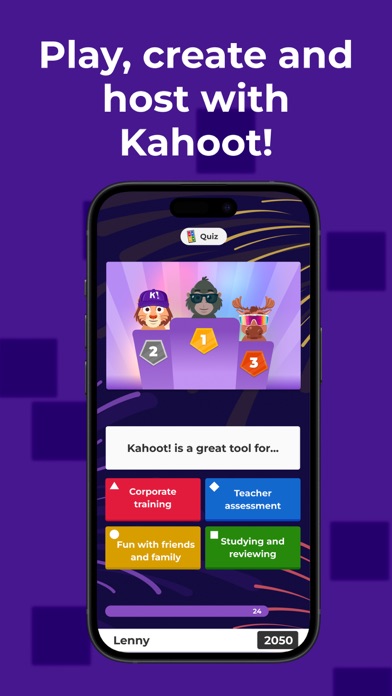
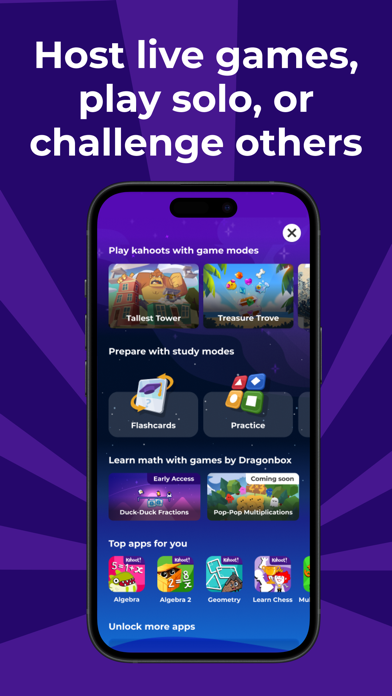
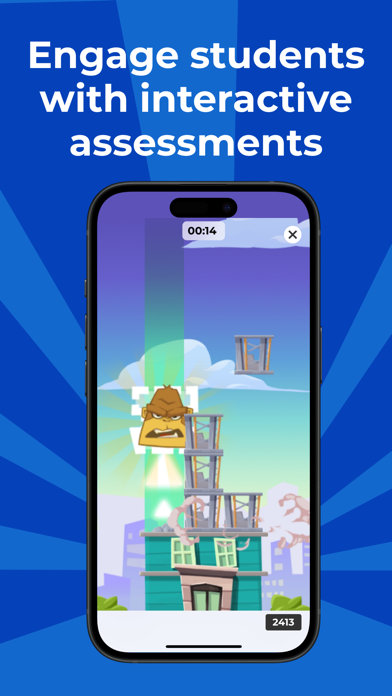
Kahoot! allows users to participate in engaging quiz games, known as kahoots, anytime and anywhere—be it at school, home, or at work. The app offers endless opportunities for fun and learning, making it a favorite among students, teachers, office teams, and trivia fans. You can join live kahoots hosted in classrooms, virtual meetings, or social gatherings, and submit your answers in real-time. Additionally, there are self-paced challenges where learners can study at their own tempo using flashcards and various study modes, fostering a fun and effective learning environment.
Create and Share Your Own Kahoots
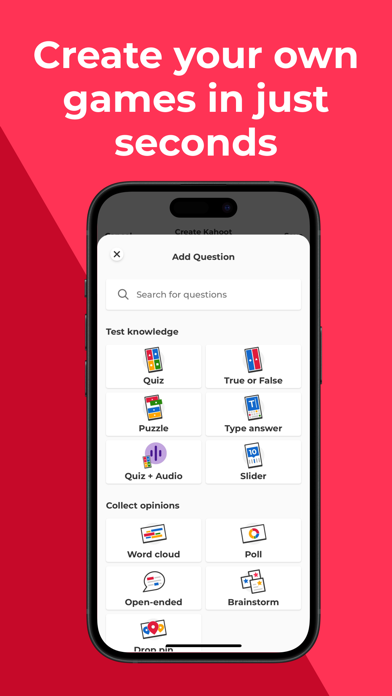
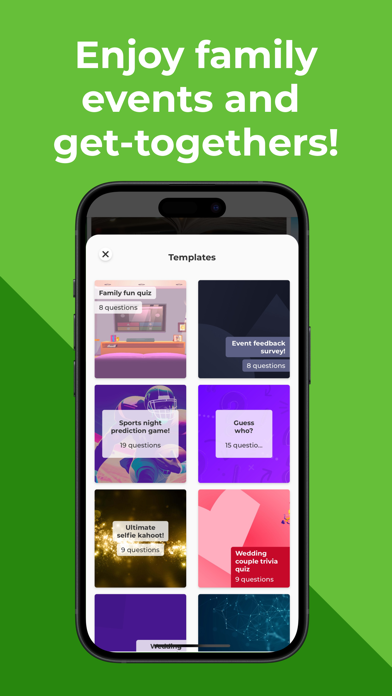
One of the standout aspects of Kahoot! is its robust create feature. Users can craft their own quiz games from scratch or start with a template, adding images, videos, and diagrams to make the experience more engaging. The platform supports multiple question types, including multiple-choice, true or false, and polls, providing variety and excitement. Once created, these kahoots can be shared easily with friends, classmates, or colleagues. Collaboration options also allow multiple users to work together on a single quiz, fostering community and creativity.
Versatile Use Cases
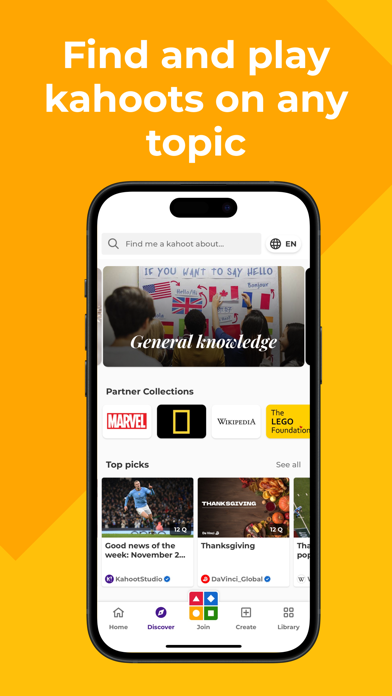
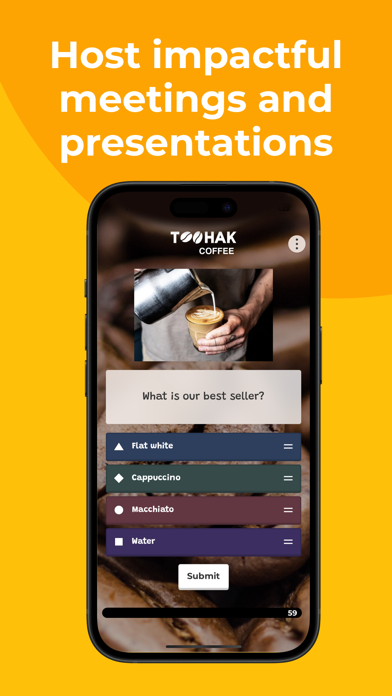
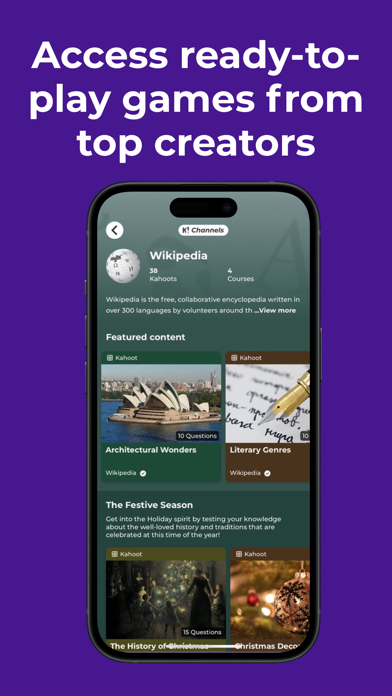
Whether in the classroom, corporate training, or casual game night, Kahoot! fits seamlessly into any setting. Teachers can search millions of existing kahoots on a broad spectrum of topics or create customized quizzes tailored to their curriculum. In professional environments, teams can utilize Kahoot! for e-learning, presentations, or team-building activities, encouraging active participation through polls, word clouds, and live hostings. The platform's compatibility with both Android and iOS devices ensures accessibility for all users.
Fun and User-Friendly Experience
The app's design prioritizes ease of use, making it accessible to tech novices and experts alike. As soon as a quiz starts, the energy in the room rises with catchy tunes and competitive spirit. It’s all about creating a lively atmosphere where everyone can contribute and have fun. From casting the game onto a big screen to sharing it via video conferencing, Kahoot! ensures that every event remains engaging and interactive, no matter the location.
Premium Features
While Kahoot! is free for teachers and students, optional paid subscriptions unlock advanced capabilities such as a vast image library, multiple question types like puzzles and slides, and enhanced reporting tools. For business users, premium plans include additional features necessary for hosting professional e-learning sessions and detailed performance analysis, thus making Kahoot! a comprehensive platform for learning and corporate development.
Conclusion
Kahoot! Play & Create Quizzes is more than just an educational tool—it’s a community builder that fosters enthusiasm, collaboration, and learning through interactive quizzes and game-based activities. Its versatility allows educators, corporate trainers, and casual users to craft memorable experiences tailored to their needs. With a user-friendly design, extensive content library, and creative tools, Kahoot! continues to be a top choice for turning ordinary gatherings into energetic, memorable, and productive moments. Whether for classroom engagement, team training, or fun social events, Kahoot! is your go-to app for making learning and participation exciting and dynamic.
Pros
- Engaging quizzes enhance learning.
- User-friendly and intuitive interface.
- Wide variety of quizzes available.
- Multiplayer mode for group fun.
- Create personalized quizzes easily.
Cons
- Limited offline functionality.
- Ads can be intrusive at times.
- Requires stable internet connection.
- Some features require premium.
- Occasional glitches in quiz creation.










