

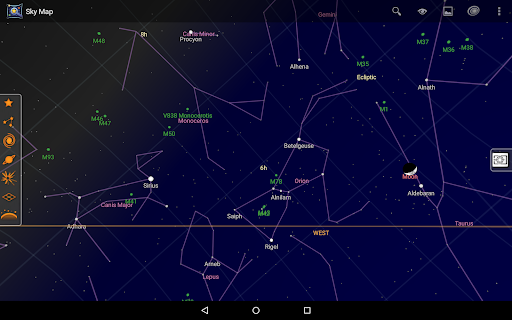
Introducing Sky Map: Your Personal Stargazing Companion
Sky Map is a versatile handheld planetarium application designed specifically for Android devices, transforming your smartphone into a powerful tool for exploring the night sky. Whether you're an avid astronomer or a casual stargazer, Sky Map offers an immersive experience that makes identifying stars, planets, nebulae, and other celestial bodies easy and enjoyable. Originally developed as Google Sky Map, this app has since been donated and open-sourced, allowing the community to contribute to its ongoing improvement and features.
Getting Started with Sky Map
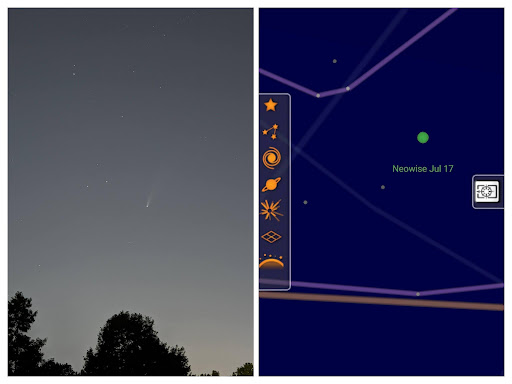
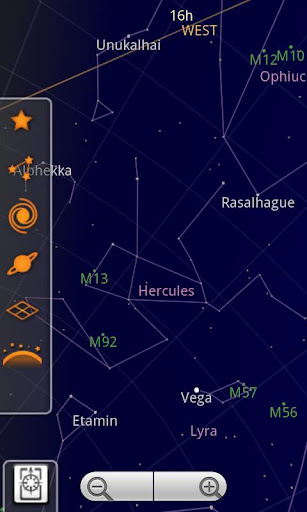
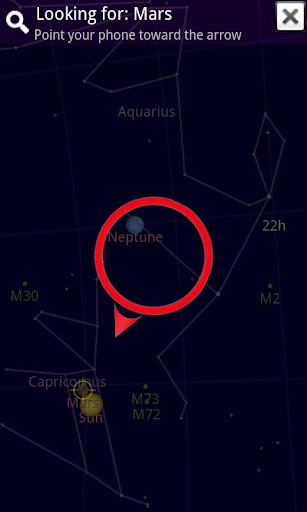
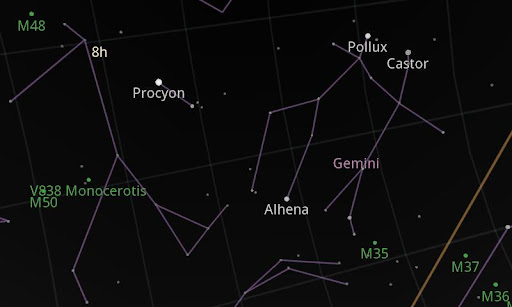
Setting up Sky Map is straightforward. Once downloaded from the Google Play Store, the app uses your device's built-in GPS and compass sensors to accurately determine your location and orientation. This enables real-time mapping of the sky above you, giving you an interactive stargazing experience right from your smartphone. Simply align your device with the night sky, and Sky Map will display an accurate representation of constellations, planets, and other celestial phenomena. Its user-friendly interface makes navigation simple, even for beginners.
Key Features & Functionality
Sky Map boasts a rich set of features that enhance your stargazing adventures:
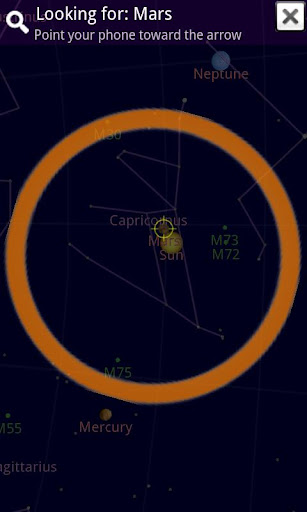
- Star & Planet Identification: Quickly identify celestial objects with a tap or swipe.
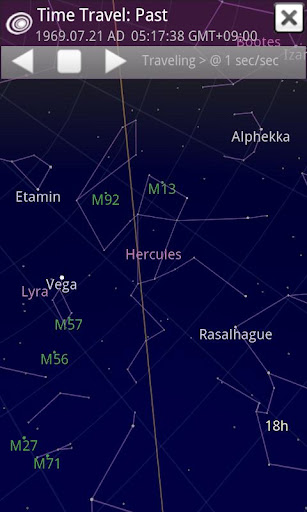
- Time Travel Mode: Explore the night sky as it was in the past or will be in the future, perfect for planning observations or understanding celestial movements.
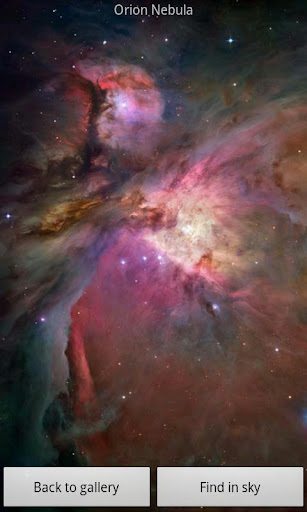
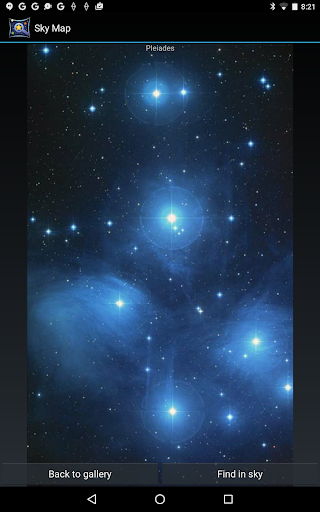
- Detailed Information: Tap on any star, planet, or nebula to access comprehensive details such as its name, distance from Earth, and other fascinating facts.
- Share Your Discoveries: Capture stunning screenshots of the starry sky and share your observations with friends and fellow astronomy enthusiasts.
- Offline Functionality: While some features require an internet connection, the core map works offline, using GPS data for accurate positioning.
Common Troubleshooting & Tips
While Sky Map offers an intuitive experience, users might encounter some issues. Here are some troubleshooting tips:
Map Doesn't Move or Point Incorrectly
Ensure that you haven't switched into manual mode. Confirm that your device has a functioning compass—many phones do not. Calibrate your compass by moving your device in a figure-eight motion or following tutorials here: Compass Calibration Video. Keep magnets or metal objects away from your phone as they can interfere with the compass. You can also disable "magnetic correction" in settings if needed.
Autolocation Issues
On Android 6 and later, permission management changes. Make sure to enable location permissions for Sky Map by following instructions here: Android Permissions Guide.
Jittery Map
If your device lacks a gyroscope, some jitteriness may occur. You can offset this by adjusting the sensor speed and damping settings in the app's preferences.
Internet Connection Requirements
While Sky Map does not require an internet connection to function, entering your location manually or accessing certain features will necessitate connectivity via GPS or manual input of latitude and longitude.
Join the Sky Map Community
Interested in beta testing the latest features? You can join the Sky Map beta program through this link: Join Beta Testing. Plus, stay connected and share your celestial discoveries via our social channels:
Why Choose Sky Map for Your Astronomy Experience
Sky Map stands out as a comprehensive and user-friendly tool that makes stargazing more accessible and educational. Its ability to dynamically identify celestial objects, combined with features like time travel and detailed object information, brings the universe closer to home. Whether you're observing from your backyard or a remote field, Sky Map enhances your understanding of the cosmos, sparking curiosity and wonder. Its lightweight design ensures it won't bog down your device, and its open-source nature encourages continuous improvement by a dedicated community of developers and astronomy enthusiasts.
Final Thoughts
In conclusion, Sky Map is an exceptional app that transforms your Android device into a personal planetarium. Its intuitive interface, extensive features, and active community support make it an invaluable tool for anyone interested in exploring the universe. From casual stargazing to serious astronomical observation, Sky Map makes it easy to identify stars, planets, nebulae, and more, all while learning fascinating facts about our universe. So, get ready to embark on your celestial journey and discover the wonders of the night sky with Sky Map — your natural gateway to the stars.
Pros
- Highly precise star mapping.
- User-friendly and straightforward interface.
- Supports offline mode.
- Free to download and operate.
- Provides comprehensive celestial details.
Cons
- Needs access to device sensors.
- Limited functionalities for advanced users.
- Possible occasional app crashes.
- Lacks a night mode feature.
- Advertisements may be disruptive.










