

Discover the Ultimate Streaming Companion: The Roku App (Official)
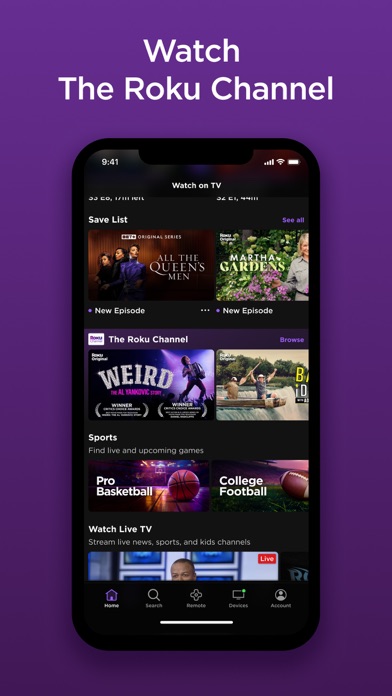
Are you tired of endlessly searching for your remote control while trying to enjoy your favorite shows? The The Roku App (Official) is here to revolutionize your streaming experience by turning your mobile device into a versatile control center for all your Roku devices. This free app offers a wide array of features designed to enhance convenience, streamline navigation, and provide a more personalized entertainment experience.
Features That Transform Your Roku Experience
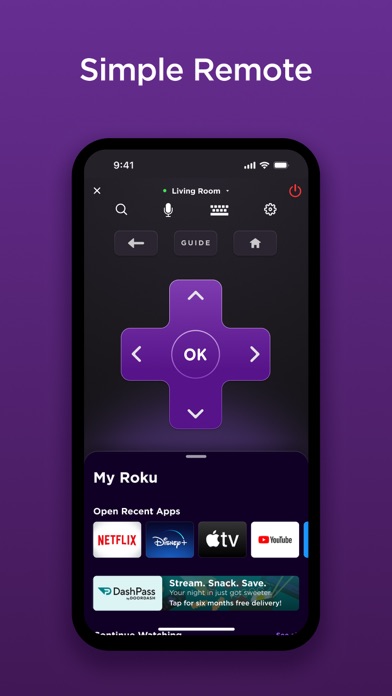
One of the standout benefits of the Roku App (Official) is its ability to serve as a convenient remote control. Forget about losing your physical remote—simply open the app on your smartphone or tablet and effortlessly control your Roku device with a tap. The app’s intuitive interface ensures easy navigation and quick access to your favorite content, making it an essential tool for any Roku user.
Voice Search and Browsing Made Easy
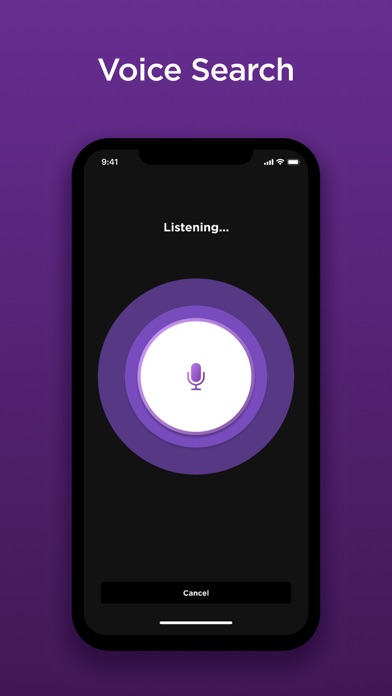
Searching for entertainment has never been simpler. With embedded voice search, you can quickly find movies, TV shows, or channels by simply speaking into your device. Currently available in English in the US, UK, and Canada, as well as in Spanish in Mexico and the US, voice search helps you save time and avoid tedious typing. Additionally, you can browse through a vast selection of channels and add new ones directly to your Roku device, transforming your entertainment setup into a personalized hub.
Private Listening for Night Owls
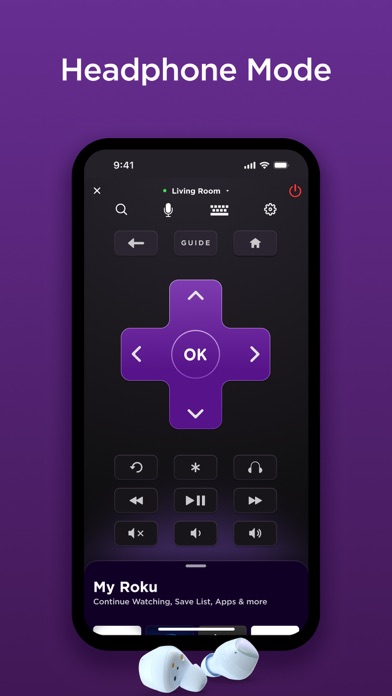
Enjoy late-night streaming without disturbing others using the private listening feature. Plug in your headphones and stream audio directly from your mobile device. This feature is perfect for those who love binge-watching shows silently or want to enjoy their favorite music and podcasts privately. It's a smart addition that enhances your personal viewing experience on the go.
Stream and Cast Media with Ease
Share your favorite videos, photos, and music by casting media files directly from your phone or tablet to your TV. Whether it’s a memorable vacation photo or a playlist, this feature allows seamless media sharing, enriching your family movie nights or solo streaming sessions.
Quick Channel Management and Text Entry
Adding and launching channels has never been easier. With a few taps, you can browse available channels and add them to your Roku device. Plus, entering text on your Roku device is much simpler when using your mobile keyboard—no more clumsy remote typing.
Setup and Compatibility
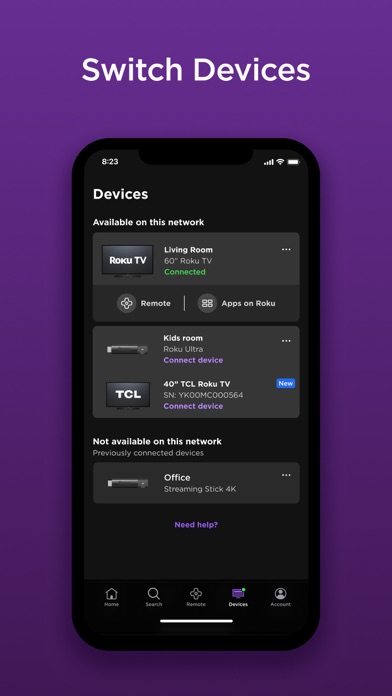
Getting started with the The Roku App (Official) is straightforward. Download the app, connect your phone or tablet and Roku device to the same Wi-Fi network, and the app will automatically detect your devices. Keep in mind that some features require compatible Roku devices and may necessitate logging into your Roku account. For optimal performance, make sure both devices are on the same network.
Limitations and Availability
While the app offers a broad range of features, certain functionalities come with regional restrictions. For example, voice search is available in specific countries, and the Roku Channel can only be accessed within the US via the app. Also, some channels may require payment, and availability varies worldwide. For detailed information, visit the official support page.
Privacy and Data Security
Your privacy is important. The app adheres to the privacy policies outlined at go.roku.com/privacypolicy and the CA Privacy Notice at here. Rest assured, your data is protected when you use this app to enhance your streaming experience.
Final Thoughts
Overall, the The Roku App (Official) is an indispensable tool for any Roku user. It combines convenience, functionality, and entertainment management in one sleek application. Whether you're controlling your device remotely, searching for content with your voice, enjoying private listening, or streaming media effortlessly, this app elevates your Roku experience to new heights. Say goodbye to lost remotes and hello to seamless, smart streaming—download the app today and unlock the full potential of your Roku device.
Pros
- Easy to navigate interface
- Seamless streaming control
- Wide device compatibility
- Supports voice search
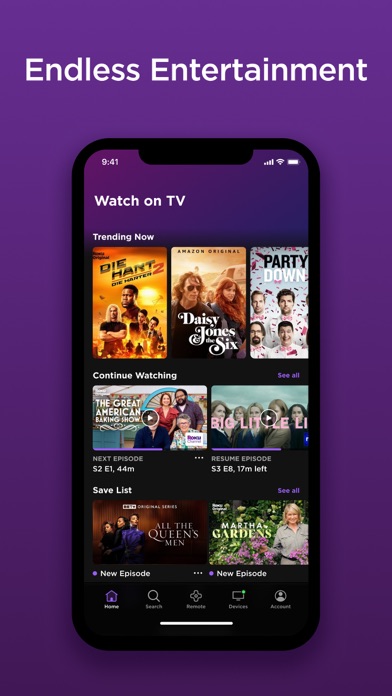
- Personalized content feed
Cons
- Limited to Roku devices
- Occasional connectivity issues
- Ads in free content
- Some features are locked
- Requires stable internet connection










