

Voice Recorder App: The Ultimate Solution for High-Quality Audio Recording
Are you searching for a reliable and user-friendly voice recording app that delivers professional sound quality? Look no further! The Voice Recorder application is designed to meet all your audio recording needs, whether for personal notes, meetings, speeches, lectures, or musical ideas. Best of all, this app is completely free and boasts a simple interface, making it accessible for users of all skill levels. With no time restrictions, you can confidently record long interviews, seminars, or creative sessions without worry. Its versatility and high-performance features make it one of the top sound recording apps available today.
Key Features of the Voice Recorder App
This voice recorder app offers an impressive array of features that ensure high-quality audio capture and ease of use:
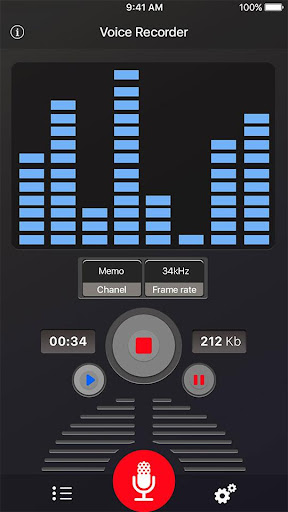
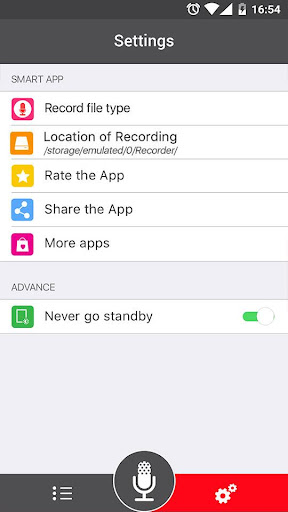
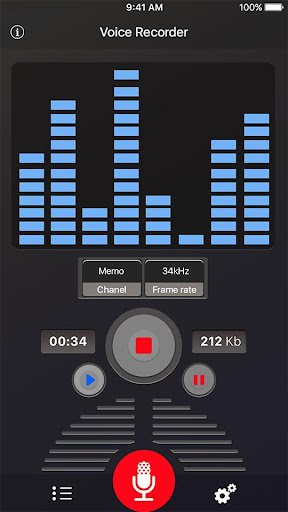
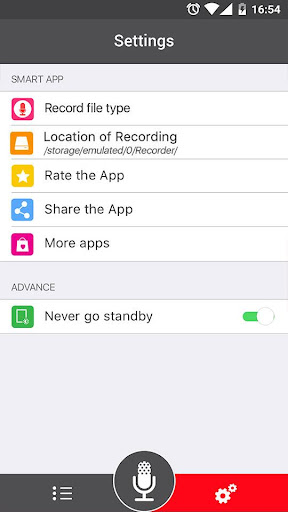
- High-Quality Recording: Capture clear, crisp sound in various formats including mp3 and ogg.
- Simple User Interface: Designed for intuitive operation, starting a recording is just a tap away.
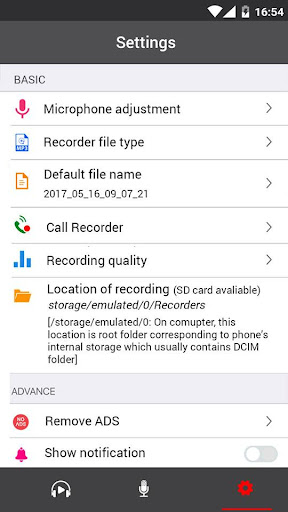
- Multiple Format Support: Choose between mp3 and ogg formats, with adjustable sample rates from 8 to 44 kHz to suit your needs.
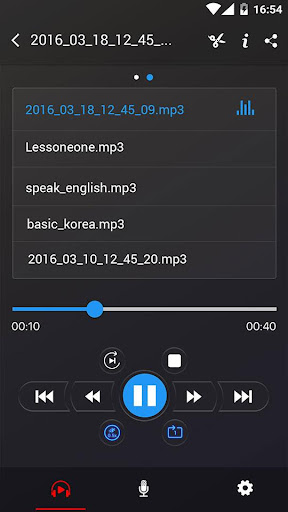
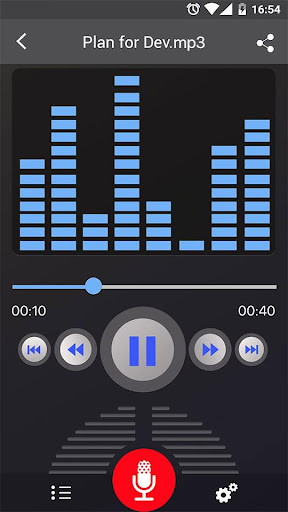
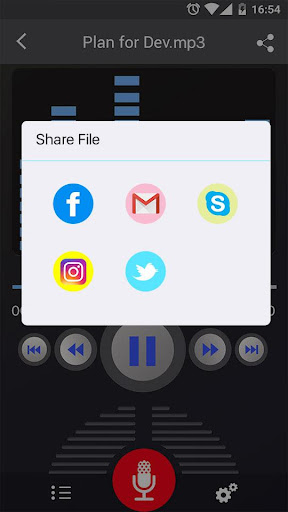
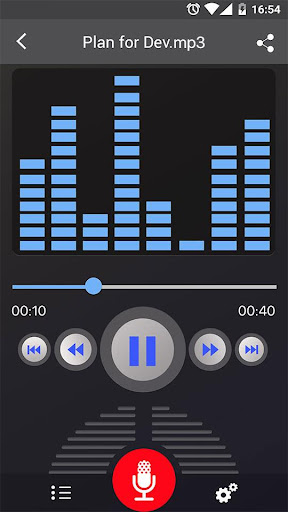
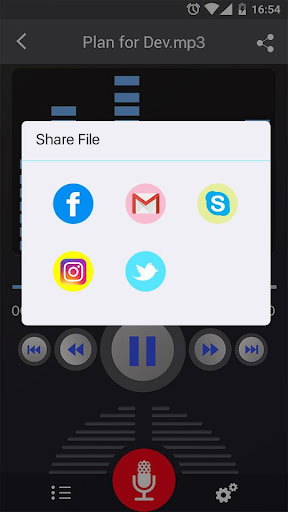
- Playback Controls: Play, pause, stop, and manage your recordings effortlessly within the app.
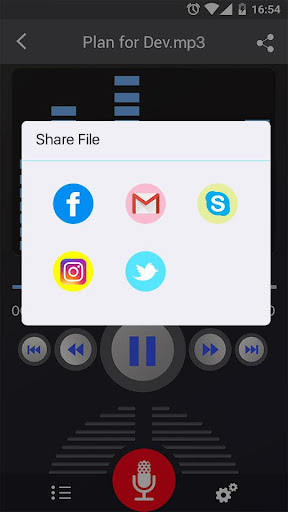
- Sharing & Sending: Share your recordings via email, SMS, MMS, Facebook, WhatsApp, Dropbox, and more.
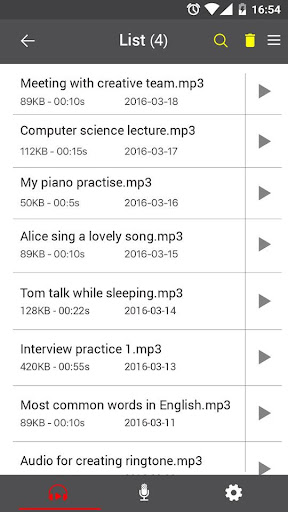
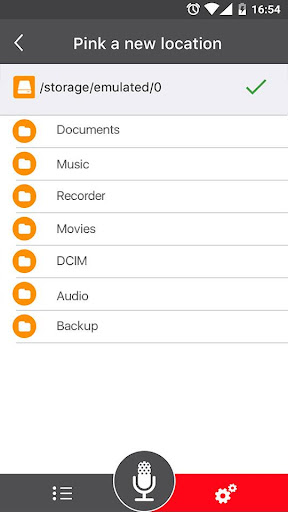
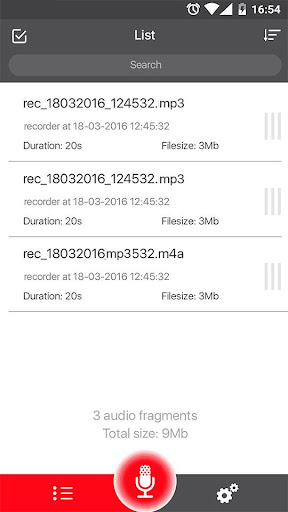
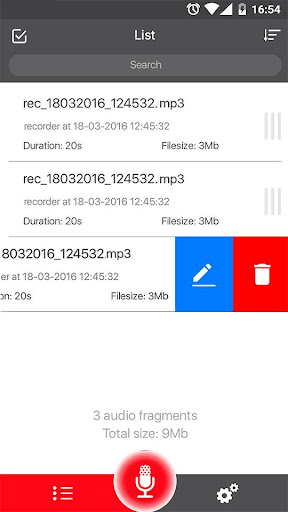
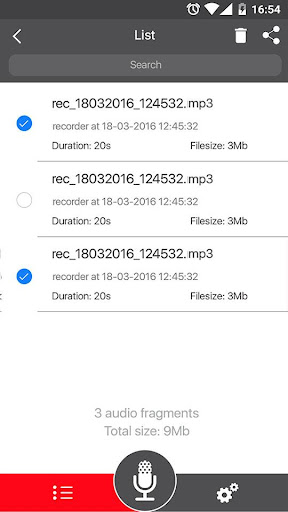
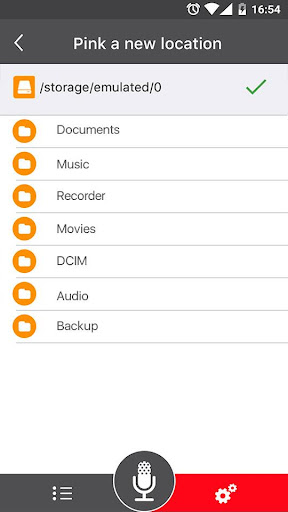
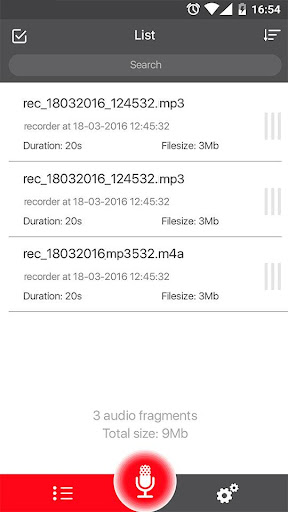
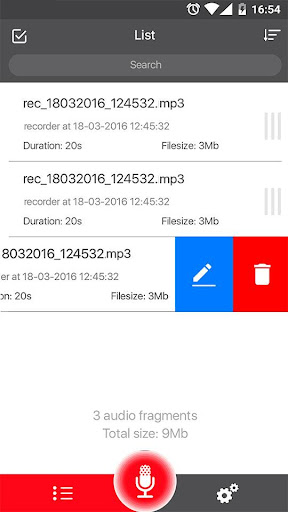
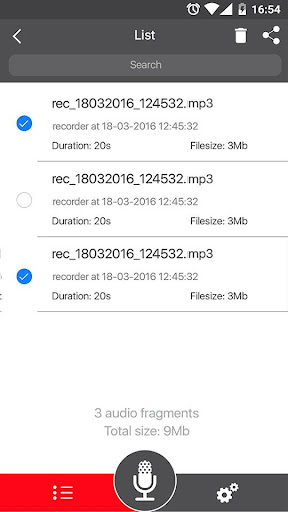
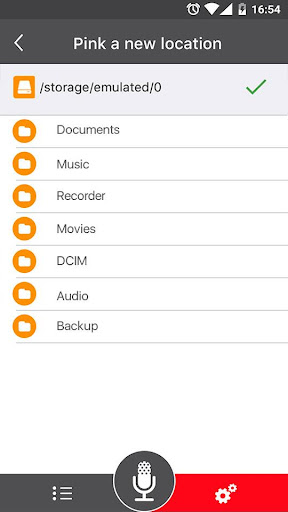
- File Management: Delete, save, and organize your recordings easily with an organized list view.
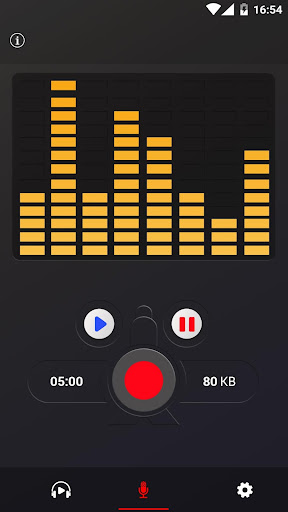
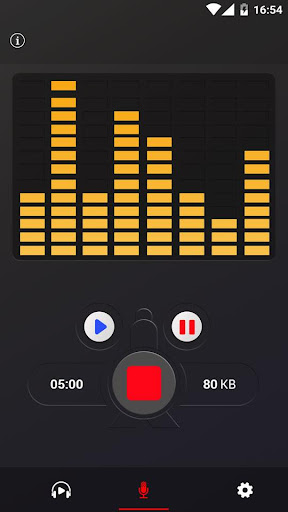
- Live Audio Spectrum Analyzer: Visualize the sound spectrum during recording for better control.
- Background Recording: Record audio even when your screen is off, ensuring you never miss an important moment.
- Microphone Gain Calibration: Optimize audio input for different environments.
- Record Control Options: Pause, resume, save, or cancel recordings anytime with simple controls.
Why Choose the Voice Recorder App?
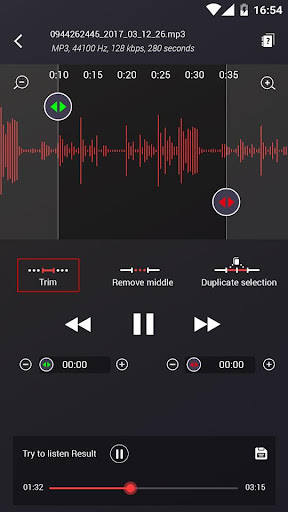
This app is ideal for a wide range of users—from students recording lectures to professionals capturing business meetings. Its ability to record in various formats means you can pick the best quality for your project, whether for quick notes or detailed recordings. The built-in live audio spectrum analyzer helps monitor sound levels, ensuring optimal recording clarity. Additionally, its support for background recording allows you to capture sounds discreetly or multitask during a session, making it an invaluable tool for busy professionals or content creators.The app's support for cloud storage integration—such as Dropbox or Google Drive—ensures your recordings are safely backed up and accessible across devices. Since the app also provides editing features like trimming unwanted parts, you can refine your recordings without needing external software, streamlining your workflow. The ability to share recordings easily fosters collaboration and quick dissemination of information.Thanks to its high-quality audio capture, the Voice Recorder app is perfect for podcasting, voice memos, interview recordings, and more. Its adjustable settings allow audiophiles to customize the sampling rate for the best possible sound quality, while even default configurations deliver impressive results. Whether you need a quick note or a professional-quality audio file, this app is a dependable companion that simplifies recording tasks.
Final Thoughts
In today’s fast-paced world, the need to capture information swiftly and accurately is more important than ever. The Voice Recorder app stands out as a versatile, easy-to-use, and high-quality sound recorder that caters to both casual users and professionals. With features like background recording, multiple format support, seamless sharing, and adjustable quality settings, it transforms your device into a powerful audio recording tool. Whether you're jotting down ideas, recording interviews, or capturing live performances, this app ensures your recordings are clear and accessible.If you're looking for a reliable voice recording app that combines simplicity with professional-grade features, give the Voice Recorder app a try. It might just become your go-to tool for capturing audio on the go—making your life simpler, one recording at a time. Happy recording!
Pros
- Intuitive and user-friendly interface.
- Excellent audio recording quality.
- Supports various audio formats.
- Enables recording in the background.
- Easy sharing options.
Cons
- Includes ads in the free version.
- Limited editing capabilities.
- Export process can sometimes be slow.
- Does not support all formats.
- Lacks cloud synchronization feature.










