

Introducing MP3 Cutter and Ringtone Maker
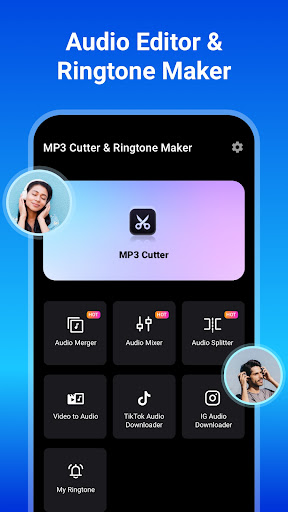
If you're looking to personalize your smartphone with custom ringtones or simply want to edit your favorite audio tracks, the MP3 Cutter and Ringtone Maker app is an excellent choice. This versatile mobile application allows users to effortlessly trim, merge, and edit audio files with precision. Whether you're aiming to cut an MP3 music clip, create unique ringtones for specific contacts, or adjust audio quality for the best sound experience, this app packs a wide range of features into an intuitive interface.
Core Features of MP3 Cutter & Ringtone Maker
Easy Audio Cutting and Trimming
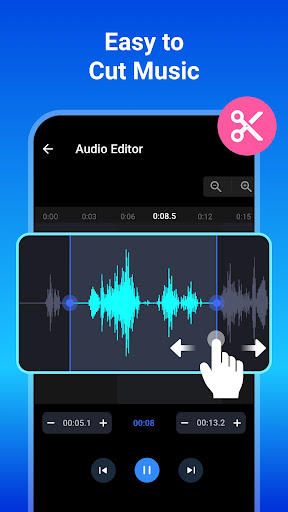
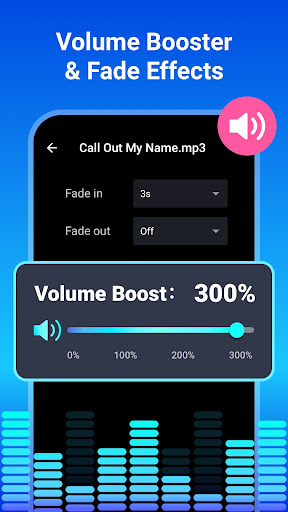
The app enables milliseconds-level accuracy in audio editing, making it simple to precisely select the segment of a song you want as your ringtone. With waveform zooming and mark positioning, users can quickly set start and end points or use single taps to define clip boundaries. Supports various audio formats such as mp3, wav, ogg, m4a, acc, flac and more, ensuring compatibility with most music files stored on your device or SD card. It also includes features like fade-in and fade-out effects to enhance the audio quality.
Advanced Audio Editing Capabilities
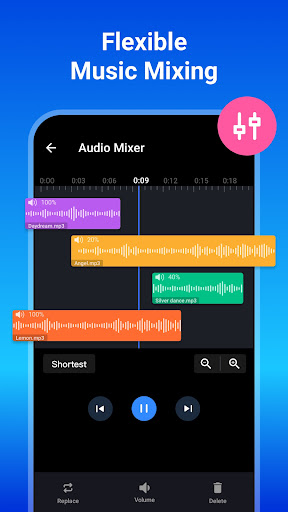
This app is not just a simple cutter; it functions as a full-fledged music editor. You can merge multiple tracks, adjust bitrate and volume for high-quality output, and convert audio formats with ease. It also allows editing of the audio name and tags, making your music collection well-organized. The audio mixer feature enables combining several tracks into a unique creation.
Powerful Ringtone and Notification Maker
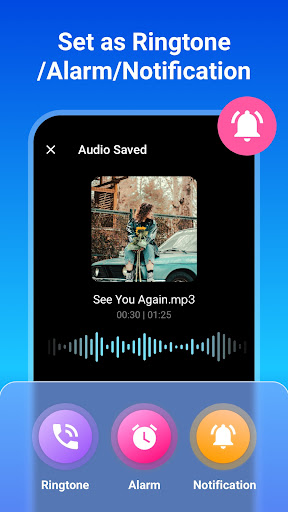
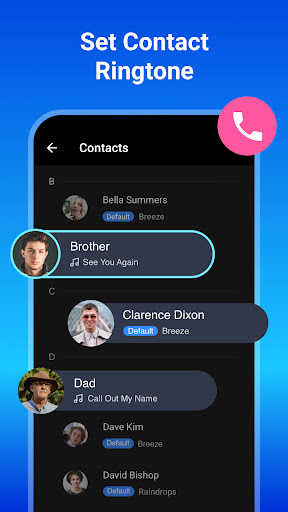
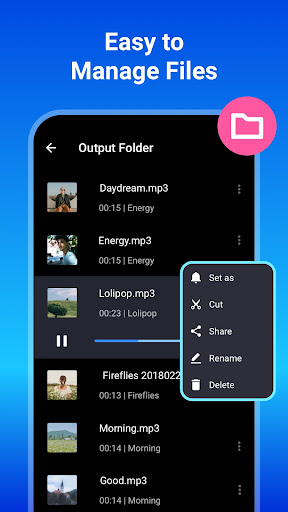
With the app, setting personalized tones is straightforward. Pick a segment from a song, trim it, and then assign it as a ringtone, alarm, or notification sound. It even supports assigning different ringtones to individual contacts, allowing for easy caller identification. The app's user-friendly design simplifies the process of crafting these custom sounds, making ringtone creation accessible for everyone.
Additional Features Enhancing User Experience
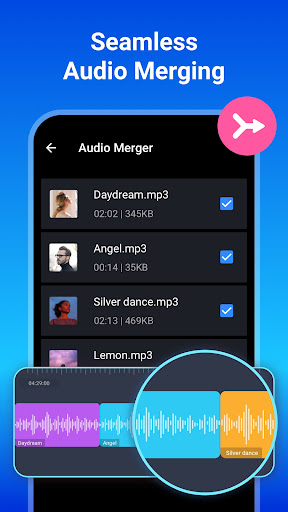
The audio merger and joiner functions allow you to combine multiple audio clips seamlessly. There’s also a built-in music player for previewing clips before saving. The one-tap start/end setting and waveform zoom facilitate quick, accurate editing. The app's streamlined workflow minimizes waiting times, enabling users to process multiple edits effortlessly.
How to Use the MP3 Cutter & Ringtone Maker
- Select your preferred music file from your device or SD card.
- Use waveform zoom or tap to set the start and end points for your clip.
- Optionally, edit metadata such as title, format, bitrate, and volume.
- Save your creation as a ringtone, alarm, or notification sound, or share it directly.
Why Choose MP3 Cutter & Ringtone Maker?
This application stands out due to its comprehensive audio editing tools combined with a straightforward interface. Whether you're a casual user wanting to craft a quick ringtone or a music enthusiast needing detailed editing options, it caters to all levels. Its support for various audio formats, high-quality output through bitrate adjustments, and personalized contact tones make it a versatile addition to any smartphone.
Moreover, the app's audio merger, mixer, and format converter features allow creating complex audio projects, turning simple clips into professional-sounding ringtones or music mixes. Its efficiency and ease of use ensure that you spend less time waiting and more time enjoying your personalized audio content.
Conclusion
In summary, MP3 Cutter and Ringtone Maker is a powerful yet user-friendly tool for all your audio editing and ringtone creation needs. Its rich feature set includes precise trimming, format conversion, custom ringtone assignment, and audio merging—making it an all-in-one tone creator. If you're seeking an effective solution for customizing your smartphone sounds and editing music files, this app is definitely worth exploring. Download it today and unlock your creativity in crafting unique ringtones and personalized audio snippets that reflect your style!
Pros
- User-friendly interface.
- Supports various audio formats.
- Fast processing speed.
- Precise start and end time setting.
- Easy sharing of created ringtones.
Cons
- Includes advertisements in the free version.
- Features are limited without purchase.
- Some formats need conversion.
- Occasional app crashes.
- Limited editing functionalities.











