

Gallery - Photo Gallery, Album: The Ultimate Android Media Organizer
Are you overwhelmed by the endless stream of photos and videos cluttering your Android device? If so, Gallery - Photo Gallery, Album is here to transform your media management experience. This powerful yet intuitive app offers a comprehensive solution for viewing, organizing, securing, and editing your multimedia files, all within a sleek interface designed for ease of use.
Designed with both casual users and photography enthusiasts in mind, this app combines essential features such as automatic album creation, advanced search capabilities, and robust privacy protection. Its versatility makes it an indispensable tool for anyone looking to keep their photo and video collections well-organized and secure.
Key Features of Gallery - Photo Gallery, Album
All-in-One Photo and Video Gallery
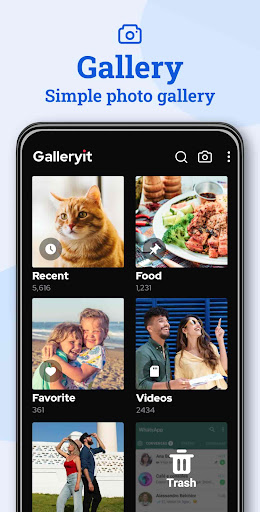
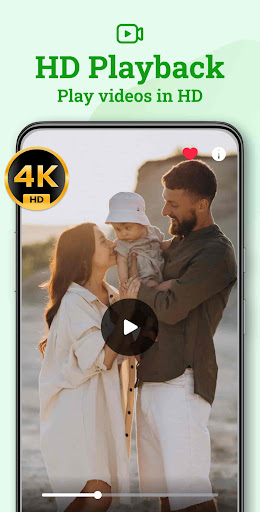
Gallery - Photo Gallery, Album supports a wide range of media formats including JPEG, GIF, PNG, Panorama, MP4, MKV, RAW, and more. Its versatile media viewer allows you to effortlessly browse through your pictures and videos. You can even play photos as a slideshow, with customizable intervals to suit your viewing preferences.
Secure Photo & Video Locker
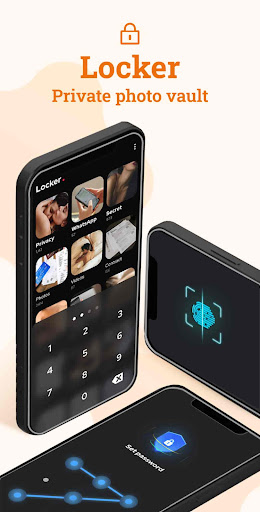
Concerned about privacy? The app features a secure locker where you can hide sensitive photos, videos, and files. Lock your private content using PIN, pattern, or fingerprint authentication, and rest assured with military-grade encryption safeguarding your data.
Deleted Files Recovery
Accidentally deleted a cherished photo or video? No worries! Files moved to trash can be recovered quickly, ensuring your memories are never lost. You also have the option to delete files permanently if you wish to free up storage space.
Fast & Intelligent Search
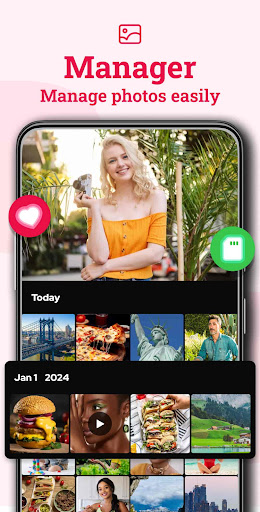
The app offers smart classification — organizing files by time, location, and file type. Its quick search feature lets you filter media by date, name, size, or last modified, making it easy to find exactly what you're looking for in a large collection.
Easy File and Folder Management
Create new folders, organize media, and share content with friends via email or social media platforms. You can even customize your device’s home or lock screen with your favorite pictures, enhancing your personalization experience.
Uninstall Protection and Device Security
This app uses device administrator permissions to prevent accidental uninstallation, protecting your private files from unintended deletion by children or cleaning apps.
Upcoming Features
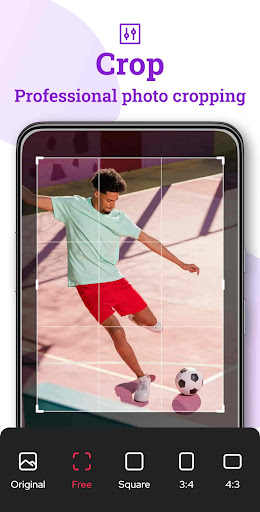
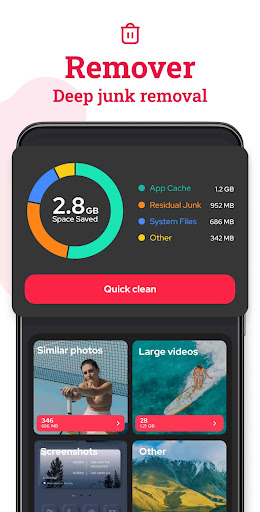
Future updates will include a file cleaner to detect duplicates and large media files, photo/video compression to optimize storage, and additional editing tools like adding text and stickers. Android 11 users will need "All Files Access" permission for full functionality.
Why Choose Gallery - Photo Gallery, Album?
Intuitive User Experience
From the moment you launch the app, you’ll notice its sleek and user-friendly interface. Quick navigation, a clean grid view, and responsive controls make managing your media effortless. Organizing your photos into albums sorted by date or location feels natural and intuitive.
Robust Privacy and Security
The app’s strong privacy features, including a private gallery protected by PIN or fingerprint, ensure your sensitive images remain confidential. This makes it an excellent photo lock app for those who prioritize data security.
Performance & Customization
Designed for efficiency, Gallery - Photo Gallery, Album runs smoothly even with large media libraries. Users can customize themes, adjust layouts, and set up automatic backups, tailoring the app to their personal preferences for an enhanced media experience.
Final Thoughts
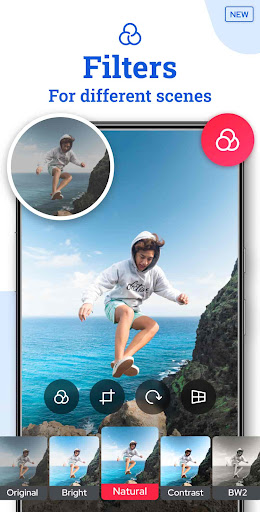
If you’re searching for a photo gallery app that combines comprehensive management, privacy protection, and editing features, Gallery - Photo Gallery, Album is an excellent choice. Whether you're a casual user wanting to organize daily snapshots or a professional photographer managing large portfolios, this app adapts to your needs. Say goodbye to chaotic galleries and hello to a beautifully organized photo collection, accessible anytime and anywhere. Download this versatile media manager now and redefine your Android photo experience!
Pros
- User-friendly interface facilitating easy navigation.
- Supports a variety of image and video formats.
- Provides quick loading times and high performance.
- Includes built-in photo editing tools.
- Offers privacy-focused security features.
Cons
- Does not include options for cloud backups.
- Limited customization options for albums.
- Ads may occasionally be disruptive.
- Does not support GIF formats.
- Certain features require in-app purchases.










