

Introduction to Facetune: Hair, Photo Editor
Are you passionate about creating stunning selfies and captivating videos? Look no further than Facetune: Hair, Photo Editor, the ultimate all-in-one editing application designed to elevate your content effortlessly. Whether you're aiming for a professional profile picture, a glamorous transformation, or just a fun experiment with new hairstyles and colors, this app offers a comprehensive suite of tools to help you achieve your desired look with ease.
Key Features of Facetune: Hair, Photo Editor
Transform Your Look with a Swipe
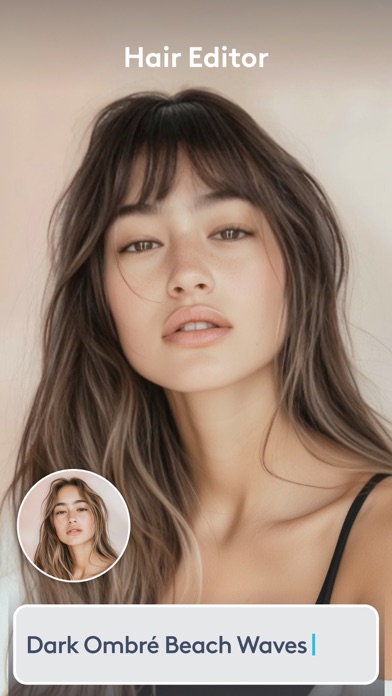
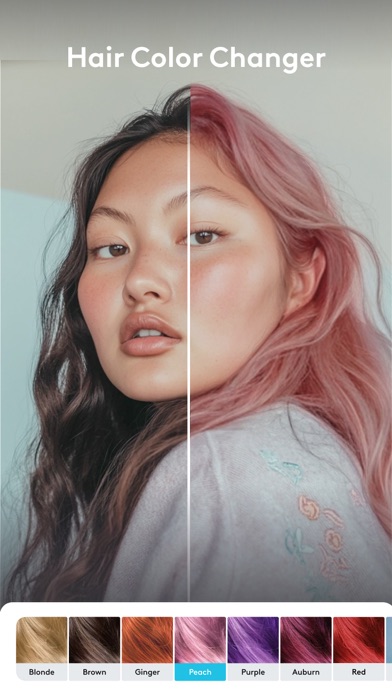
The app's intuitive interface allows you to experiment with a variety of hairstyles and colors. Imagine trying on different shades or styles as effortlessly as you would try on clothes—right from your device. The Hair feature acts as a virtual salon, enabling you to see instantly how various looks suit you, making it perfect for those wanting to explore new styles without visiting a salon.
Professional-Grade Photo Editing Tools
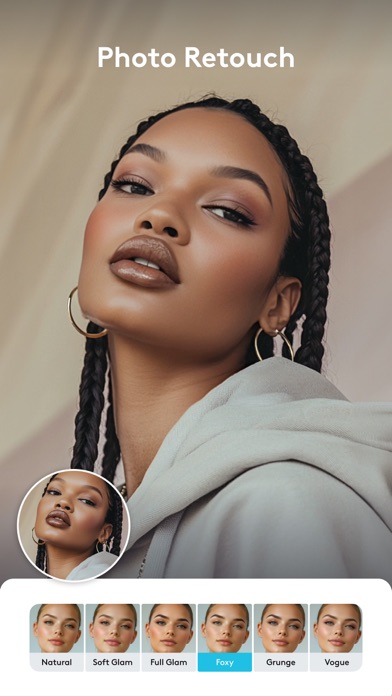
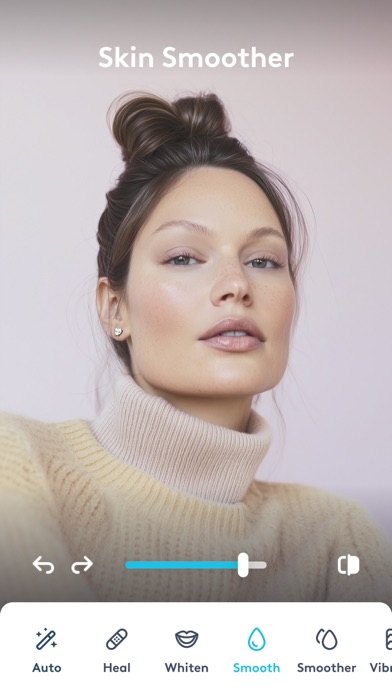
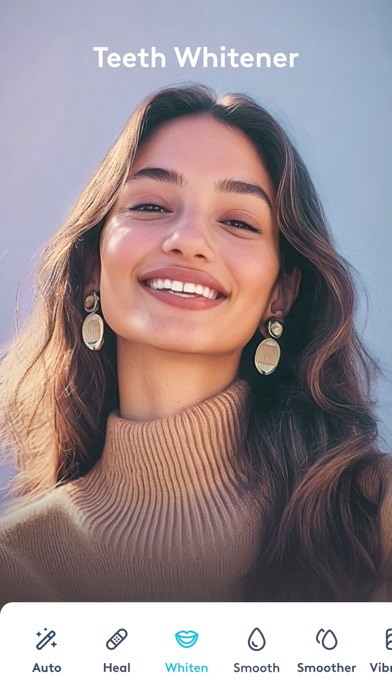
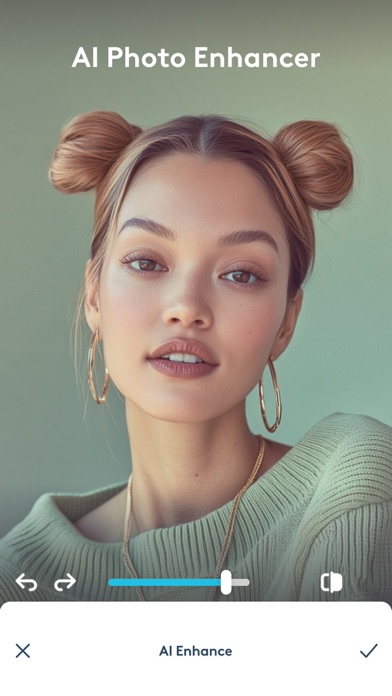
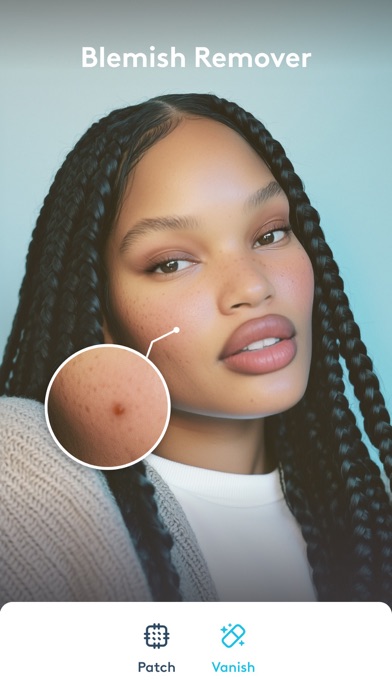
Beyond hair transformation, Facetune provides an array of editing tools designed to enhance your photos naturally. Want to brighten your smile or smooth skin imperfections? The Retouch tool makes quick edits simple, helping you achieve a polished yet authentic appearance before sharing with friends or followers. Adjust skin tone, whiten teeth, or remove blemishes to create that flawless selfie in just a few taps.
Seamless User Experience
This app is incredibly user-friendly. You don't need any professional skills to navigate the features, thanks to its guided interface and straightforward tools. The ability to save your favorite looks means you can recreate your go-to styles quickly, ensuring visual consistency across your social media posts.
Enhance and Share Instantly
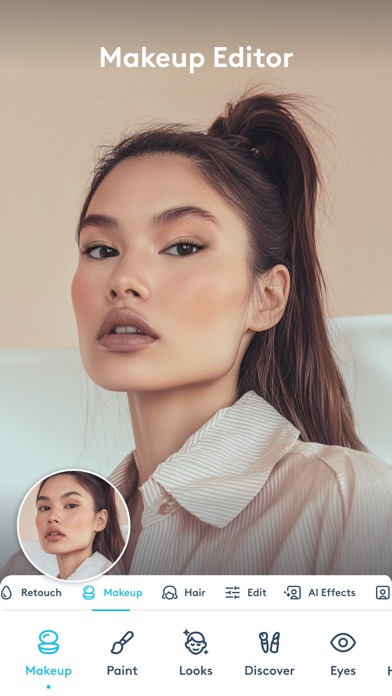
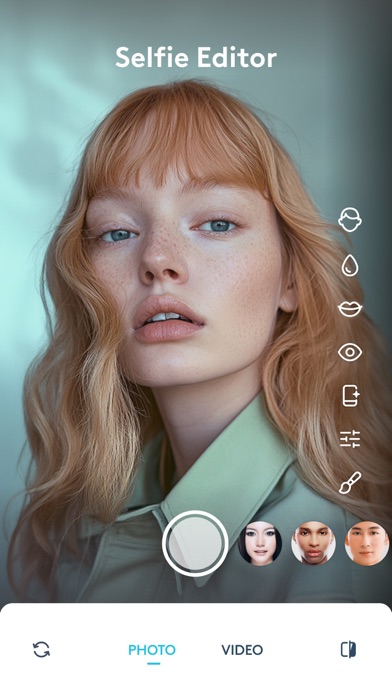
With Facetune, editing your content is fast and effective. Brighten your eyes, apply makeup filters, reshaping features, or even test bold new makeup looks— all within seconds. Once you're satisfied, share your stunning creations directly on your favorite social media platforms for that perfect #Selfie or video post.
Advanced Video Editing Capabilities
Not just for photos, this app allows you to edit videos like a pro. Add eye-catching filters, enhance facial features, and even apply color corrections across entire clips, making your content stand out. Whether you're creating TikTok videos or Instagram reels, Facetune helps your videos look polished and professional with minimal effort.
Smart AI Tools for Creative Enhancements
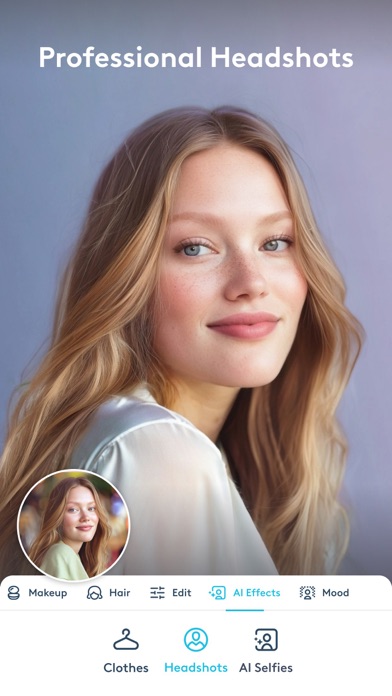
Stay ahead with AI-powered features that continually improve to meet your creative needs. Effortlessly blur or replace backgrounds for a studio-like backdrop, add light to eyes or create a warm tan, and generate professional headshots perfect for resumes and social profiles.
All-in-One Creative Suite
From teeth whitening and blemish removal to reshaping facial features and trying out new hairstyles, Facetune offers a broad spectrum of editing capabilities. It's your one-stop AI photo editor, hair editor, and video enhancer to help you showcase the best version of yourself with just a few taps.
Why Choose Facetune: Hair, Photo Editor?
Facetune stands out as a comprehensive editing application, combining precision features with automated AI enhancements to deliver standout results effortlessly. Whether you need professional-looking headshots, glamorized selfies, or visually engaging videos, this app empowers you to create content that truly reflects your style and personality.
With seamless integration and easy sharing options, you can elevate your social media game without any hassle. Plus, its continual updates ensure that you always have access to the latest editing tools and features.
Get Started Today
Download Facetune now to experience effortless retouching, transformative hairstyle previews, and captivating content creation. Elevate your selfies, videos, and social media presence—your best look is just a tap away!
Pros
- User-friendly interface suitable for users of all skill levels.
- Offers a wide selection of editing tools.
- Provides real-time preview of edits.
- Produces high-quality output photos.
- Receives regular updates with new features.
Cons
- Some features require in-app purchases.
- May be resource-intensive on older devices.
- Has a learning curve for advanced tools.
- Occasional crashes have been reported.
- Free version has limited capabilities.











