

Introduction to PhotoScan by Google Photos
In an era where nostalgia meets digital convenience, PhotoScan by Google Photos emerges as a game-changing scanner app that transforms your treasured printed photographs into high-quality digital images. Designed to be user-friendly and efficient, this innovative application allows you to preserve your precious memories with just a few taps on your smartphone. Whether you're looking to organize old family photos or share your legacy with loved ones, PhotoScan provides a seamless solution that combines advanced technology with simplicity.
Key Features of PhotoScan by Google Photos
Pure, Glare-Free Digital Scans
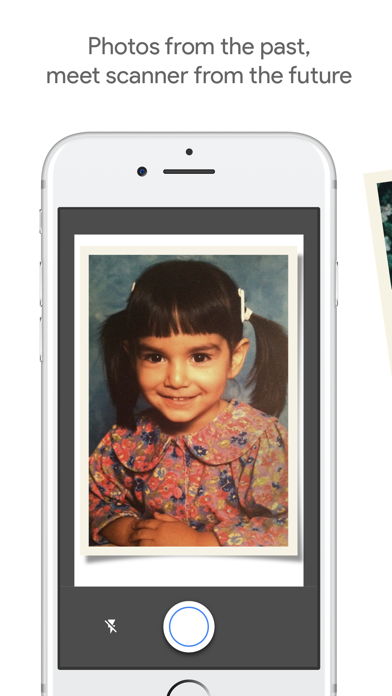
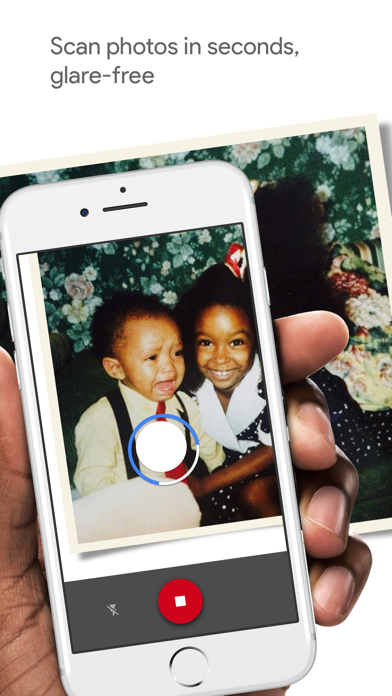
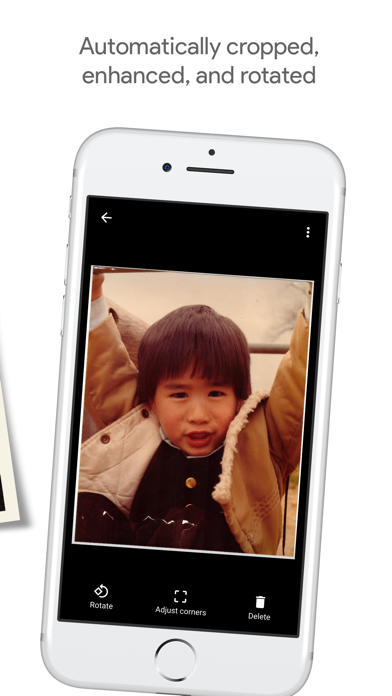
PhotoScan excels at producing glare-free scans, thanks to its intuitive, step-by-step capture workflow. Simply follow the guide as your phone’s camera detects the edges of each photograph, then captures multiple images to eliminate reflection issues that often plague traditional photo digitization efforts. The app’s automatic cropping and perspective correction ensure that your scans are perfectly aligned and rectangular, just like they were originally shot in a professional lab.
Fast and Efficient Scanning Process
With PhotoScan, digitizing your old printed photos is quick and hassle-free. The app stitches together multiple images captured from different angles, providing you with a clean, high-quality digital copy. Its smart rotation feature keeps your photos upright regardless of how you position your device during scanning. This convenience not only saves time but also encourages you to preserve more of your cherished memories without the need for expensive scanning hardware or complex setups.
Integration with Google Photos for Safe, Organized Storage
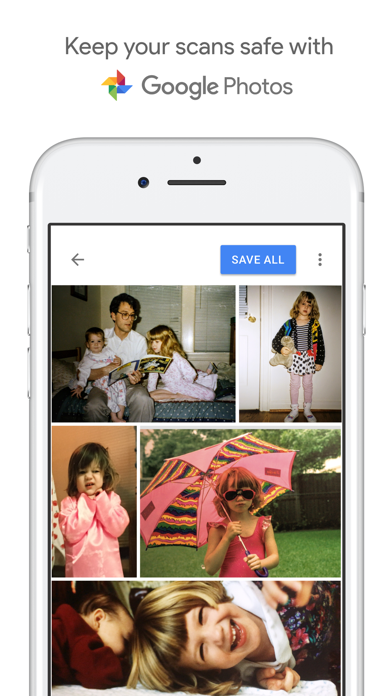
One of the app’s greatest strengths is its seamless integration with Google Photos. Once scanned, your photographs are automatically backed up and organized within your Google Photos library. This integration makes it effortless to search for specific images, create albums, or share your digital memories via links or social media. Plus, you can enhance your photos further using movies, filters, and advanced editing tools available within Google Photos, transforming simple scans into vibrant digital keepsakes.
Why Choose PhotoScan by Google Photos
Preserving Memories with Precision and Ease
If you’ve ever stared at a dusty box of greyed-out family photographs, overwhelmed at the thought of digitizing them all, PhotoScan is your perfect companion. It turns the antiquated process of scanning into an effortless activity, making it easy to breathe new life into old memories. From faded childhood photos to vintage wedding snaps, this app captures even the smallest details to ensure your images look fresh and vivid, nearly as if they were taken yesterday.
Cost-Effective and User-Friendly Solution
Forget about costly scanning services or specialized equipment. PhotoScan is a free, accessible app available on your smartphone. Its intuitive interface means you don’t need technical skills to start preserving your photographs today. Perfect for spontaneous nostalgia or extensive archiving projects, this app minimizes hassle while maximizing quality and organization.
Share and Revive Your Old Photos
Beyond digitization, PhotoScan encourages sharing and creative use of your scanned images. Send digital copies to family members or create dynamic stories with your pictures. The ability to embed photos into slideshows, movies, or overlays adds a fun, modern dimension to your cherished memories.
Final Thoughts
In today’s fast-paced digital world, PhotoScan by Google Photos offers a simple yet powerful tool to preserve and enjoy the story of your life. Its reliable technology ensures your old snapshots are captured with high quality and clarity, seamlessly integrated into your digital collection. Whether you want to safeguard your family’s history or relive moments from decades past, this app makes it incredibly easy and fun to bring your memories into the future. Give PhotoScan a try and turn your printed photos into timeless digital treasures — your future self will thank you for it.
Pros
- User-friendly interface
- High-quality image scans
- Seamless integration with Google Photos
- Free to download
- Automatically crops images
Cons
- Limited editing capabilities
- Requires good lighting conditions
- No option for batch scanning
- Saves images only in JPEG format
- Internet connection needed for certain features










