

Introduction to Photo Editor - Collage Maker
Main Features of InCollage
Extensive Collage Options
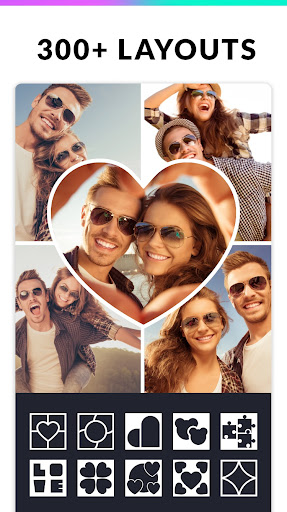
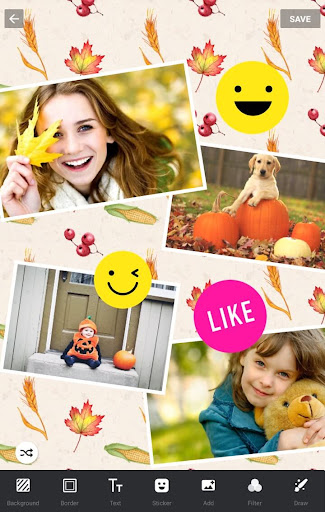
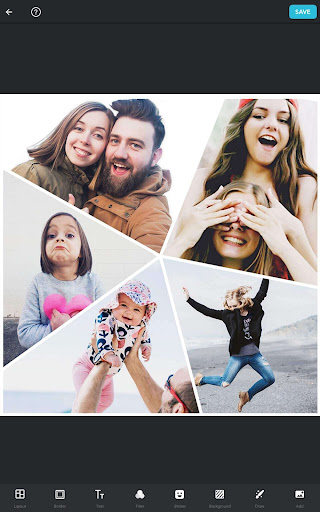
The app supports collage creation with up to 25 photos, giving you the flexibility to combine multiple images in a single design. With over 300 layouts of photo frames or grids, you can easily select the perfect structure to fit your photos for any occasion. Whether you prefer a free style layout or a more structured grid style, InCollage caters to your creative needs.
Customizable Backgrounds and Stickers
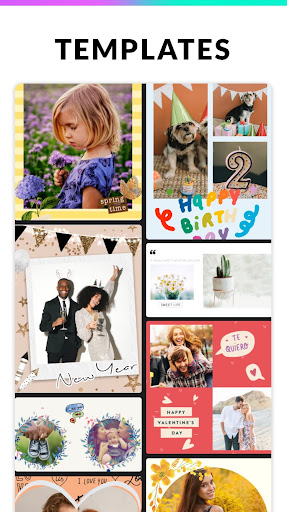
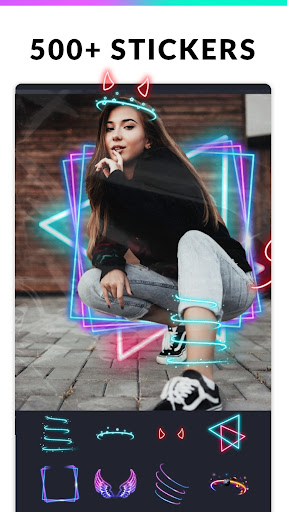
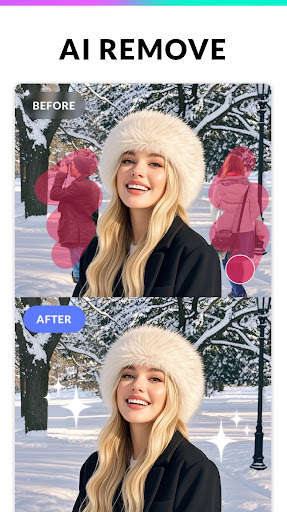
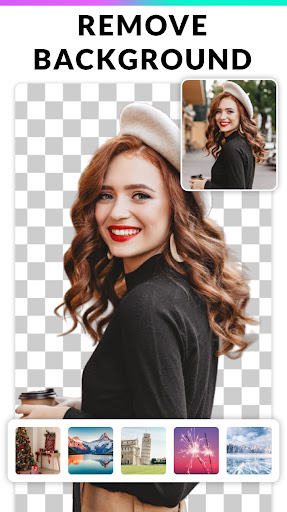
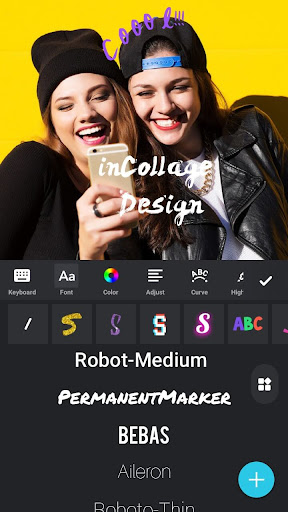
Choose from a large selection of backgrounds, stickers, fonts, and doodles to personalize your collage. The app's AI-powered background remover makes it simple to seamlessly remove and replace backgrounds, allowing for more creative freedom. Adding text, doodles, or decorative elements has never been easier, making your photos stand out with a professional touch.
Photo Editing and Enhancement
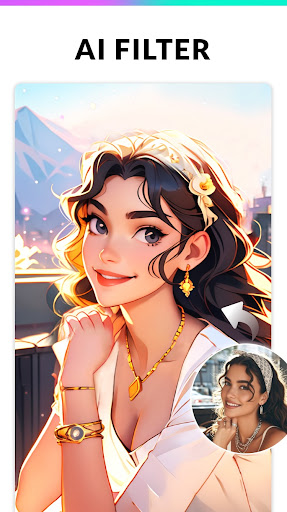
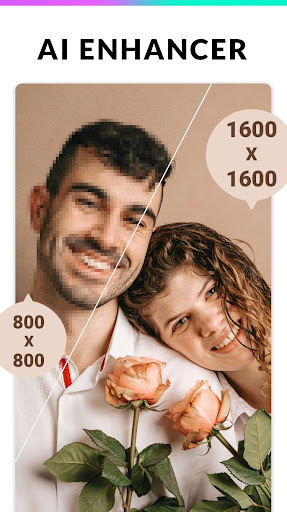
Beyond collages, InCollage includes robust photo editing tools. Crop images, apply stylish filters, add text, and adjust borders to perfect each shot. Its AI photo enhancer allows you to sharpen blurry images, improve low-quality photos, and bring out hidden details. Whether you're enhancing portraits, landscapes, or group shots, this feature ensures your photos look their best.
Design for Social Media & Printing
The app supports multiple aspect ratios such as 1:1, 3:4, 5:4, and 9:16, making it ideal for Instagram stories, reels, and posts. You can also create Insta squares with blur backgrounds to make your images pop. Once your masterpiece is ready, save it in high resolution and share directly to platforms like Instagram, Facebook, WhatsApp, and Line. This ease of sharing makes InCollage the perfect tool for social media enthusiasts.
Meme Generator & Fun Creation Tools
Enjoy creating funny memes with a built-in meme generator. Add humorous captions and share your creations instantly. Whether for entertainment or social commentary, this feature adds a playful dimension to your photo editing toolkit.
Easy-to-Use Interface
The design of Photo Editor - Collage Maker emphasizes user-friendliness. Its intuitive layout lets users navigate effortlessly without complicated tutorials. Beginners can start creating right away, while experienced users will appreciate the powerful editing options available at their fingertips.
Performance and Reliability
Final Thoughts
Pros
- Intuitive user interface
- Wide variety of editing tools
- High-quality filters available
- Supports multiple file formats
- Fast processing speed
Cons
- Contains in-app purchases
- Occasional ads can be intrusive
- Limited free version features
- Some tools require a learning curve
- File size can be large











